
D5 3.1 Tutorial / Scene file + Third party AI process
On Sale
$59.00
$59.00
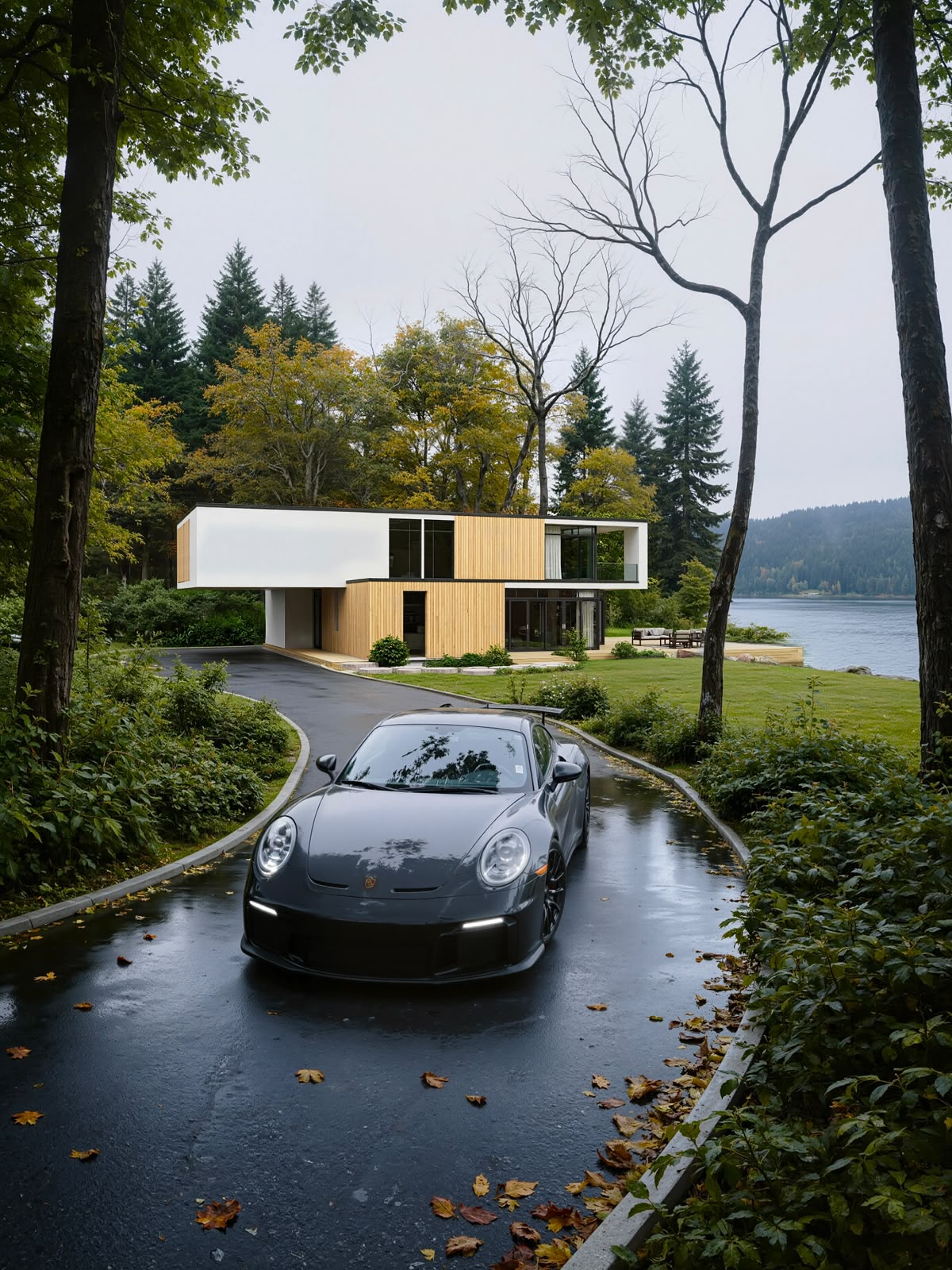
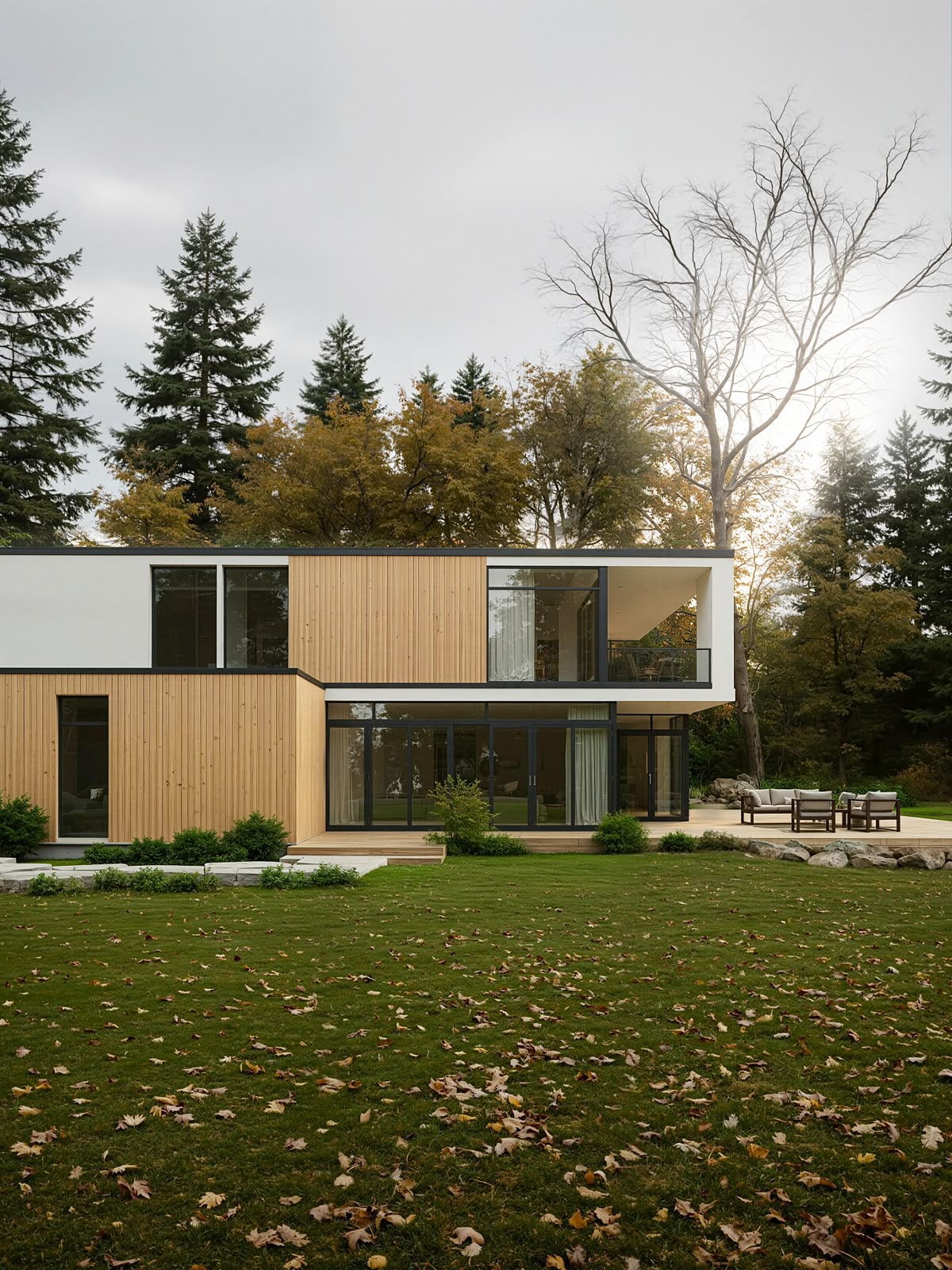
This is not the typical D5 Render tutorial you've seen before.
In this complete workflow, you'll learn the techniques and hidden tricks I use to create highly realistic architectural visualizations—not just by adjusting settings, but by combining multiple professional workflows into one scene.
Inside this tutorial, you'll learn:
- Realistic lighting and atmosphere setup
- The new Seasonal Vegetation Tool in D5 Render
- AI Post Process workflow inside D5
- Third-party AI enhancement techniques for vegetation and environment
- Creating realistic landscapes
- Ocean Tool
- Photoshop post-processing
- Small details that make the biggest difference in realism
- And many more tips throughout the entire process
Everything is demonstrated in one complete scene, from start to finish, making it easy to follow and recreate.
More importantly, these are not scene-specific tricks. You'll learn workflows and techniques that can be applied to virtually any project, allowing you to consistently create more realistic renders and take your visualizations to the next level.
Good luck!
USED LAPTOP SPECS: RTX4070 8GB