


Floor Plan Studio
Floor Plan Studio
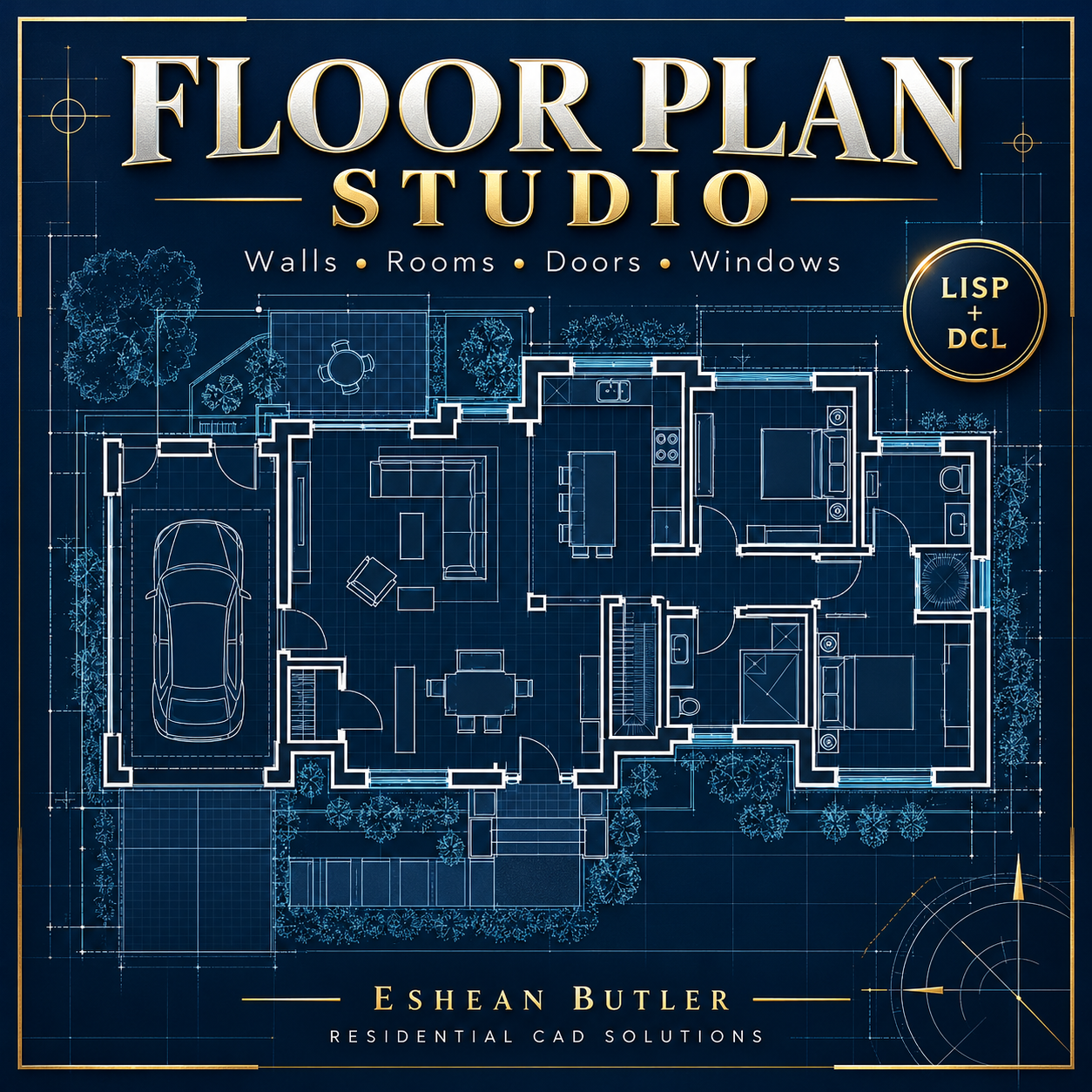
Build residential floor plans with a convenient collection of AutoCAD drafting tools in one organized dialog.
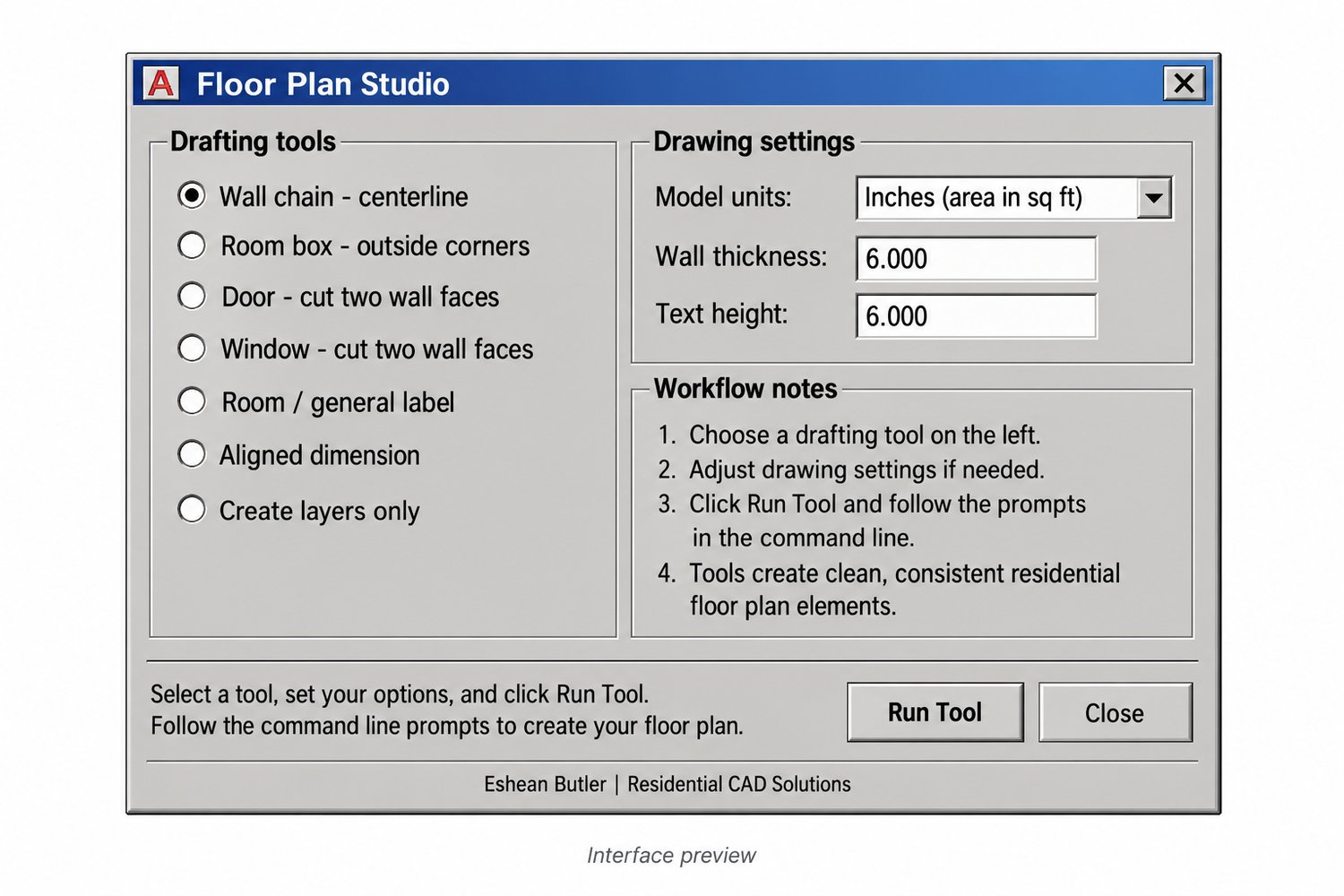
Draw double-line wall chains, create rectangular room outlines, and add room names with calculated clear floor areas. Insert 90-degree swinging doors and windows by selecting two parallel straight wall faces and picking the opening endpoints. Add general labels and aligned dimensions to develop your plan.
Adjust wall thickness and text height to suit your drawing. Choose inches or millimeters for area calculations, and organize your work with dedicated layers for walls, doors, windows, room labels, and dimensions.
Each tool action is grouped for convenient Undo. The compact gray interface keeps your drafting tools easy to find.
Your download includes the AutoLISP routine, matching DCL dialog, installation instructions, and a drawing walkthrough.
Wall intersections require manual cleanup. Door and window opening cuts support straight LINE wall faces. This is an assisted drafting tool; it does not automatically generate complete floor plans or check building codes. AutoCAD runtime testing is pending.
Created by Eshean Butler | Residential CAD Solutions