
Lightroom Utah Presets 2023
On Sale
$5.00
$5.00
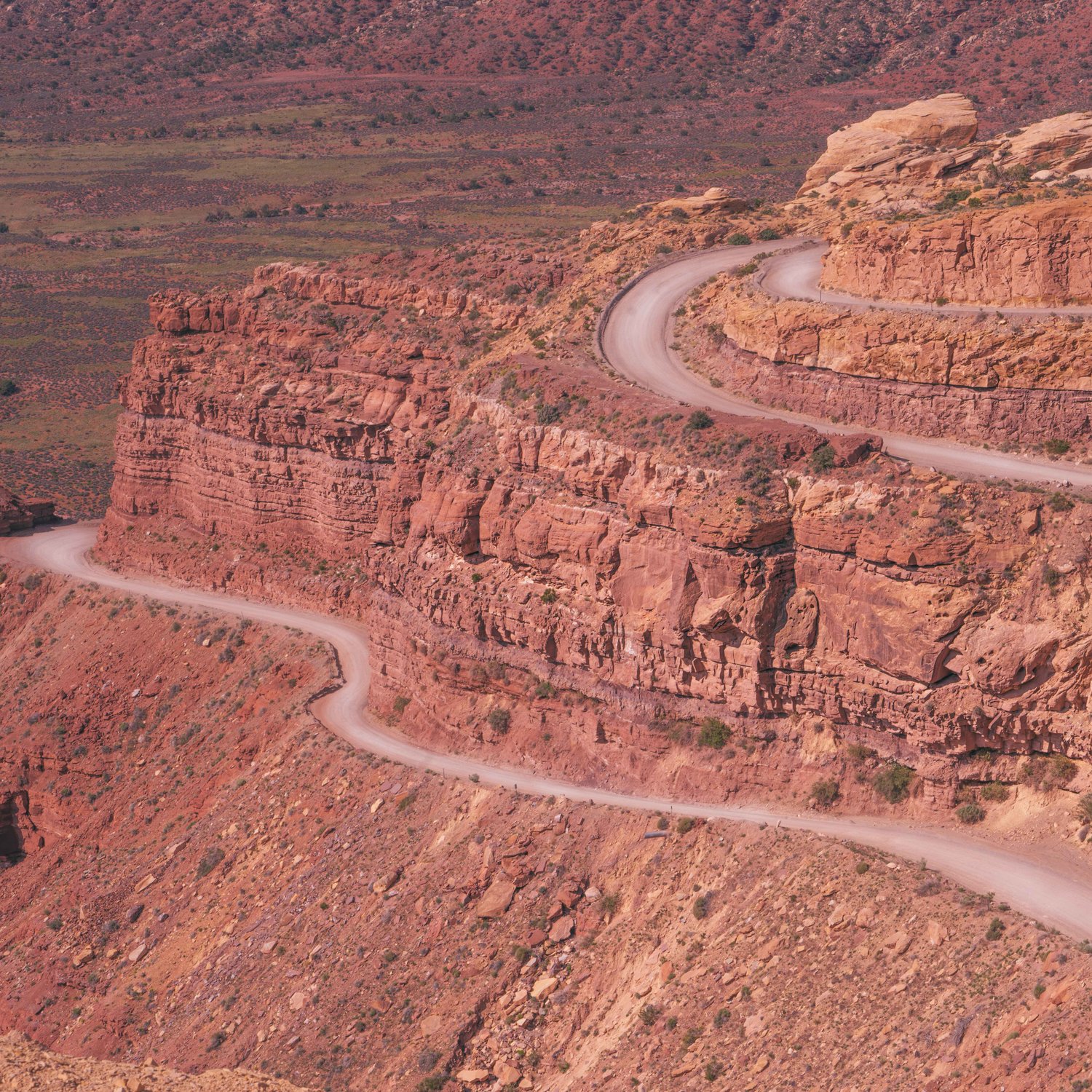
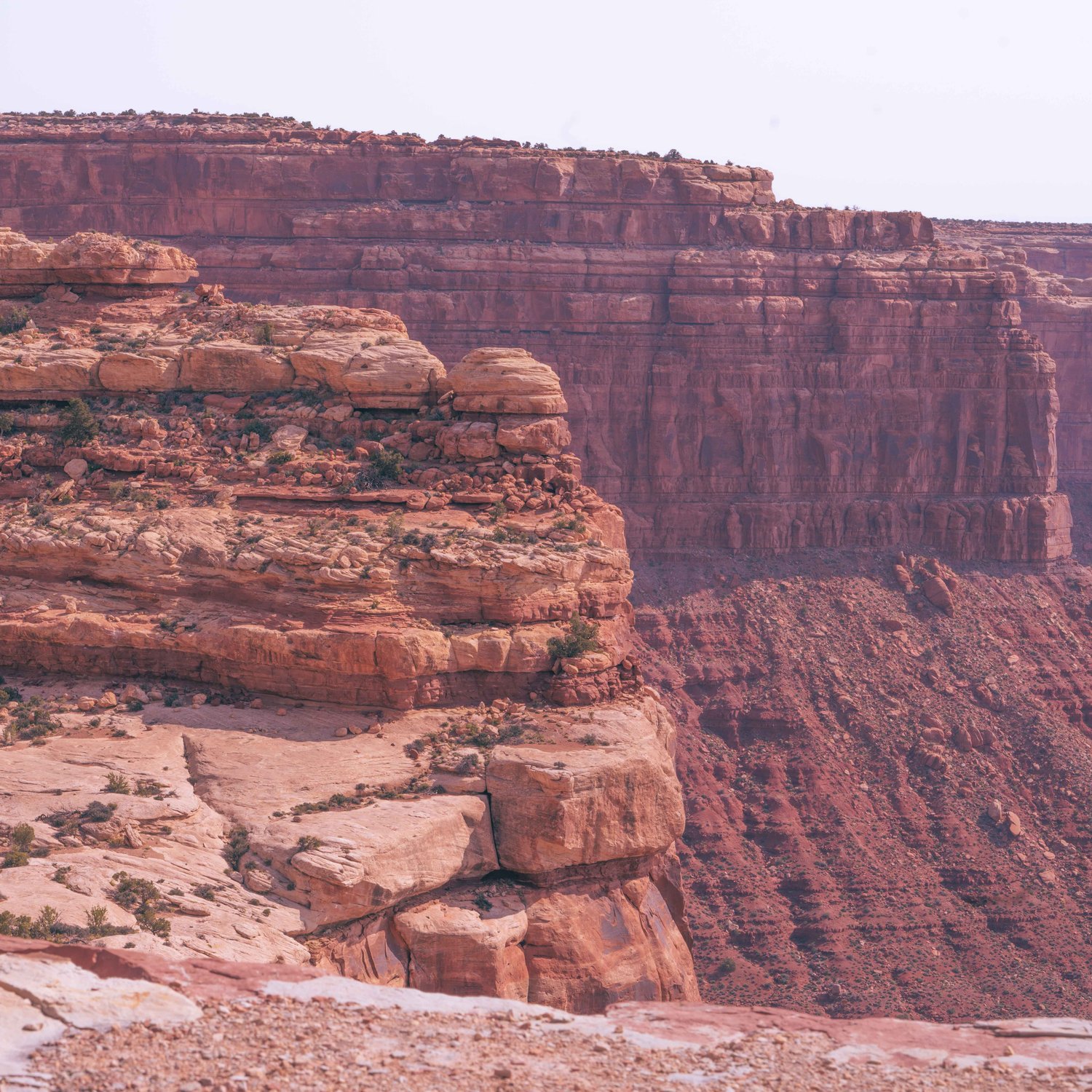
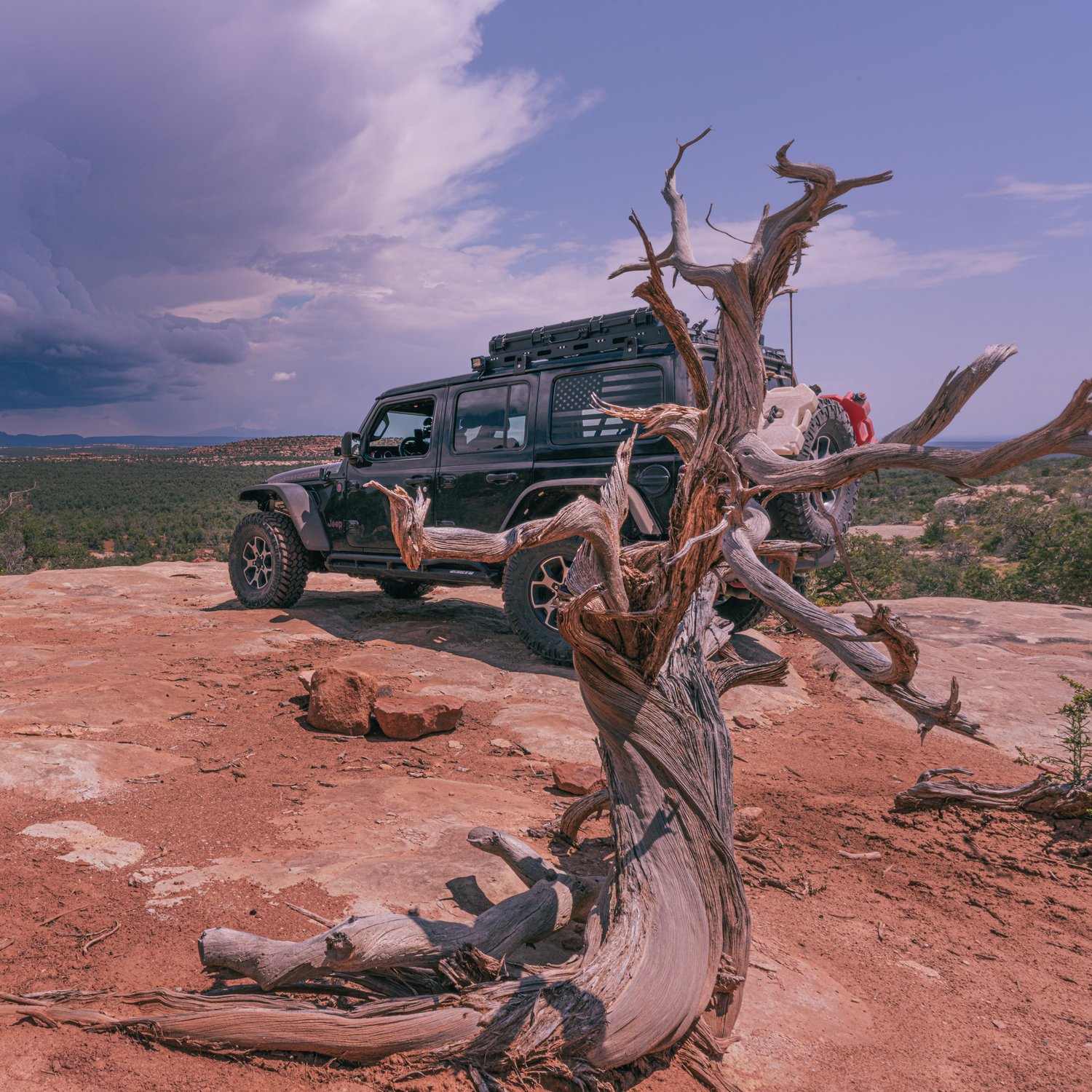
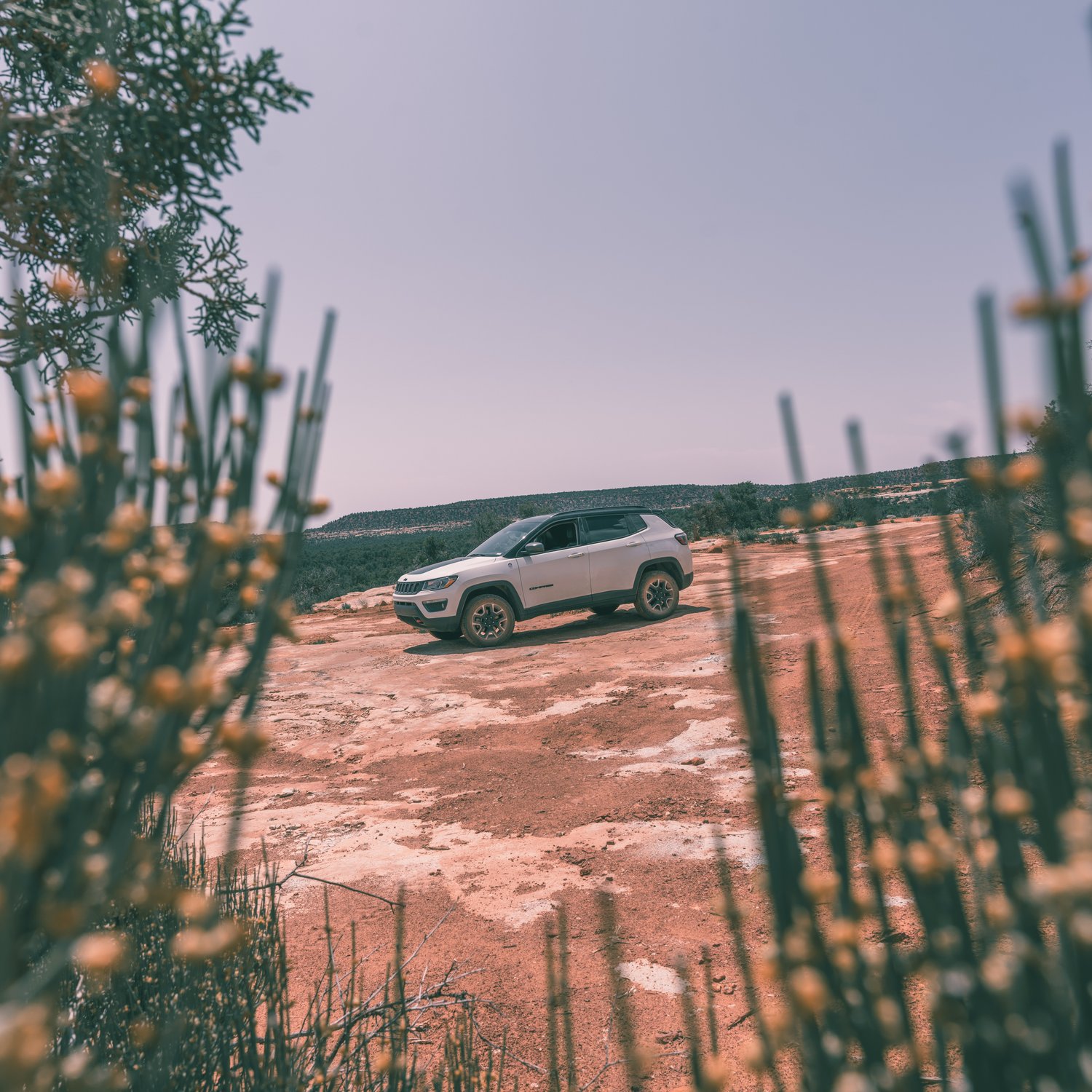
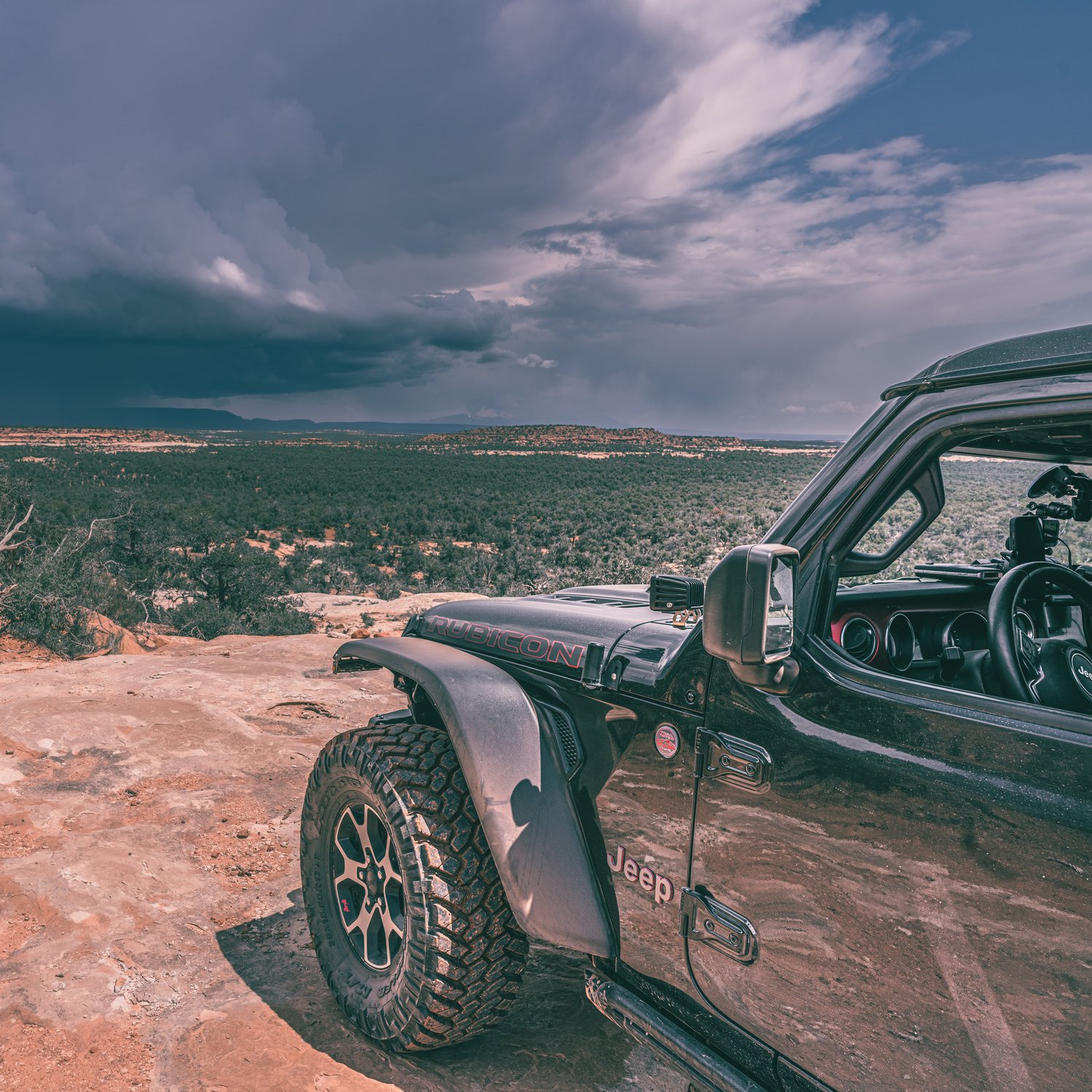
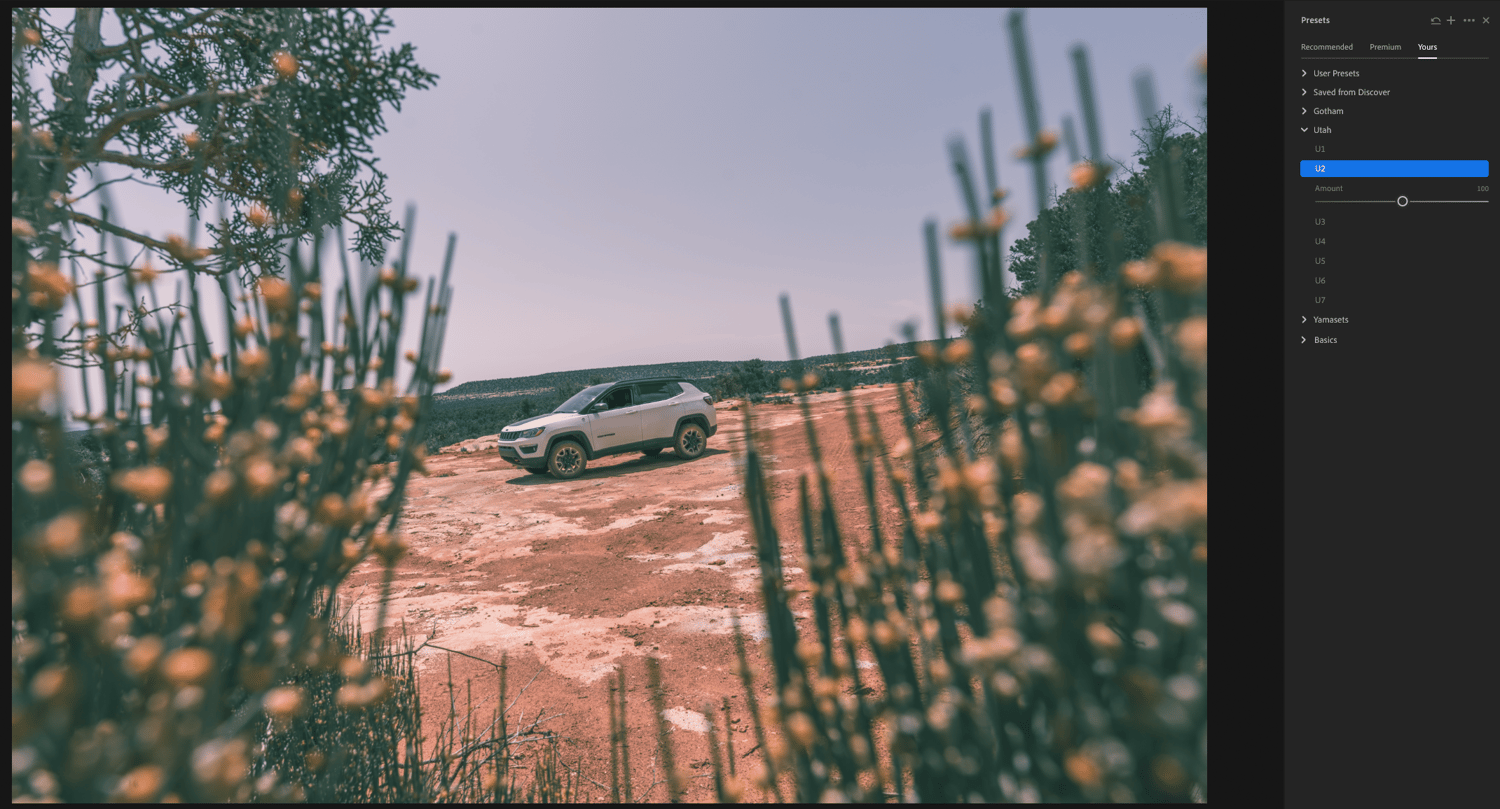
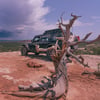
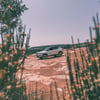
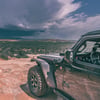
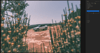
This pack contains 7 presets that favor Utah color scheme. It was specifically designed to streamline the editing work for photographs that were taken in Utah.
To import your presets into Lightroom:
- Save the presets zip folder on your computer
- Extract the files from the zip folder
- Open Lightroom and go to File > Import Profiles & Presets
- Navigate to the extracted folder and click Import
- Use your new presets from the Presets Menu in Lightroom
If you need more help importing presets into Lightroom, you can refer to this article.