

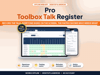


Toolbox Talk Register
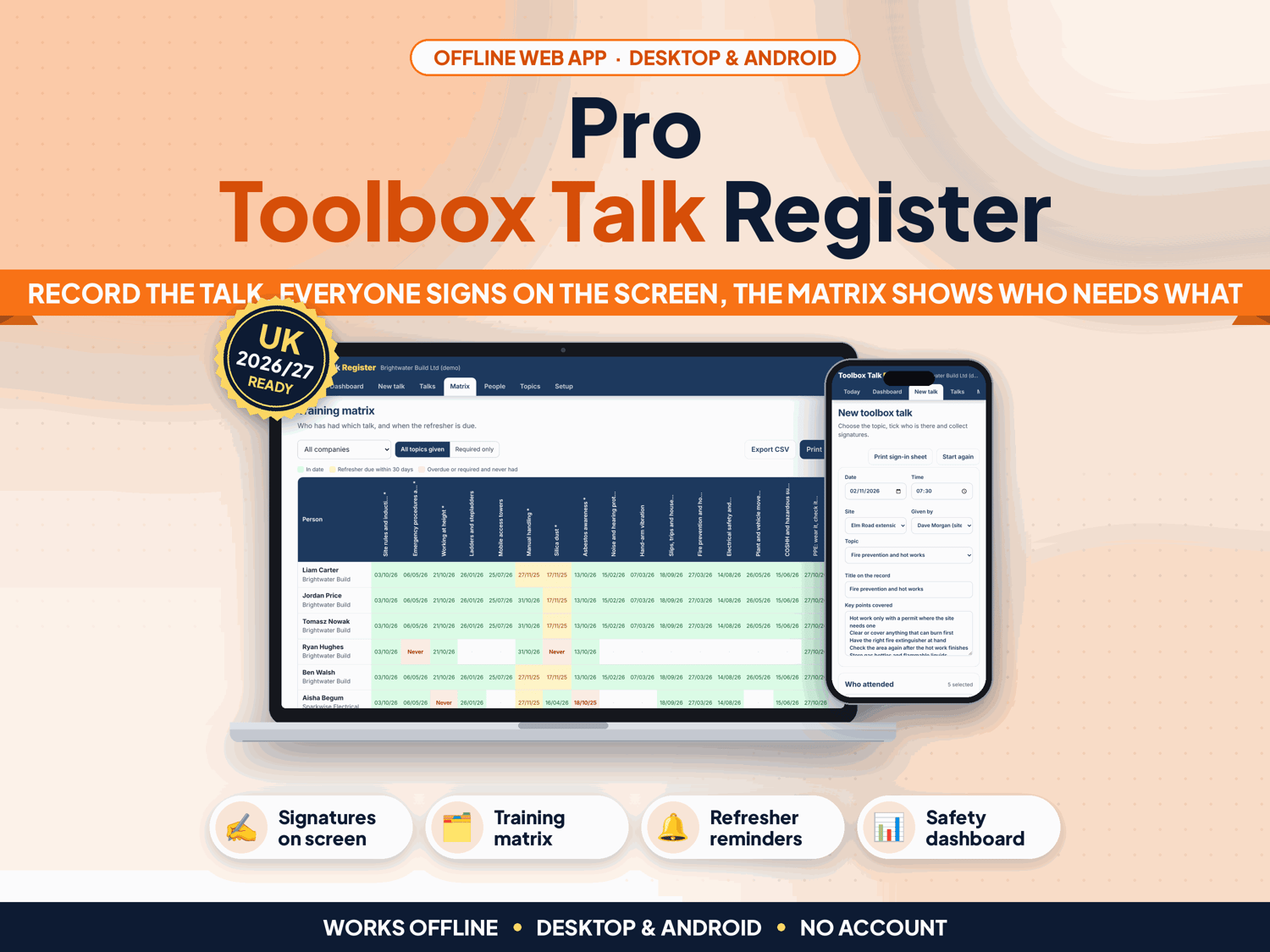
Give the toolbox talk, let everyone sign on the tablet or laptop, and the register keeps itself: who attended which talk, when, and who is overdue for a refresher. Toolbox Talk Register replaces the paper sign-in sheets with an offline app, a training matrix and 18 ready-to-use UK construction topics.
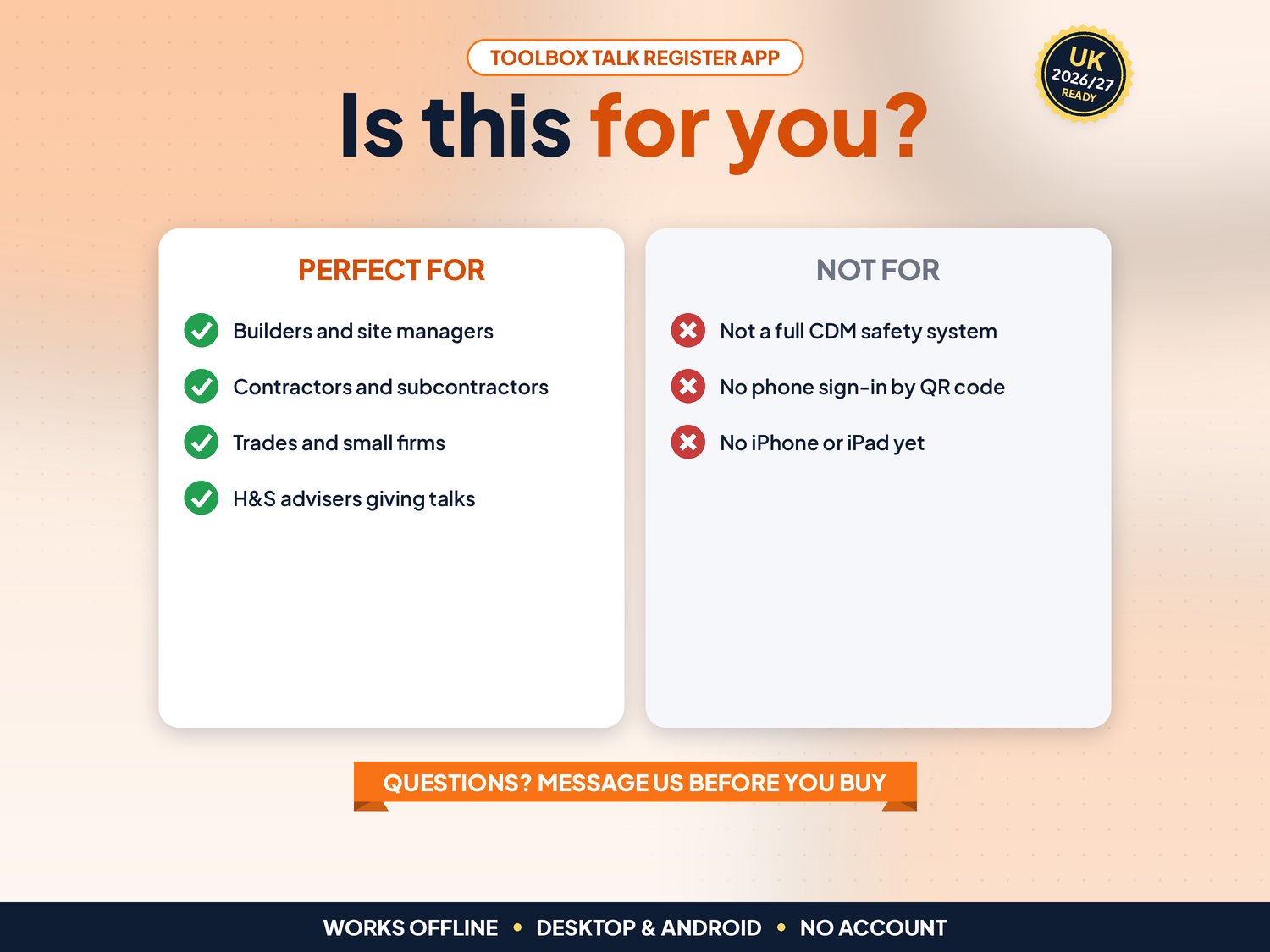
For small builders, contractors, subcontractors and site managers who give regular toolbox talks and need proof for clients, principal contractors or an HSE visit. Not for you if you need workers to sign in on their own phones with a QR code, if several supervisors must share one live register across devices, or if you need an app on iPhone or iPad.
▶ Easy Start Here guide included – video tutorial coming to our YouTube channel
Works offline in any desktop browser (Windows, Mac, Chromebook) and on Android. iPhone and iPad are not supported yet.
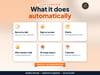
What it does for you
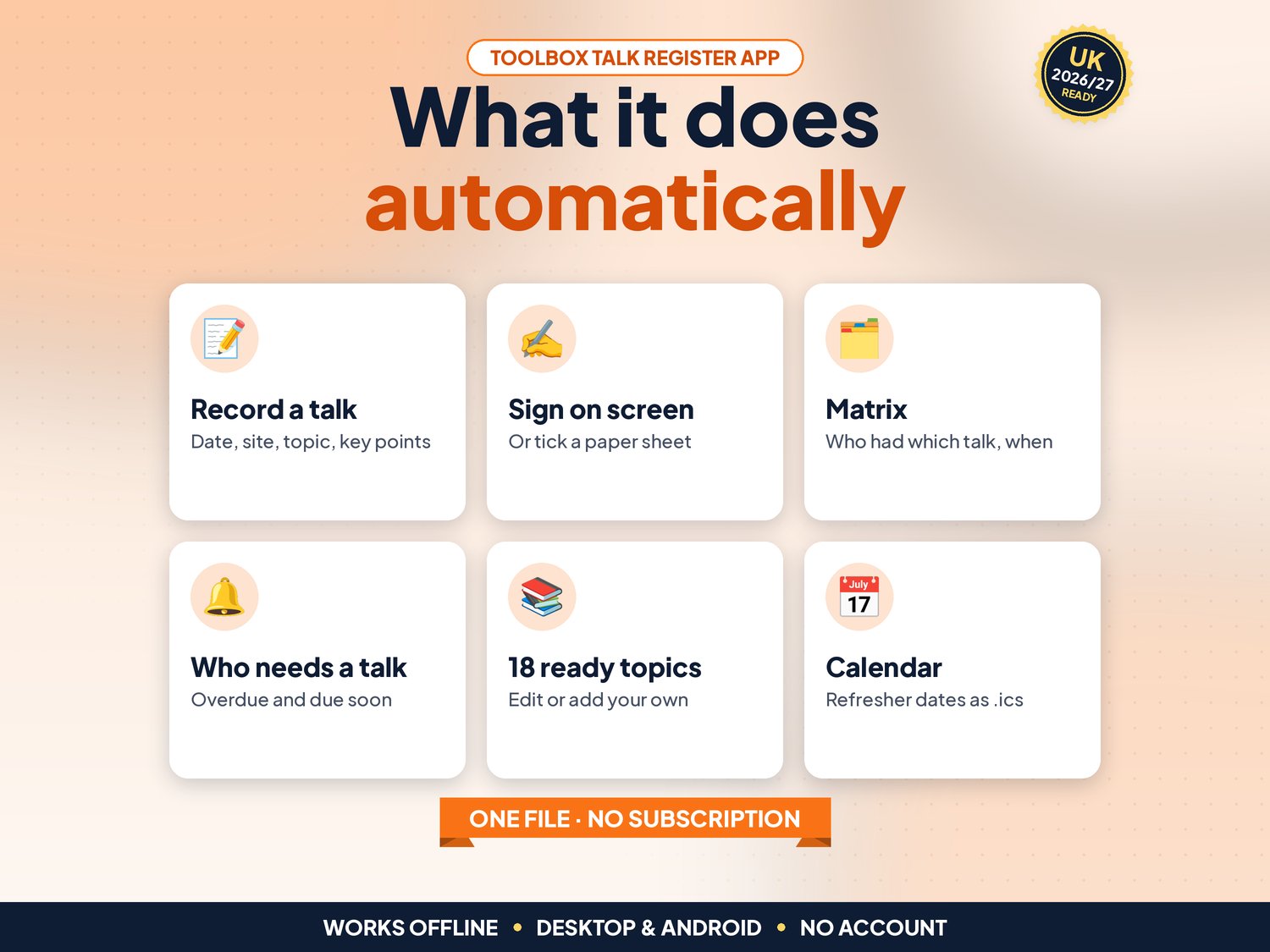
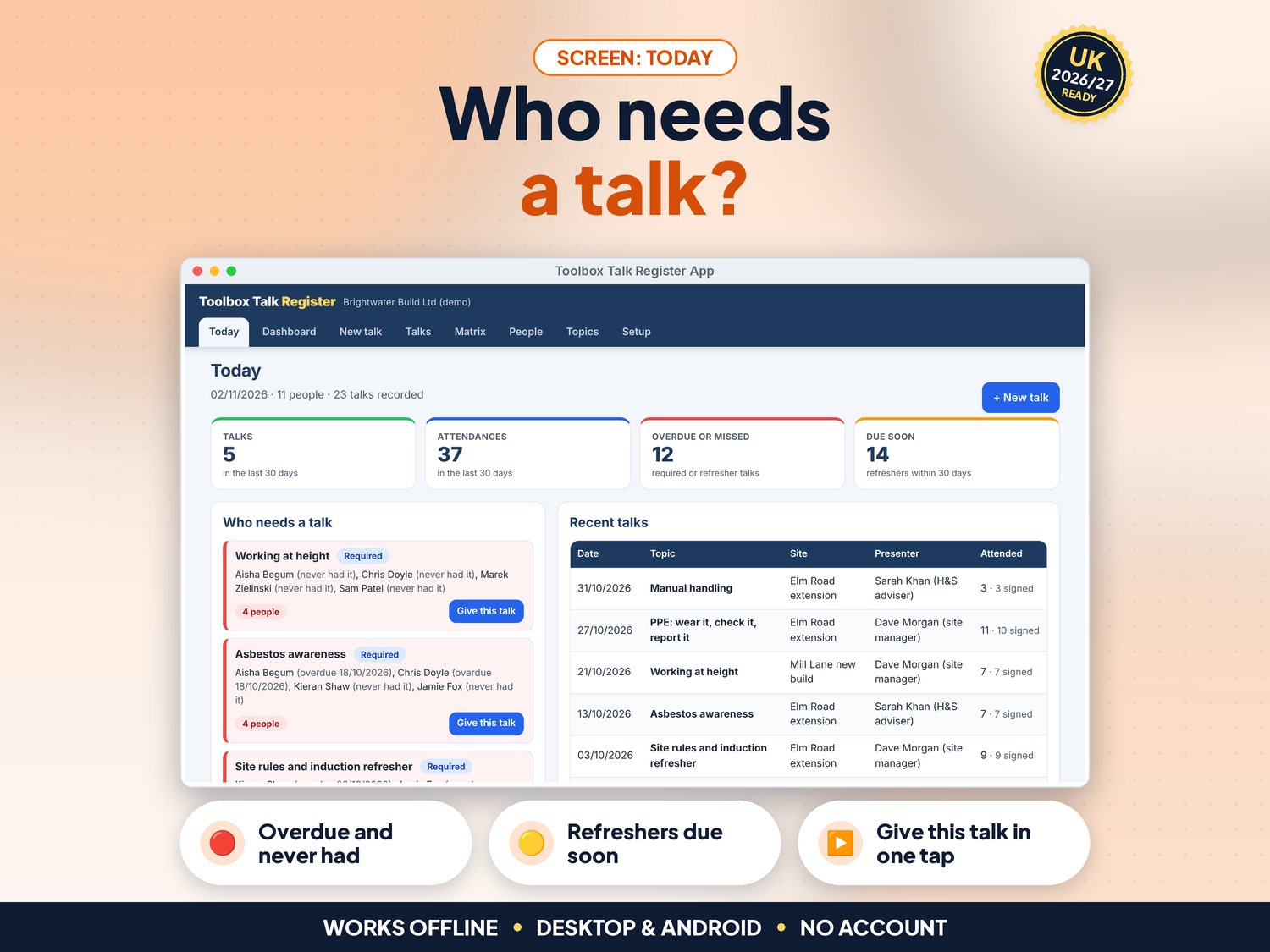
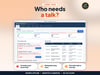
- Today screen: who needs a talk (overdue, never had a required talk, refresher due soon) with Give this talk in one tap
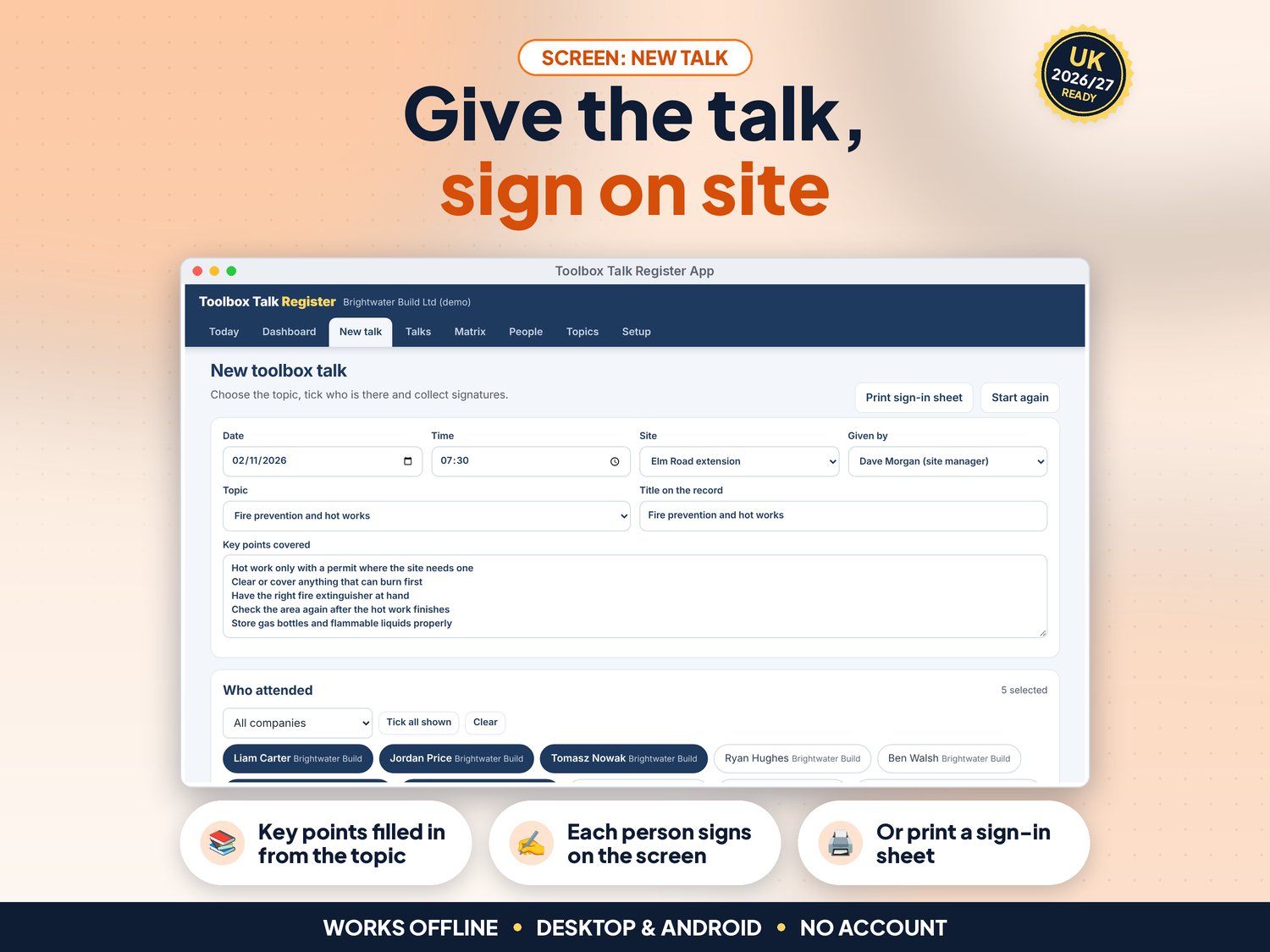
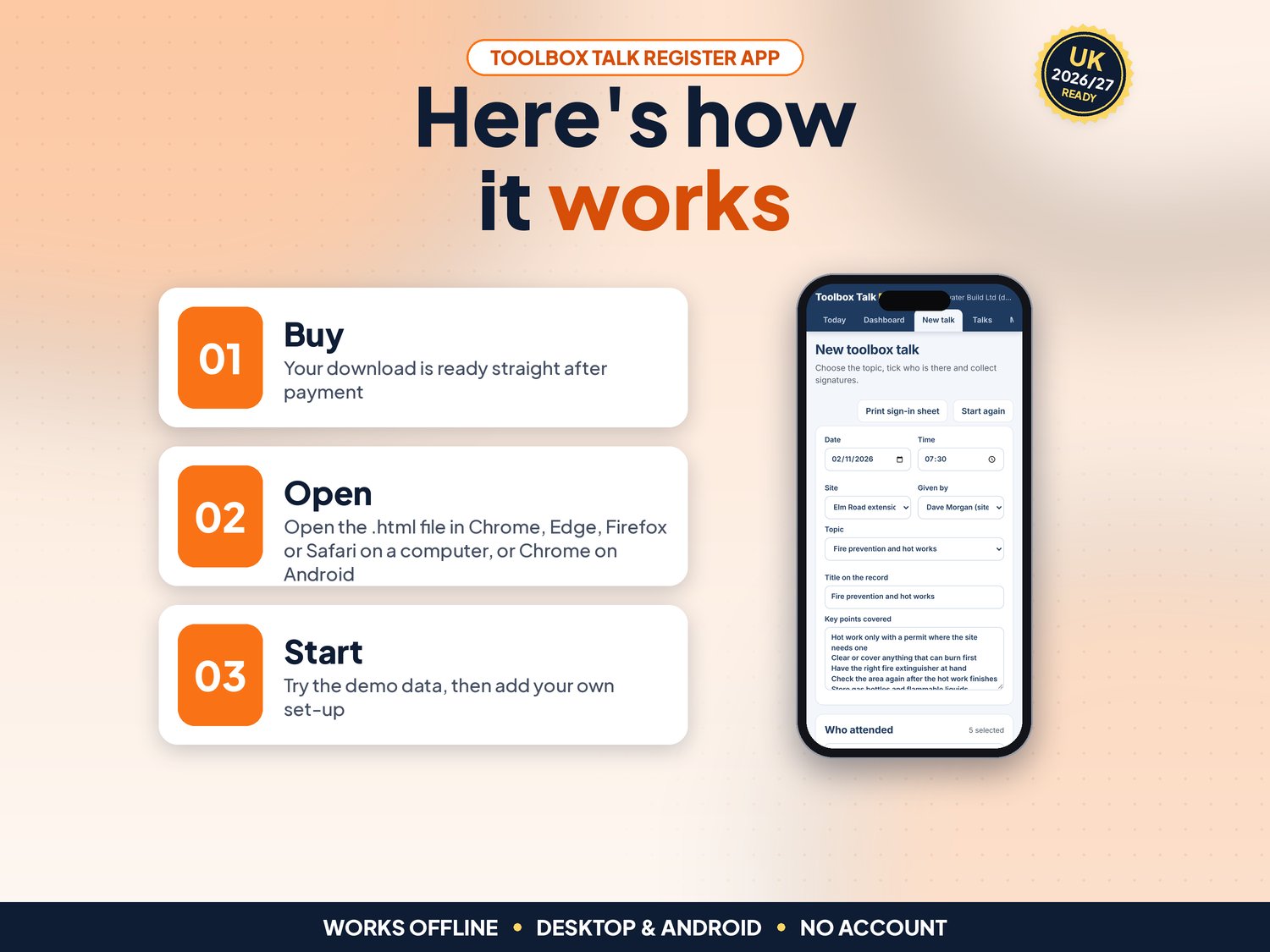
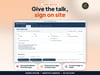
- New talk: date, time, site, presenter, topic and key points; tick the people who attended and add a new person on the spot
- Signatures on the screen with a finger, stylus or mouse, or mark the talk as signed on a paper sheet and print a sign-in sheet with the key points
- Checks before saving: no future dates, a presenter, a topic and at least one attendee, and no duplicate of the same talk on the same day
- 18 ready UK construction topics with key points (site induction, working at height, asbestos, silica dust, manual handling, emergency procedures, COSHH, mental health and more); edit them, set refresher periods and mark which are required for everyone
- Training matrix: every person against every topic, colour coded in date, due soon and overdue; filter by company
- People list with company and role; mark leavers so they drop off the matrix but stay in old records
- Talks list with filters by period, site and topic; open any talk to see who signed
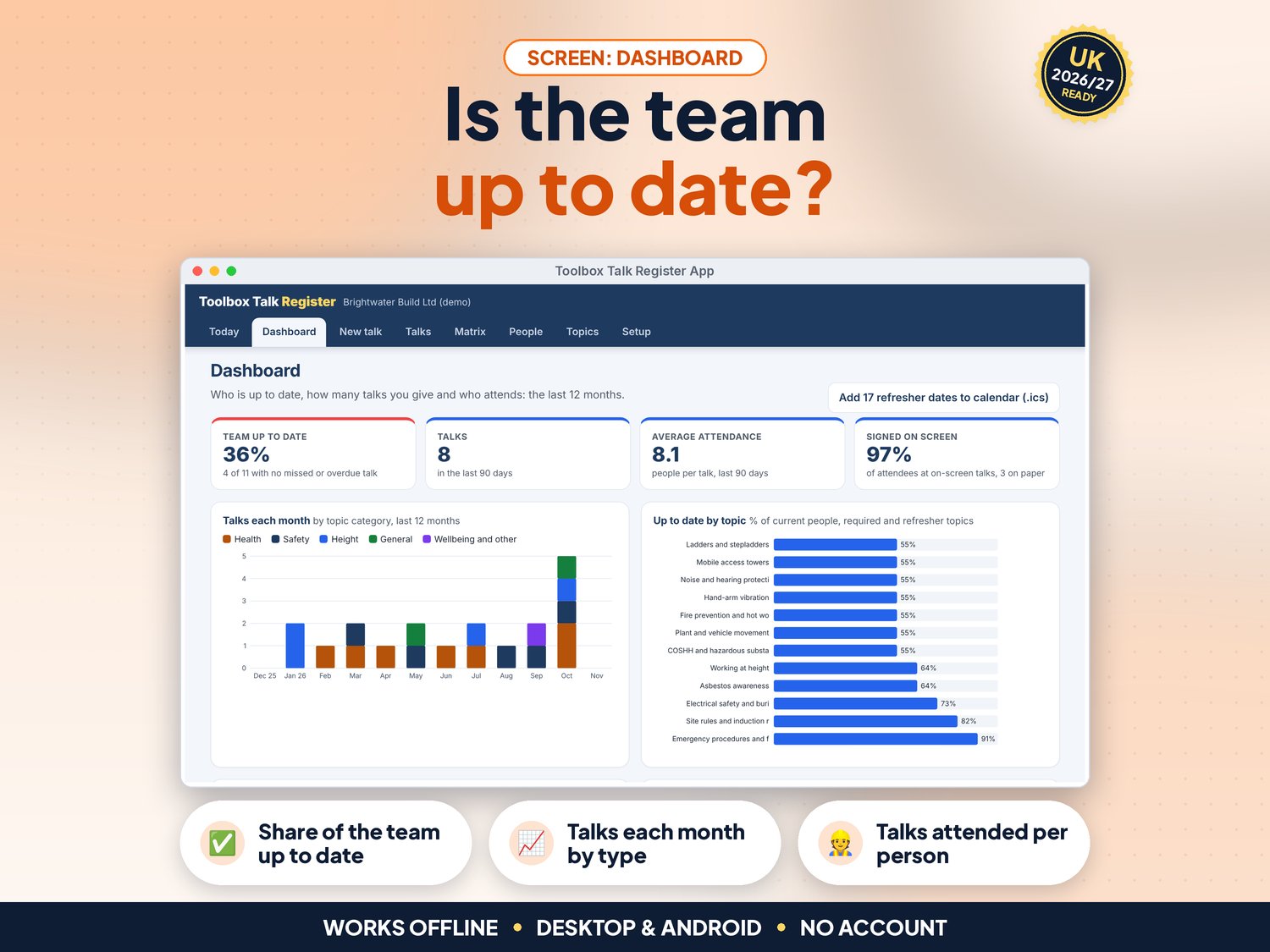
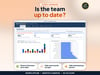
- NEW in v5: Dashboard with the share of the team up to date, talks in the last 90 days, average attendance and the share signed on screen, plus charts of talks each month by type, up to date by topic, required and refresher talks by status and talks attended per person. Every chart has a text version for screen readers
- NEW in v5: Refresher due dates to your calendar (.ics file for Google, Outlook or Apple Calendar)
- NEW in v5: Full keyboard use, screen-reader labels, a skip link and high-contrast colours (tested against WCAG 2.2 AA with axe)
- CSV export of talks, the matrix and people for Excel or Google Sheets; print the register, the matrix and the people list; JSON backup and restore
- Demo data (12 people, 23 talks over a year) to try it first
How it works (3 steps)
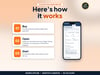
- Open the app, try the demo, then press Use my data. In Setup, enter your company, sites and presenters, then add your team on People (about 10 minutes)
- On site, open New talk, pick the topic (the key points fill in), tick who attended and let each person sign on the screen, then press Save
- Check Today and the Matrix each week to see who needs a talk, and send refresher dates to your calendar from the Dashboard
What's included
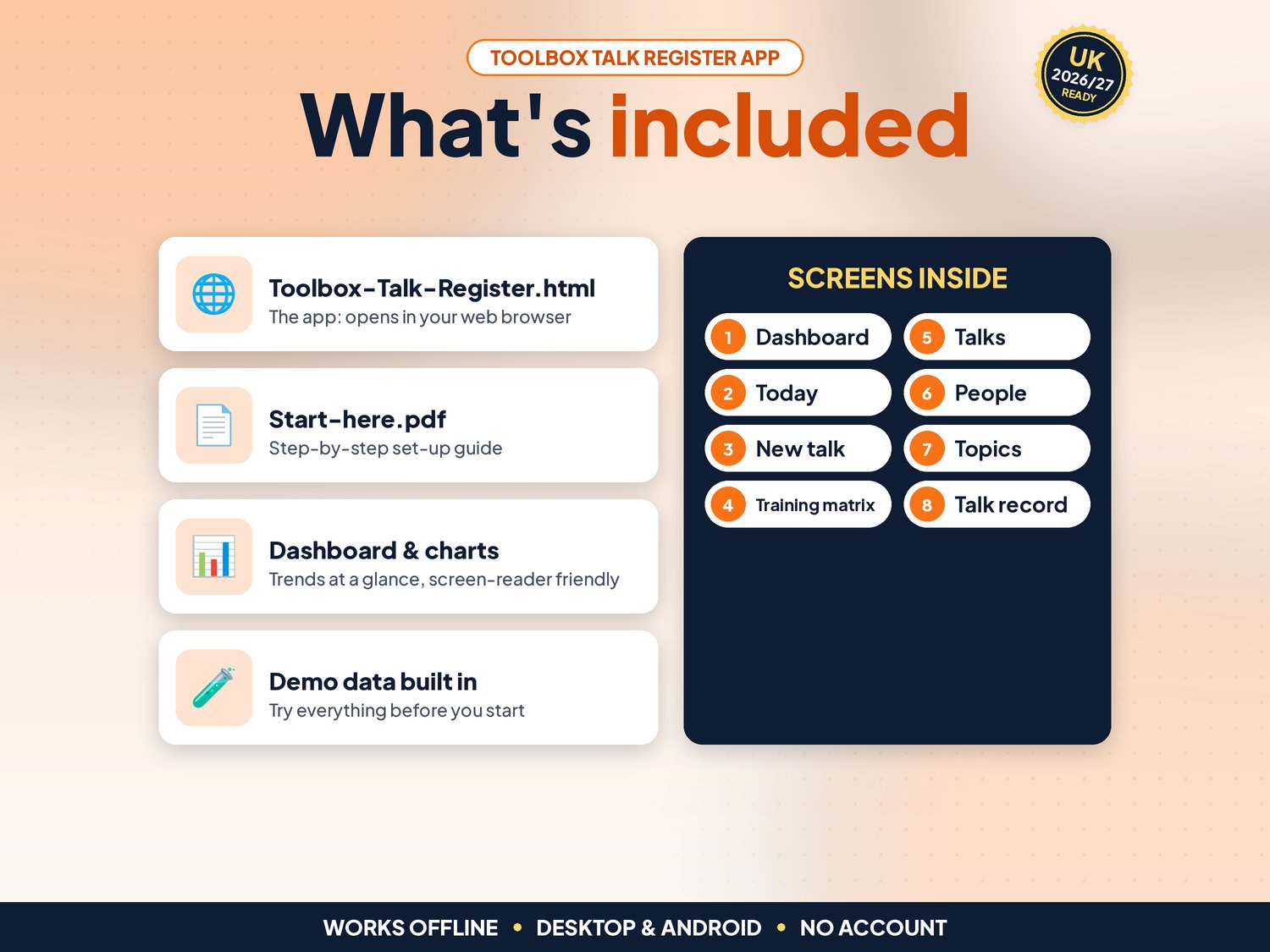
- Toolbox-Talk-Register.html: the app. One file, opens in your web browser, works offline
- Start-here.pdf: quick-start guide with the 3-step plan and backup tips
- Demo data built in (12 people, 23 talks), so you can try everything first
Compatibility
- Tested in Google Chrome on a desktop (1440 px wide) and on Android phone sizes (390 px and 360 px wide)
- Also runs in current Edge and Firefox, and Safari on Mac; works on an Android tablet for signing on site
- Not iPhone or iPad yet: Safari on iOS cannot keep the app data from a downloaded file reliably, so we do not support it
- One self-contained file: no installation, no account, no subscription, nothing is sent over the internet
Instant download
This is a digital product. Nothing physical will be shipped. Your download link appears straight after checkout and is also emailed to you. Stuck or have a question? Email info@phkmedia.co.uk and I'll gladly help you set it up.
Good to know
- Records are saved in the browser on the device you use. Keep the register on one laptop or tablet and download a backup (JSON) every week
- The topic key points are a starting point: check them against your own risk assessments and method statements
- On-screen signatures are images of the signature, kept with the talk record; they are not certified electronic signatures
- Licence: use it for your own business (one company)
- FAQ: Is this enough for CDM 2015? It is a record of the talks you give and who attended. It does not replace your construction phase plan, risk assessments or competent health and safety advice.
- FAQ: Can workers sign on their own phones? No. Pass the tablet or laptop round, or tick Signed on a printed sheet and print the sign-in sheet.
- FAQ: Can I add my own talks? Yes. Add a topic with your own key points, category, refresher period and whether it is required for everyone.
DISCLAIMER
Toolbox Talk Register is a record-keeping tool. It is not legal or health and safety advice; check the topic content against your own risk assessments. All people and companies in the demo data are fictional.
Licence: Licensed for use within one business. Please do not resell, share or redistribute the files.
AI disclosure: This app and its listing images and video were designed by PHK MEDIA LTD with the help of AI tools. The video voiceover is synthetic. Everything was tested, reviewed and finalised by the seller.
© PHK MEDIA LTD
Licence: Licensed for use within one business or household. You may edit and print the files for that business. You may not resell, share or upload them for others.