


HTML CSS JavaScript Inventory UI Kit and 16 SVG Icons | Neon Starter
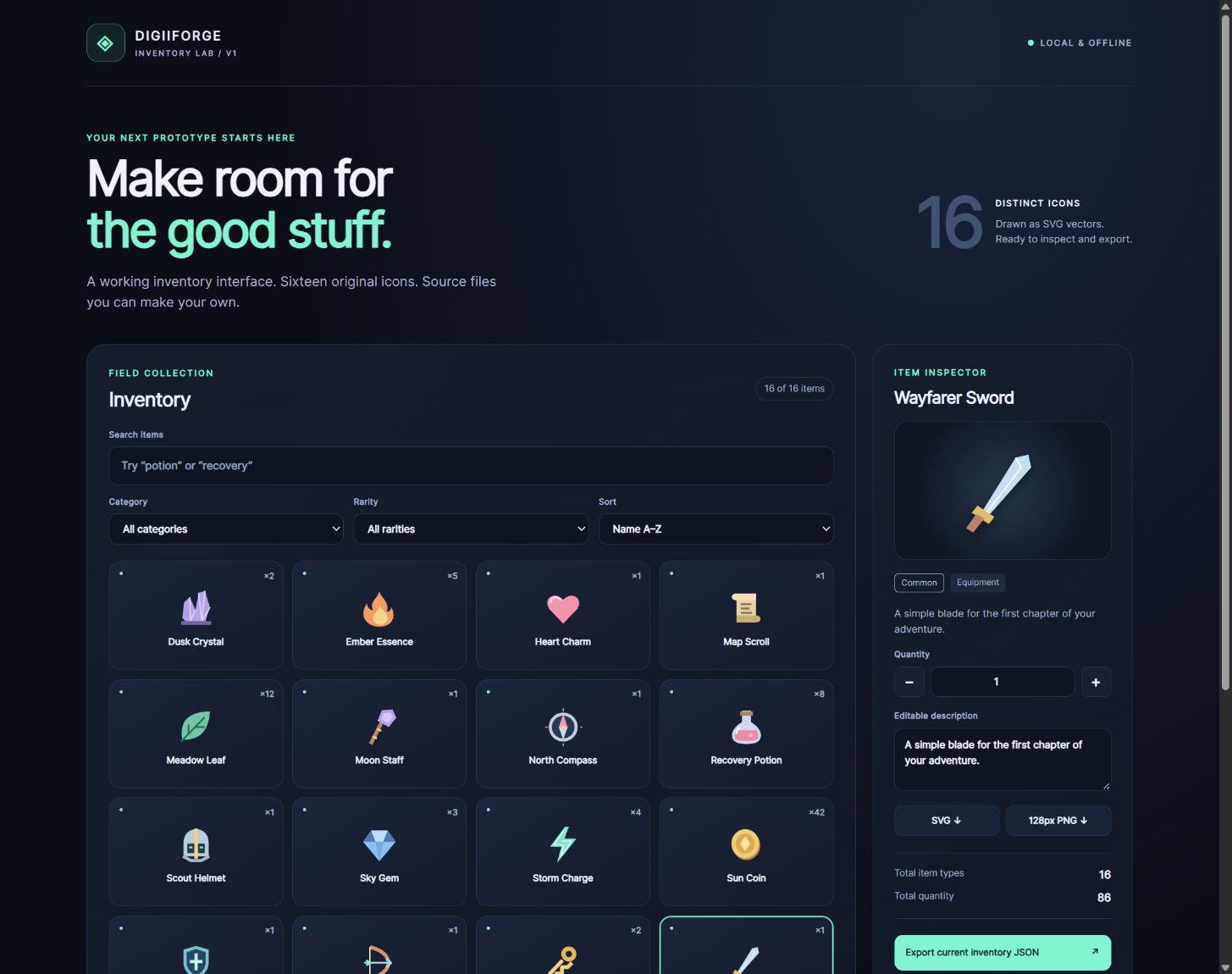
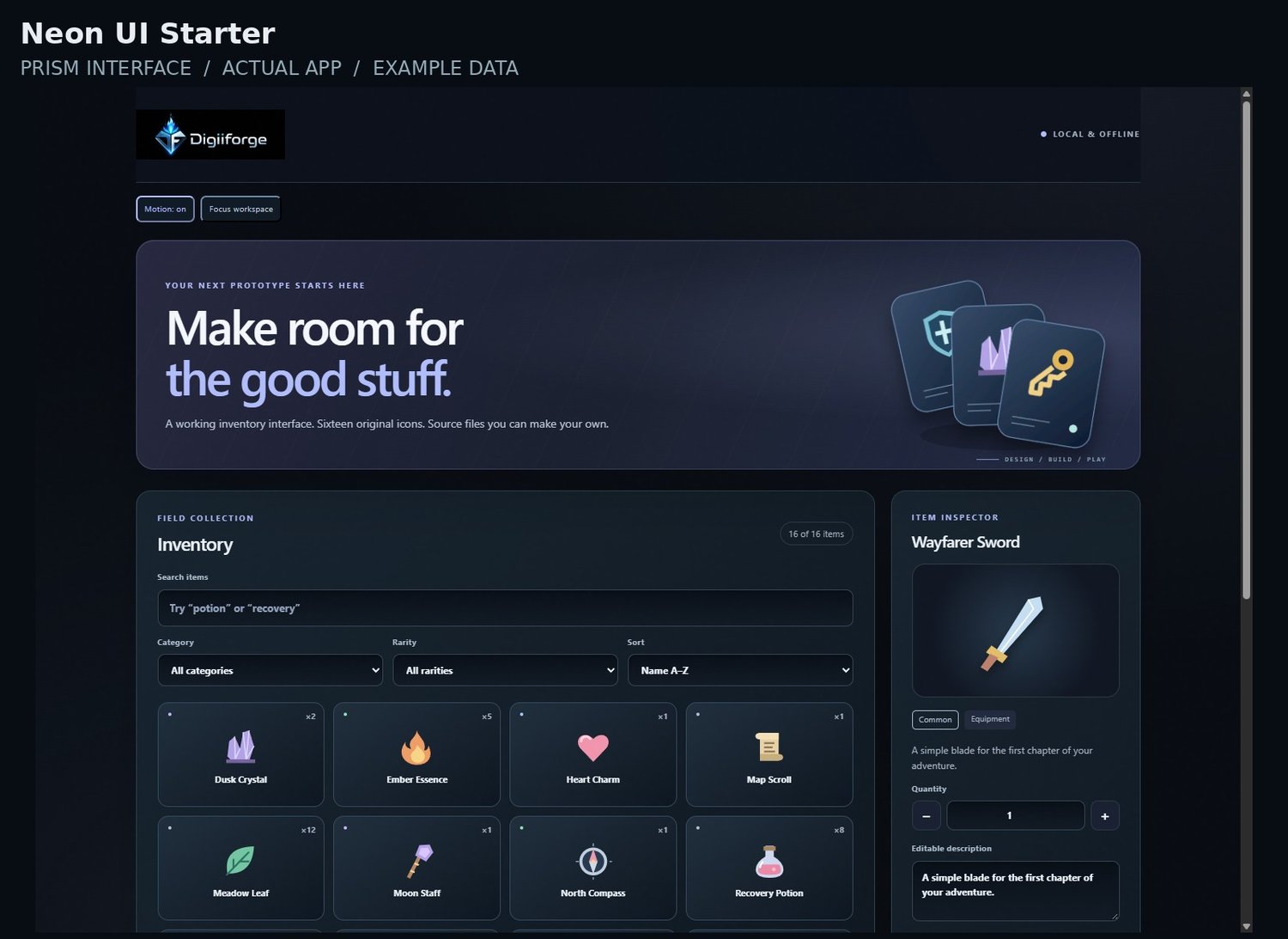
Start your browser inventory screen with working source files, not a static mockup. Neon UI Starter includes editable HTML, CSS and JavaScript, 16 distinct vector icons, inventory filters and JSON import/export. Use it as a starting point for your own interface; engine integration is not included.
PRODUCT DETAILS
New in the interface: individual art direction, subtle material textures, decorative motion with an off switch, and a compact Focus workspace. Decorative graphics are not extra downloadable product assets. Original product capabilities and limitations remain as described below.
Build a game-prototype inventory screen with an editable browser interface and 16 distinct original vector icons.
Search by name or description, filter by category and rarity, sort the collection, inspect an item, and edit quantities and descriptions. Export the complete inventory as JSON and import it again to restore your data. Export the selected icon as SVG or transparent 128 × 128 PNG in a supported desktop browser.
Included in the ZIP:
• Responsive index.html, style.css and inventory.js source.
• Starter inventory-data.json with 16 items.
• 16 individual SVG icons: sword, shield, bow, helmet, potion, heart, coin, gem, key, scroll, leaf, crystal, staff, flame, lightning and compass.
• README instructions and commercial-use terms.
Keep the extracted files together and open index.html in a current desktop browser. The toolkit uses no external libraries, fonts, accounts or analytics. Export JSON before closing or reloading to keep your edits.
Use and modify the included code and artwork in personal projects and commercial end products under the supplied non-exclusive license. Attribution is optional; standalone resale or redistribution is restricted.
This is a source-code interface starter with demonstration item data. Gameplay rules, engine integration, persistent save systems and hosting are separate. The included artwork is scalable vector illustration. Some browsers restrict PNG export from local files; all 16 SVGs are included for direct use.
Made with AI assistance and reviewed by DigiiForge. For download help, contact digiiforge@gmail.com with your order reference and browser version.
DOWNLOAD THE CURRENT EDITION
PRISM INTERFACE EDITION / OCTOBER 2026
Current visual edition: DigiiForge_Neon_UI_Starter_Prism_2026_10.zip. This package includes the complete product with its original functional version, data formats and license, plus the refreshed DigiiForge interface. Earlier downloads are retained as previous editions; use the Prism ZIP for the latest presentation. Extract the complete folder. Back up existing records before moving to a new file location.