
Floral Expense Tracker | Monthly Budgets + Yearly Dashboard
Track your spending beautifully, and finally hit your money goals 🌸
Budgeting doesn’t have to feel like homework. Floral Expense Tracker is a pretty, easy-to-use Excel workbook that shows you exactly where your money goes each month, and whether you’re staying on track for the year.
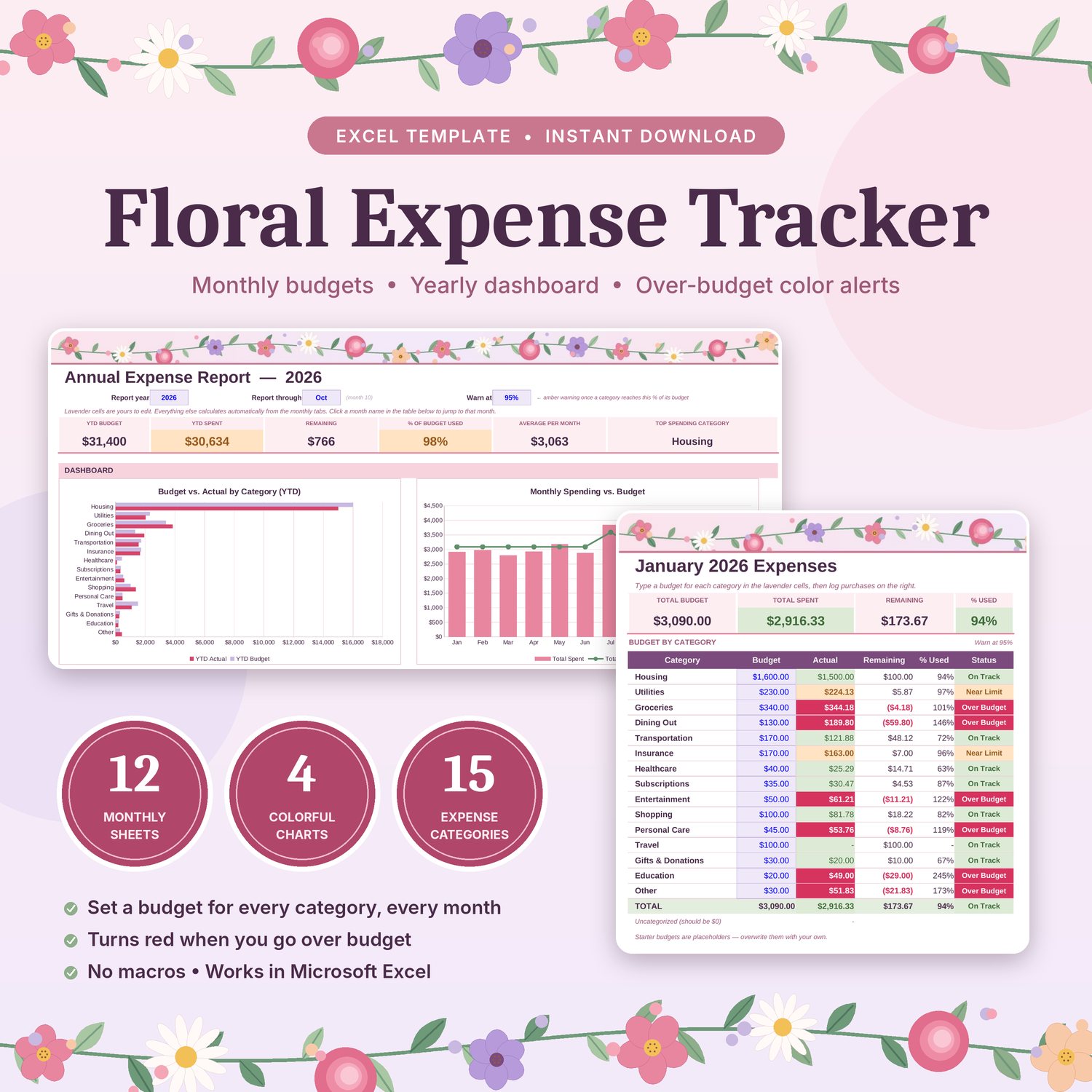
Set a budget for each category, log your purchases, and watch your yearly report build itself. When a category or month goes over budget, it turns raspberry red, so you spot it right away.
✨ What’s inside
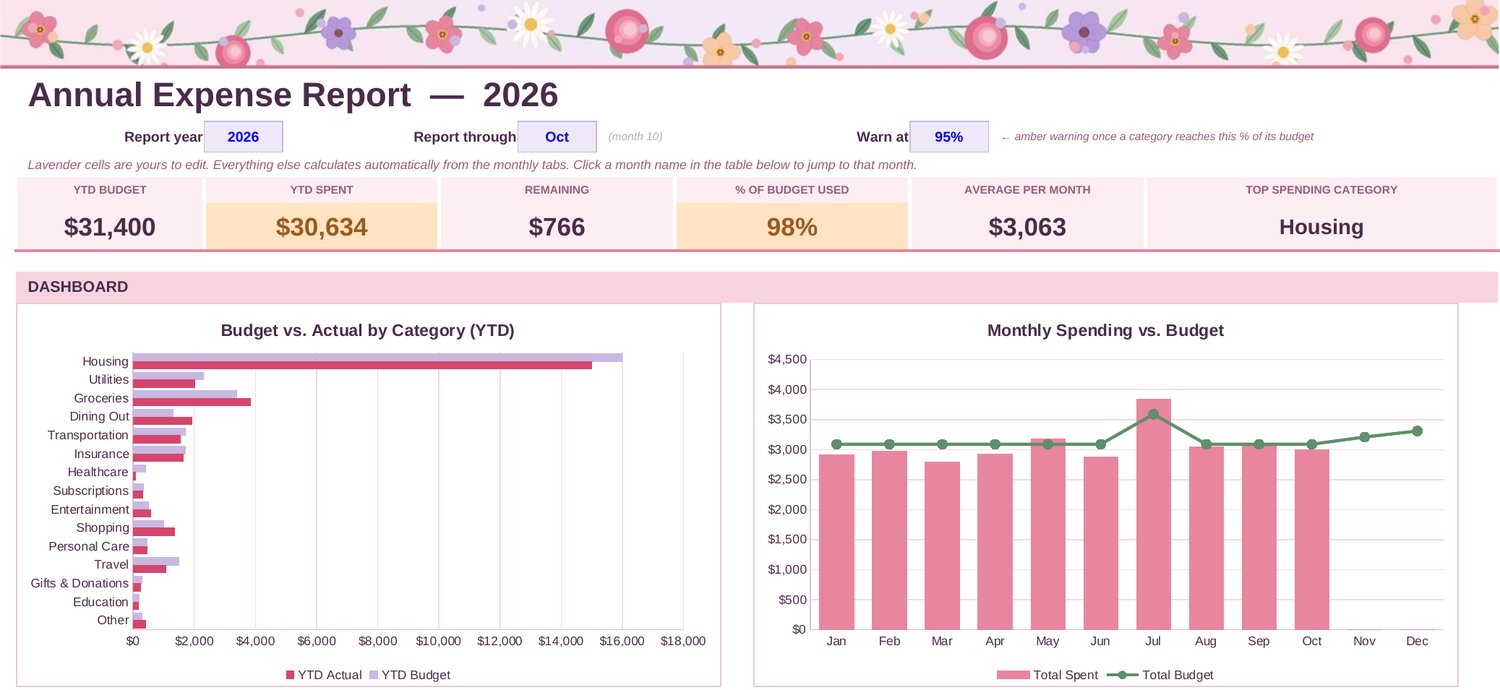
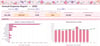
📊 Year-to-Date Dashboard (first tab)
- Summary cards: total budget, total spent, remaining, % of budget used, average monthly spend, and your top spending category
- 4 colorful charts: budget vs. actual by category, monthly spending vs. budget, spending share (doughnut), and monthly spending by category
- Full category-by-month tables that roll up automatically from your monthly tabs
- “Report through” month selector, so year-to-date only counts months you’ve actually tracked
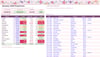
📅 12 Monthly Sheets (January–December)
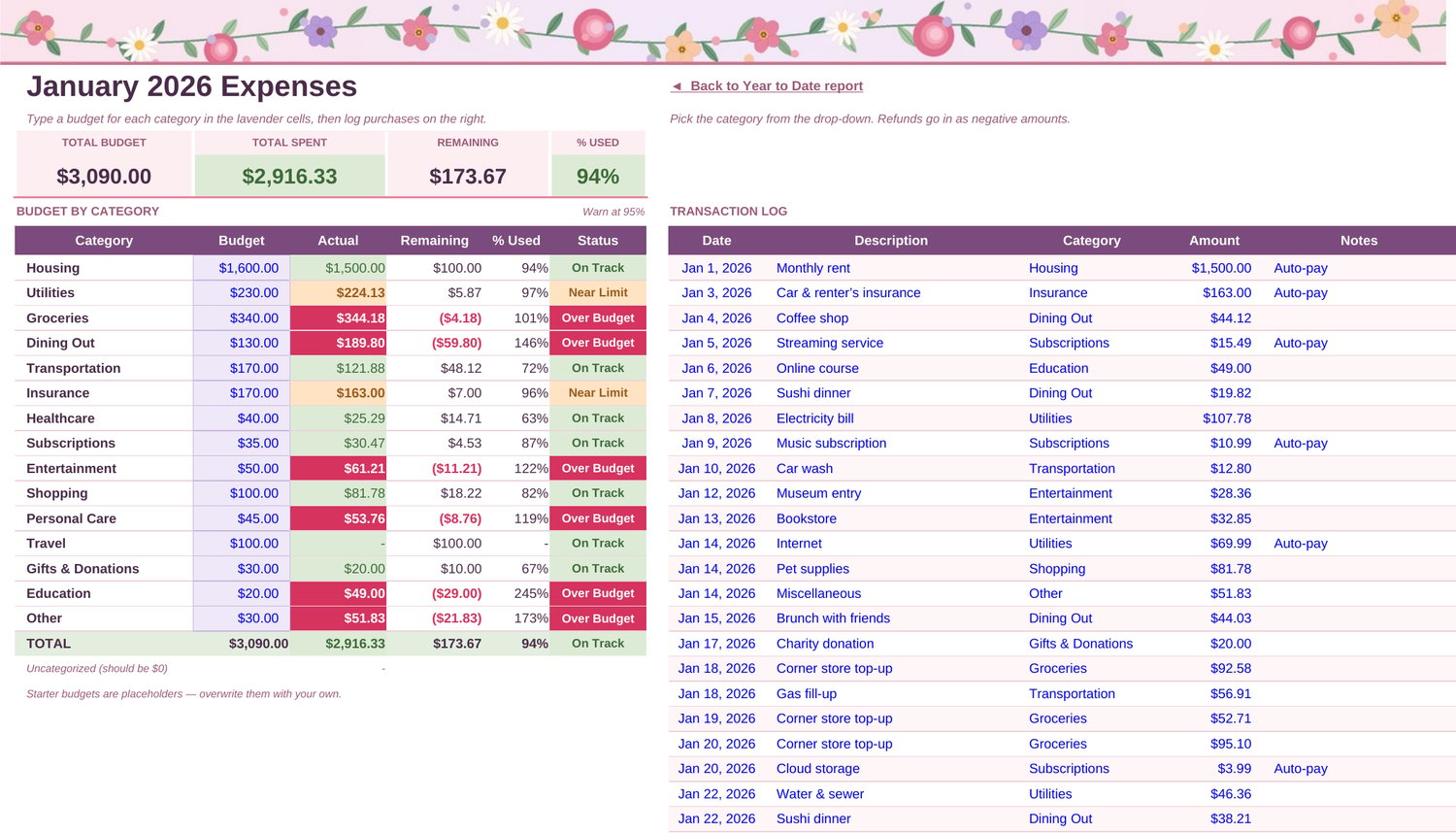
- 15 expense categories (Housing, Groceries, Dining Out, Transportation, Travel, and more)
- Set a budget for every category, every month
- Transaction log with room for 300 entries per month, with a category drop-down
- Budgets carry forward from month to month. Set them once, or change any month.
- Color-coded status for every category: green = on track, amber = nearing your limit, red = over budget
- The monthly total changes color when you go over budget
🎨 Floral print color theme
Soft blush, rose, sage and lavender with a hand-drawn floral banner on every tab, so tracking expenses feels like a treat.
📖 Built-in “How to Use” tab with step-by-step instructions and a color key
💡 Why you’ll love it
- No macros, no add-ins, no subscriptions. Open it and start typing.
- Everything is automatic. Totals, percentages, charts and the yearly report all update as you enter expenses.
- Fully customizable. Rename the categories, change your budgets, adjust the warning level (default 95%), and use any currency.
- Catches mistakes. An “Uncategorized” check on each month makes sure every dollar is counted.
- Reusable. Save a copy each year and start fresh.
🎯 Perfect for
- Anyone building a budget or tracking spending for the first time
- Paying off debt or saving for a trip, home, or emergency fund
- Couples and families managing a household budget
- Freelancers and side-hustlers who want a simple, tidy record
- Anyone who wants a spreadsheet that looks as good as it works
📥 What you’ll receive
- 1 Excel workbook (.xlsx) with 14 tabs: Year-to-Date Report, 12 monthly sheets, and a How to Use guide
- Instant digital download. Nothing is shipped.
💻 Compatibility
Made for Microsoft Excel (Windows, Mac, and Excel Online). It works best in Excel. Other programs such as Google Sheets or Apple Numbers may display charts and color rules differently.
❓ FAQ
Do I need to know Excel? No. Just type in the lavender cells. Everything else calculates itself.
Can I rename the categories? Yes. Rename them once on the first tab and they update everywhere.
Can I use it for next year? Yes. Save a copy, clear the logs, update the year and budgets.
Can I change the currency? Yes. Select the cells and use Format Cells › Currency.
Does it connect to my bank? No. You enter expenses yourself, which keeps your data private on your computer.
📄 Terms
For personal use. Please don’t resell, redistribute, or share the file.