
Incident Log & MTTR Tracker (Excel + Google Sheets)
You can't improve what you don't measure. This log turns the incidents you already handle into the numbers managers and customers ask for: how fast you respond, how fast you fix, and whether you meet your SLAs.
What it does
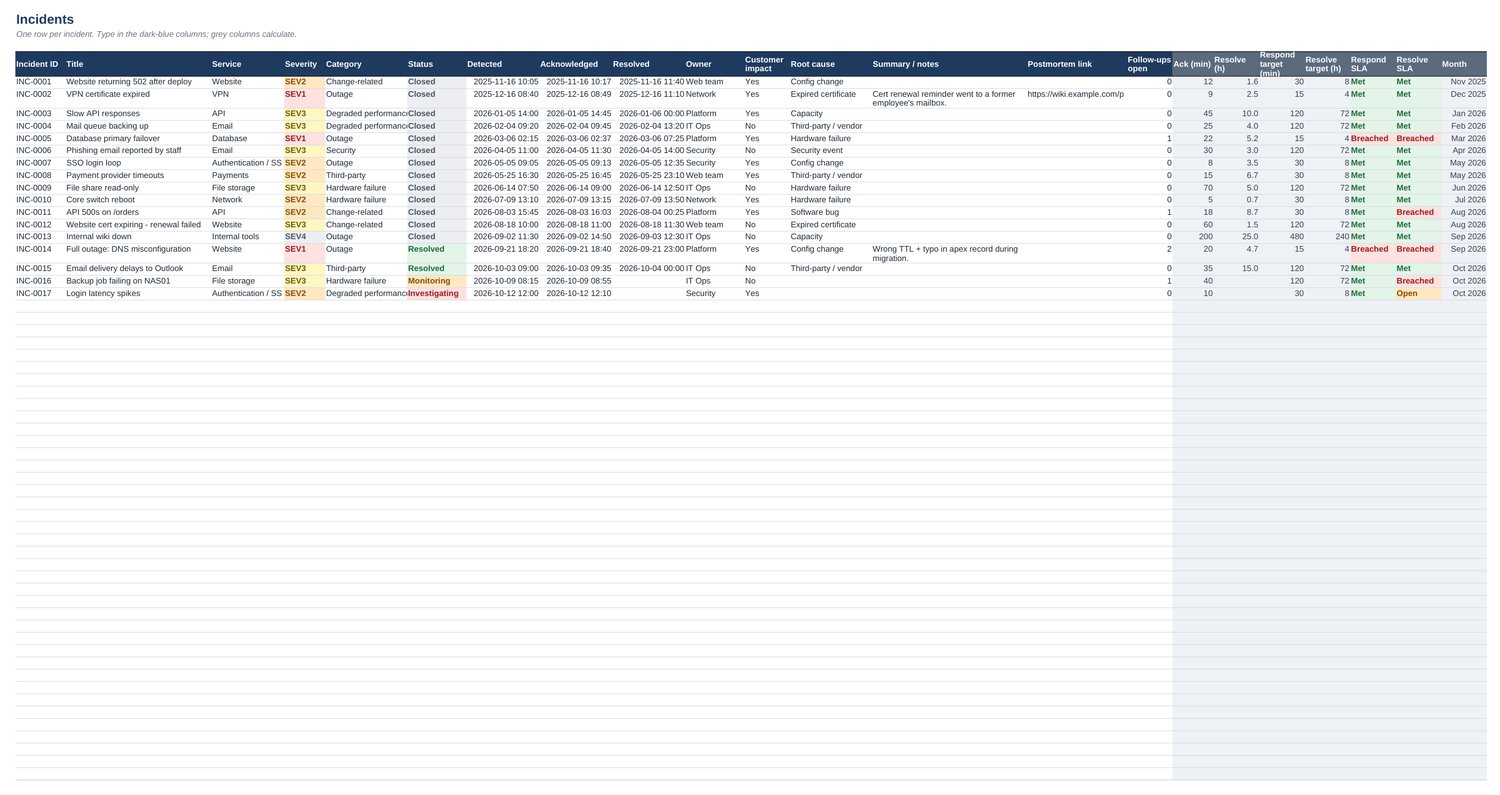
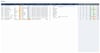
- Incidents tab: ID, title, service, severity, category, status, detected / acknowledged / resolved times, owner, customer impact, root cause, summary, postmortem link and open follow-ups.
- Calculated for you: time to acknowledge (minutes), time to resolve (hours), the response and resolve targets for that severity, and whether each SLA was Met or Breached. Open incidents switch to Breached as soon as their target passes.
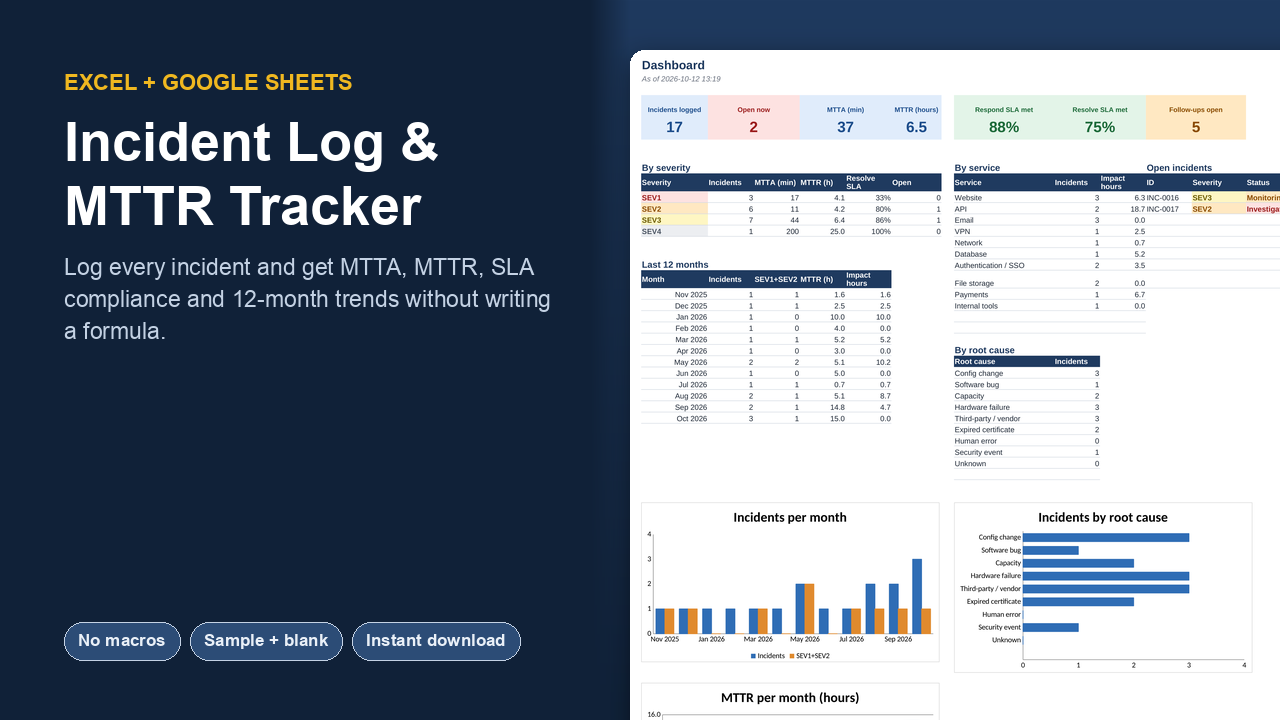
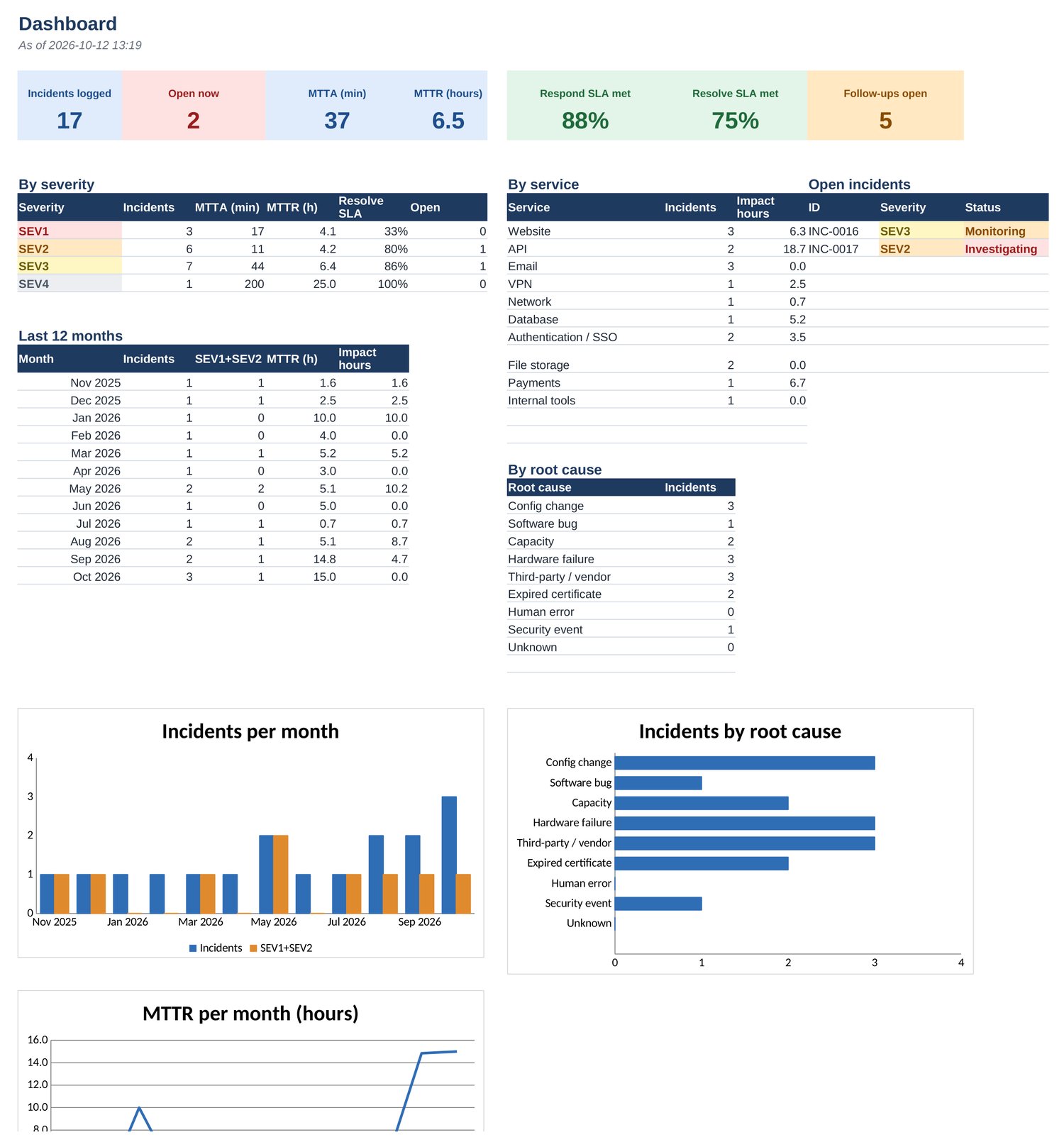
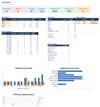
- Dashboard: incidents logged, open now, MTTA, MTTR, SLA compliance, and open follow-ups; breakdowns by severity, service and root cause; a 12-month table with incidents, major incidents, MTTR and customer-impact hours; charts for each.
- Settings: four severity levels with response and resolve targets you can change, plus editable lists of services, categories and root causes. It also shows the next free incident ID.
What you get
- Excel workbook with 17 example incidents across 12 months
- Blank Excel workbook ready for your own incidents
- Google Sheets version (one click makes your own copy)
- Start Here tab with definitions of MTTA, MTTR and each SLA status
Works in: Microsoft Excel 2013 or later (Windows and Mac), Microsoft 365, Excel for the web, LibreOffice Calc, and Google Sheets. No macros, no add-ons, no sign-ups: just formulas you can read.
FAQ
Do I need Excel?
No. You also get a Google Sheets version (a link that makes your own copy), and the .xlsx opens in LibreOffice Calc.
Does it contain macros?
No. Everything is plain formulas, so there are no security prompts and it works on Mac and the web.
Can I change it?
Yes. Dropdown lists and thresholds live on the Settings tab, and nothing is locked.
What's the difference between the two Excel files?
One is filled with realistic example data so you can see every feature working; the other is empty and ready for your own data.
Licence: use it for yourself or inside one company or organisation, with as many colleagues as you like. Please don't resell or share the template files publicly.