
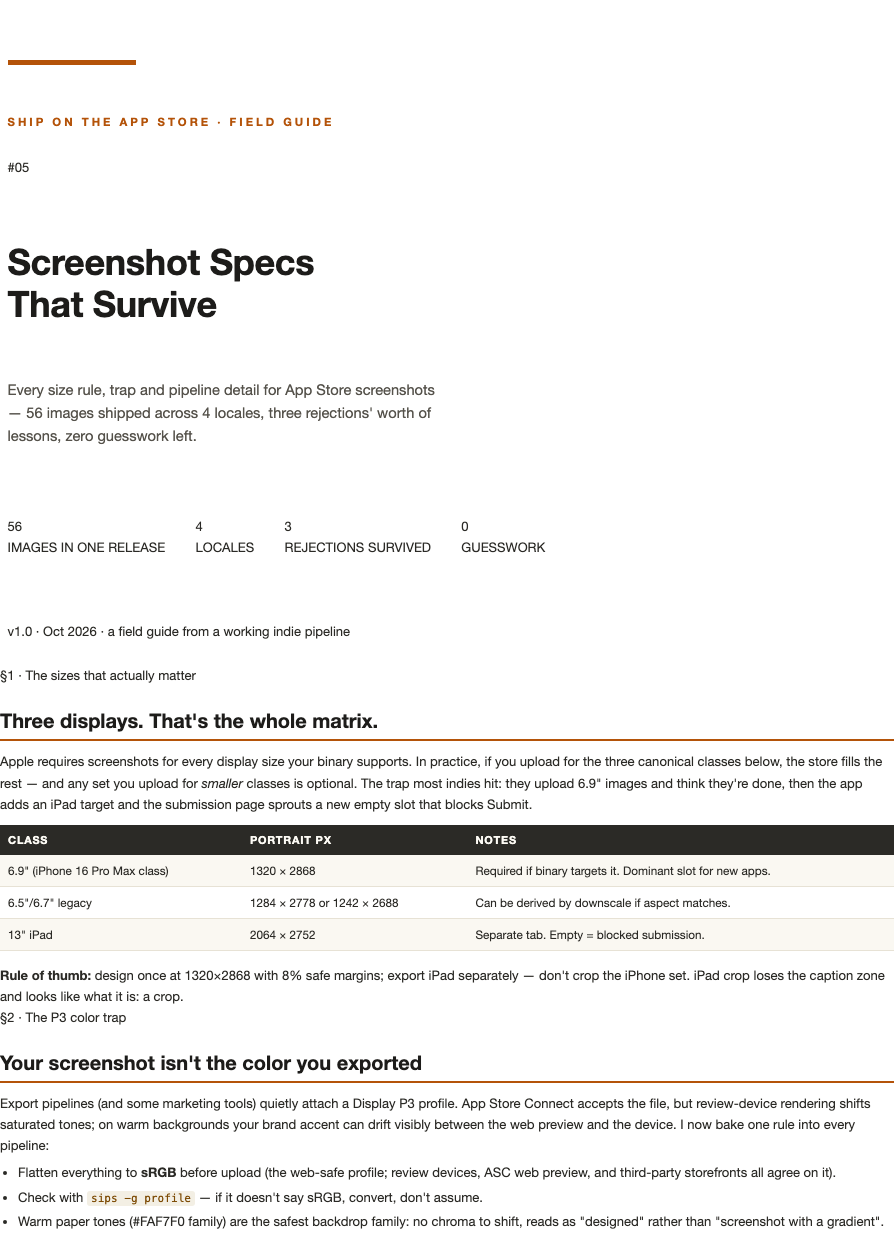
Ship on the App Store #05 — Screenshot Specs That Pass
Screenshot rejections are the most preventable loss in iOS shipping — and the least documented. This cheat sheet closes the gap with the exact specs, order, and pitfalls from 40+ submissions and 200+ uploaded screenshots across four locales.
What you get:
The three display classes that matter (6.9", 6.5"/6.7", 13" iPad) with exact pixel dimensions — and which ones the store auto-fills.
Upload order strategy: which set to upload first and how the store derives the rest, so you never hit the empty-slot submission block.
The dark-mode trap: why dark-background screenshots fail review in specific guideline combinations, and what passes.
The invalid-screenshot rejection loop: the four causes ranked by frequency, each with its one-line fix.
Localized screenshot rules — what you can reuse across locales and what must be re-exported.
A pre-upload audit checklist you can run in two minutes.
Format: 4-page PDF, instant download, free lifetime updates.
FAQ
Is this current for iPhone 17-class devices? Yes — includes the newest display class requirements as of Oct 2026.
I only ship iPhone. Do I need the iPad section? Skip it — but the sheet flags exactly when Apple starts requiring it, so you know before it blocks a submission.