
🌳 The Family Tree Dashboard (in Notion)
🌳 The Family Tree Dashboard (in Notion)
A modern, flexible, and easy-to-use family tree system built for real families, not perfect ones.
Why Most Family Trees Fail
- They assume you already know where everyone fits.
- They make editing a nightmare when new info comes up.
- They’re too heavy, cluttered, and technical for casual use.
- They can’t handle blended families, half-siblings, or multiple marriages.
- They overwhelm beginners who just want something simple and clean.
Why This One Works
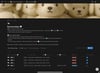
- Start without perfect info. Add people even if you don’t know where they belong yet; they’ll sit safely in an “Unassigned” section until you figure it out.
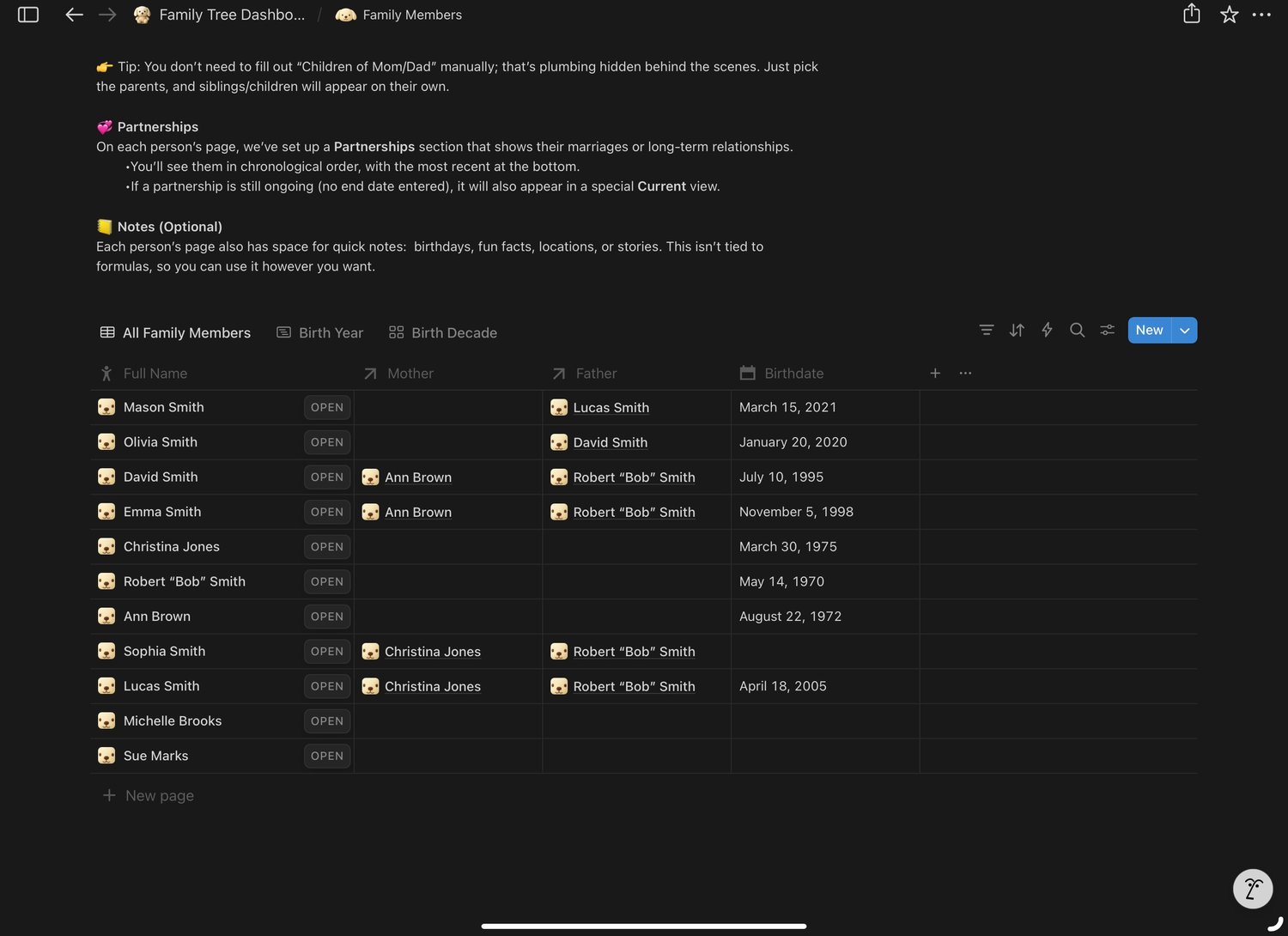
- Automatic updates. Add a parent, mark a partnership, or connect siblings: the system fills in the right spots for you.
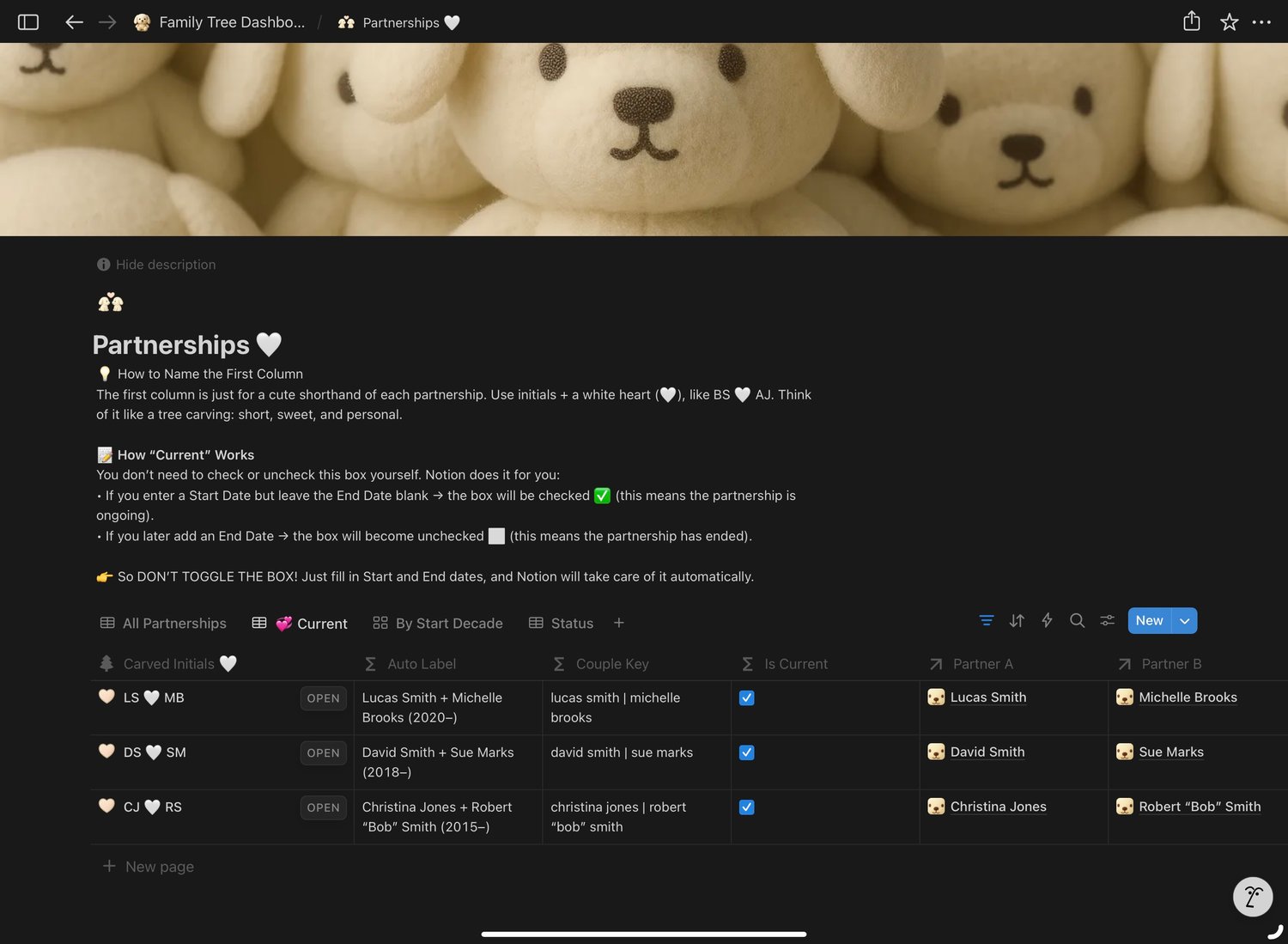
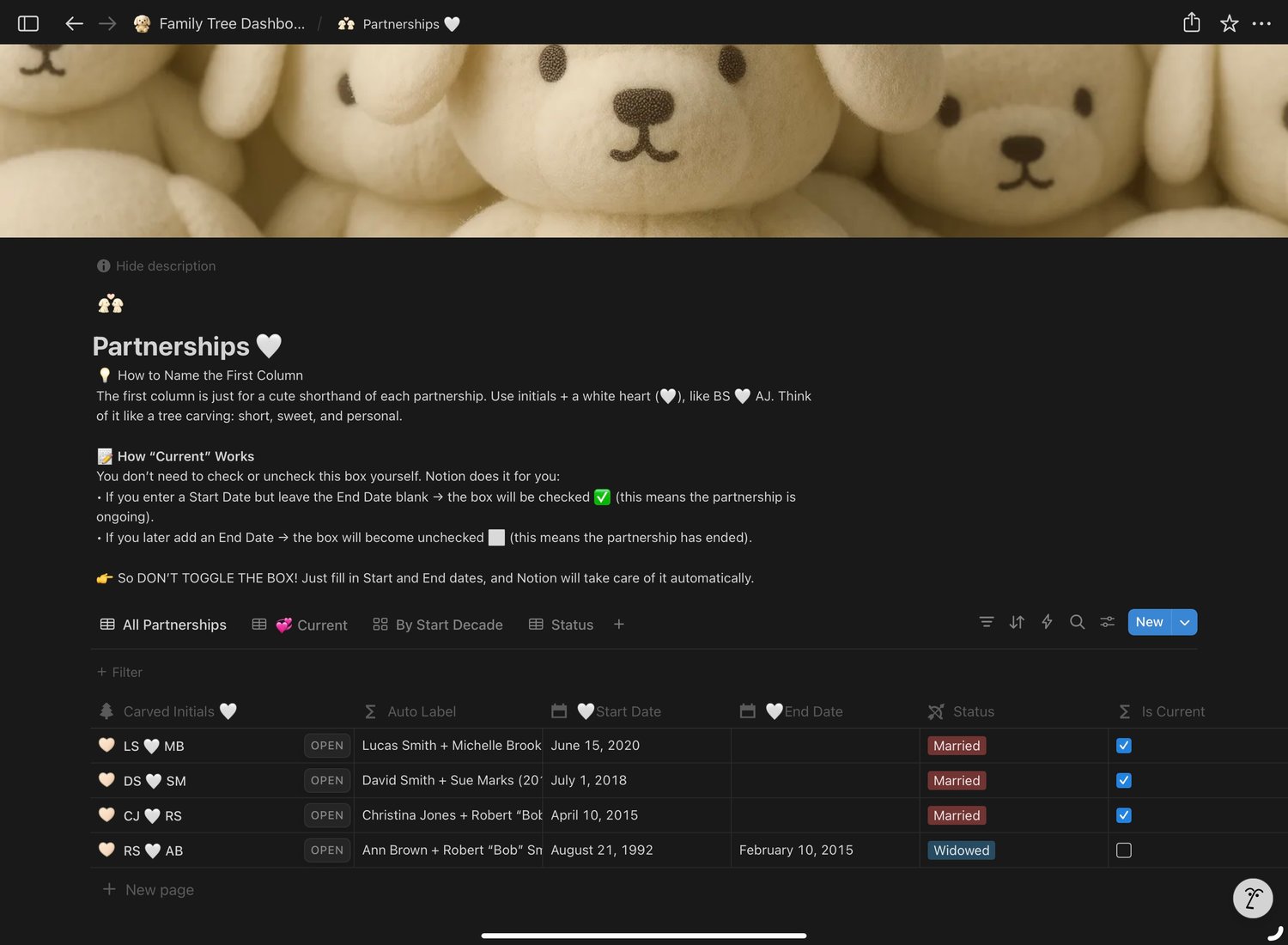
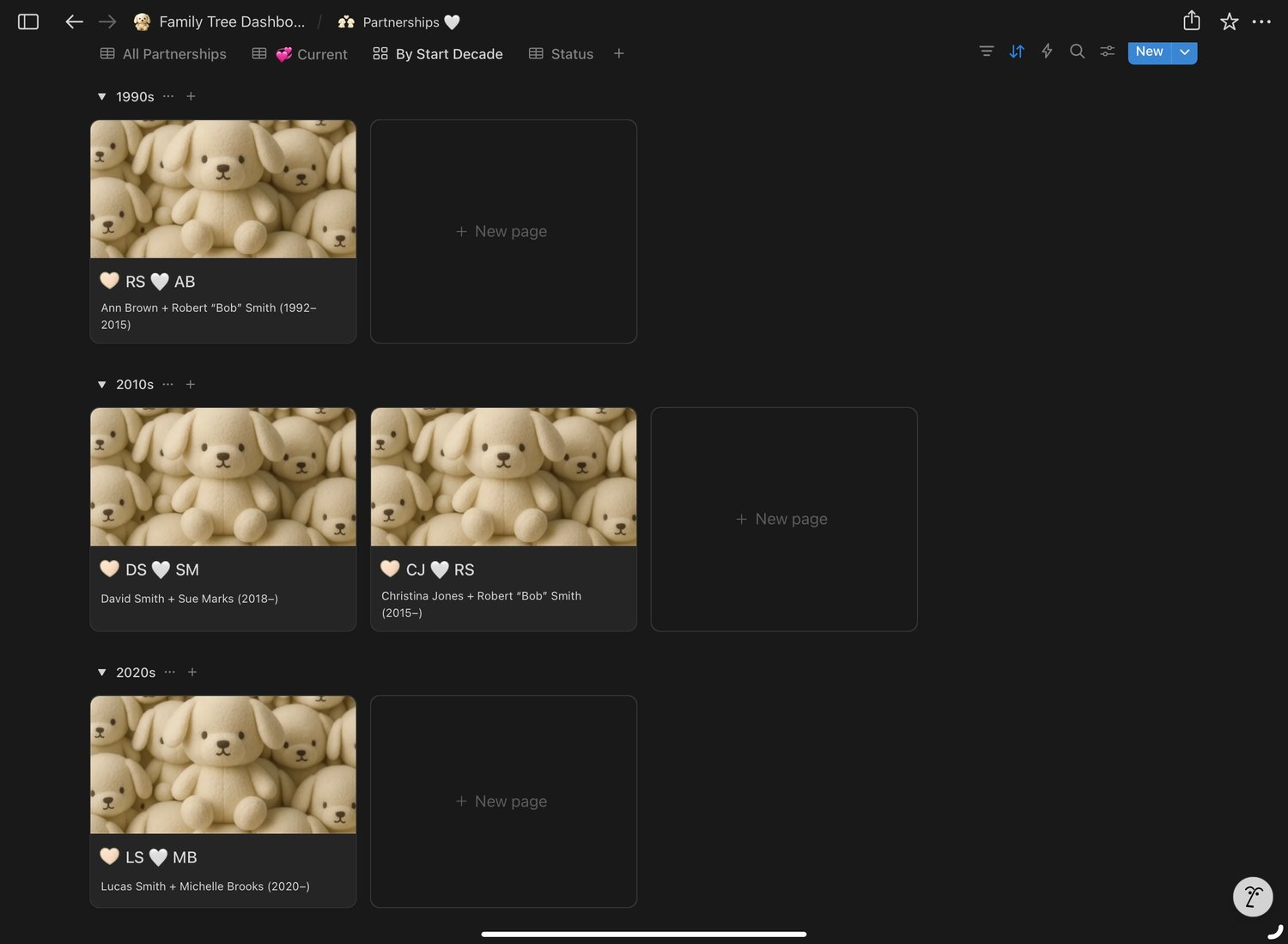
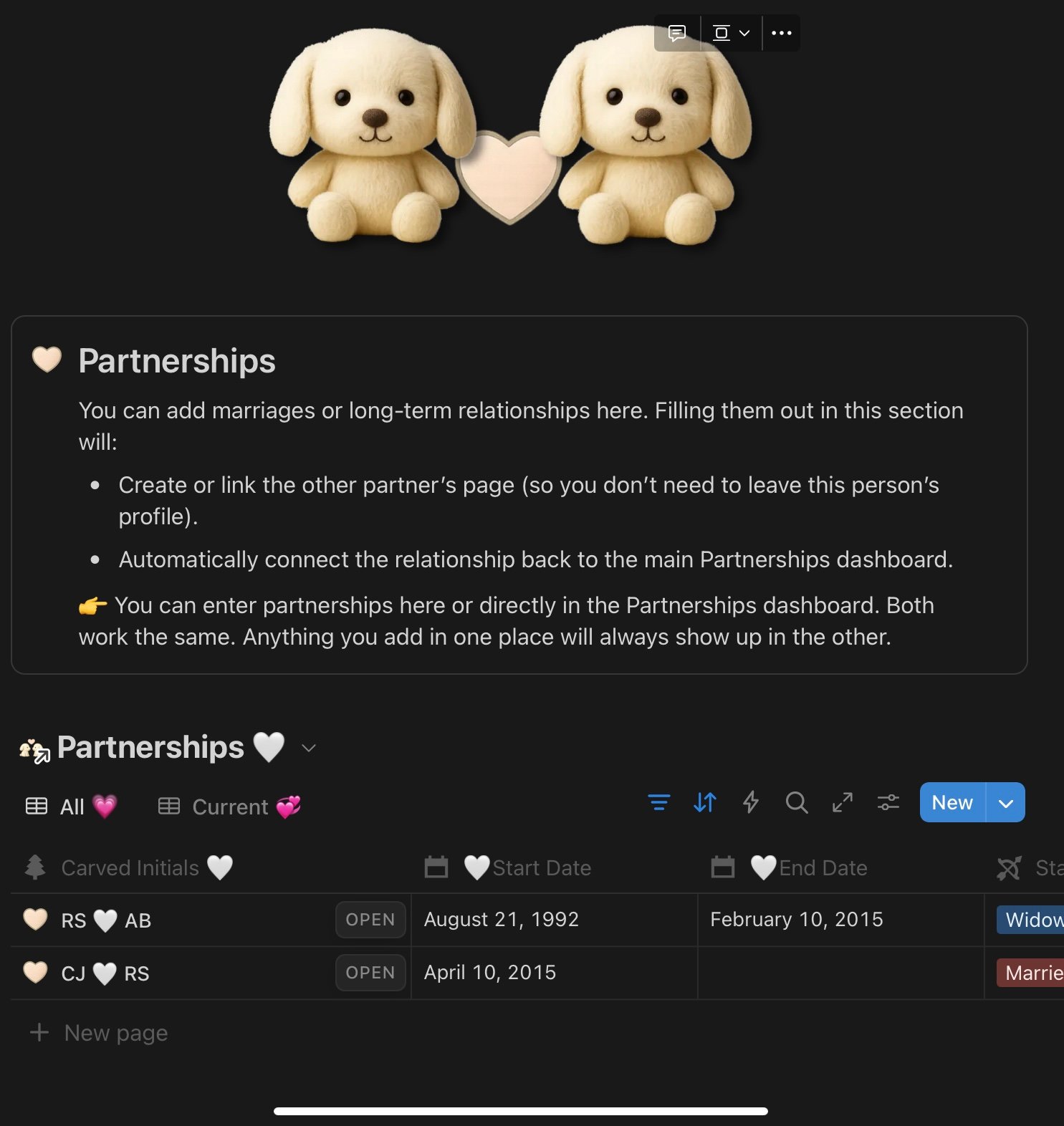
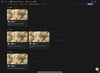
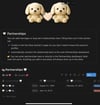
- Handles blended families. Half-siblings appear cleanly under the right parent, multiple marriages stay organized, and remarriages don’t break the tree.
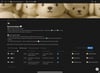
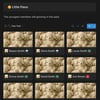
- Clear generations. Everyone is grouped visually by generation → branch, so you see the whole flow at a glance (with toggles to collapse lines).
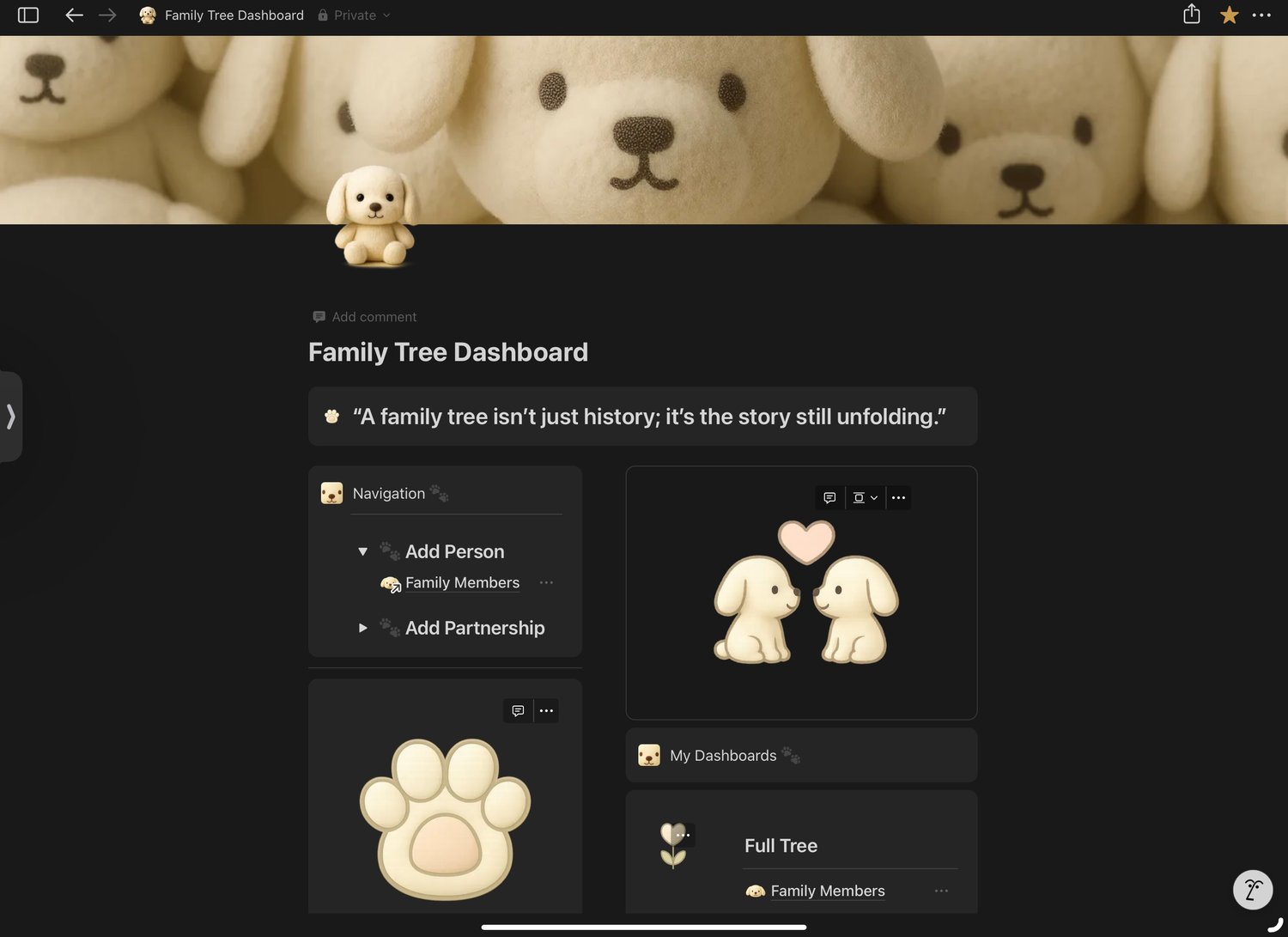
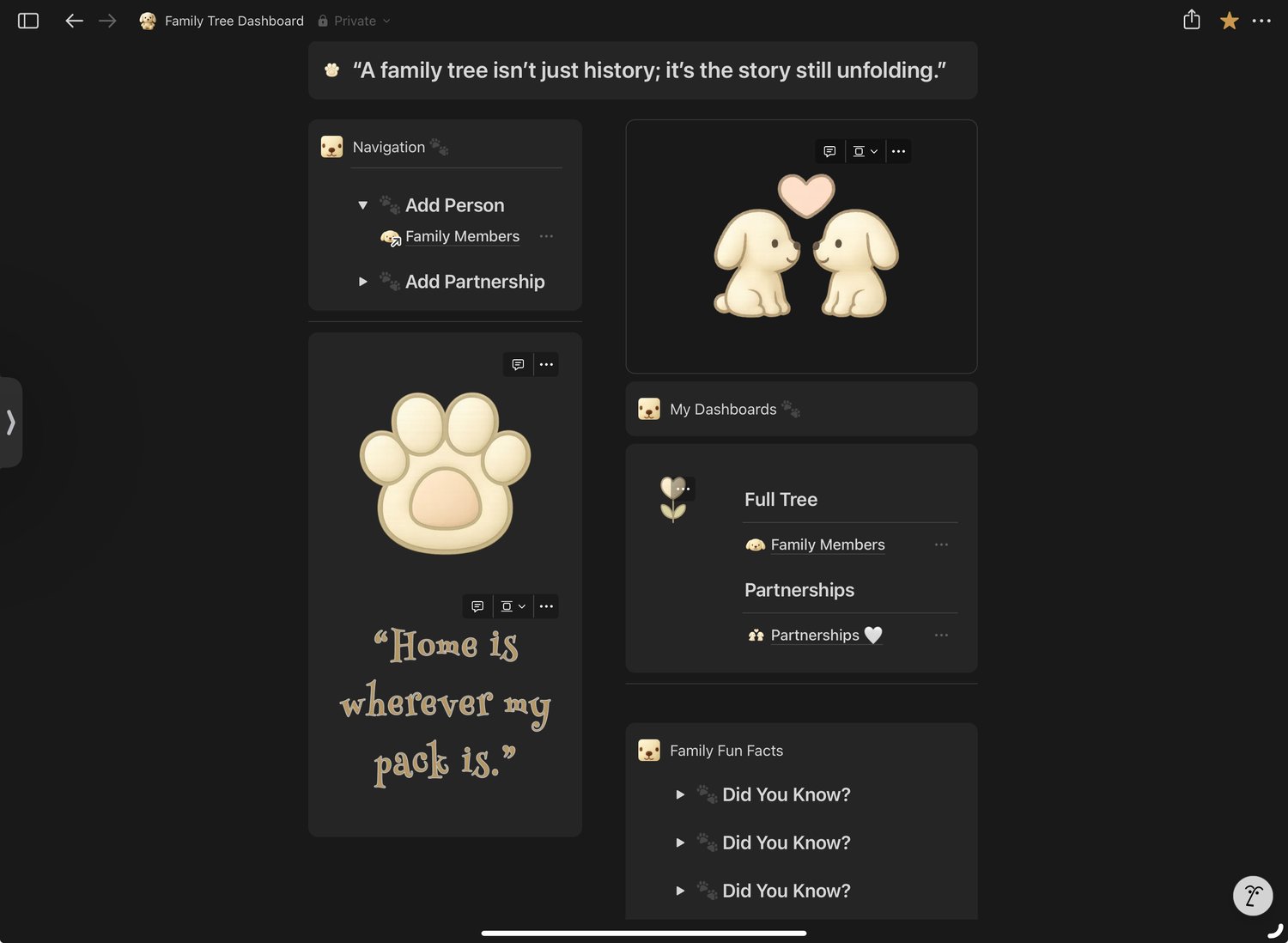
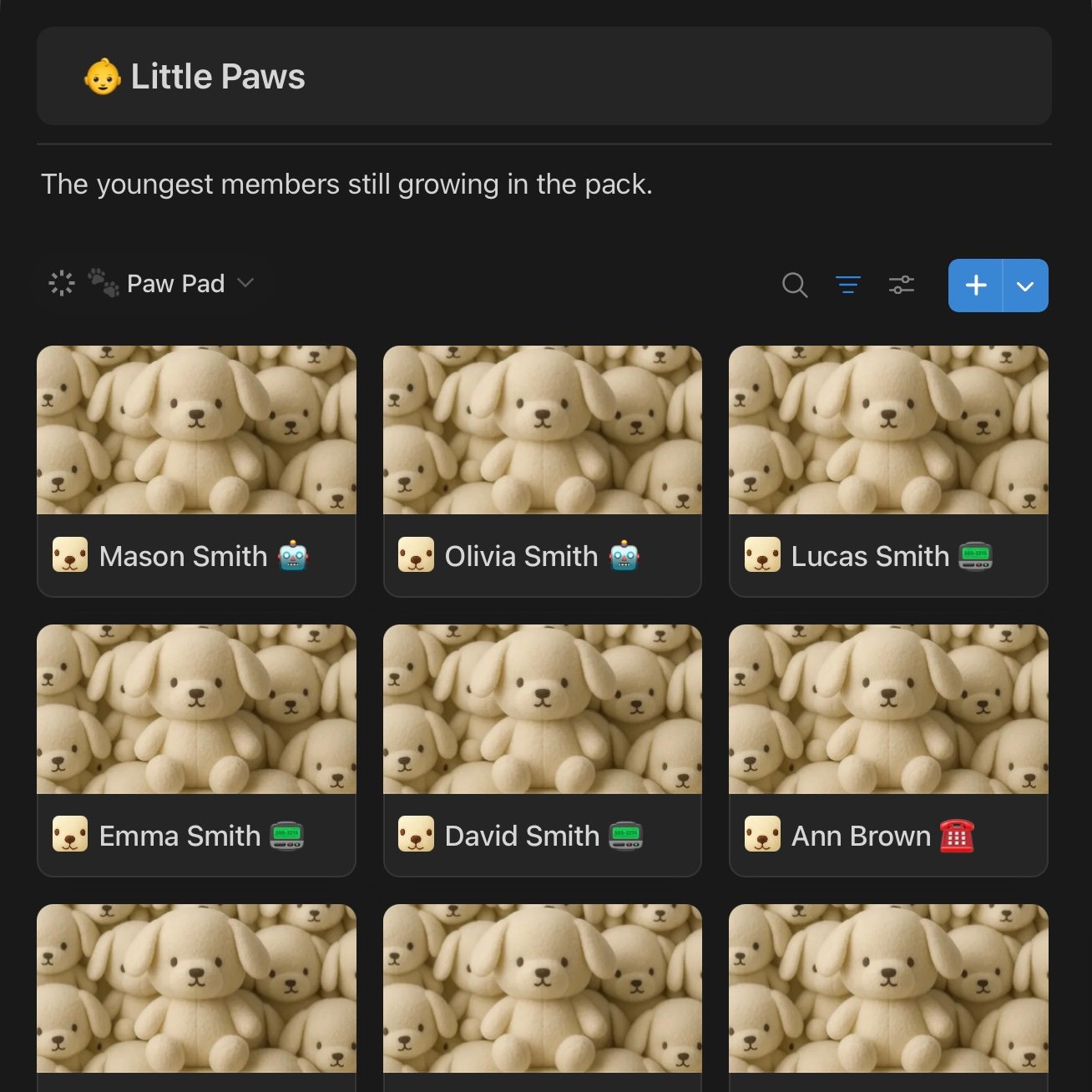
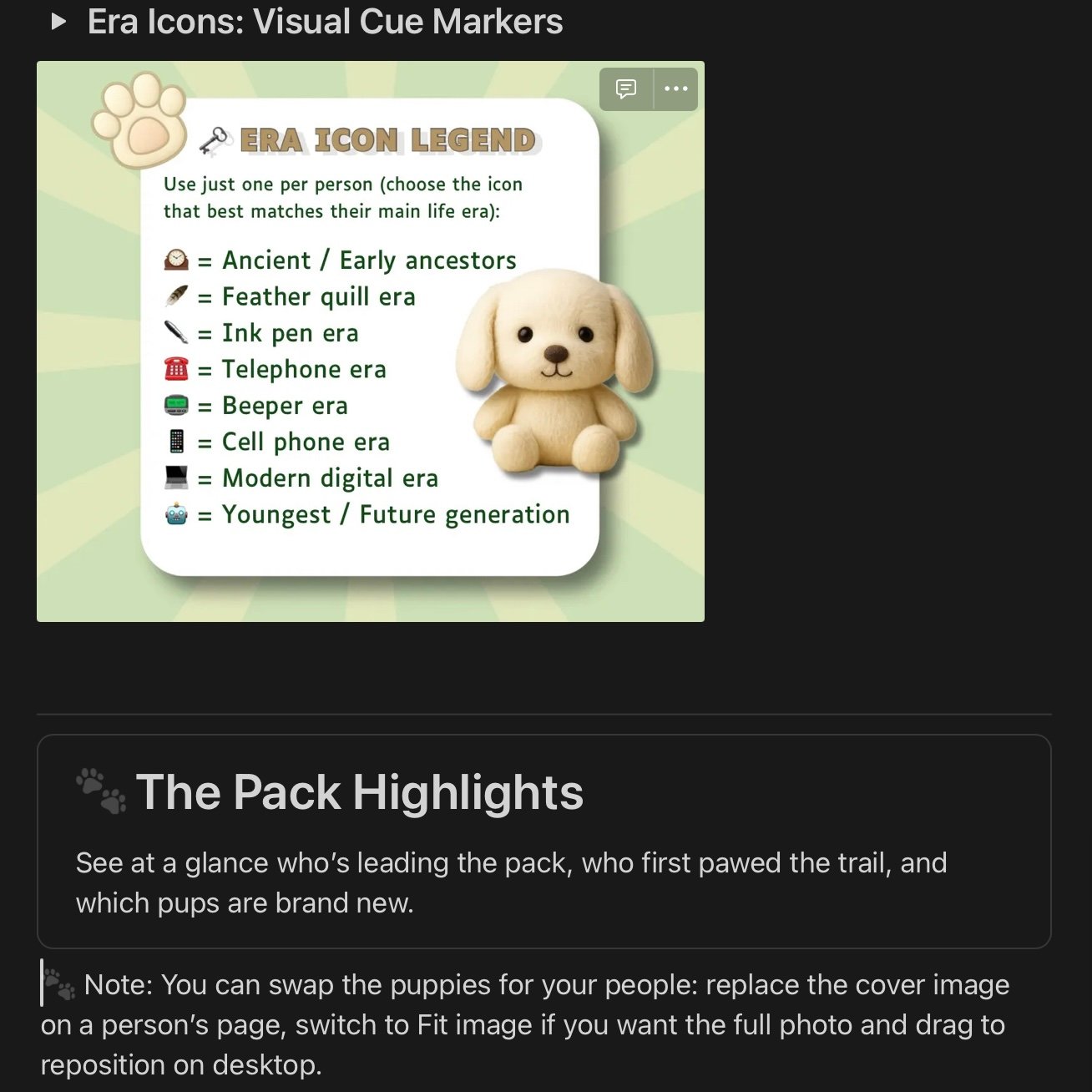
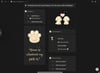
- Enjoyable to use. Puppy-themed icons, a cozy dashboard, and a design that feels more like Netflix browsing than genealogy software.
🌟 New: Safe Family Collaboration
Want your relatives to add stories, corrections, or missing details without risking your database?
You can invite them as Commenters in Notion:
- They can see the tree and leave comments (like sticky notes).
- They cannot edit or delete your data.
- On the free plan, you can rotate up to 5 commenters at a time, which keeps things streamlined and manageable.
- Comments stay saved even after someone’s access is removed.
💡 This makes your tree a collaborative family project: safe, controlled, and still flexible.
Highlights You’ll Love
✔ Works even if you only know one parent (kids still show in the right sibling set).
✔ Demo family included; delete in one click when you’re ready.
✔ Simple enough for beginners, but powerful enough for big, messy families.
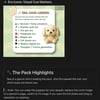
✔ Explain Like I’m 5 onboarding guide included, step by step, with examples.
✔ Optional “Advanced Properties Pack” for people who want to track places, burials, or external IDs.
Who It’s For
- People who want to track their kids and siblings today.
- People who want to preserve family history for future generations.
- Families with complex stories: remarriages, blended households, half-siblings.
- Anyone who hated traditional genealogy software but still wants a way to organize their family.
- Includes lifetime access to all updates + the Explain Like I’m 5 onboarding guide.
💡 How This Template Stacks Up
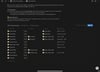
Here’s how the Notion Family Tree Dashboard compares to traditional genealogy software, and why it feels simpler, smarter, and easier to use.

🚫 What This Is Not
- Not a genealogy archive.
This template isn’t designed to replace platforms like Ancestry, MyHeritage, or FamilySearch. It doesn’t connect to government records or external archives; it’s a personal, flexible space for organizing the information you already have.
- Not a research database.
You won’t find thousands of fields for every possible genealogical detail (like military records, baptism registries, or census scans). This is intentionally simpler so you can start quickly without getting lost.
- Not a locked-in system.
Unlike old genealogy software, you’re not stuck with rigid charts or numbering systems. You can edit, expand, or simplify it to match how your family actually works.
- Not overwhelming.
This isn’t for professional historians who want to log every archive they’ve checked. It’s for families who want something clean, approachable, and easy to update, whether that’s for daily life, legacy preservation, or both.
🌟 Who This Is For
- Families who want something simple.
If you just want to track kids, siblings, parents, and partnerships without learning a complicated system, this is for you.
- People who value clarity.
The template is clean, visual, and grouped by generation and branch. It’s built so you can see your family at a glance, without scrolling through endless fields.
- Families with complexity.
Blended households, remarriages, half-siblings, and uncertain connections are all handled gracefully. You don’t have to force your family into a one-size-fits-all tree.
- Beginners in Notion (or genealogy).
Even if you’ve never touched Notion before, the Explain Like I’m 5 onboarding guide walks you through step by step.
- Collaborative families.
You can invite up to 5 relatives at a time as Commenters to share corrections, stories, or details safely, without editing your main tree.
- Storykeepers.
If you want to preserve memories, add photos, or keep track of little details, the template gives you space to do that without clutter.
❓ Frequently Asked Questions
Q: Do I need a paid Notion account to use this?
A: Nope! Everything works on the free Notion plan. You only need a free account to duplicate the template into your workspace.
Q: Can I invite my family to help build the tree?
A: Yes. You can safely invite relatives as Commenters. They can leave notes and corrections, but they can’t change your data. On the free plan, you can have up to 5 commenters at a time — which actually keeps things simple and organized.
Q: What if I don’t know where someone belongs yet?
A: No problem! Add them anyway. They’ll sit in an “Unassigned” section until you’re ready to place them. You’ll never lose track of a relative just because you don’t know the full connection yet.
Q: Does this handle remarriages or half-siblings?
A: Absolutely. Partnerships are tracked chronologically, and kids automatically roll up under the correct parent. That means remarriages, blended families, and half-siblings all display cleanly without manual work.
Q: I’m new to Notion. Will this be too complicated?
A: Not at all. The dashboard comes with an Explain Like I’m 5 onboarding guide, plus step-by-step instructions and example data to show you how it works. You can follow along even if you’ve never touched Notion before.
Q: Can I customize it for my family?
A: Yes! Branches are pre-labeled as placeholders (Branch 1, Branch 2, etc.). You can rename them (e.g., “Smith Branch,” “Brown Branch”) and Notion will update everywhere automatically.
Q: What happens when the template updates?
A: Once you’ve duplicated it, your version is yours forever. If I make improvements later, you’ll get access to the updated file too, but you don’t lose your own edits.