
The Ultimate NYC Google Maps Guide: 250+ Handpicked Places Worth Visiting
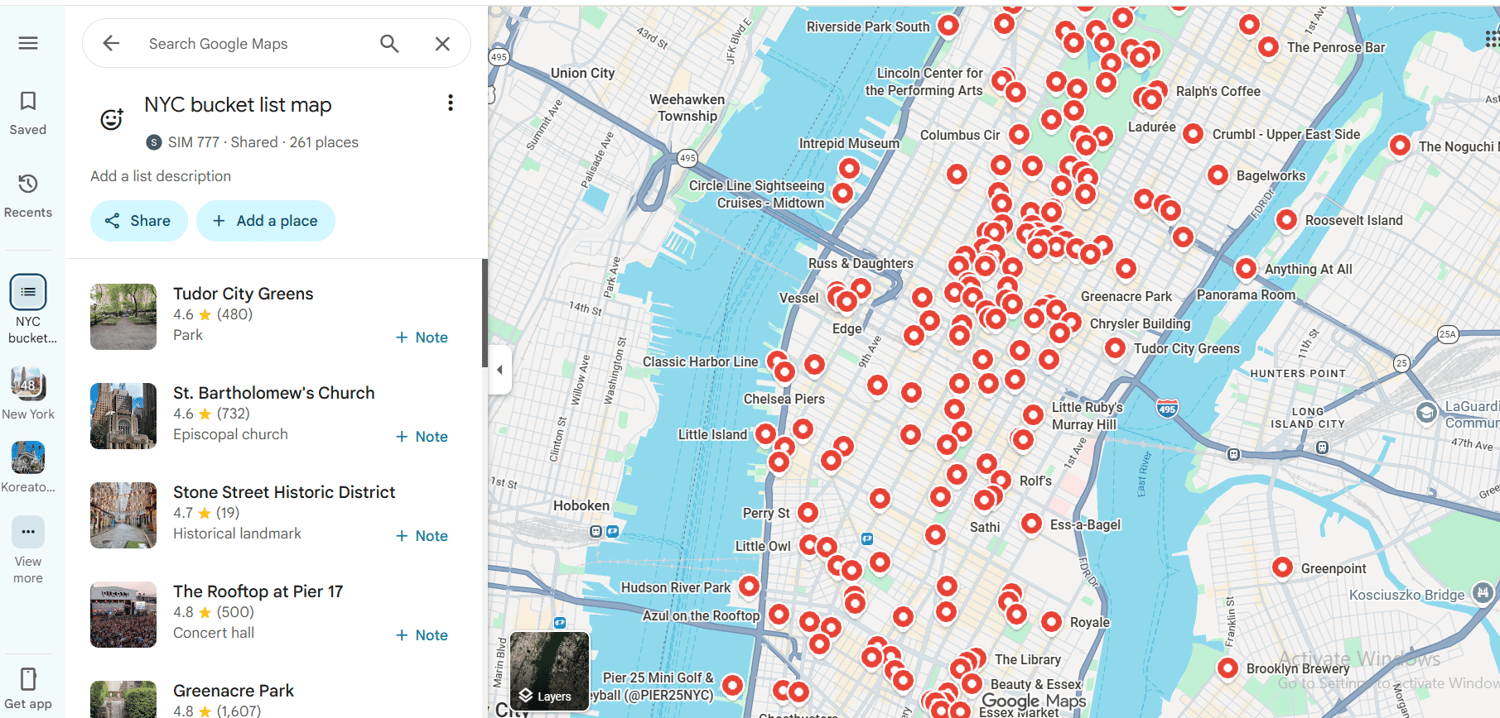
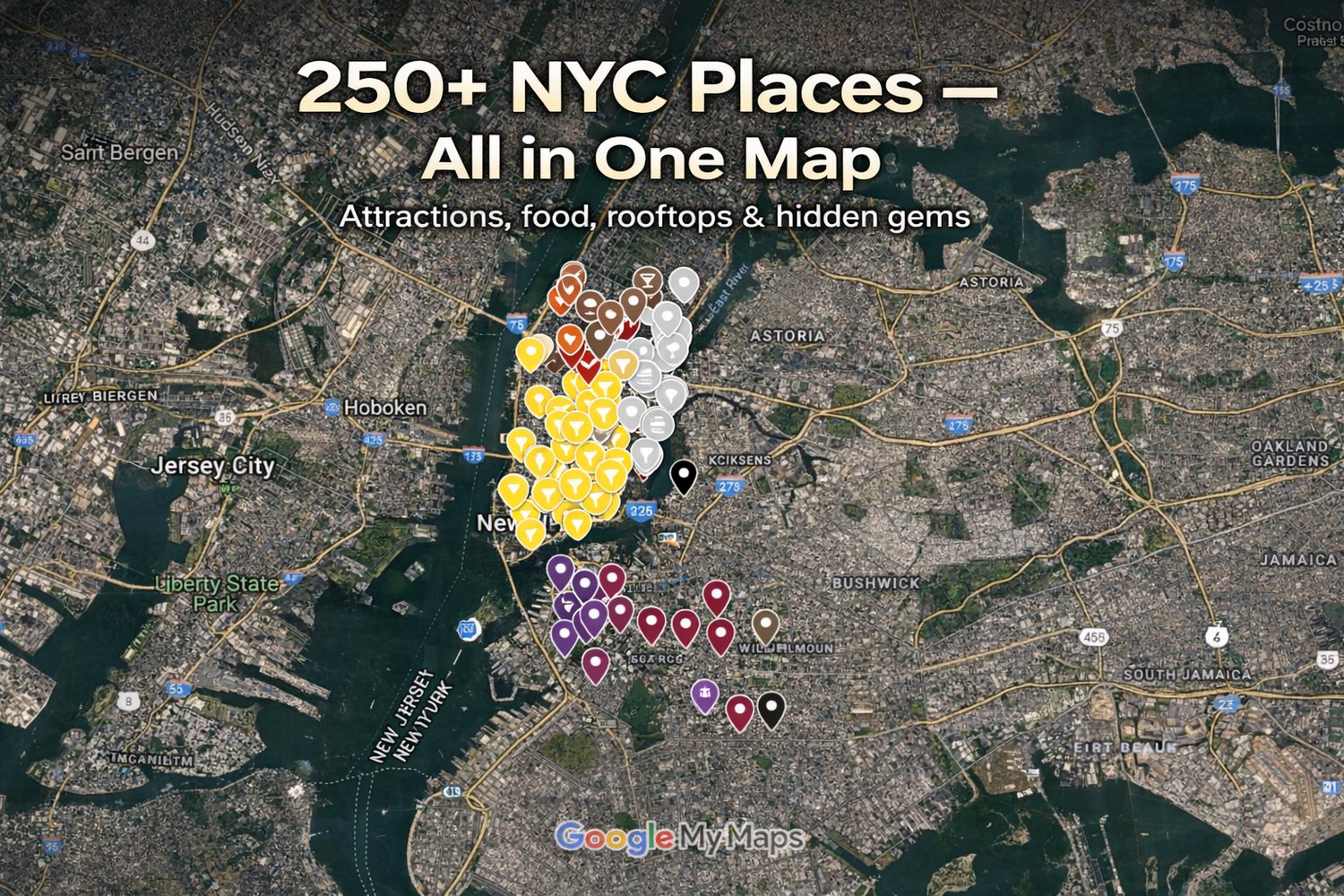
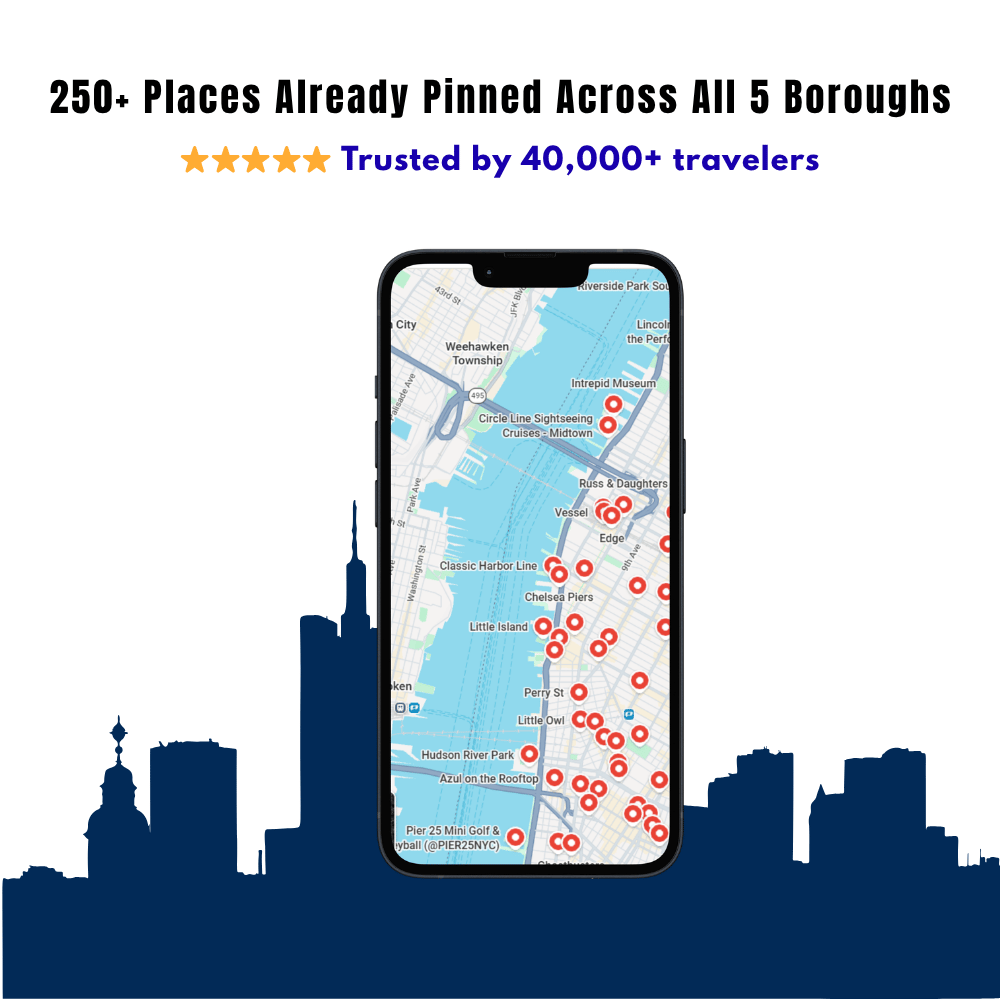
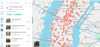
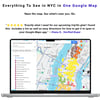
250+ Hand-Picked Places Already Pinned in Google Maps
Spend Less Time Searching. Spend More Time Exploring New York.
If you already use Google Maps while traveling, this guide is for you.
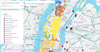
Instead of spending hours searching Reddit, TripAdvisor, YouTube, and dozens of travel blogs, you'll have 250+ carefully selected places already saved in one interactive Google Map.
Simply open the map on your phone and start exploring.
✔ Works directly in Google Maps
✔ 250+ hand-picked places across all 5 boroughs
✔ Attractions, food, viewpoints, hidden gems & more
✔ Works on iPhone & Android
✔ One-time purchase with lifetime access and free updates
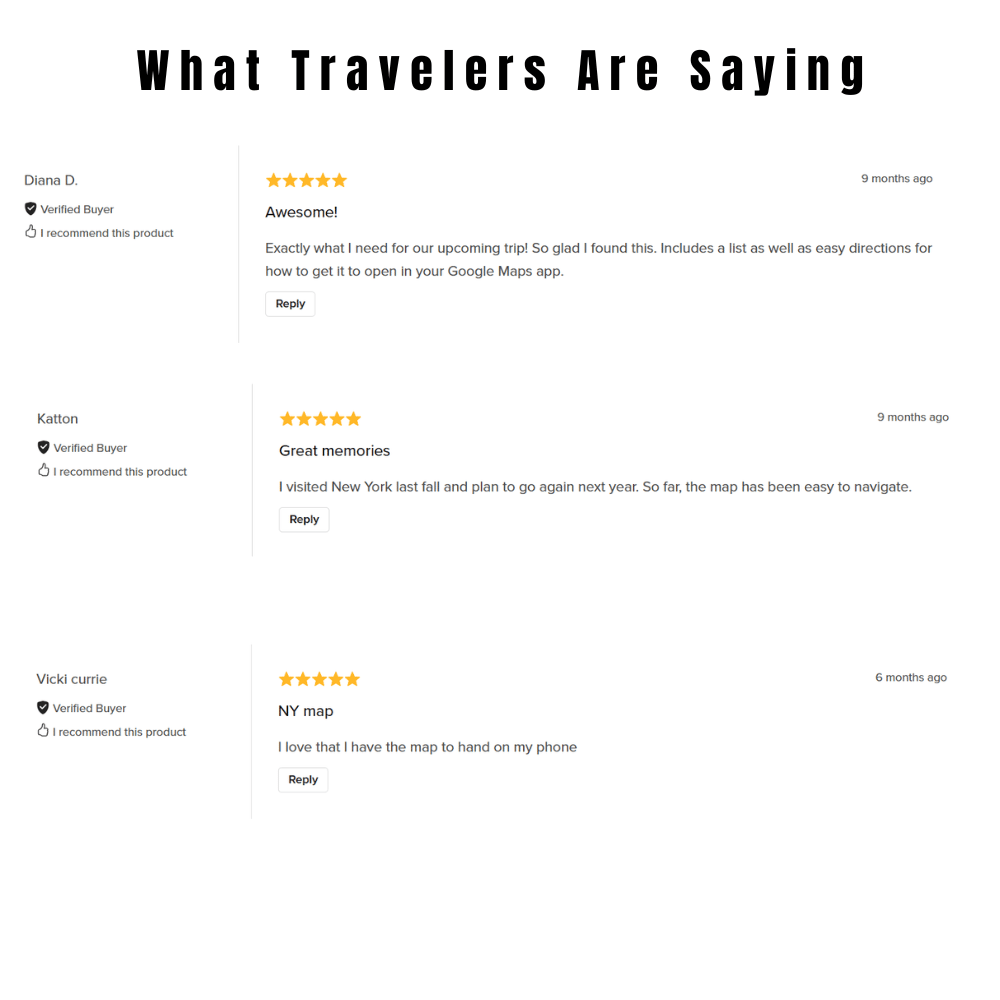
Used by 40,000+ NYC Travelers
⭐⭐⭐⭐⭐
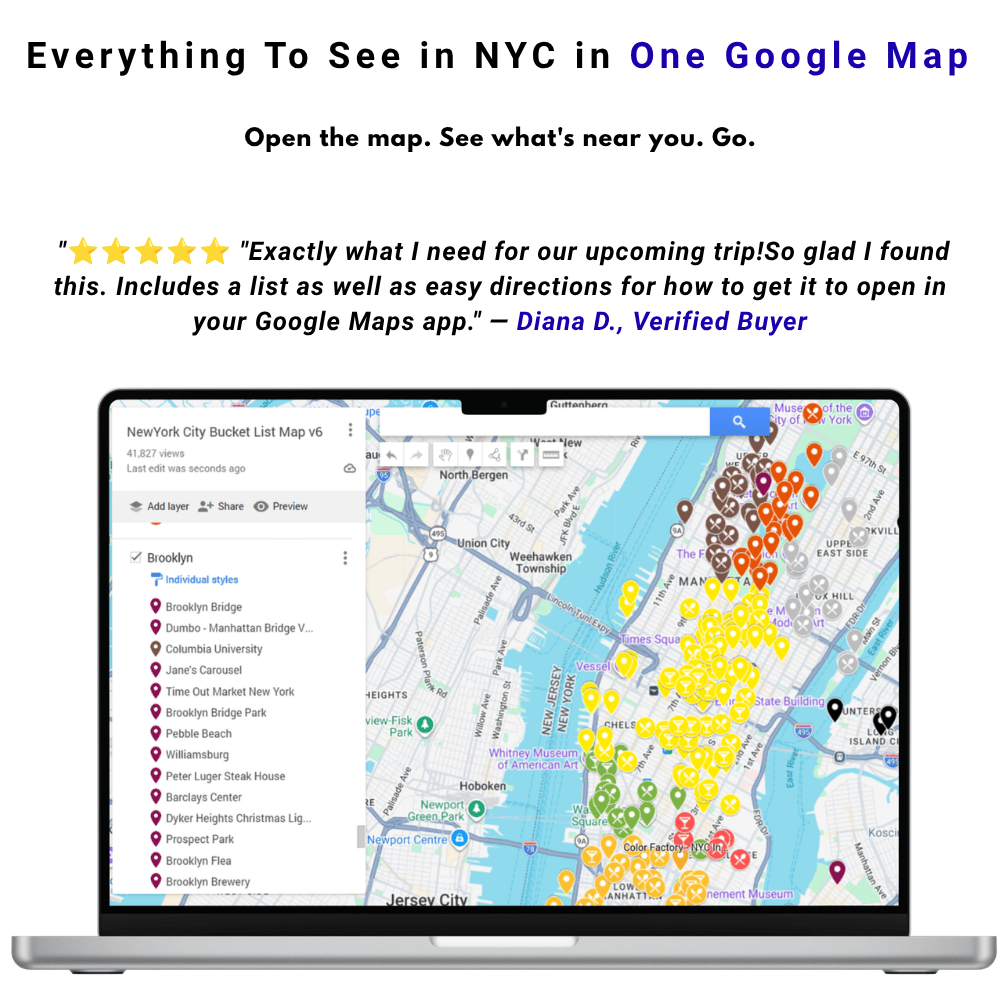
"Exactly what I need for our upcoming trip! So glad I found this."
— Diana D.
⭐⭐⭐⭐⭐
"I was looking for a list of all major attractions in NYC directly on Google Maps so I can interact with it on the go. This is exactly what I wanted. Very nicely put together."
— H. Whitely
Planning NYC Doesn't Have to Be Complicated
Before your trip you'll probably find yourself searching:
• Best pizza in NYC
• Hidden gems
• Best observation decks
• Things to do nearby
• Free attractions
• Best photo spots
• Local restaurants
• Parks worth visiting
Eventually you'll have dozens of browser tabs, saved TikToks, Reddit posts, and random Google searches.
This map replaces all of that.
Everything is already organized and ready to use.
How It Works
1. Purchase the map
You'll receive instant access after checkout.
2. Open it in Google Maps
No new apps.
No complicated setup.
If you've used Google Maps before, you already know how to use this.
3. Explore New York
See what's nearby, tap any location, and start navigating.
It's that simple.
Everything Already Organized For You
Your map includes over 250 carefully selected locations, including:
🗽 Iconic landmarks
🍕 Food & local favorites
🌇 Skyline viewpoints
🌳 Parks & waterfronts
🎨 Museums
🛍 Shopping areas
📸 Photo spots
💎 Hidden gems
🏙 Neighborhood highlights
…and much more.
Instead of wondering where to go next, simply open the map and see what's around you.
Two Ways to Use the Map
Your purchase includes both versions.
📱 Google Maps (Perfect While Exploring)
Open the map directly inside Google Maps and instantly see nearby attractions while walking around the city.
• Works inside the Google Maps app
• Navigate with one tap
• Perfect for exploring on the go
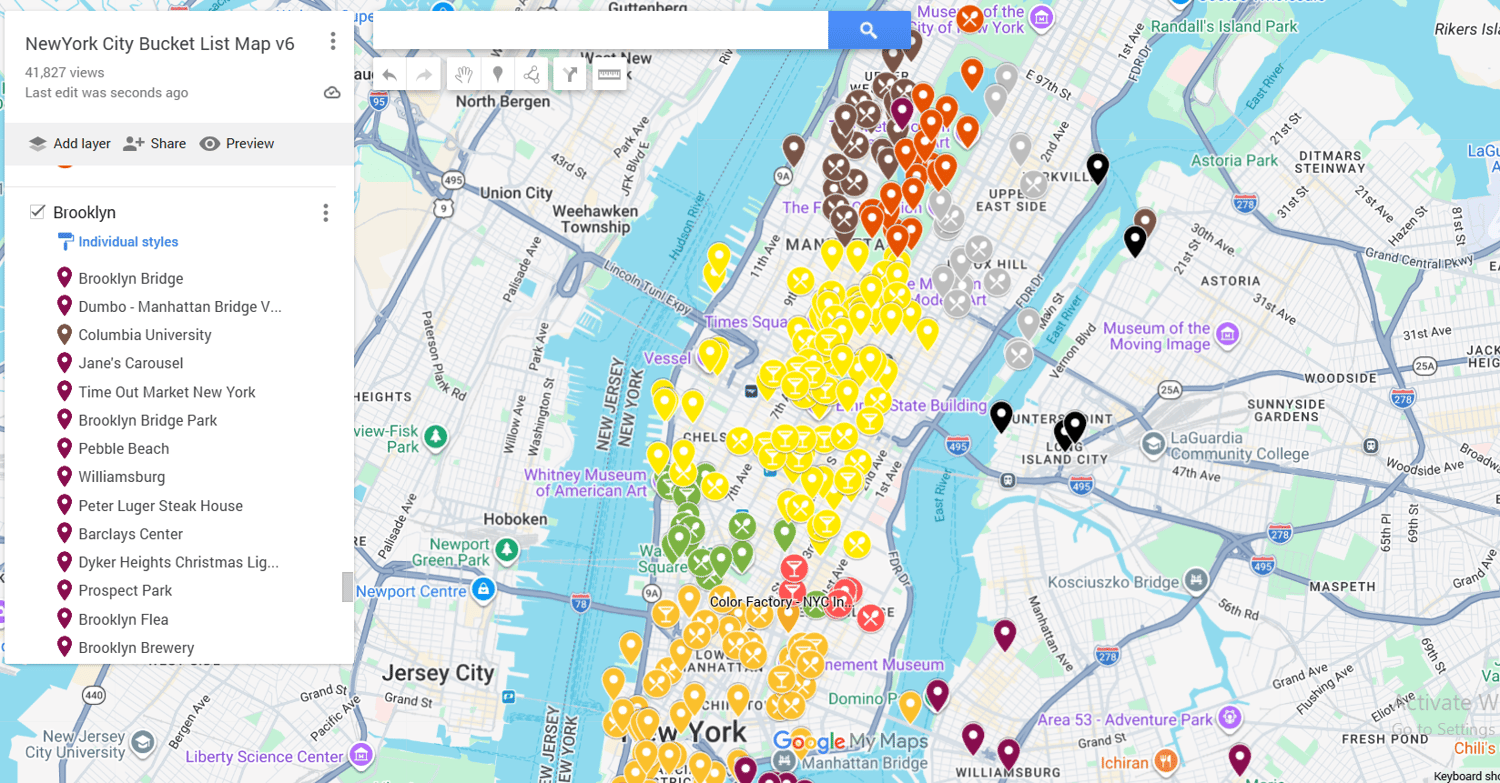
💻 Google My Maps (Perfect for Planning)
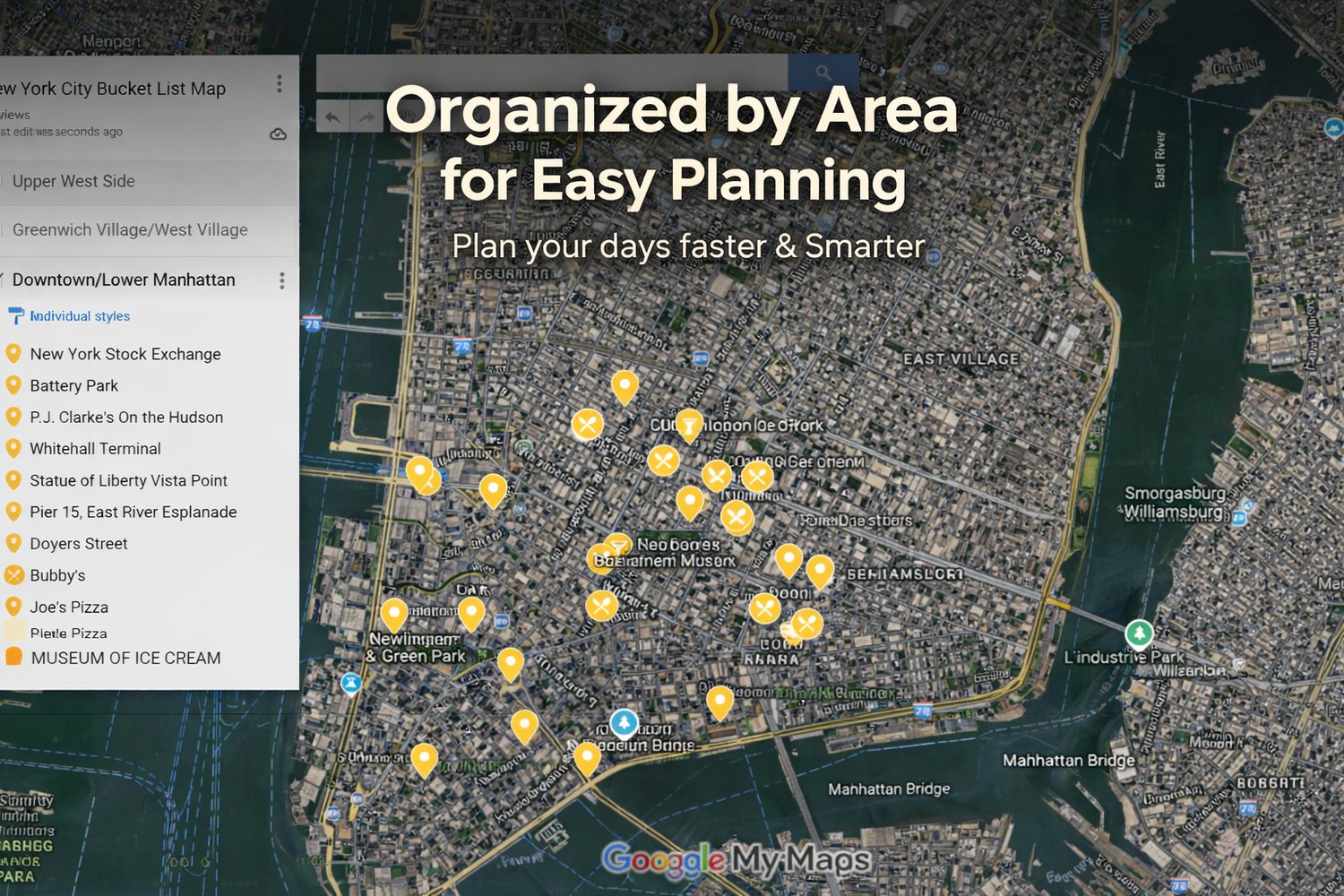
Plan your itinerary before your trip using your computer or tablet.
• Same 250+ locations
• Color-coded by category
• Organized by neighborhood
• Add your hotel
• Remove places you're not interested in
• Build your own day-by-day itinerary
Why Not Just Use Google Maps?
Google Maps is excellent at showing you how to get somewhere.
It doesn't tell you where you should go.
Without this guide you'll constantly be searching:
"Best pizza nearby"
"Things to do around me"
"Hidden gems"
"Best viewpoints"
With this map, everything has already been researched, organized, and pinned.
Open the map.
Tap a location.
Start exploring.
Why Travelers Love It
✅ Save hours of trip planning
✅ Discover places most tourists miss
✅ Find great food wherever you are
✅ Explore with confidence
✅ Never wonder "What should we do next?"
What's Included
✔ 250+ curated NYC locations
✔ All five boroughs
✔ Attractions, food, parks, museums, shopping & hidden gems
✔ Works directly in Google Maps
✔ Google My Maps planning version included
✔ Fully customizable planning map
✔ Lifetime access
✔ Free future updates
Frequently Asked Questions
Will it work on my phone?
Yes. It works on both iPhone and Android.
Do I need to install another app?
No.
The main version works directly inside Google Maps.
Can I customize it?
Yes.
The Google My Maps version lets you make your own copy, add your hotel, remove places, and create your own itinerary.
Will I receive updates?
Yes.
New locations are added regularly and your access links continue to work.
Isn't all of this already free online?
The information is.
Your time isn't.
This guide saves you hours of searching by putting over 250 carefully selected places into one organized Google Map that's ready to use the moment you arrive in New York.
For less than the price of a coffee, you can spend less time researching and more time enjoying your trip.
Your NYC Trip Is Already Planned.
All you have to do is open the map.