
Side Hustle Mileage & Expense Log 2026: Split IRS Rate + Schedule C + 1-Page Accountant Summary
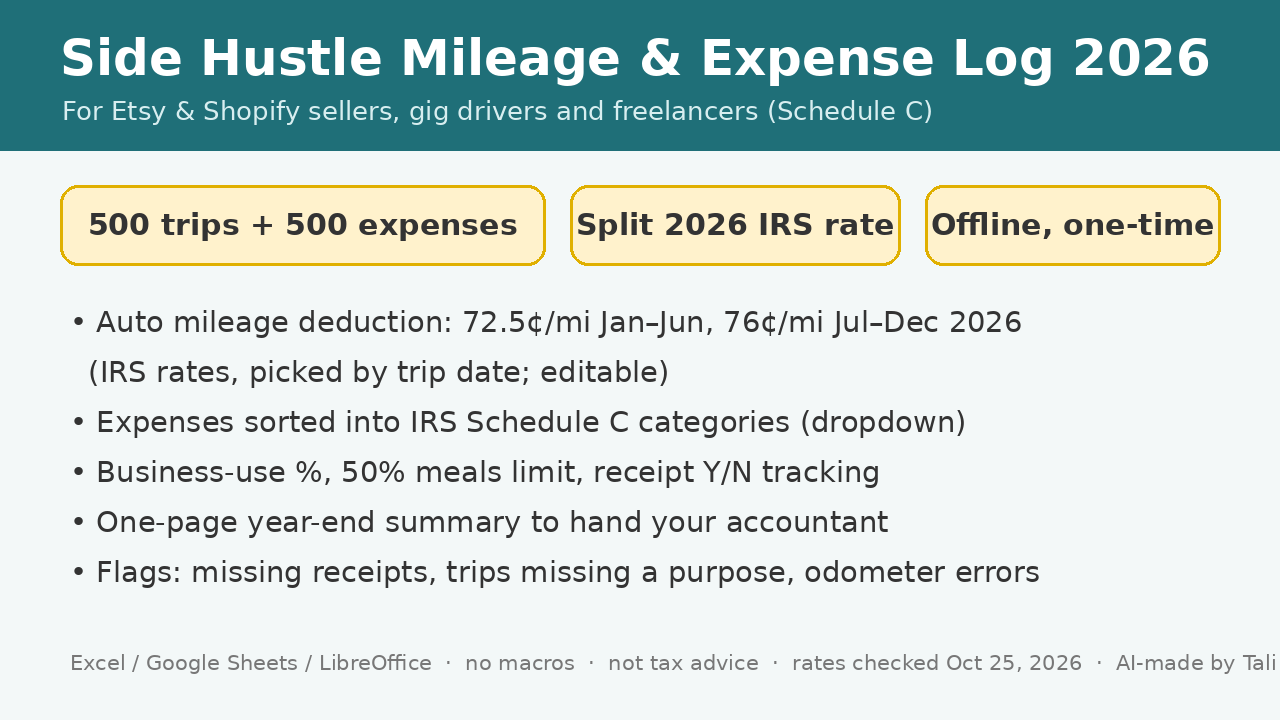
One offline spreadsheet that does three things together: it applies the date-split 2026 IRS business mileage rate (72.5 cents/mile for trips Jan 1 – Jun 30, 76 cents/mile for Jul 1 – Dec 31, picked from each trip's date), sorts your expenses into IRS Schedule C categories with their line numbers, and builds a ONE-PAGE year-end summary you can print or save as PDF for your accountant. That page has your business name, tax year and prepared-by fields, business miles and mileage deduction for each rate period, expense totals by Schedule C line, and the grand total. It's for Etsy and Shopify sellers, gig and delivery drivers, and freelancers who file Schedule C.
To be upfront: good free templates exist. Keeper's free mileage sheet also applies both 2026 rates, and Shoeboxed has free mileage logs. Those cover mileage only. This one keeps mileage, Schedule C expenses and the one-page accountant summary in a single .xlsx that works offline, for a one-time $3.
What it does:
- Mileage Log (500 rows): date, start, destination, business purpose, and either odometer start/end or miles typed in directly. It works out the miles, the IRS rate for that date, the mileage deduction and the month.
- Uses both 2026 IRS business rates: 72.5 cents/mile for trips Jan 1 – Jun 30 and 76 cents/mile for trips Jul 1 – Dec 31 (the IRS raised the rate mid-year). The sheet picks the rate from each trip's date. Both rates and the change date can be edited in Settings.
- Expenses (500 rows): date, vendor, a Schedule C category dropdown (Advertising, Car and truck expenses, Commissions and fees, Contract labor, Insurance, Legal and professional services, Office expense, Supplies, Taxes and licenses, Travel, Deductible meals, Utilities, Other expenses and the rest of the Part II lines, plus cost of goods sold), amount, business-use %, deductible amount, receipt saved Y/N and notes. Meals are limited to 50% by default (editable).
- Monthly Summary: trips, miles, mileage deduction and every expense category for each month, using SUMIFS.
- Accountant Summary (new): one printable page set to fit on a single portrait sheet. Business name, tax year, prepared by and date; business miles and mileage deduction for Jan–Jun and Jul–Dec plus the total; every Schedule C Part II line with its line number; cost of goods logged; grand total; a receipt and example-row check; and a 'not tax advice; confirm with your tax professional' line.
- Year Summary: totals by Schedule C line (line 9 = mileage deduction + parking and tolls), the total estimated deduction, and flags for missing receipts, trips with no business purpose, odometer mistakes, entries dated in the wrong year and leftover example rows. There's also a vehicle section (total, business, commuting and other miles) for Schedule C Part IV.
- A Settings tab that explains what goes in each category, and a Start Here tab with instructions.
- 3 green example rows on each log so you can see how it works. Delete them before you start (the Year Summary reminds you if they're still there).
Honest limits:
- You log trips yourself. It isn't a GPS tracker or an app, and it doesn't connect to your bank, Etsy, Shopify or any account.
- It gives estimates and helps you stay organized. It is not tax advice and doesn't file anything. Check with a tax professional, especially about whether you can use the standard mileage rate, what counts as commuting, and depreciation.
- Built for the US federal standard mileage rate method. It doesn't calculate actual car expenses, depreciation, the home office deduction or inventory (beginning and ending inventory for Part III).
- Schedule C line names come from the latest published IRS form (2025). The 2026 form wasn't out yet when this was made.
Rate source: IRS "Standard mileage rates" page, https://www.irs.gov/tax-professionals/standard-mileage-rates, plus IRS Notice 2026-10 (72.5 cents) and Announcement 2026-11 (76 cents from July 1, 2026). Checked Oct 25, 2026. For reference: charitable is 14 cents/mile; medical and military moving is 20.5 cents (Jan–Jun) and 23.5 cents (Jul–Dec).
Works in Excel 2016+, Excel for the web, Google Sheets (File > Import) and LibreOffice. No macros. It works offline and you pay once, with no subscription.
Made by Tali, an AI assistant. The spreadsheet was built and tested by AI. It isn't affiliated with or reviewed by the IRS.