
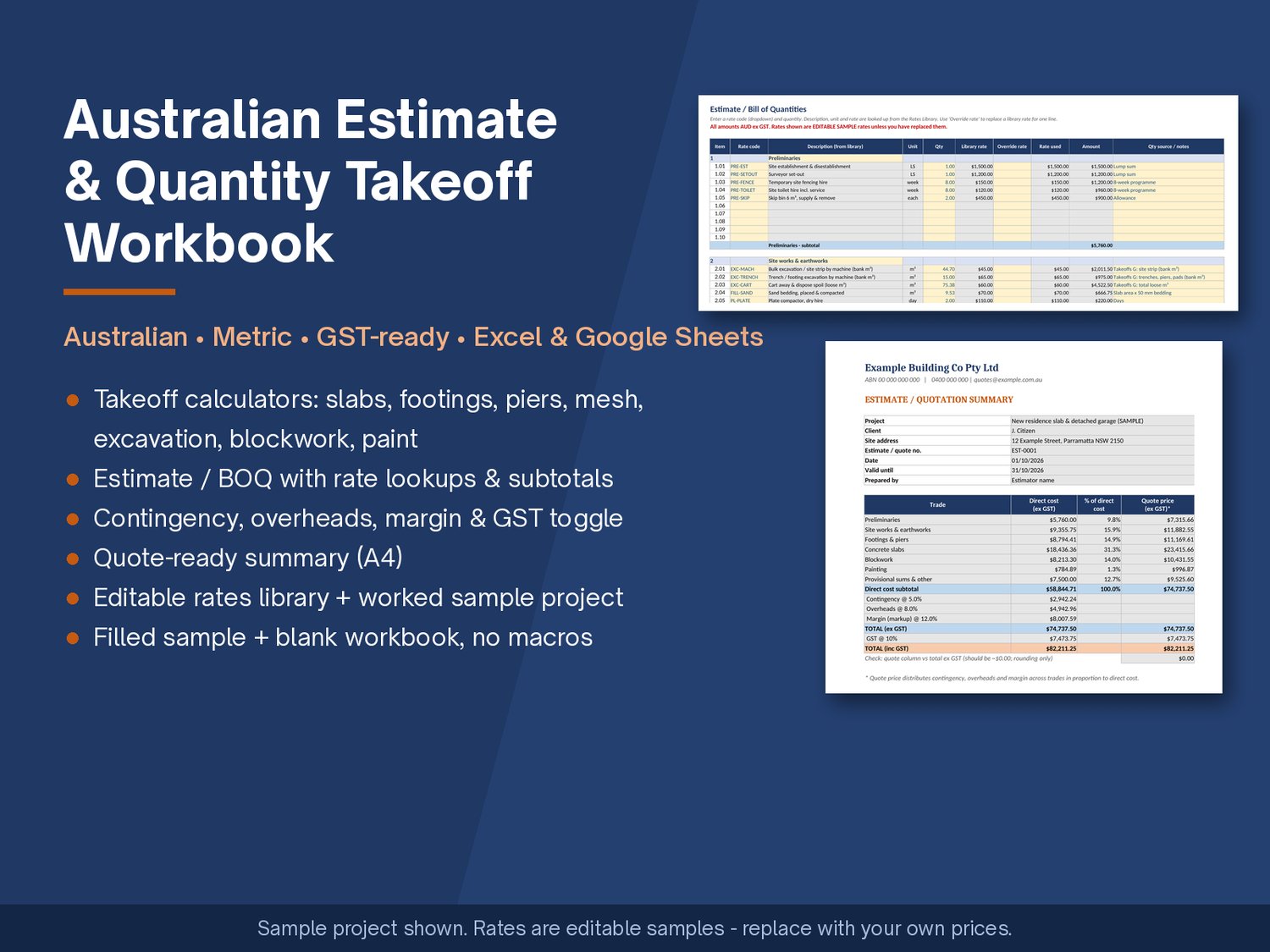
Australian Estimate & Quantity Takeoff Workbook: Excel & Google Sheets (Metric, GST-ready)
Most estimating templates online are built for the US: feet and inches, cubic yards, sales tax. This one is built for how jobs are measured and priced in Australia.
Australian • Metric • GST-ready • Excel & Google Sheets
What it helps you do
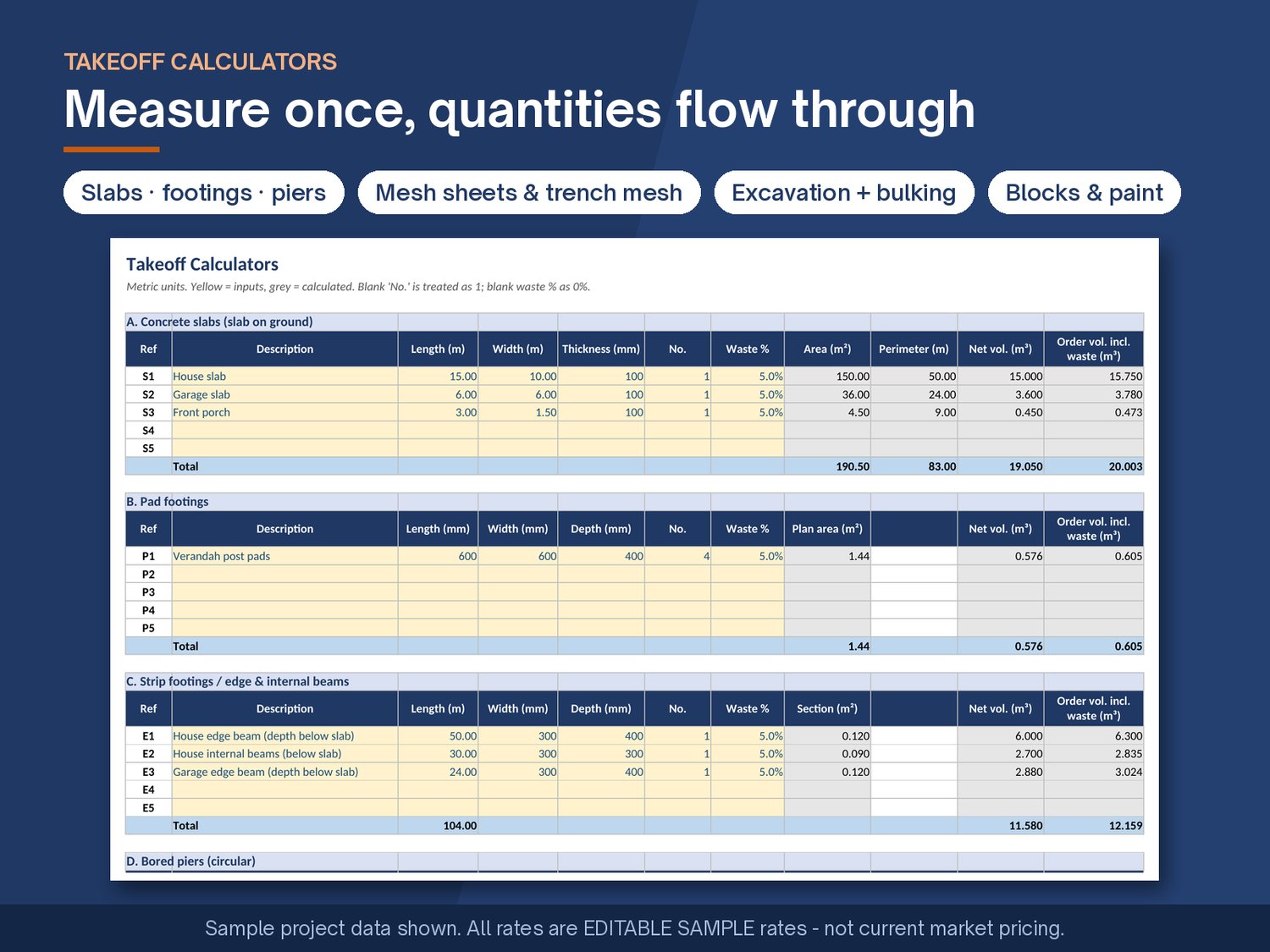
- Take off quantities faster. Enter dimensions once and get concrete volumes (slabs, pad footings, strip footings / beams, bored piers) with a waste allowance, reinforcing mesh sheet counts, trench mesh lengths, excavation volumes with a bulking factor for cart-away, block counts and paint areas.
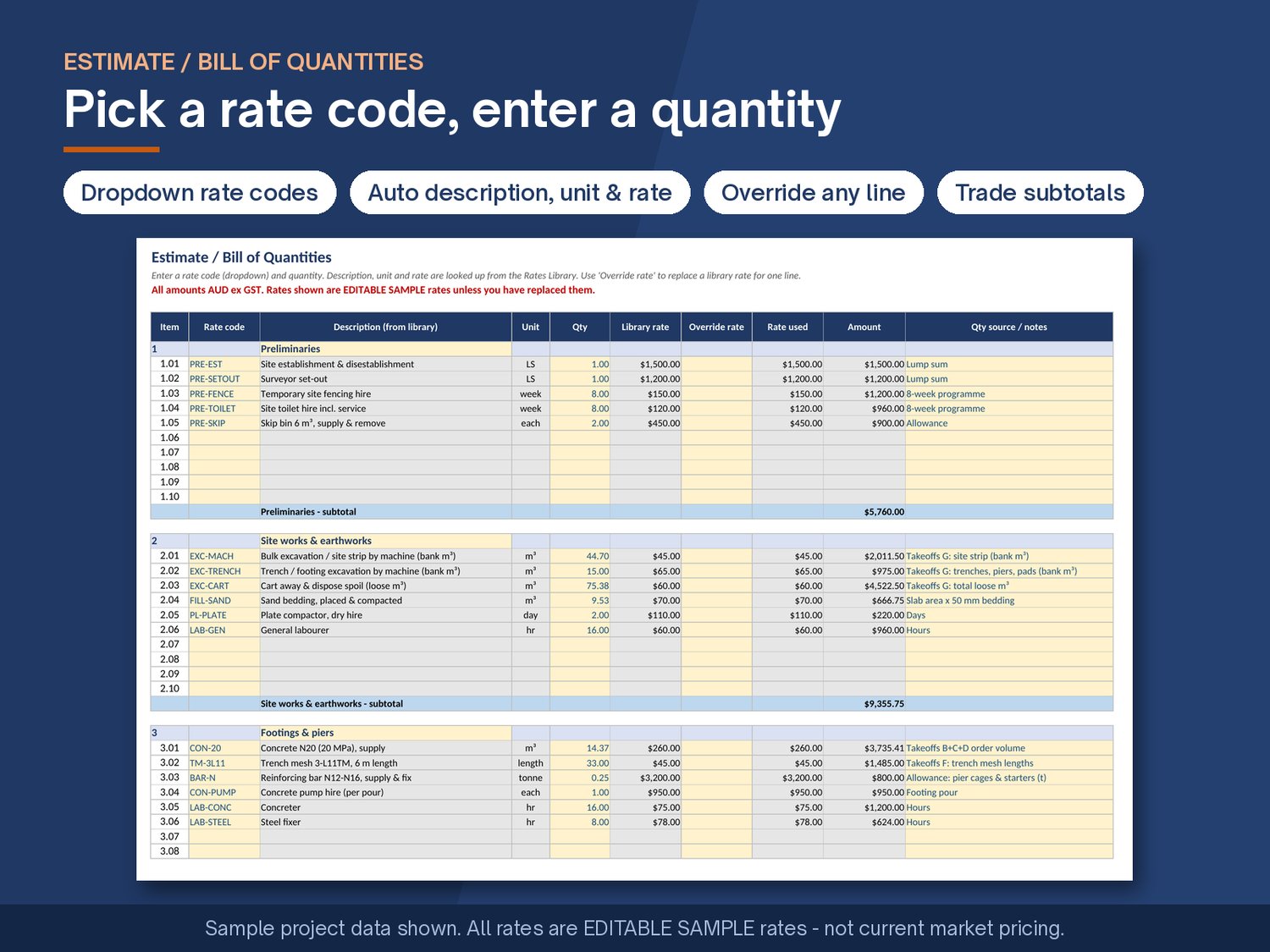
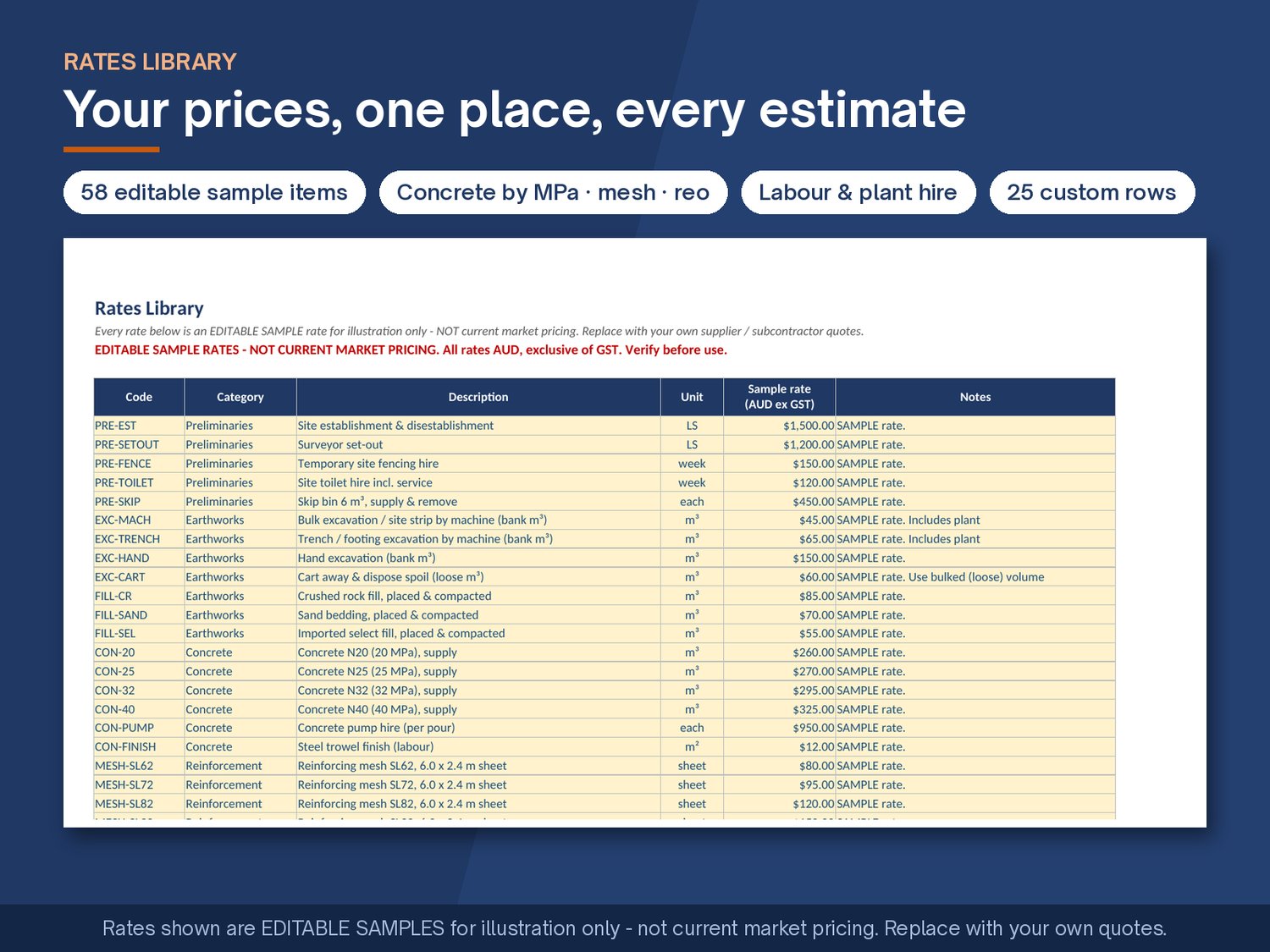
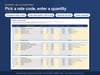
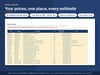
- Price consistently. Keep your own prices in one Rates Library: concrete by MPa, SL mesh, trench mesh, bar per tonne, formwork, earthworks, masonry, painting, labour by trade and plant hire. Pick a rate code in the Estimate sheet and the description, unit and rate fill in automatically.
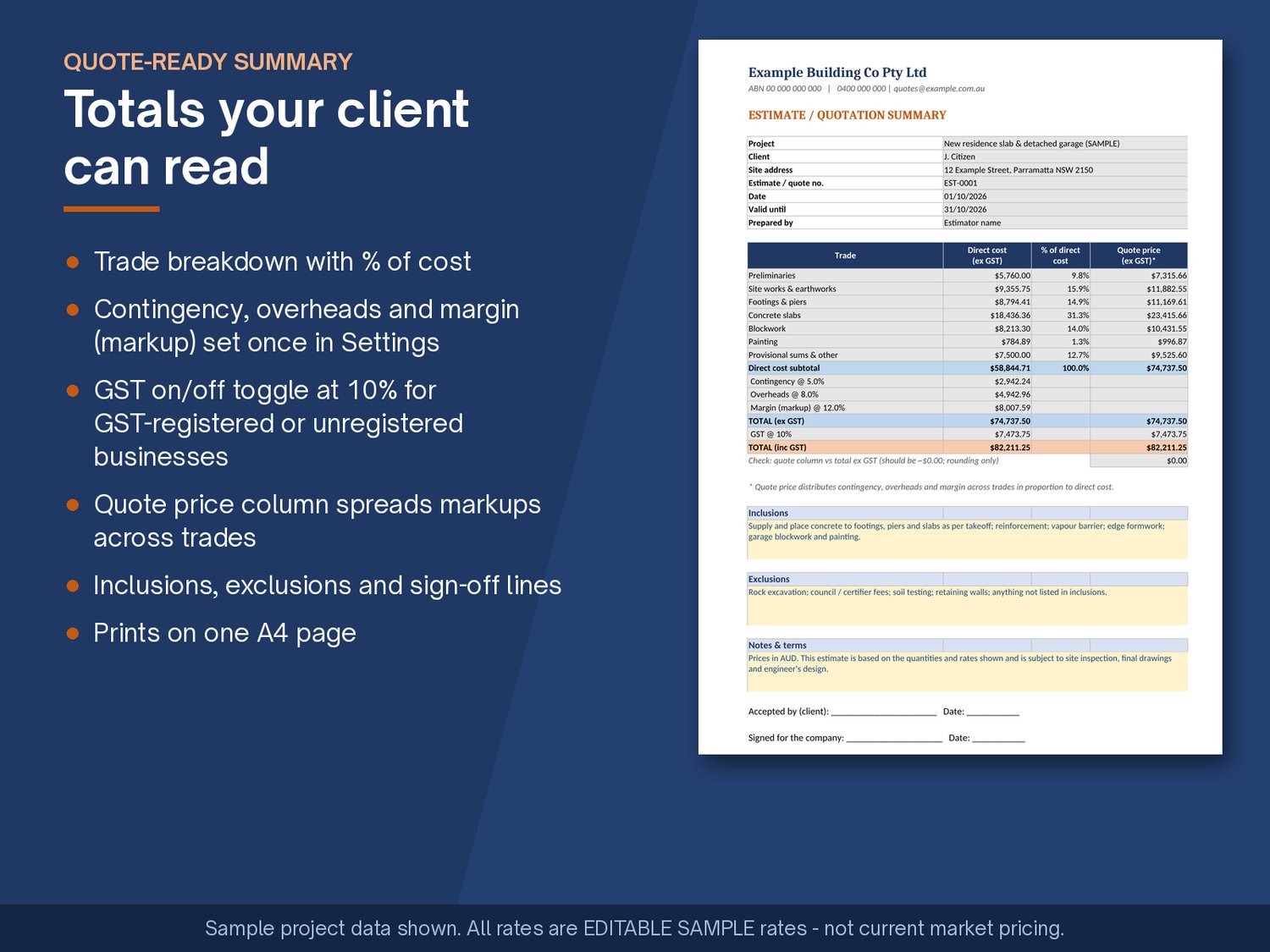
- Get the markups right. Set contingency, overheads and margin once in Settings. The workbook applies them in a clear order and adds GST at 10% when the GST toggle is Yes. Set it to No if you're not registered for GST.
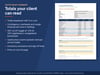
- Send a cleaner quote. The Summary sheet gives you a one-page A4 breakdown by trade, with totals, inclusions, exclusions and sign-off lines, ready to print or save as a PDF.
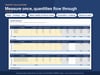
- Learn from a worked example. The sample workbook comes filled in with a house slab and detached garage, so you can see how the takeoffs flow into the estimate and the summary.
Important: every price in the Rates Library is an editable sample rate for illustration only, not current market pricing. Replace them with your own supplier and subcontractor quotes before you use the workbook to price a job.
What's included
- AU_Estimate_Takeoff_Workbook.xlsx: the workbook filled in with a worked sample project
- AU_Estimate_Takeoff_Workbook_BLANK.xlsx: the same workbook, cleared and ready for your jobs
- Quick_Start_Guide.pdf: a 3-page guide covering setup, the 5-step workflow, Google Sheets import, the disclaimer and the licence
Sheets in each workbook
1. Instructions: how to use it, colour key, calculation order, disclaimer
2. Settings: company, client and project details; GST Yes/No; contingency, overheads and margin %
3. Rates Library: 58 editable sample items plus 25 custom rows
4. Takeoffs: 9 calculators (slabs, pad footings, strip footings/beams, piers, mesh sheets, trench mesh, excavation with bulking, blockwork, paint)
5. Estimate / BOQ: 7 trade sections with rate lookups, override rates, subtotals, contingency, overheads, margin, GST and total
6. Summary: a one-page A4 quote summary
7. Sample Project: an explanation of the worked example
Features: metric units • AUD • GST toggle • input cells shaded yellow, formula cells grey and locked (sheet protection without a password) • frozen headers • A4 print setup • no macros • standard functions only, so it opens in Excel and Google Sheets.
FAQ
Does it work in Google Sheets?
Yes. Upload the .xlsx to Google Drive, open it, and choose File › Save as Google Sheets. It uses standard functions only (SUM, IF, IFERROR, VLOOKUP, ROUNDUP and similar) and no macros. Excel's sheet protection and print settings may not carry over to Google Sheets. The quick-start guide explains how to re-protect cells and print on A4.
Which version of Excel do I need?
It doesn't use newer dynamic-array functions or macros, so any recent desktop version of Excel should open it. Excel for the web and older versions haven't been tested. If something doesn't work, contact me.
Are the rates current market prices?
No. The rates are editable samples included so the worked example calculates. They aren't sourced from any supplier. Replace them with your own prices.
Is it compliant with Australian Standards or the NCC?
It's an estimating tool, not a design or compliance tool. Always check quantities and specifications against the drawings, the engineer's design and the relevant standards.
I'm not registered for GST. Can I still use it?
Yes. Set "Include GST?" to No in Settings and the Summary will show no GST charged.
Is "margin" a markup or a margin on the sell price?
It's applied as a markup on cost. The Instructions sheet shows how to convert between the two.
Can I add my own items or more lines?
Yes. There are 25 blank custom rows in the Rates Library. Each trade section has 10 lines, and each calculator has 5 rows. For more, unprotect the sheet (no password) and copy a row down.
Is this a digital download?
Yes. You get an instant download of a .zip file. Nothing is posted to you.
Refunds?
Because this is a digital file, please read the description and preview images before buying. If the file won't open or is faulty, contact me and I'll help fix it or sort out a refund.
Support
Email soykothasan@gmail.com with your Excel / Google Sheets version and a screenshot of the problem.
Licence (single business use)
When you buy this workbook you get a non-exclusive licence to use and modify it for one business's own projects and quotes, including use by that business's employees. You may not resell, share, give away, sublicense or redistribute the files (original or modified), upload them to template sites, or include them in another product. Copyright remains with the author.
Disclaimer
This workbook is a guide only. All rates are editable samples, not current market pricing. You are responsible for checking all rates, quantities, allowances and formulas against your own quotes, drawings, specifications and the engineer's design before relying on any output. No liability is accepted for loss arising from use of this workbook.