

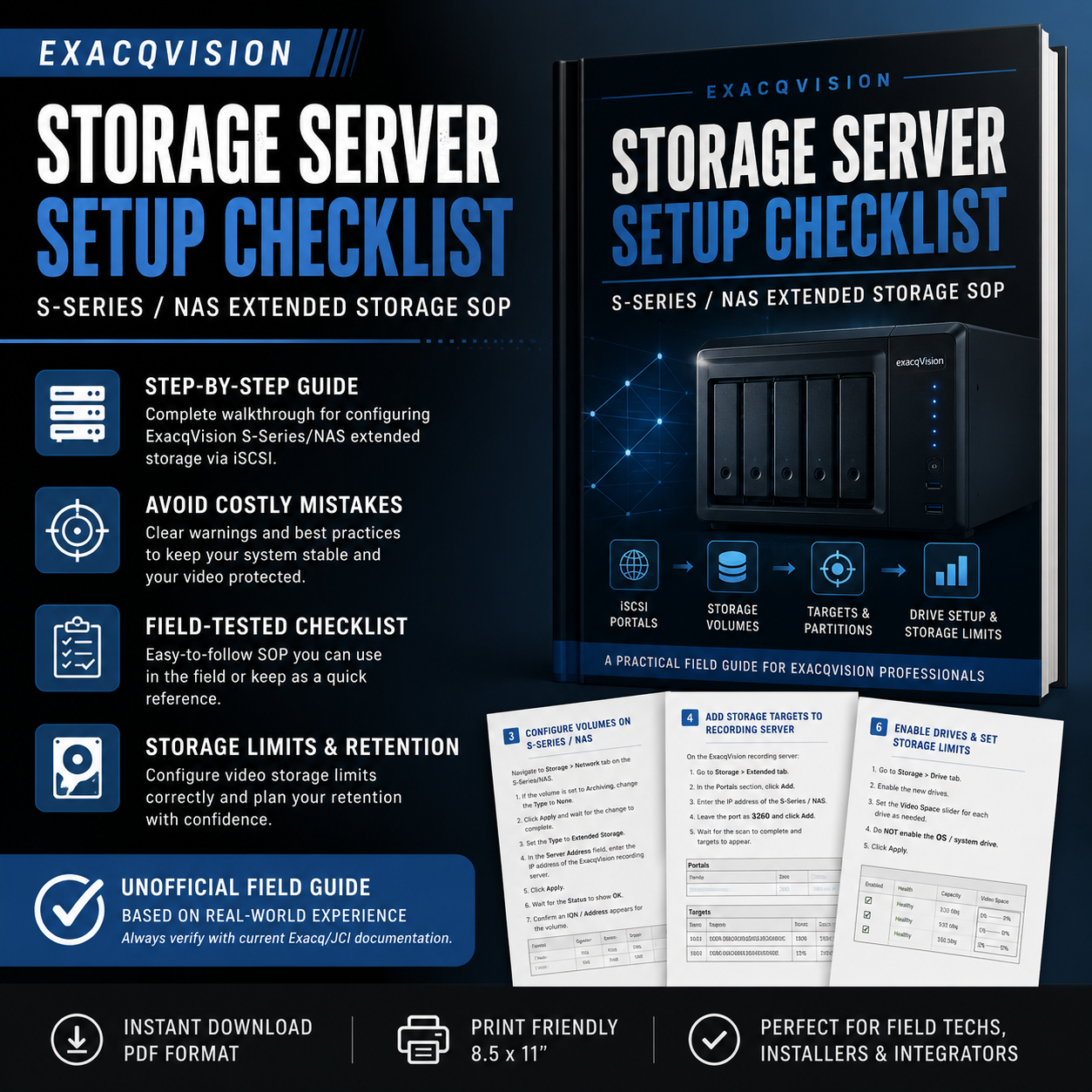
ExacqVision Storage Server Setup Checklist / Field SOP
On Sale
$0.00
Pay what you want:
$
This free field guide walks through the basic process of setting up ExacqVision extended storage using an S-Series / NAS storage server.
It’s built as a quick-reference checklist for techs, installers, and integrators who need a cleaner process to follow in the field without digging through scattered notes.
Inside, you’ll find a step-by-step SOP covering:
- Pre-checks before making storage changes
- Setting up storage volumes
- Switching volumes to Extended Storage
- Adding the storage server as a portal
- Enabling iSCSI targets and partitions
- Enabling new drives for recording
- Setting video storage limits
- Final verification and common troubleshooting notes
This is an unofficial field reference based on real-world setup experience. It is not an official Exacq / Johnson Controls document. Always verify against current manufacturer documentation, your company standards, and site-specific requirements before making changes.