
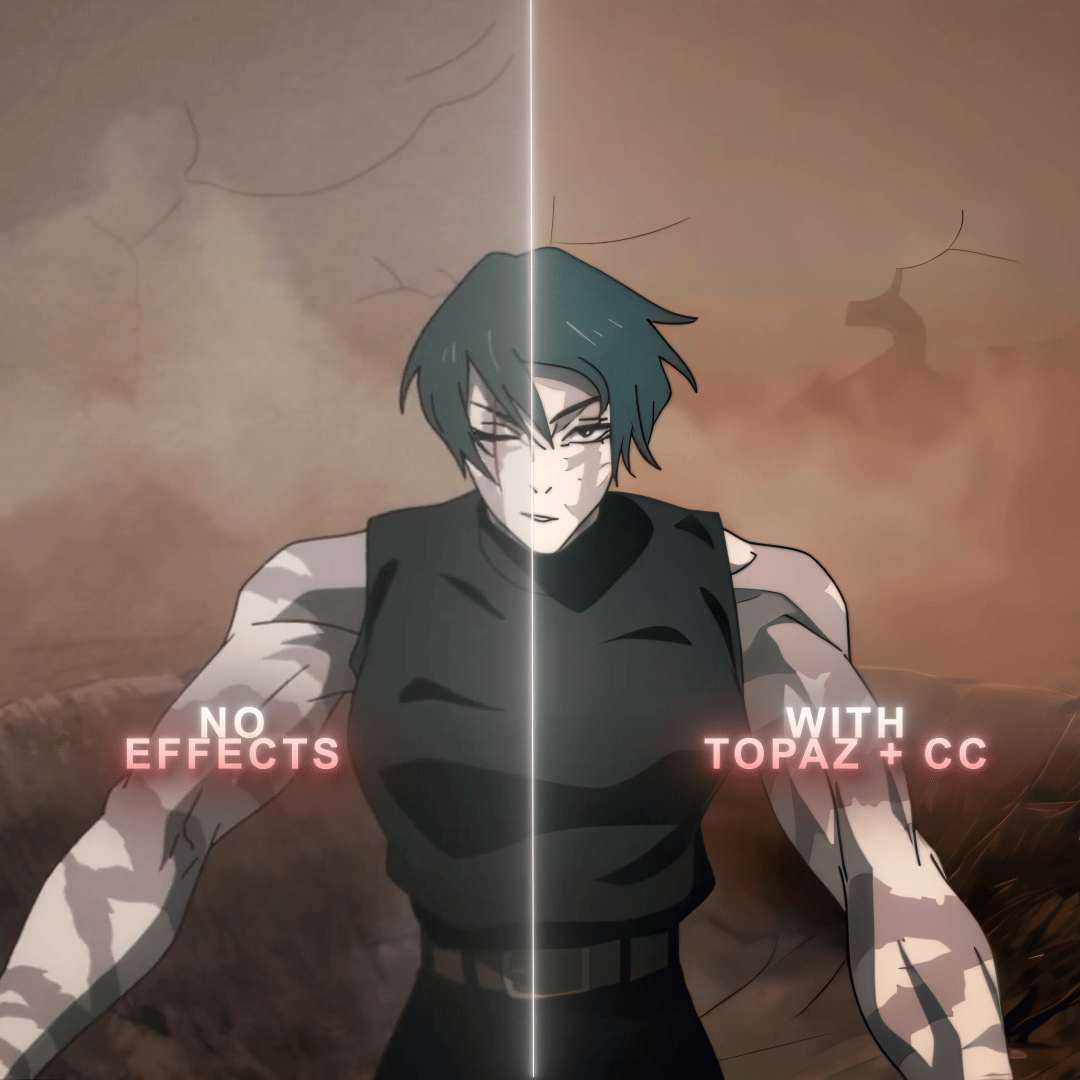
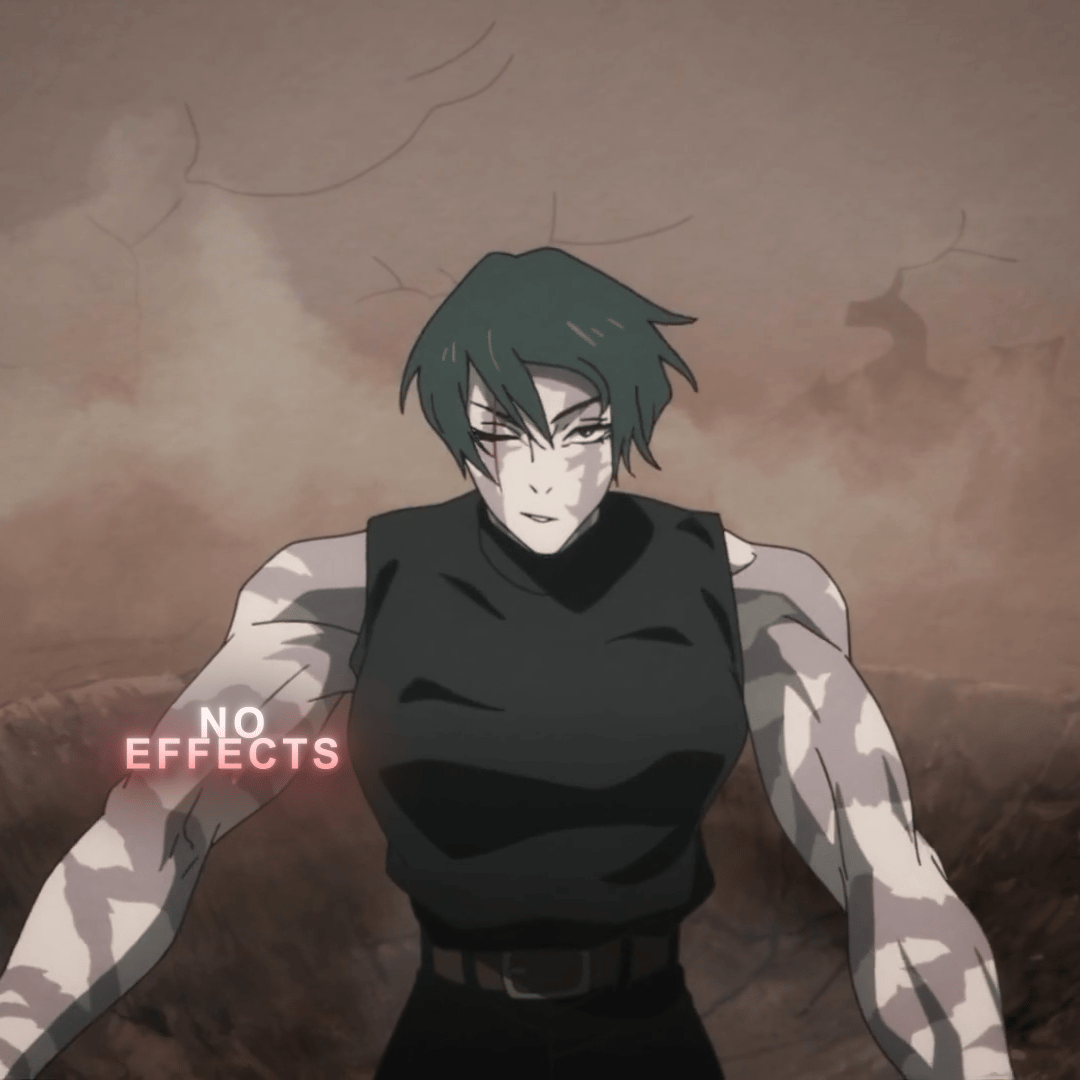
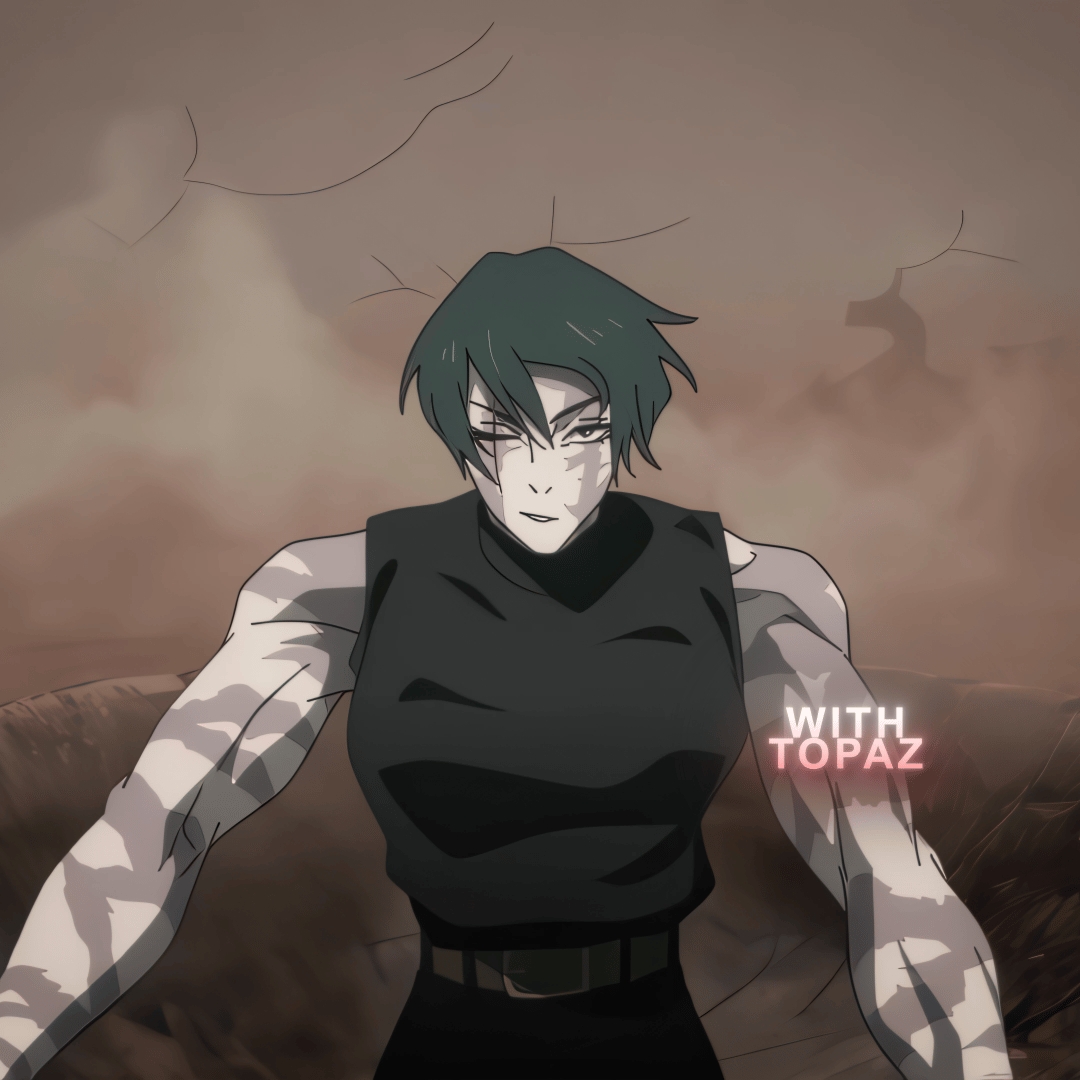
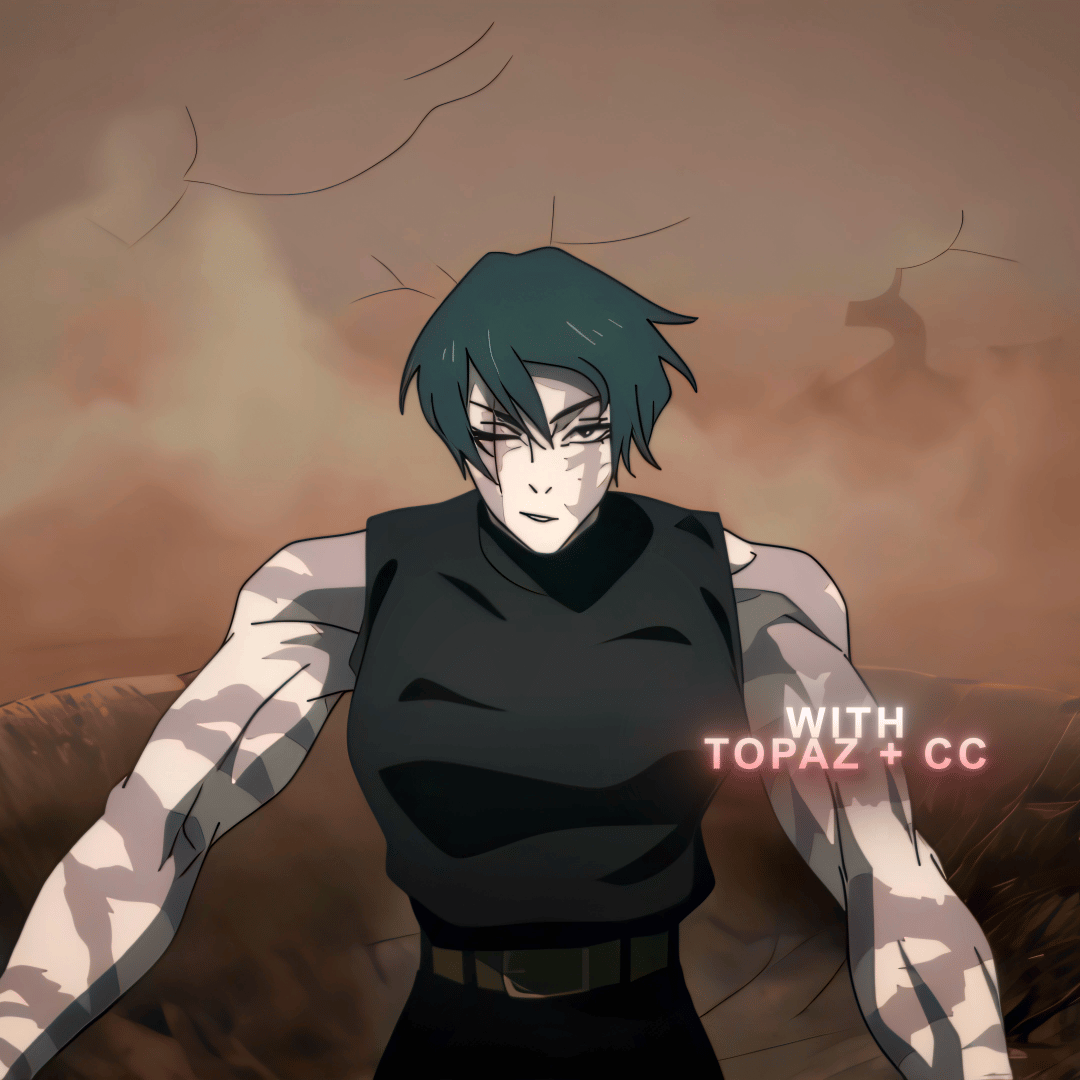




My Topaz + Main CC
SEO Topaz + Main CC
Get the ultimate sharp, crisp 4K look for your edits with my exact Topaz Video AI settings and main Color Correction (CC).
How to use for the best results:
• Step 1: Apply 1 & 2 to your raw clips BEFORE adding any effects or editing.
• Step 2: Edit your video and add your effects as usual.
• Step 3: Apply Topaz 3 as the final step AFTER adding your Color Correction (CC).
How to import presets into Topaz Video AI:
1. Open Topaz Video AI.
2. Go to the top menu and click Process -> Manage Presets (or click the Presets dropdown menu on the right panel).
3. Click Import and select the preset files from this pack.
4. Once imported, you can find them under Presets on the right side and apply them with one click.
What’s Included:
• 3x Custom Topaz Presets (Topaz 1, 2, 3)
• 1x Main Color Correction (CC)
After Effects 2026 + Topaz Video AI (Optimized for v3.4.0).
Please Note: All products in this shop are digital downloads. Once purchased, you receive permanent access to the files, so all sales are final and non-refundable. If you have any technical issues or questions before buying, feel free to reach out!
If you need help or for the cc to be converted to an earlier After Effects version,don't hesitate to text me on tiktok @seotwn