
Aisol Drop Tags
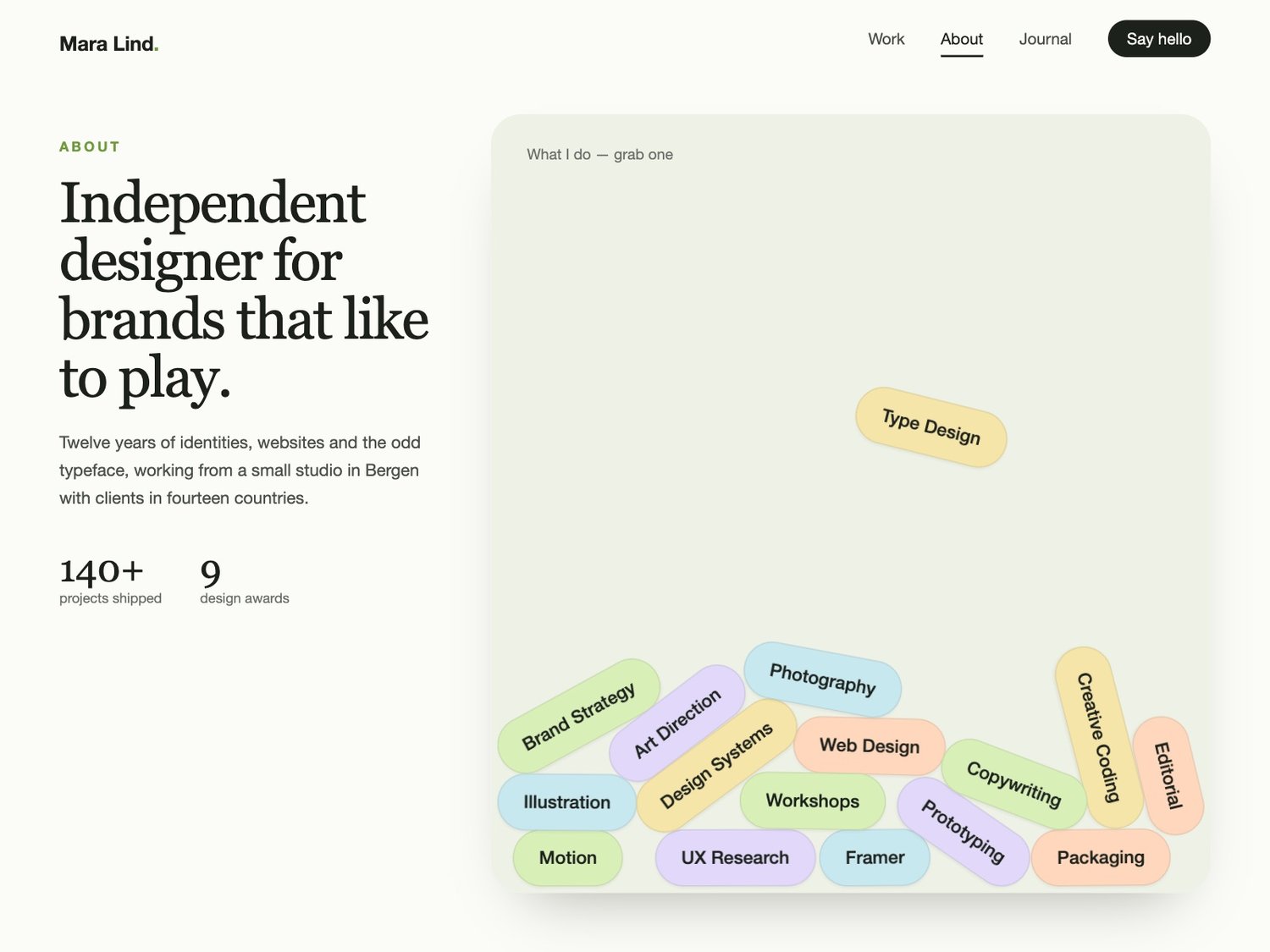
Tags that fall, stack and fly for Framer: your skills, services or keywords drop into the section as pill-shaped tags that tumble, pile up and can be grabbed and thrown.
What you get
- One Framer code component (Aisol Drop Tags), delivered as a Component URL.
- 18 sample tags in a soft five-colour palette, so it looks finished the moment you drop it in.
- Built-in physics (gravity, bounce, spin, stacking) with no outside library.
- Free updates.
How it behaves
- Starts when the section scrolls into view (or on load, or already stacked) and drops once.
- Grab a tag with the mouse or a finger and flick it; a tap without a drag follows the tag's link.
- Walls keep every tag inside the frame, also after the frame is resized.
- Tags can come from the panel or from a Collection List, read by layer name (Label, Link, Color) and never changed.
- Screen readers get the tags once, as a plain list with links. Space or Enter pauses or resumes; Escape pauses.
- The simulation stops once everything settles, while off screen and when the tab is hidden. Reduced motion and the Framer canvas show the tags already stacked.
Limits
Best with 5 to 40 tags. On a small frame with many tags the pile overlaps and freezes in place after about 6 seconds. Long labels make wide pills. On phones the tags can be thrown, and the page still scrolls from the empty space around them.
Requirements
Any Framer project. No plugins, no API keys.