

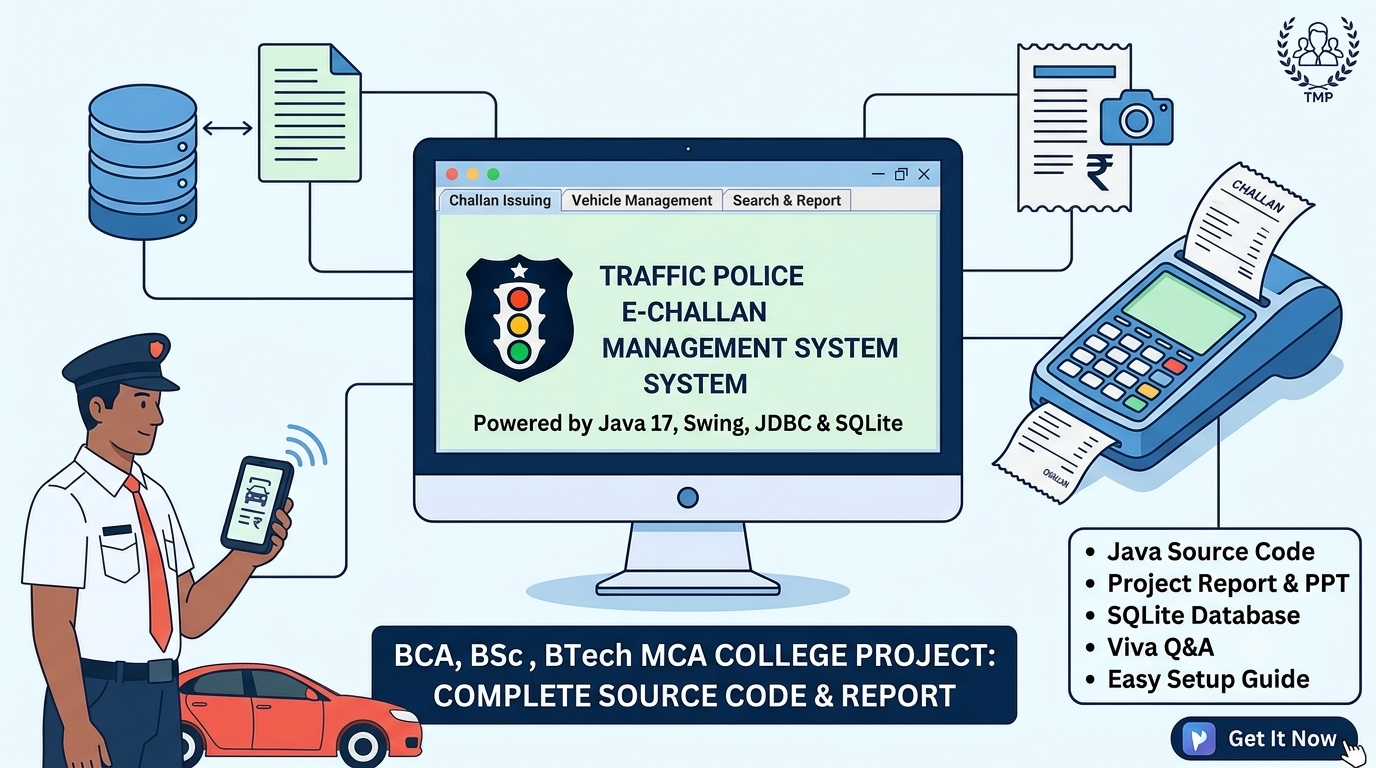
Traffic Police E-Challan Management System – Java Swing + JDBC + SQLite
Traffic Police E-Challan Management System – Java Swing + JDBC + SQLite
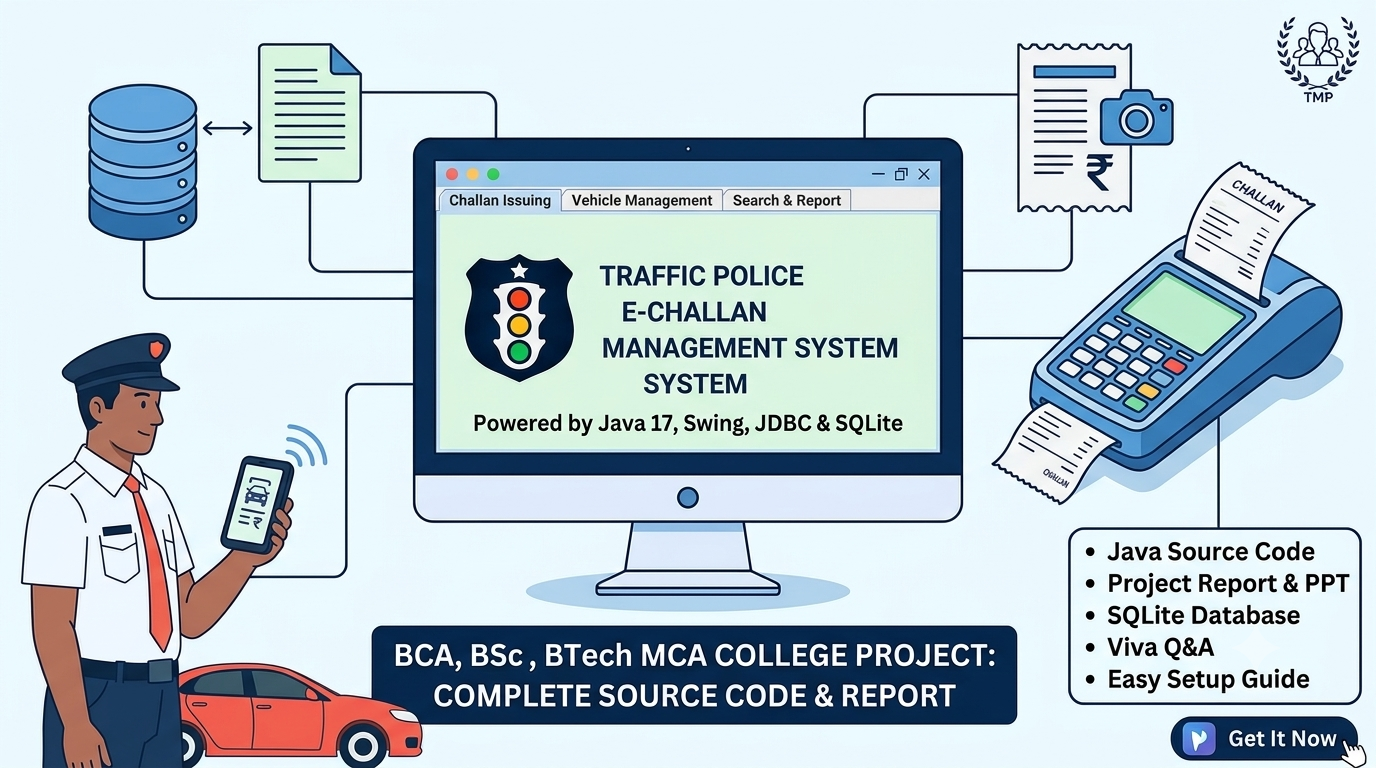
Traffic Police E-Challan Management System
Build a complete Traffic Police E-Challan Management System using Java 17, Java Swing, JDBC and SQLite.
This is a simple and practical desktop-based traffic challan management project designed especially for BCA, BSc, BTech, MCA and other college students who need a Java project for academic submission, practical work, database management practice and viva preparation.
The project demonstrates how to manage vehicle information, record traffic offenses, generate challans, track payment status and maintain challan records through a user-friendly Java Swing interface.
🚔 Project Features
- Simple and user-friendly desktop interface
- Vehicle Information Management
- Store Vehicle Number and Owner Details
- Maintain License Number and Contact Information
- Traffic Offense Management
- View Traffic Offense Names and Sample Fine Amounts
- Issue Traffic Challans
- Challan Date and Fine Information
- Duplicate Challan Checking for the Same Vehicle, Offense and Date
- Challan Receipt Generation
- Save Receipt Information as a Text File
- Search Challan Records
- Update Selected Challan Records
- Delete Challan Records
- Mark Challans as Paid
- Track Paid and Unpaid Challans
- Collection Report Functionality
- Database Viewer Functionality
- View Stored Vehicle and Challan Records
- Input Validation and Confirmation Messages
- SQLite Database Integration Using JDBC
- Automatic Database and Table Initialization
- Penalty Points and Review Status Demonstration
🛠️ Technologies Used
- Java 17
- Java Swing
- JDBC
- SQLite
- SQLite JDBC Driver
- IntelliJ IDEA / Eclipse / NetBeans
📦 What You Will Get
- Complete Java Source Code
- Java Swing GUI Source Code
- Database Connection Class
- JDBC Database Connectivity
- SQLite Database Integration
- Main Application Window
- Vehicle Information Management
- Traffic Offense Management
- Challan Issuing Module
- Challan Search and Update Functionality
- Challan Deletion Functionality
- Payment Status Management
- Receipt Generation
- Collection Report
- Database Viewer
- Automatic Database and Table Initialization
- Project Structure
- Project Report Content
- PPT Presentation Content
- Viva Questions and Answers
- How to Run Project Instructions
- Setup and Configuration Guidance
🗄️ Database
The project uses SQLite, a lightweight database that does not require a separate database server.
The application initializes the database and required tables through its database initialization code.
The main database tables are:
- Vehicles – Stores vehicle numbers, owner names, license numbers and phone numbers.
- Offenses – Stores traffic offense names and their corresponding sample fine amounts.
- Challans – Stores challan information, vehicle details, offense information, dates, fine amounts and payment status.
- PenaltyPoints – Stores penalty-point information and review status for demonstration purposes.
The database file is named:
traffic_police.db
🚦 Traffic Challan Management Modules
The application provides a simple desktop interface for managing basic traffic challan records.
Vehicle Management
Store and manage vehicle numbers, owner names, license numbers and contact information.
Traffic Offense Management
Maintain traffic offense information and associated sample fine amounts.
Issue Challan
Create a challan by entering the required vehicle and offense information. The application validates the input and stores the challan in the SQLite database.
Duplicate Challan Checking
The application checks for an existing challan for the same vehicle, offense and date before creating a new record, according to the implemented duplicate-checking logic.
Payment Management
Mark an unpaid challan as paid and review the payment status of stored challan records.
Search and Record Management
Search for challans, update selected records, delete records and refresh the displayed database information.
Receipt Generation
Generate challan receipt information and save it as a text file through the implemented receipt functionality.
Collection Report
View a basic collection summary based on the challan records stored in the database.
Database Viewer
View the stored records through the application's database viewing functionality.
🎓 Suitable For
This project is suitable for:
- BCA Students
- BSc Computer Science Students
- BTech Students
- MCA Students
- Diploma / Computer Applications Students
- Java Mini Projects
- College Practical Projects
- Academic Project Submission
- Java Swing and JDBC Practice
- Database Management System Practice
- Traffic Challan Management Demonstrations
- Viva and Project Demonstration
💻 Requirements
Before running the project, you need:
- Java JDK 17
- IntelliJ IDEA or another compatible Java IDE
- SQLite JDBC Driver JAR
- The downloaded project ZIP file
Basic knowledge of Java, Swing and database operations is recommended.
⚡ Easy Setup
The project follows a simple architecture:
Java Swing UI → JDBC → SQLite Database
No MySQL Server, Spring Boot, Hibernate, Node.js or Tomcat is required.
To run the project:
- Install JDK 17.
- Extract the downloaded project ZIP file.
- Open the project in IntelliJ IDEA.
- Configure JDK 17.
- Add the SQLite JDBC Driver JAR if it is not already configured.
- Open Main.java.
- Run the main() method.
- The application initializes the database and required tables through its database initialization code.
The project uses a straightforward Java desktop architecture, making it suitable for students who want to understand Java Swing, JDBC, SQL operations and database management.
📚 Included Documentation
The package includes documentation content for academic preparation and project demonstration:
- Project Report Content
- PPT Presentation Content
- Viva Questions and Answers
- System Architecture
- System Flow
- Database Structure
- Advantages and Limitations
- Conclusion
- Bibliography
- How to Run Project Instructions
Students can use the documentation as a reference and customize it according to their college requirements.
⚠️ Important
This is a desktop-based Java application developed for educational and academic purposes.
The project uses Java 17, Swing, JDBC and SQLite. The SQLite JDBC Driver must be configured correctly before running the application.
This project demonstrates basic vehicle record management, traffic offense management, challan generation, payment tracking, receipt generation and collection reporting.
It is not connected to any official government traffic police or e-challan system. It does not provide official challan issuance, real-time government records, online payments or integration with government services.
Fine amounts, penalty points and review statuses are sample values intended for academic demonstration and must not be treated as official legal rules or penalties.
Students should test the application's features and verify the included source code before using the project for demonstrations.
Keywords
Traffic Police E-Challan Management System, E-Challan Project, Traffic Police Project, Java Project, Java Swing Project, JDBC Project, SQLite Project, Java 17 Project, Traffic Challan Management System, Vehicle Management System, Challan Generation System, Traffic Offense Management, Challan Payment Tracking, Java Desktop Application, BCA Project, BTech Project, BSc Project, MCA Project, College Project, Java Mini Project, Academic Project, Database Management Project, Student Project