Writing Collection — Writing, Editing & AI Assistant App Guides
Writing, Document Editing, and AI Writing App Guides
Writing for work can involve drafting documents, reviewing grammar and clarity, organizing information, collaborating on revisions, and preparing content for publication.
Different apps provide tools for handling these activities, from traditional document editors and writing assistants to flexible workspaces and AI-powered tools.
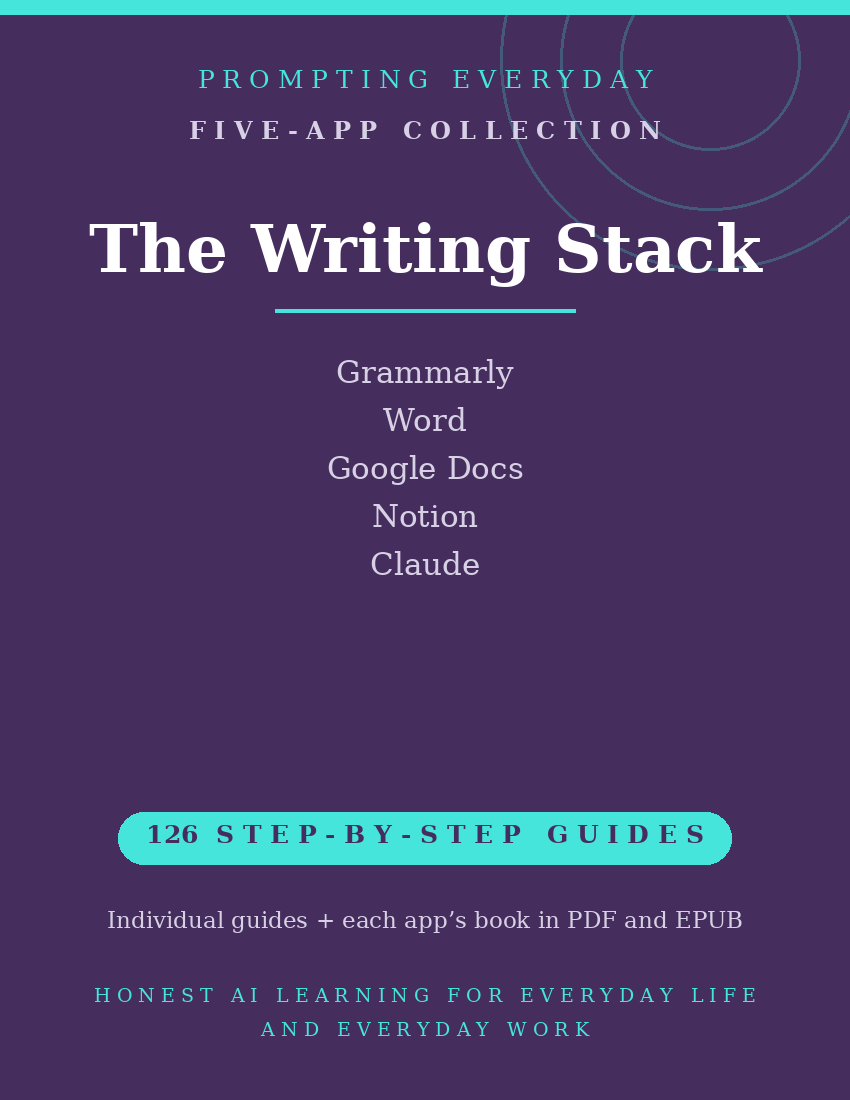
The Writing Collection brings together five app function-guide collections covering Grammarly, Microsoft Word, Google Docs, Notion, and Claude.
These apps support different aspects of writing and document management, including grammar and style suggestions, document creation, collaborative editing, organizing written information, and AI-assisted drafting and revision.
With 126 individual function guides, the collection provides plain-language instructions to help users understand and use these apps.
Each guide explains what a specific feature does, where to find it, and how to use it, with practical examples you can reference when needed.
Whether you're reviewing writing in Grammarly, creating documents in Word or Google Docs, organizing information in Notion, or exploring AI-assisted writing with Claude, these guides provide instructional resources for the individual apps.
What's included:
- 126 individual function guides across five apps.
- Five compiled app reference books, each available in PDF and EPUB formats.
- Individual guides organized by app for easy reference.
Designed for professionals, freelancers, small business owners, and others who regularly create written content, this collection focuses on learning the apps rather than providing writing services, ready-made documents, or a complete writing workflow.
AI-generated content and automated writing suggestions should be reviewed for accuracy, clarity, and suitability before use.
The purchase includes instructional guides, not app subscriptions, paid features, or access to the apps themselves.
Included App Collections
Grammarly — 26 Function Guides
Learn about Grammarly's writing assistance tools for checking grammar, spelling, punctuation, clarity, tone, and style, including reviewing and applying available writing suggestions.
Microsoft Word — 19 Function Guides
Explore Word's document creation and editing tools for formatting text, organizing document layouts, reviewing changes, adding comments, and collaborating on written materials.
Google Docs — 24 Function Guides
Understand Google Docs' tools for creating, formatting, editing, sharing, and collaborating on documents, including comments, suggested edits, and document organization.
Notion — 25 Function Guides
Learn about Notion's tools for organizing written information, creating pages and documents, managing notes, working with databases, and maintaining content in customizable workspaces.
Claude — 32 Function Guides
Explore Claude's AI assistant features for drafting and revising text, brainstorming ideas, summarizing information, analyzing documents, and working with written content.
Total: 126 individual function guides across five app collections.
Each app collection also includes its own compiled reference book in PDF and EPUB formats.
Who it's for: Anyone who writes for work: proposals, reports, newsletters, applications.
Not for: People who rarely write anything longer than a text message.
What you get: Five writing, editing, and AI assistant app function-guide collections containing 126 individual guides, plus one compiled reference book for each app in PDF and EPUB formats.
How it's delivered: Delivered as a Google Drive folder link after purchase. One-time purchase.
Updates: Updates are included while the collection is maintained — if a guide changes, the folder copy is updated.
Disclaimers: These are reference guides that teach the apps, they are not prompt packs, and they don't include subscriptions to the apps themselves.