
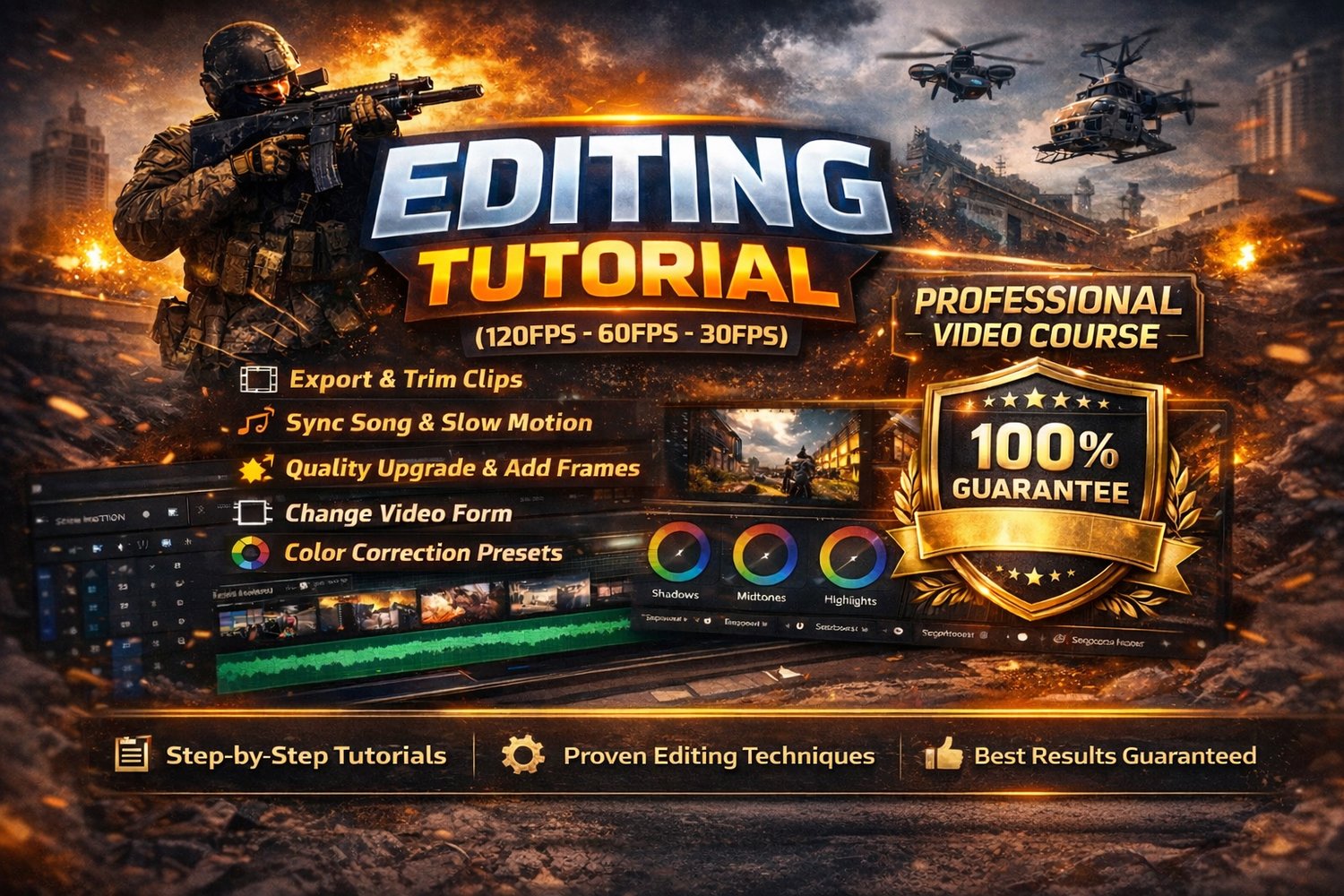
A-Z Tutorial & 4k Look Preset (bundle)
🎬 Editing Tutorial (120FPS – 60FPS – 30FPS)
Want to create high-quality Call of Duty Warzone edits like the pros? This complete step-by-step course teaches you exactly how I edit my clips from raw gameplay to smooth, cinematic final results.
This tutorial works for 120FPS, 60FPS, and 30FPS footage. Whether you’re on PC or console, you can follow my workflow and significantly upgrade your video quality using my methods.
💻 Software Used:
- Adobe Premiere Pro
- After Effects
- Adobe Media Encoder
- Topaz AI
You’ll learn how to use these programs together to create smooth slow motion, synced beats, high-quality exports, and clean color correction.
📚 What You’ll Learn:
✔ How to properly export your clips
✔ How to trim and structure your edits
✔ How to sync clips perfectly with music
✔ Smooth slow motion techniques
✔ How to upgrade video quality
✔ How to add frames & improve motion
✔ How to change video format correctly
✔ Professional color correction with ready-to-use presets
✔ Best export settings for maximum quality
📦 Requirements:
- A laptop or PC capable of running the editing software
- Basic understanding of installing programs
- The course files are provided in .RAR format (you’ll need WinRAR or similar to extract them)
The Example Video of My course & Export settings is for youtube Video: https://youtube.com/shorts/rTP0ibe5jhk?si=RAY6PpBXfOVFfqZn
⚠ Important About FPS & Quality
For full transparency:
I personally record at 120FPS and export at 60FPS, which gives my videos maximum smoothness and quality.
If your clips are recorded at 60FPS or 30FPS, the final result will NOT look exactly the same as mine because higher FPS recordings naturally allow smoother slow motion and cleaner frame blending.
However, by following my guide and using the same workflow, you can still:
✔ Improve your quality
✔ Make smoother edits
✔ Create clean, professional, and fully watchable videos
✔ Get the best possible result from your original footage
Even console players recording at 30FPS can level up their content with the right editing techniques.
⚠️ Important:
Please read the full description carefully before purchasing. By buying this product, you agree that all sales are final and no refunds will be issued under any circumstances.
Whether you're just starting or want to level up your Warzone edits, this course shows you the exact workflow I use to create smooth, high-quality content.
Start editing like a pro 🚀