
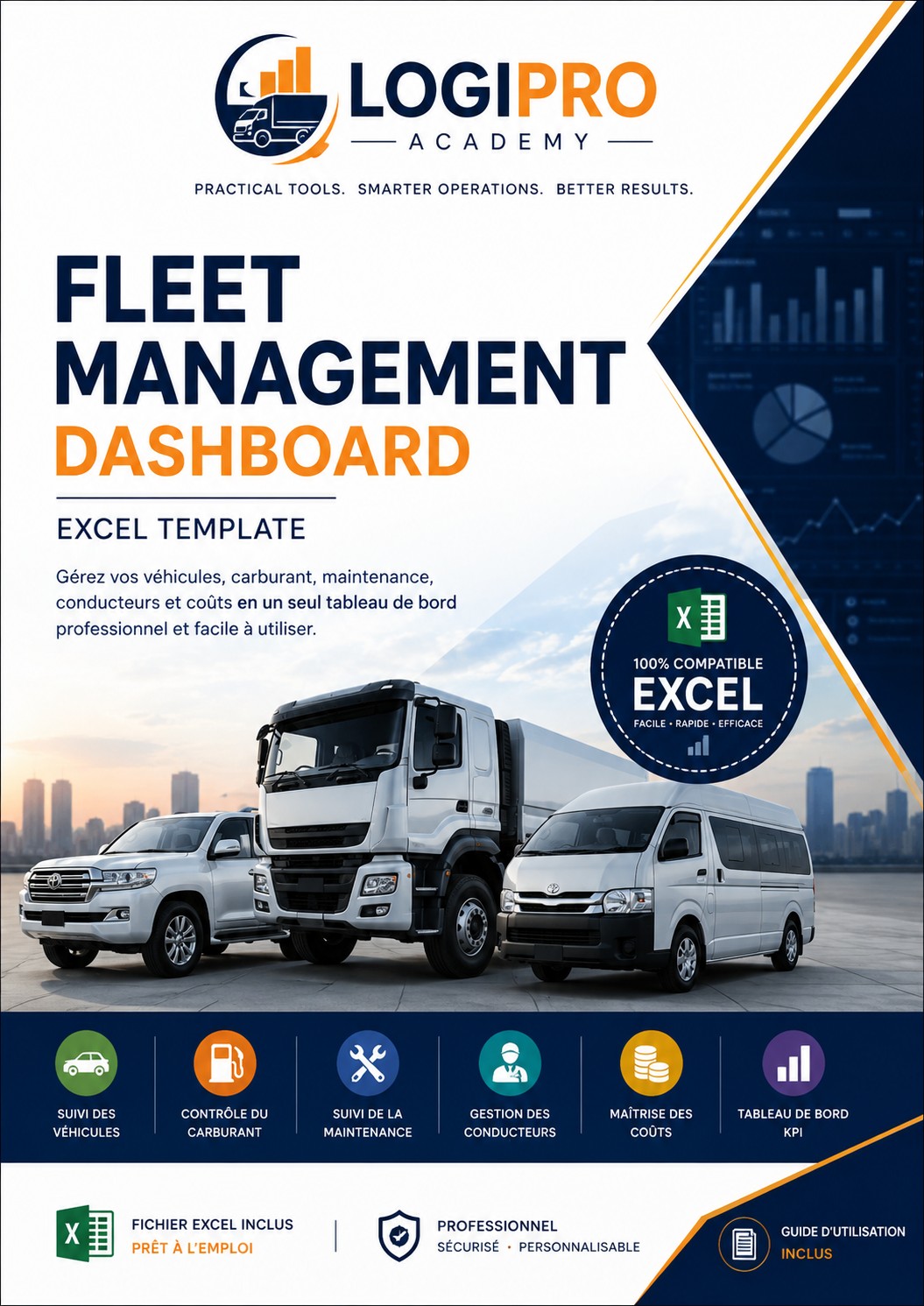
Fleet Management Excel Dashboard
LOGIPRO ACADEMY • PRACTICAL TOOL
Fleet Management
Excel Dashboard
A practical, professional and easy-to-use Excel template to manage vehicles, fuel, maintenance, drivers, costs and fleet KPIs in one place.
Digital product • One-time purchase • Excel template + user guide
Manage Your Fleet Smarter
Stop working with scattered fleet information. Centralize your operational data and get a clearer view of fleet performance.
🚘
Vehicle Management
Register vehicles, plate numbers, types, drivers, departments, status and current mileage.
⛽
Fuel Management
Record fuel transactions, litres, costs, mileage and consumption in one structured log.
🔧
Maintenance Tracking
Track preventive and corrective maintenance, costs, status and next service mileage.
📊
Fleet KPIs
Monitor total vehicles, operational status, average fleet kilometres, fuel and maintenance costs.
👨✈️
Driver Follow-up
Keep driver information connected to vehicle assignments for easier operational monitoring.
📋
Simple Instructions
A dedicated instructions sheet explains how to enter and update your fleet information.
See the Dashboard in Action
The dashboard summarizes your fleet data with KPIs, vehicle status, maintenance costs and follow-up indicators.
What You Get
Everything is designed to help you start quickly and customize the template with your own fleet data.
Fleet Dashboard
Visual KPI dashboard with operational status and fleet performance indicators.
Fleet Data
Structured vehicle register for your fleet master data.
Fuel Log
Fuel transaction register with cost and consumption calculations.
Maintenance
Maintenance register for preventive and corrective activities.
Instructions
Quick-start guide explaining how to use and update the workbook.
Customizable
Replace the sample data with your own fleet information and adapt the workbook to your operation.
DIGITAL PRODUCT
Fleet Management Excel Dashboard
$29 one-time purchase
✓ Excel Fleet Dashboard
✓ Vehicle Register
✓ Fuel Log
✓ Maintenance Tracker
✓ Fleet KPI Monitoring
✓ User Instructions