
Debt Payoff Spreadsheet, Debt Snowball & Avalanche Tracker for Excel and Google Sheets, Debt Fr
See exactly WHEN you will be debt-free. This Debt Payoff Spreadsheet builds your month-by-month payoff plan automatically using the Snowball or Avalanche method — in Excel or Google Sheets.
WHAT'S INSIDE
• My Debts: up to 10 debts with balance, APR and minimum payment; suggested order for Snowball (smallest balance first) and Avalanche (highest interest first)
• Payoff Plan: 120-month schedule with interest — when one debt is paid off, its payment rolls over to the next automatically
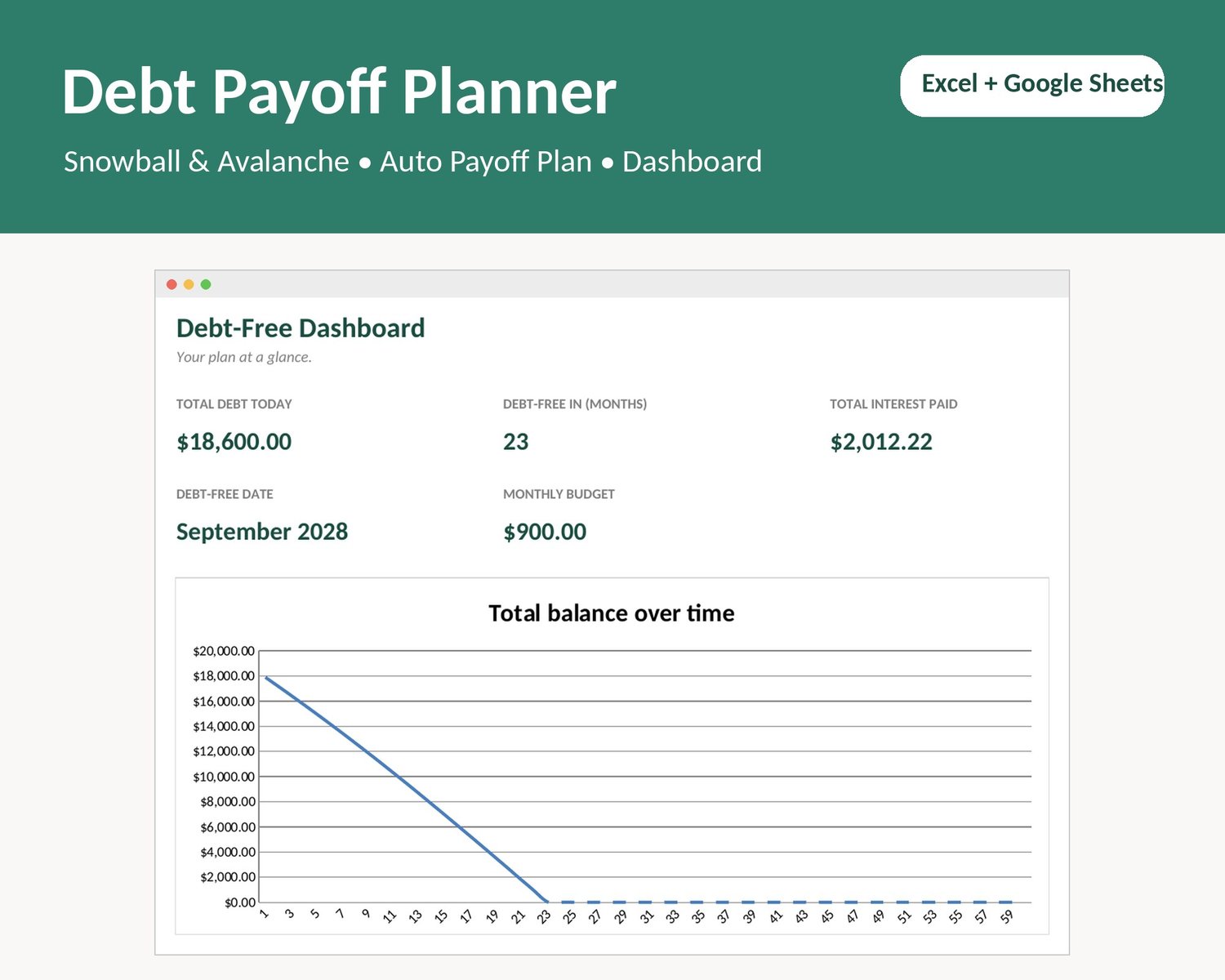
• Dashboard: debt-free month and date, total interest you will pay, and a balance-over-time chart
• Warning if your budget is below your minimum payments
• Start Here tab with simple instructions
HOW IT WORKS
1. List your debts in the order you want to pay them.
2. Type your monthly debt budget.
3. Watch your debt-free date appear. Try a bigger budget and see how many months you save.
YOU WILL RECEIVE
1 instant download: Debt_Payoff_Planner.xlsx (Excel + Google Sheets via File > Import).
NOTES
• Digital product, nothing is shipped.
• This is a planning tool, not financial advice.
Created with the help of AI tools and reviewed by our team.