
GCSE & A-Level Revision Planner | UK Spreadsheet
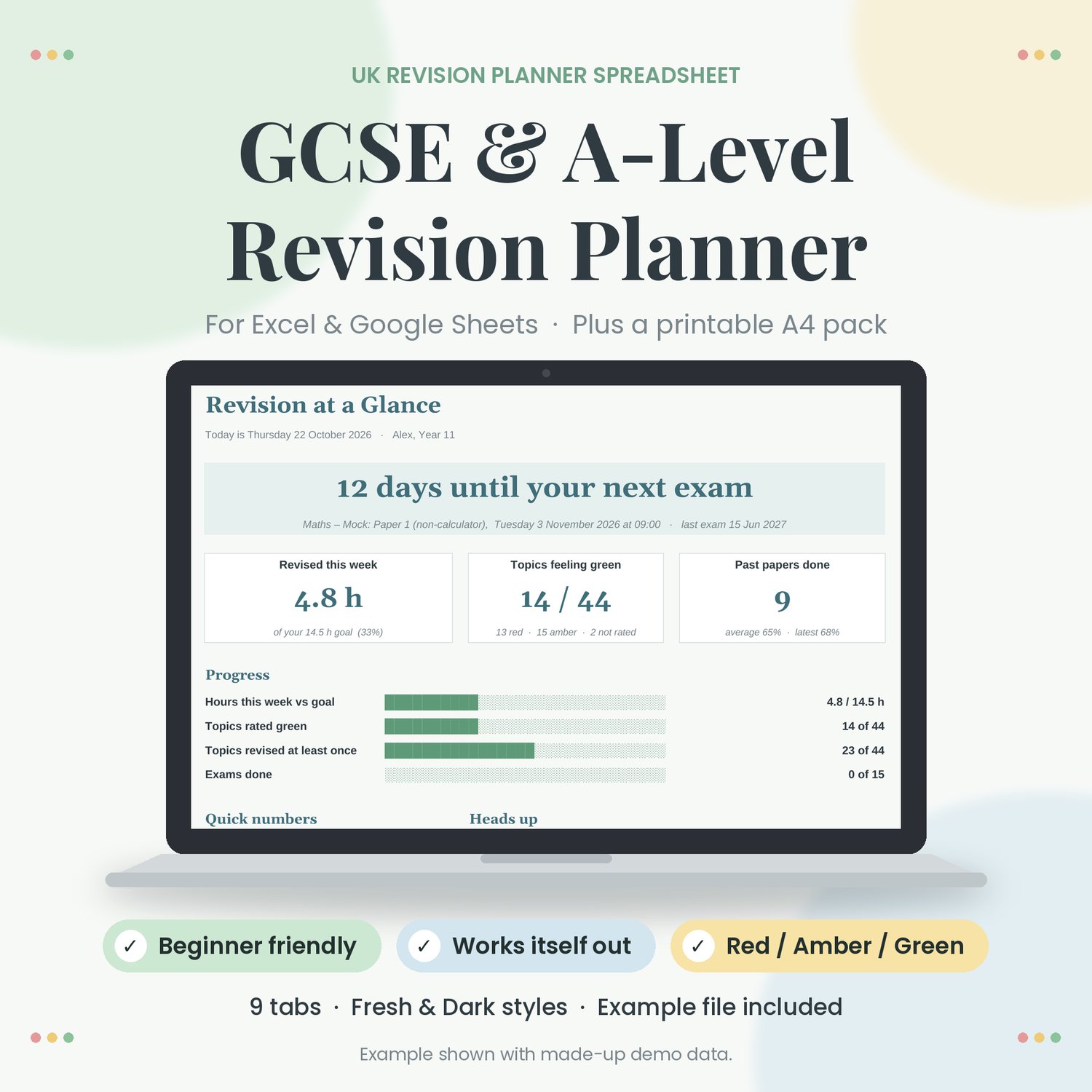
A UK revision planner spreadsheet for GCSE and A-level students (and the parents helping them). Add your subjects, exam dates and topics, and it works out the rest: days to your next exam, hours revised this week against your goal, red / amber / green confidence by subject, and when to review each topic next.
You only type in the coloured boxes. Everything else is worked out for you, and the formula cells are locked so nothing breaks.
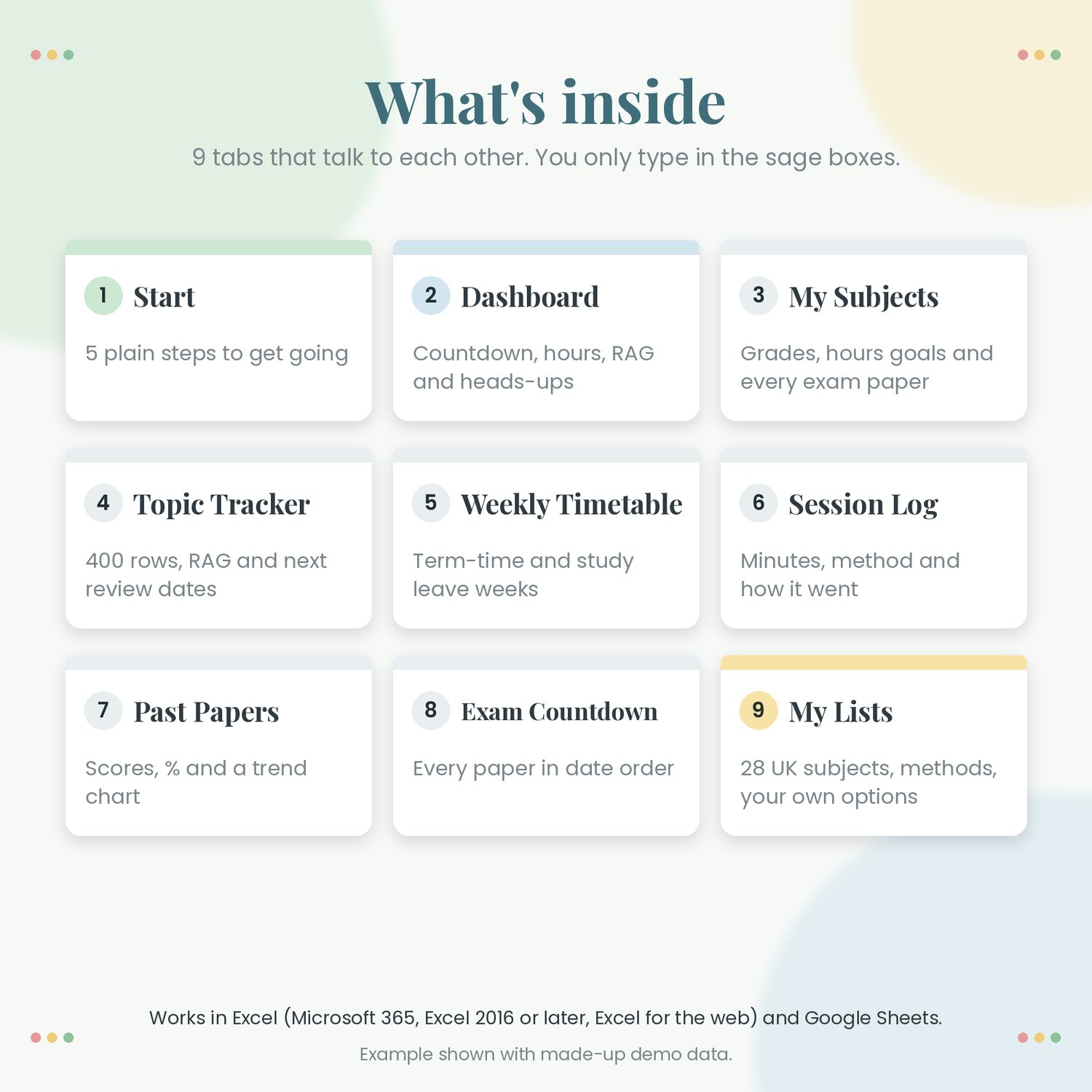
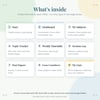
WHAT'S INSIDE (9 TABS)
• Start: 5 plain steps to get going
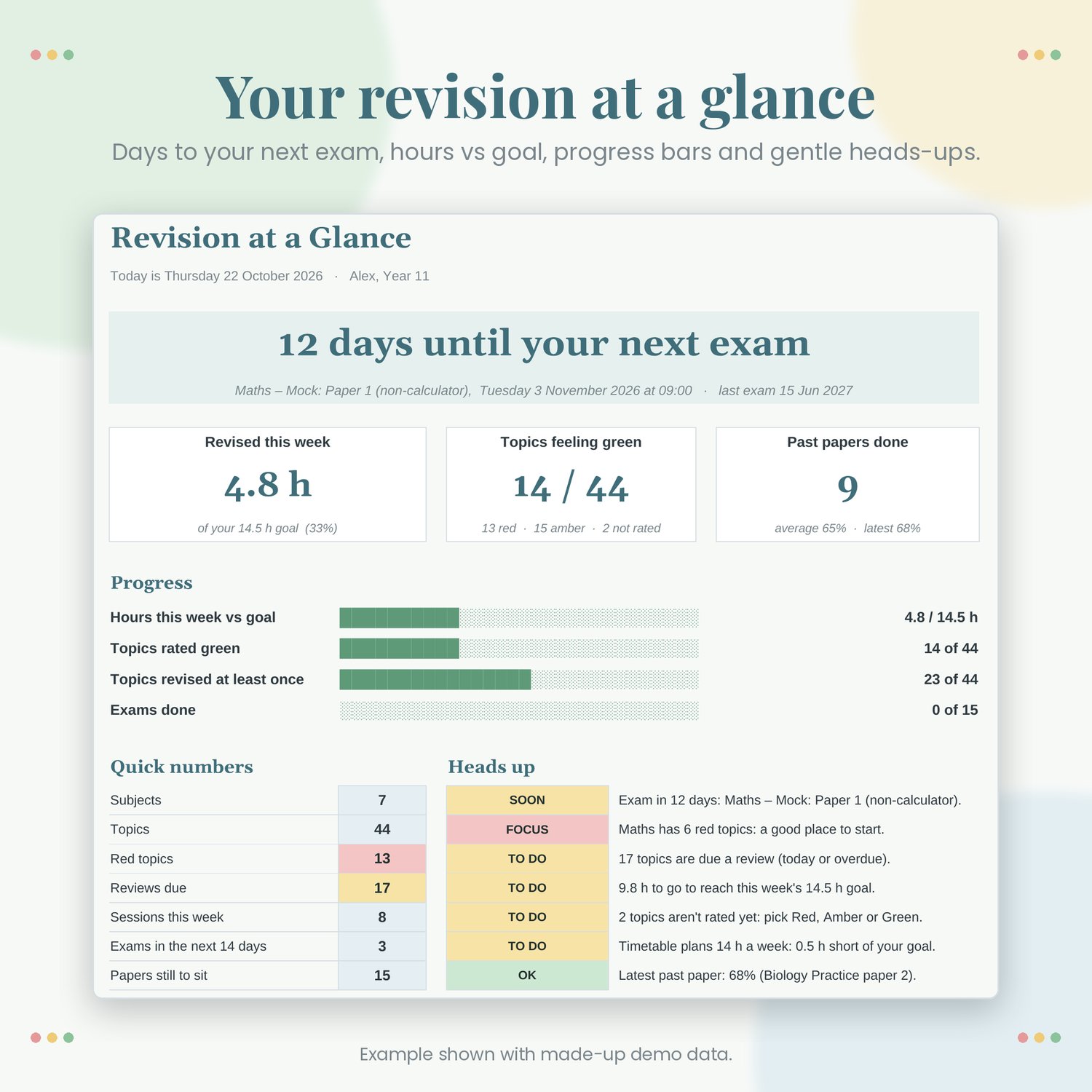
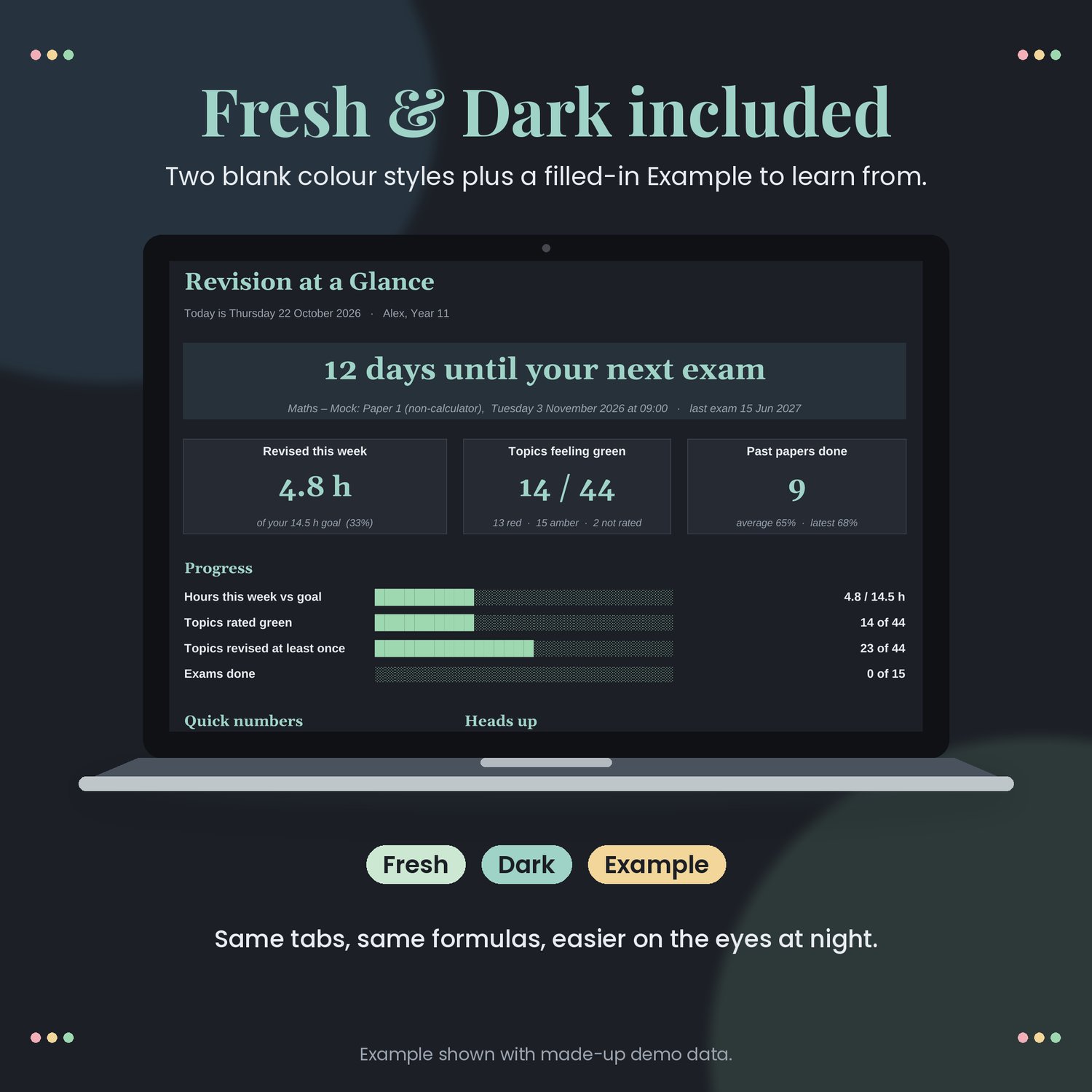
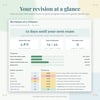
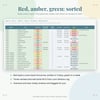
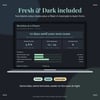
• Dashboard: days to your next exam, hours this week vs goal, progress bars, red / amber / green by subject, a chart and gentle heads-ups (e.g. "Maths has 6 red topics", "Exam in 12 days")
• My Subjects: level (GCSE, A-level, AS-level, Other), exam board (you type it), target and current / predicted grade (9–1 or A*–E), weekly hours goal, plus every exam paper with its date, start time and length
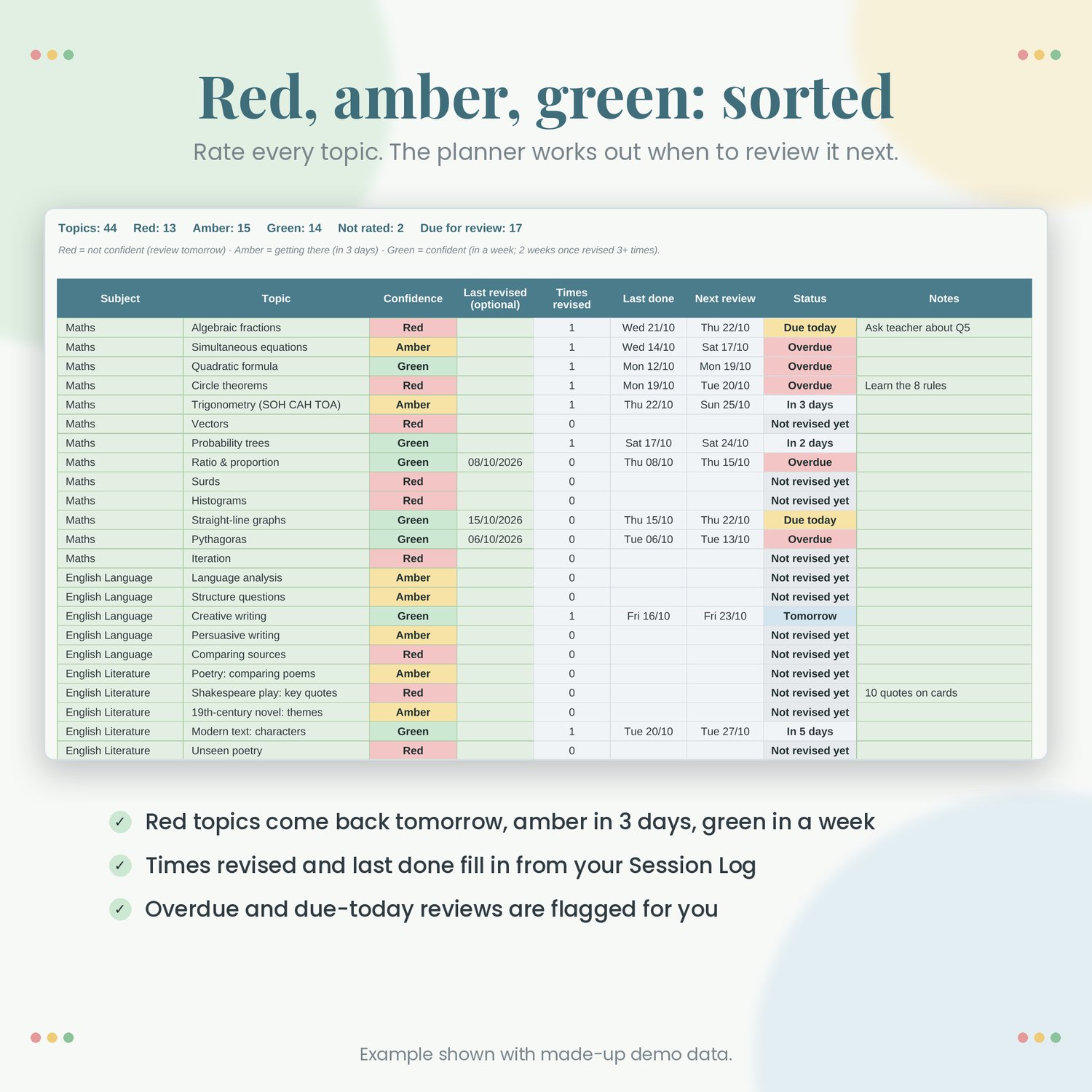
• Topic Tracker: 400 rows. Rate each topic Red, Amber or Green; times revised, last done and next review date fill in by themselves (Red: next day, Amber: 3 days, Green: 7 days, then 14 once revised 3+ times)
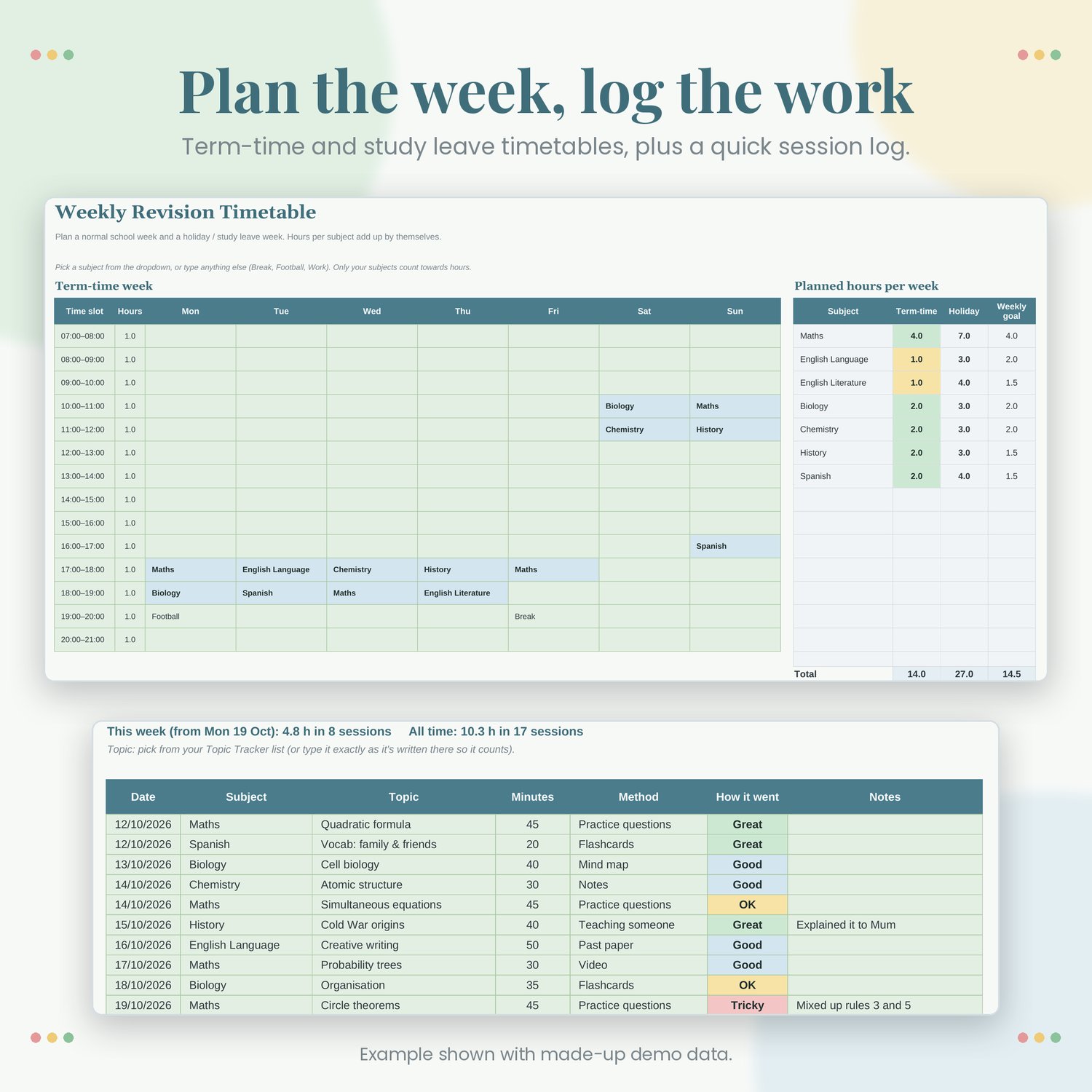
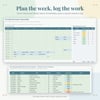
• Weekly Timetable: a term-time week and an Easter / holiday / study leave week, Monday to Sunday, with planned hours per subject added up for you
• Session Log: date, subject, topic, minutes, method (flashcards, past paper, notes, practice questions, teaching someone, mind map, video and more) and how it went
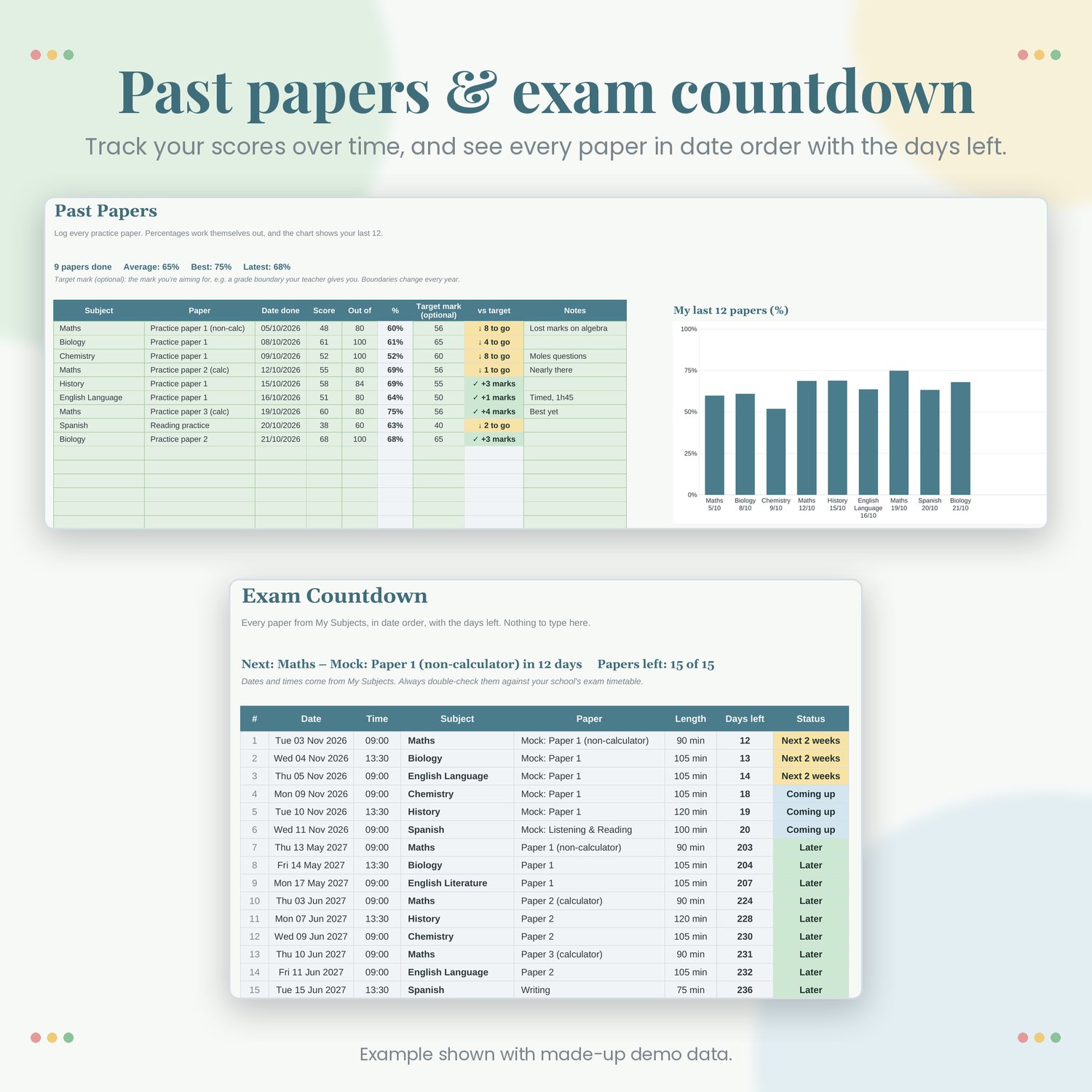
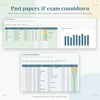
• Past Papers: score, out of, automatic %, an optional target mark you enter yourself, and a chart of your last 12 papers
• Exam Countdown: every paper sorted by date with the days left
• My Lists: 28 common UK subjects plus spare rows, revision methods and grades, all editable
ALSO INCLUDED
• Two colour styles: Fresh (calm sage and blue) and Dark (study mode)
• An Example file filled in with made-up data, so you can see how it all fits together
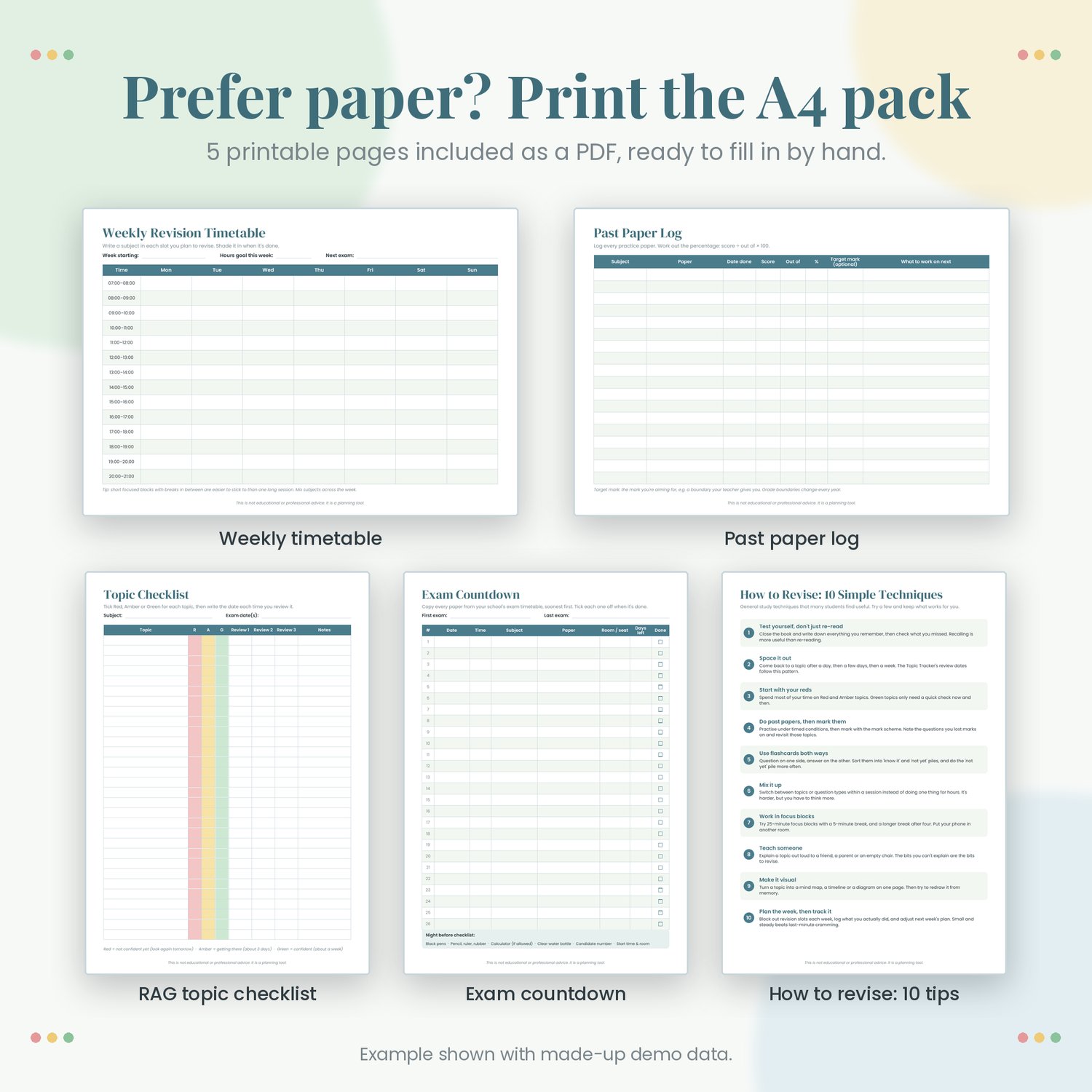
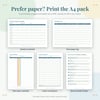
• A printable A4 PDF pack: weekly revision timetable, red / amber / green topic checklist, past paper log, exam countdown page and a one-page "how to revise" tips sheet
GOOD TO KNOW
• Works in Microsoft Excel (Microsoft 365, Excel 2016 or later, Excel for the web) and Google Sheets
• UK dates (day/month/year)
• Exam dates are not pre-filled because they change every year. Copy them from your school's exam timetable
• Not tied to any exam board. Type your own board, papers and topics
• Instant digital download (.zip with 3 .xlsx files, 1 PDF and a README). Nothing physical is posted
This is not educational or professional advice. It is a planning tool.