










ThumbForge – 1-Click YouTube Thumbnail Maker (Works Offline, No Subscription)
What is ThumbForge?
ThumbForge is a one-click thumbnail maker that runs entirely on your computer.
You add an image, click ✨ Auto Design, and ThumbForge turns it into a finished thumbnail with a bold headline, matching colours, filters and effects in seconds. You can then adjust anything by hand and download it in the exact size each platform needs.
It’s a single file that opens in your web browser. Nothing to install, no account, no subscription, and your images never leave your computer.
In one sentence: Canva-style thumbnails in one click, but offline, private and paid for once.
The problem it solves
Creators struggle with…ThumbForge gives you…Spending 20–30 minutes on every thumbnailA finished design in one clickNot knowing design (“which colours? where does the text go?”)Auto Design makes those choices for youMonthly subscriptions (Canva Pro, Photoshop)Pay once, own it foreverUploading private or unreleased content online100% offline, nothing is uploadedRemembering sizes for every platformOne-click presets for YouTube, Shorts, Instagram, Facebook and XHeavy software that takes ages to loadA tiny file that opens instantly
How it works (3 steps)
① Add your image. Click Upload Image or drag a photo anywhere onto the window. Any image works: photos, artwork, screenshots, album covers.
② Click ✨ Auto Design. ThumbForge:
- Scans your image to find the calmest, least busy area, so the headline doesn’t cover faces or the main subject
- Finds your image’s main colour and picks an accent colour that stands out against it
- Applies a full design: colour filter, gradient, text style, text size and a sticker placed in the opposite corner to the text
Click again for a different variation. Undo goes back to the previous one.
③ Adjust and download. Change the headline, tweak colours or sliders, then click Download to save it as PNG, JPG or WebP.
Full feature list
✨ Auto Design
- Analyses the image layout and colours
- Chooses the best of 7 text positions automatically
- Picks an accent colour that contrasts with your image
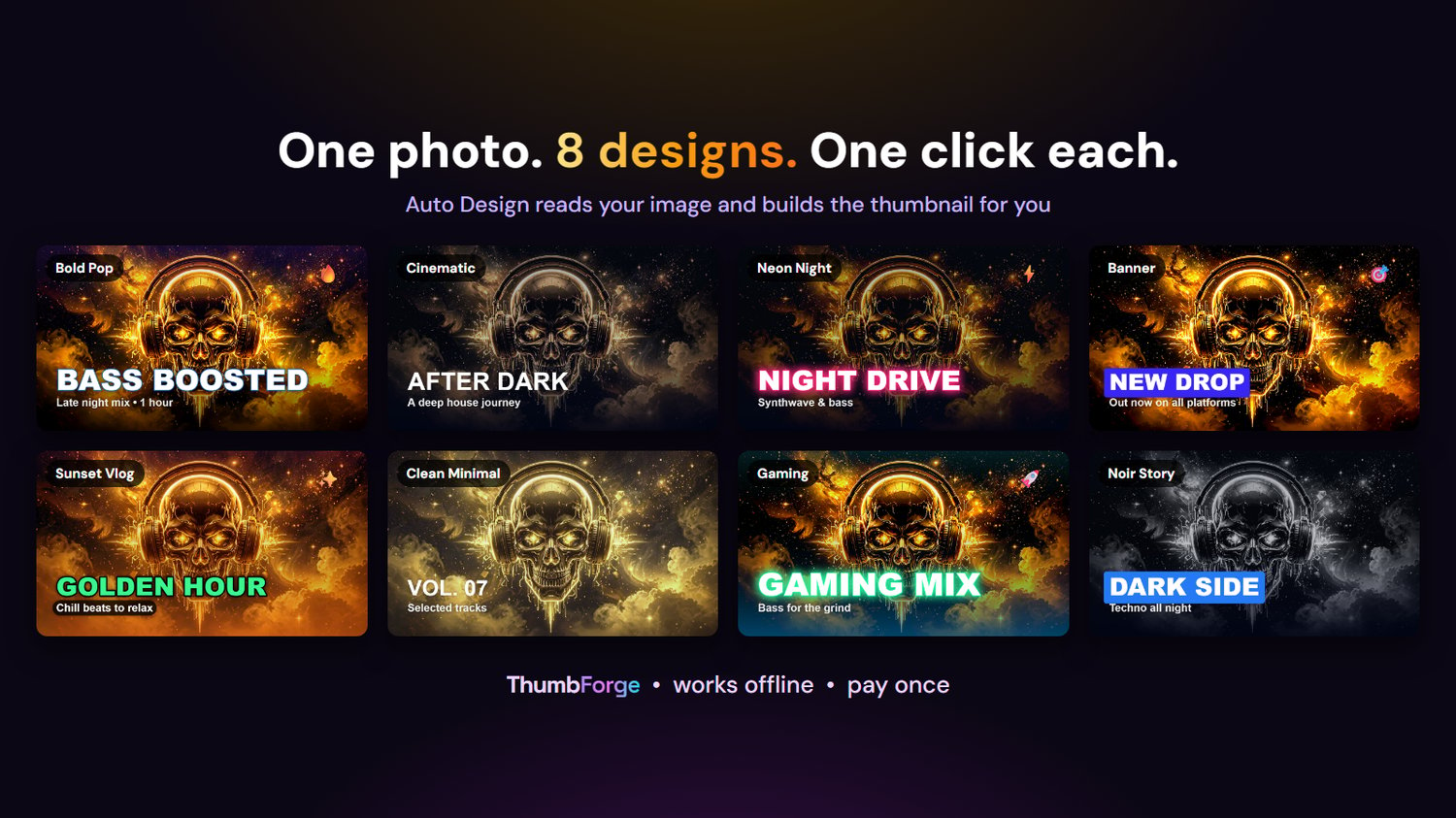
- Applies one of 8 professional designs, a new one on every click
🎨 8 ready-made designs
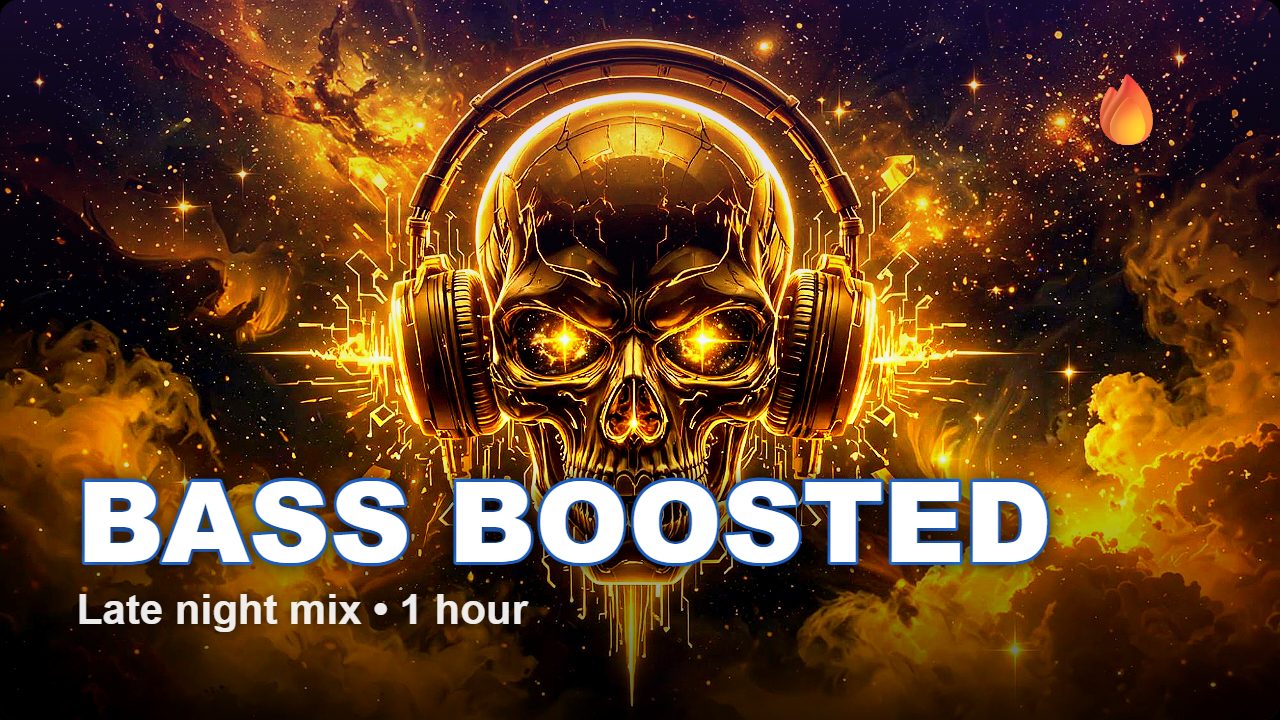
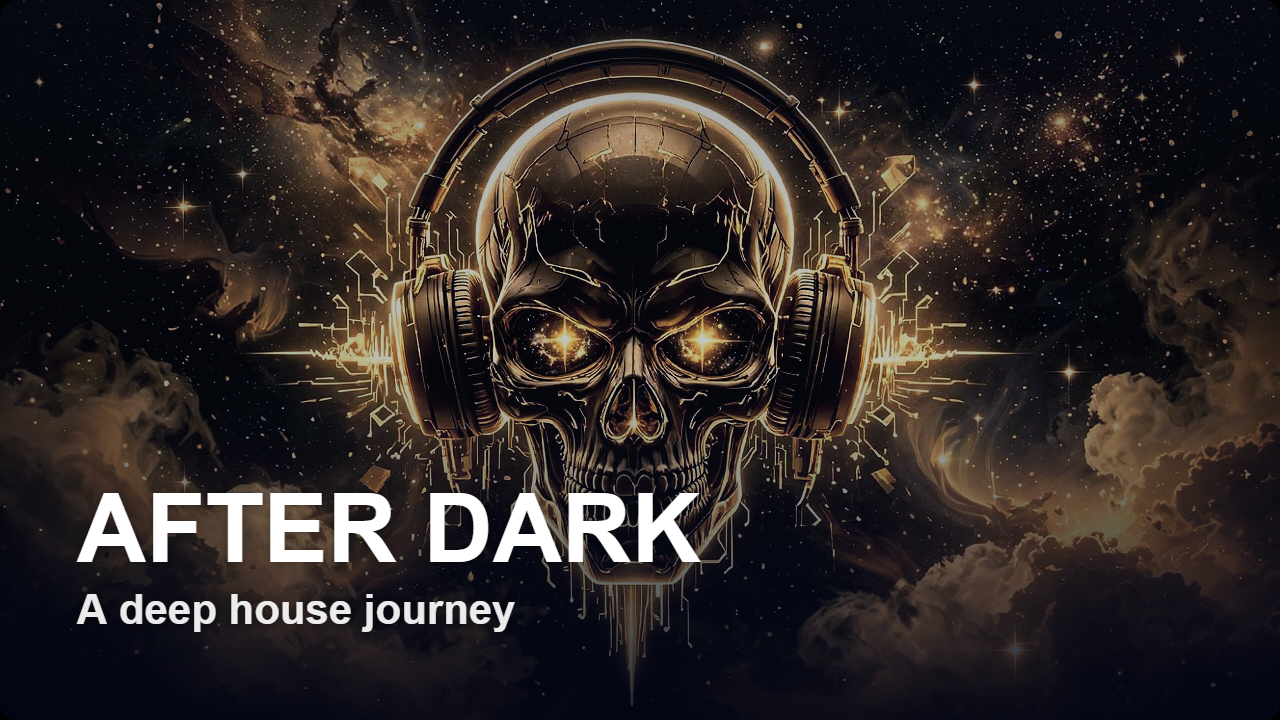
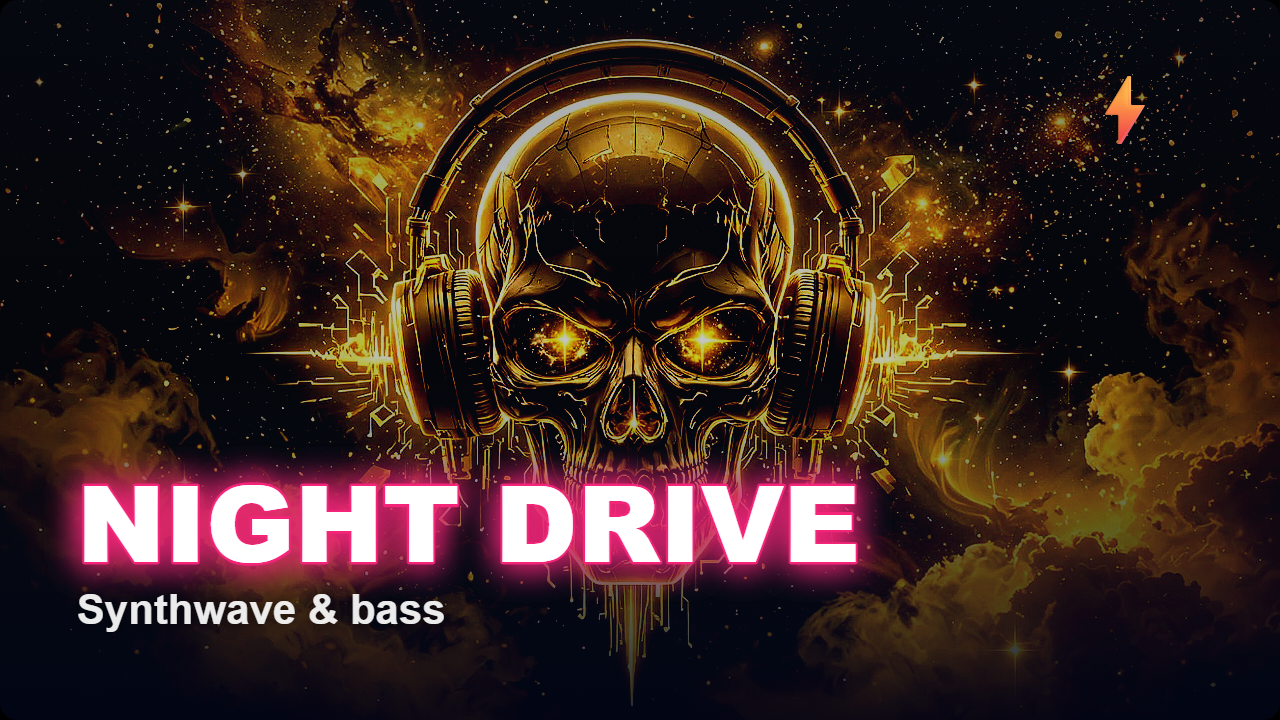
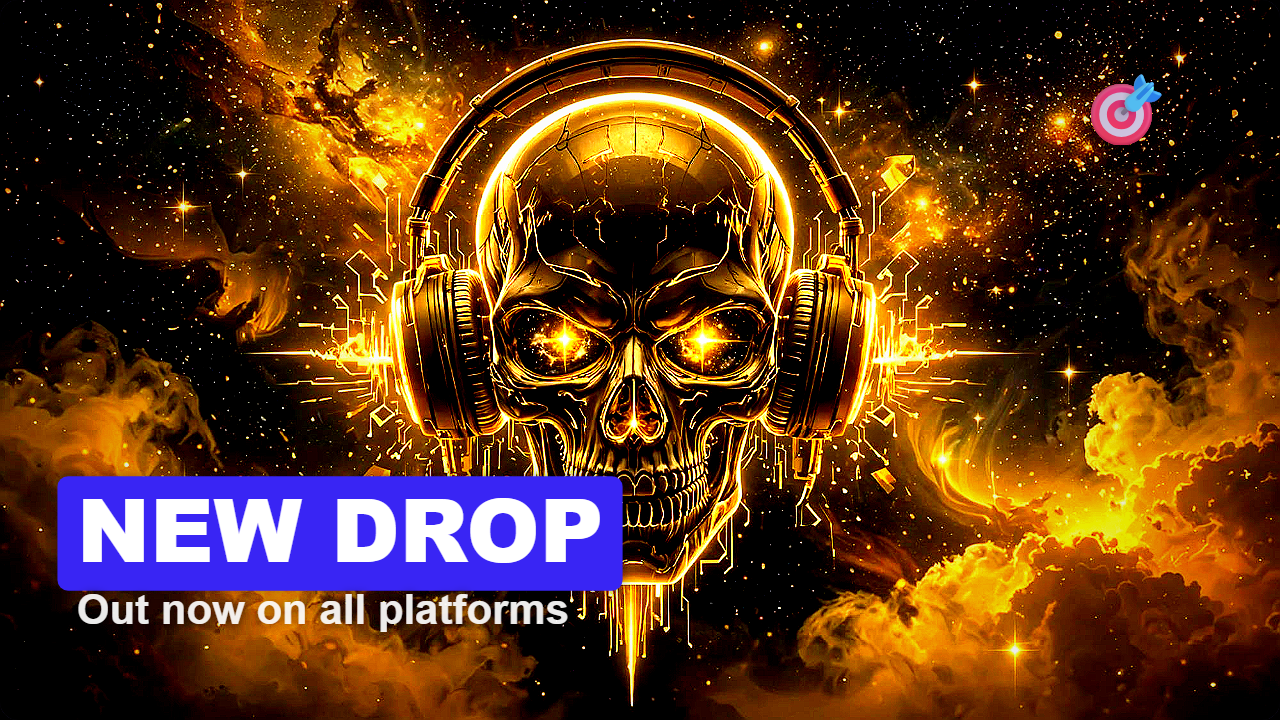
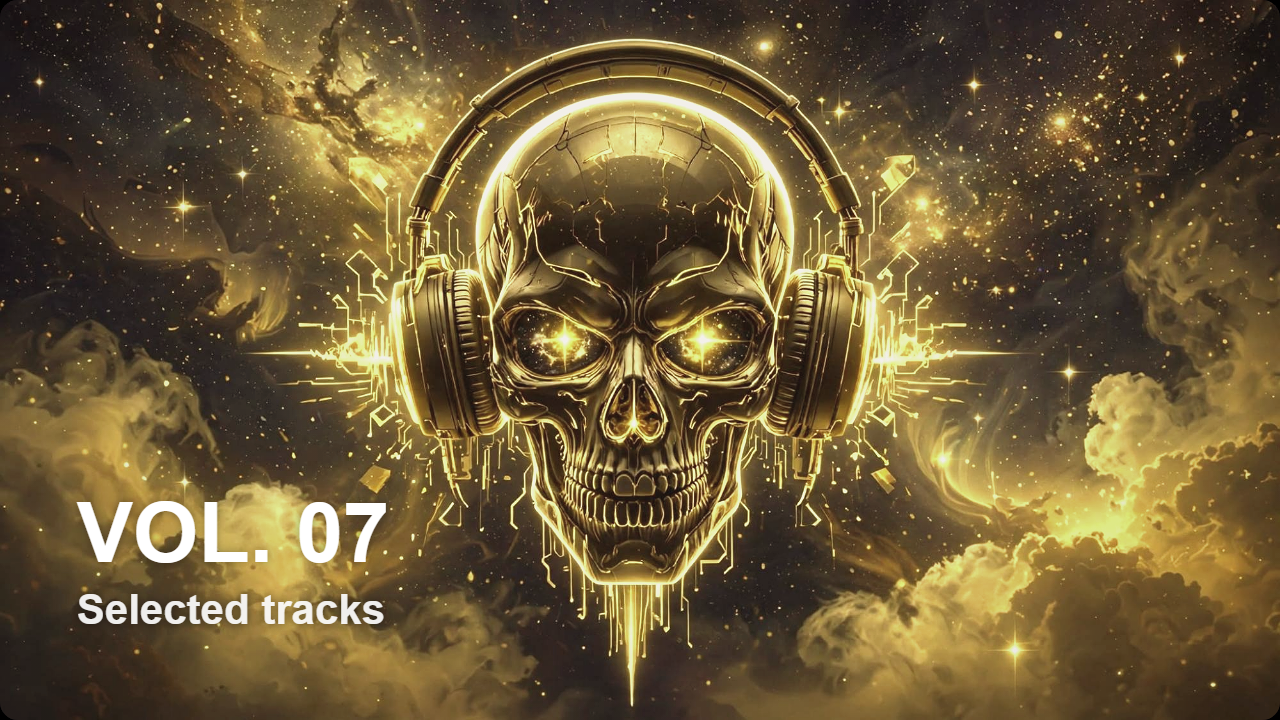
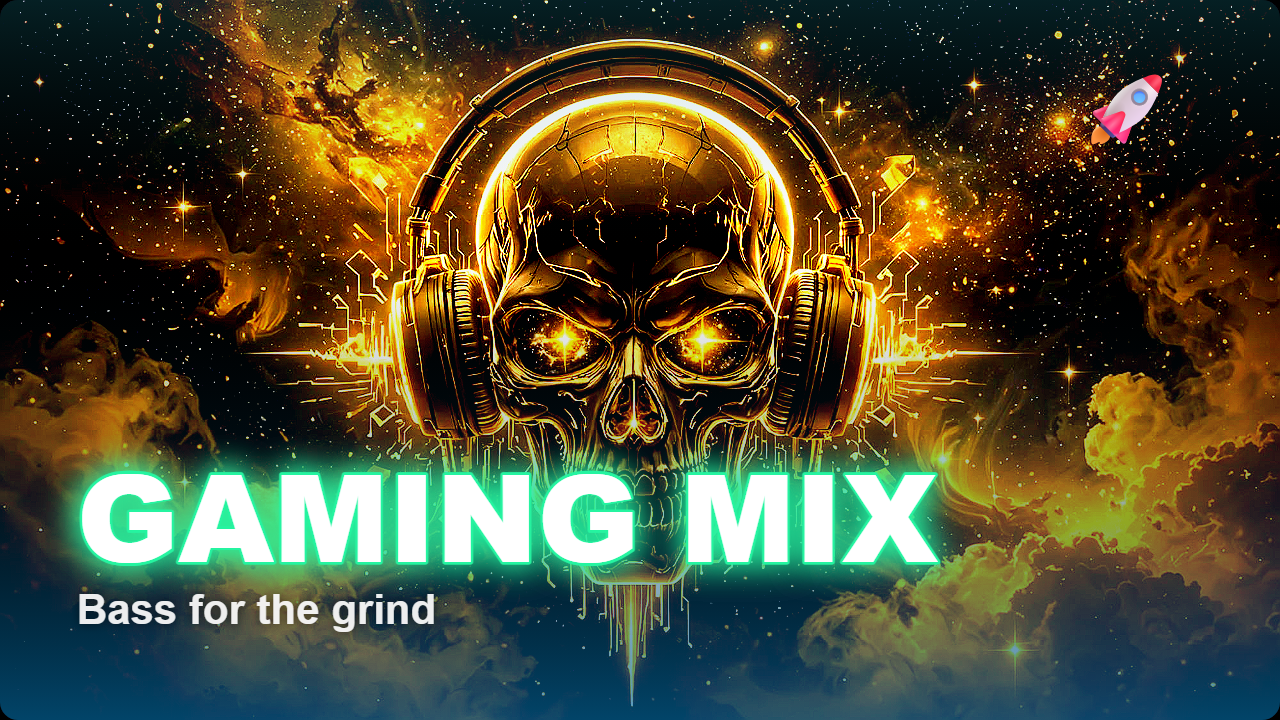
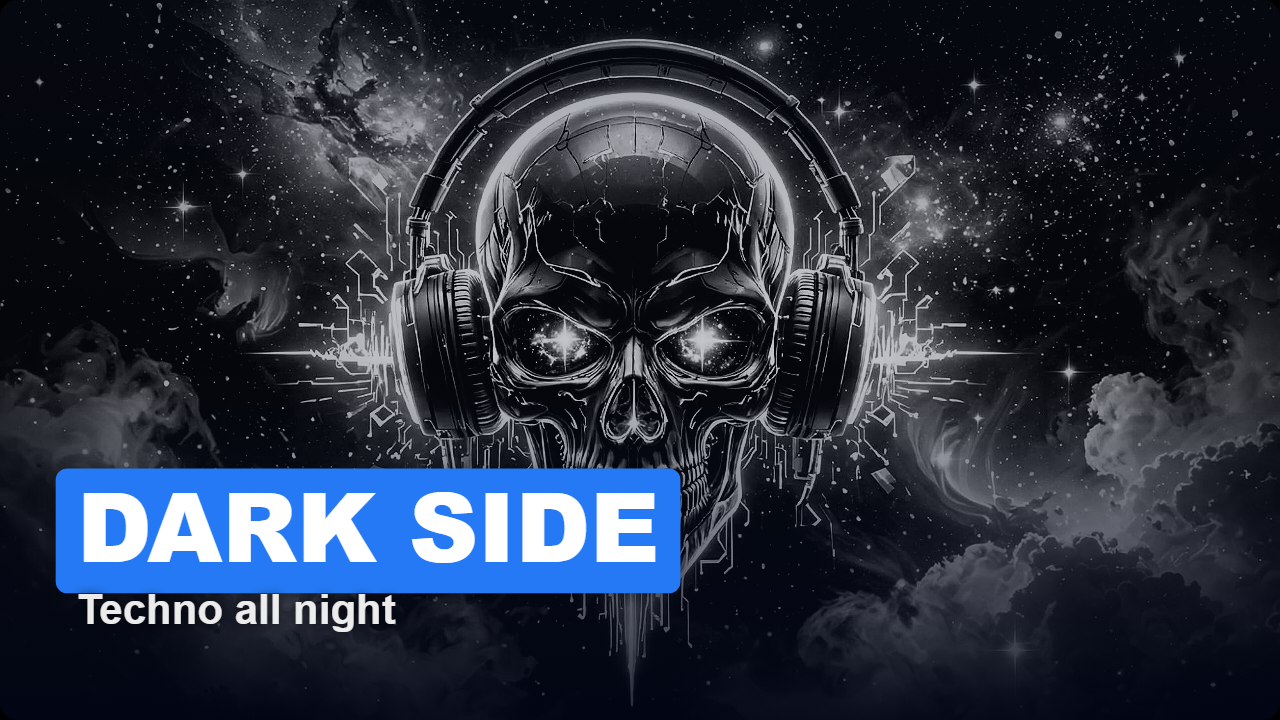
DesignLookBest forBold PopBright, punchy, outlined textVlogs, challenges, reactionsCinematicMoody, film-style colourTravel, short films, storytellingNeon NightGlowing text, dark edgesMusic, nightlife, techBannerText on a solid colour stripTutorials, lists, announcementsSunset VlogWarm tones, coloured headlineLifestyle, travel, foodClean MinimalSoft and simplePodcasts, business, educationGamingBig, loud, high contrastGaming, esports, streamsNoir StoryBlack and white dramaDocumentary, true crime, serious topics
📐 Sizes and canvas
PresetSizeYouTube thumbnail1280 × 720YouTube Shorts / Reels / TikTok1080 × 1920Instagram Post1080 × 1080Instagram Story1080 × 1920Facebook1200 × 630X / Twitter1200 × 675CustomAny size from 16 to 8000 px
- Ratio lock: change the width and the height follows, or the other way round
- Fit modes: Cover (fills the frame), Contain (whole image visible), Stretch
- Background colour for Contain mode
- Rotate from −180° to +180°
🌈 10 colour filters
Original · Vivid · Cinematic · Noir · Vintage · Warm · Cool · Dramatic · Pastel · HDR
🎚️ 10 fine-tune sliders
Brightness · Contrast · Saturation · Hue · Blur · Grayscale · Sepia · Sharpen · Vignette · Temperature (warm and cool)
🔤 Text
- Headline and subtext
- 5 text styles: Classic outline · Banner · Neon glow · Box · Minimal
- Text size, text colour, outline colour and accent colour
- 7 positions: top left, top centre, top right, centre, bottom left, bottom centre, bottom right
- Headline in capitals (on or off)
⭐ Elements
- 10 stickers: 🔥 ⭐ ✨ 🎉 🚀 ❤️ 👑 🎯 💎 ⚡ (pick one, then click to place it)
- Gradient overlays: Violet · Sunset · Ocean · Midnight
- Rounded corners: transparent in PNG, which is great for overlays
- Border: adjustable width and colour
🧰 Workflow tools
- Undo: up to 60 steps (Ctrl+Z)
- Before / After: compare with the original
- Copy size: copies the dimensions to your clipboard
- Drag and drop anywhere on the window
- Desktop-app layout: everything fits on one screen
💾 Export
- PNG: best quality, supports transparent corners
- JPG: smaller files, with adjustable quality
- WebP: modern format with small files and adjustable quality
- Always saves at the full size you chose (for example a true 1280×720), whatever the preview size on screen
5. Privacy and security
- Runs 100% on your computer: images are never uploaded
- No account, no login, no tracking
- Works without internet. Only the interface font loads from Google when you’re online, and it falls back to a system font offline.
- Safe for unreleased content, client work and private photos
6. Technical details
FormatSingle HTML file (about 27 KB)InstallationNone. Unzip and double-click.Operating systemsWindows, macOS, Linux, ChromeOSRecommended browsersGoogle Chrome, Microsoft Edge (latest)Also worksFirefox; Safari (some filters may be limited on older versions)Internet neededNoInput imagesJPG, PNG, WebP, GIF (first frame) and other browser-supported formatsMax canvas size8000 × 8000 pxMobileWorks on tablets and phones, but a desktop or laptop is recommended
7. Who it’s for
- YouTubers: fast, consistent thumbnails for every upload
- Shorts, Reels and TikTok creators: vertical covers in one click
- Music producers and DJs: artwork into release, mix and visualiser thumbnails
- Podcasters: clean episode covers
- Streamers and gamers: loud, high-contrast designs
- Bloggers and marketers: featured images and social posts
- Small businesses: promo graphics without hiring a designer
- Social media managers: quick, private client work
8. What’s included in the download
FileWhat it isThumbForge.htmlThe app. Double-click to open.README.txtQuick-start guide and tipsLICENSE.txtUsage terms
Free updates to all version 2.x releases.
9. License summary
✅ You can:
- Use ThumbForge on any computer you personally use
- Use everything you create for any purpose, including commercial (YouTube, clients, ads, merch)
❌ You can’t:
- Share, resell or upload the ThumbForge file itself
- Use its code to build a competing product
One license is for one person. Teams need one license per user.
10. Good to know (current limits)
Being upfront here builds trust and prevents refund requests:
- One headline and one subtext per design. There are no multiple text boxes or layers.
- Stickers can’t be moved after placing them. Use Undo or Clear Stickers to redo them.
- Headlines use a bold system font. Custom fonts aren’t supported yet.
- Projects aren’t saved, so download your thumbnail before closing the window.
- Auto Design suggests text placement from the image’s contrast and detail. It doesn’t recognise faces, so check the result and adjust if needed.
11. Support
📧 afterdarkbassedm@gmail.com
Please include your browser name and a screenshot if something looks wrong.
12. FAQ
Do I need internet? No, it works fully offline.
Is it a subscription? No. You pay once and own it.
Do I need design skills? No. Auto Design does it for you.
Can I use the thumbnails commercially? Yes, everything you make is yours.
Will it slow down my computer? No. It’s a tiny file that runs in your browser.
Can I use my own photos and artwork? Yes, any image on your computer.
Does it add a watermark? Never.
Does it work on Mac? Yes, in Chrome, Edge or Firefox.