
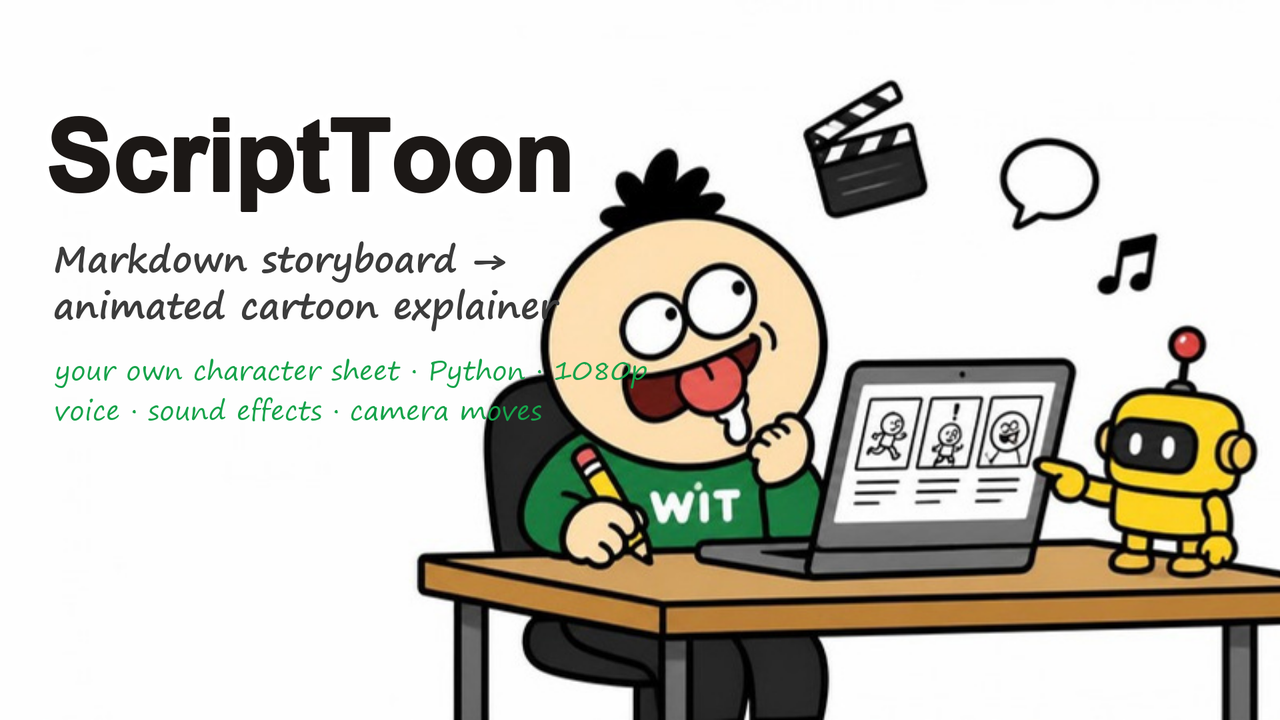

ScriptToon: hand-drawn explainer videos from a Markdown storyboard (Python)
Write a storyboard in Markdown. Get a 1080p cartoon with a character that reacts, a camera that zooms on the number that matters, a sound on every action, and a synthetic voice. No video editor. Everything after the storyboard is Python.
Two videos made with it, 3–5 minutes each, rendered in under 10 minutes on a laptop:
https://youtu.be/8LZYHxkD3Ew
https://youtu.be/FdQCacLMjHg
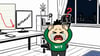
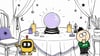
The 18-second demo project that ships in the zip, rendered by the engine with no manual editing:
More samples, made from other people's READMEs: https://ssap-pa.github.io/scripttoon-samples/
What's in the zip
• Cut-out characters from YOUR character sheet: generate poses with any image model using the sheet as reference (prompt kit included), drop the PNGs in a folder, the module keys out the background and animates them. Consistent character, no drawing.
• The engine (one Python file): storyboard parser, pen-line labels and props (speech bubbles, charts, timers, seesaw, coins, cones), camera keyframes with shake, synthesized sound effects mixed under the voice, per-shot rendering so you only re-render what you changed.
• An 18-second demo project you can render right away, with three sketch backgrounds.
• The background prompt kit: the exact prompt that produces matching ink-sketch scenes in any image model, plus ten scene sentences that worked.
• Docs: storyboard format, shot API, and the hook/title/thumbnail checklist I use for my own channel.
Requirements: Python 3.10+, pillow, numpy, edge-tts, ffmpeg. Windows fonts by default; two lines to point it at macOS/Linux fonts.
License: single-user commercial. Unlimited videos for you and your clients. No redistribution of the engine.
If it doesn't do what the README says: a fix or a full refund within 14 days.