


Dimension Text Height Tool
Dimension Text Height Tool v1.1 — AutoLISP + DCL
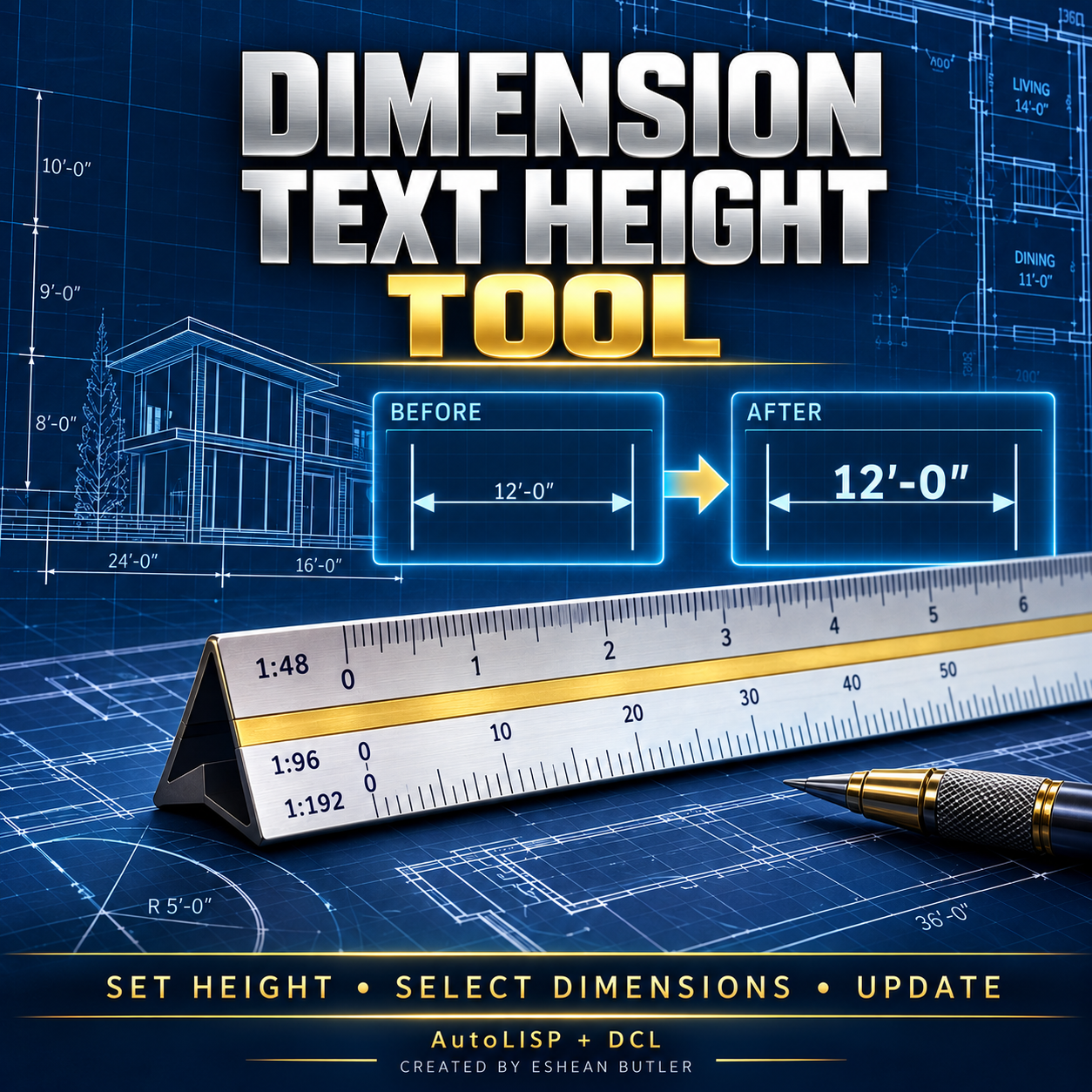
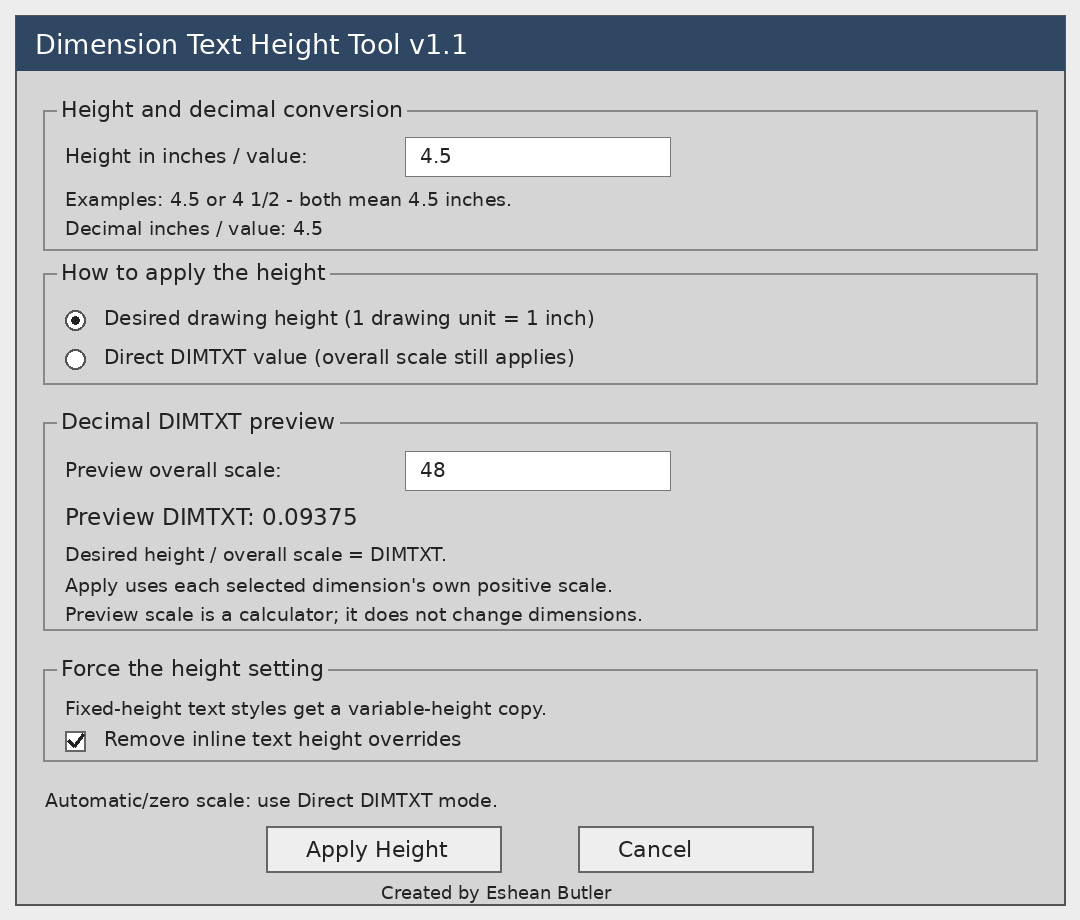
Resize selected dimension text with an easy-to-use dialog. Enter your desired height in inches, see its decimal value, and let the tool calculate the required DIMTXT setting for each selected dimension’s overall scale.
For example, 4.5″ ÷ scale 48 = 0.09375 DIMTXT.
Features
- Update one dimension or multiple dimensions.
- Enter decimal or fractional-inch heights.
- Preview the calculated decimal DIMTXT value.
- Calculate each selected dimension separately for mixed-scale selections.
- Choose desired drawing height or direct DIMTXT mode.
- Handle fixed-height text styles by creating a variable-height copy.
- Optionally remove inline text-height overrides.
- Skip dimensions on locked layers.
Ideal for adjusting architectural dimension annotations without editing the shared dimension style.
Your download includes
- AutoLISP routine and matching DCL dialog.
- Installation and operating instructions.
- Gray DCL preview image.
Easy setup: Load the LISP using APPLOAD, then type DTH.
Compatibility: Designed for Windows AutoCAD 2002 with Visual LISP/ActiveX. Source and calculations checked; execution inside AutoCAD 2002 has not yet been tested.
Please note: Desired-height mode assumes one drawing unit equals one inch and sets nominal text height in the drawing, not printed paper height. Automatic or zero-scale dimensions require direct DIMTXT mode. Exploded dimensions and dimensions nested inside blocks are excluded.
Created by Eshean Butler — Residential CAD Solutions
Digital download. No physical product.