
Weekly Time Block Planner | Google Sheets Template
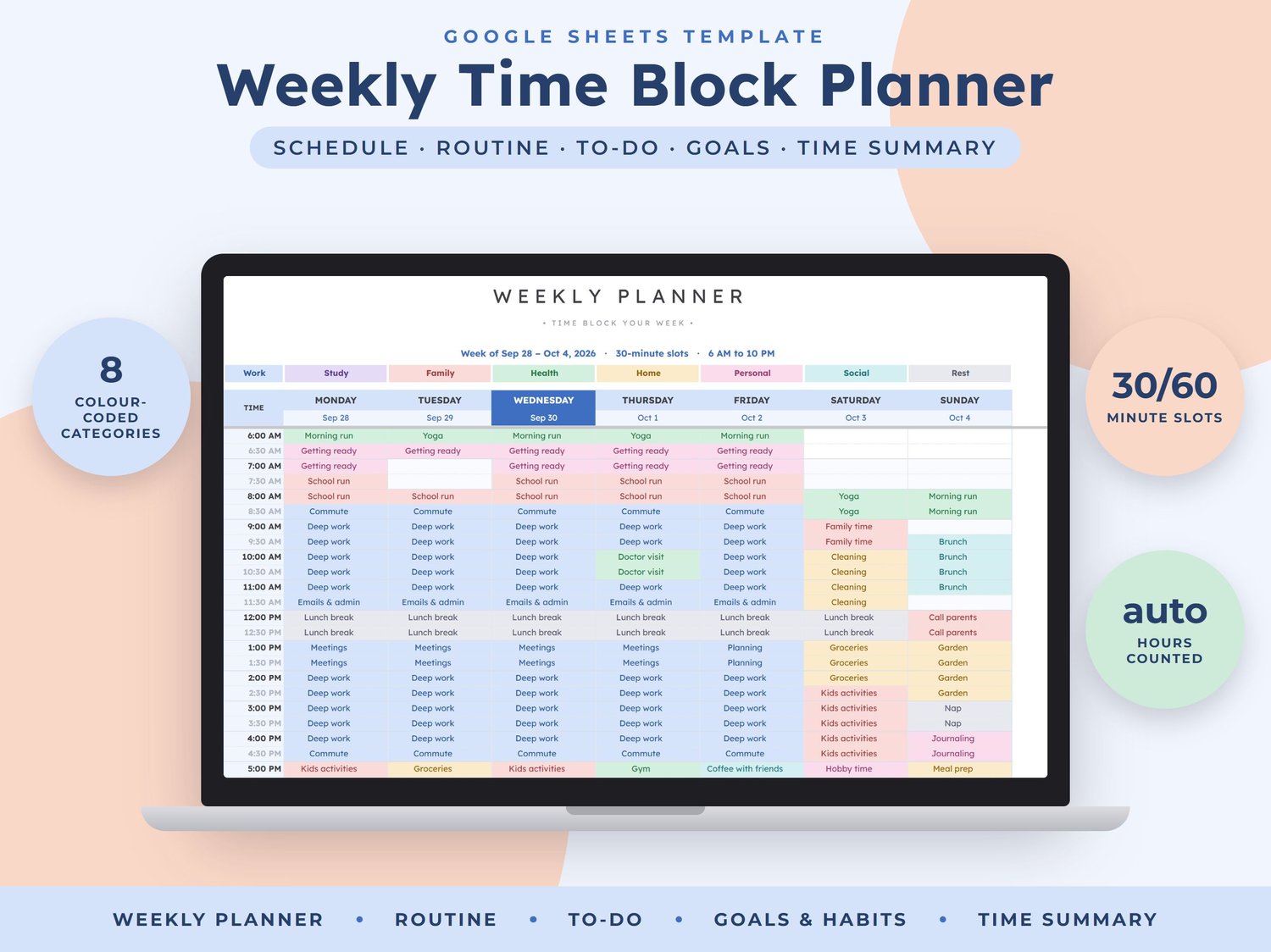
Plan your week in colourful time blocks and see exactly where your hours go. Pick an activity for each slot and the grid colours itself by category, then this Google Sheet counts your planned hours, focus time and free time, tracks your tasks, goals and habits and shows it all on a dashboard.
WHAT'S INSIDE (8 tabs)
- START HERE: quick setup steps and tips
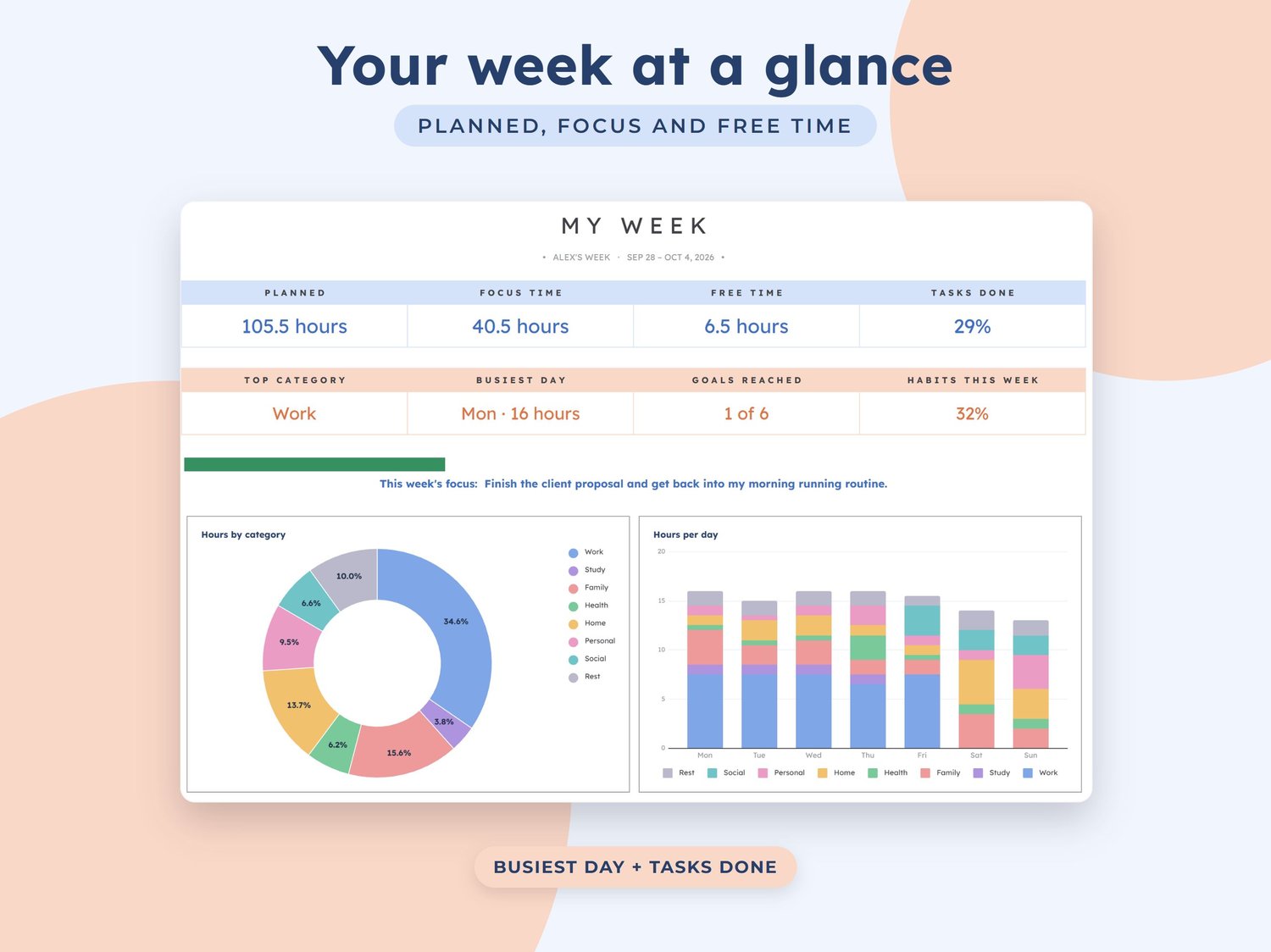
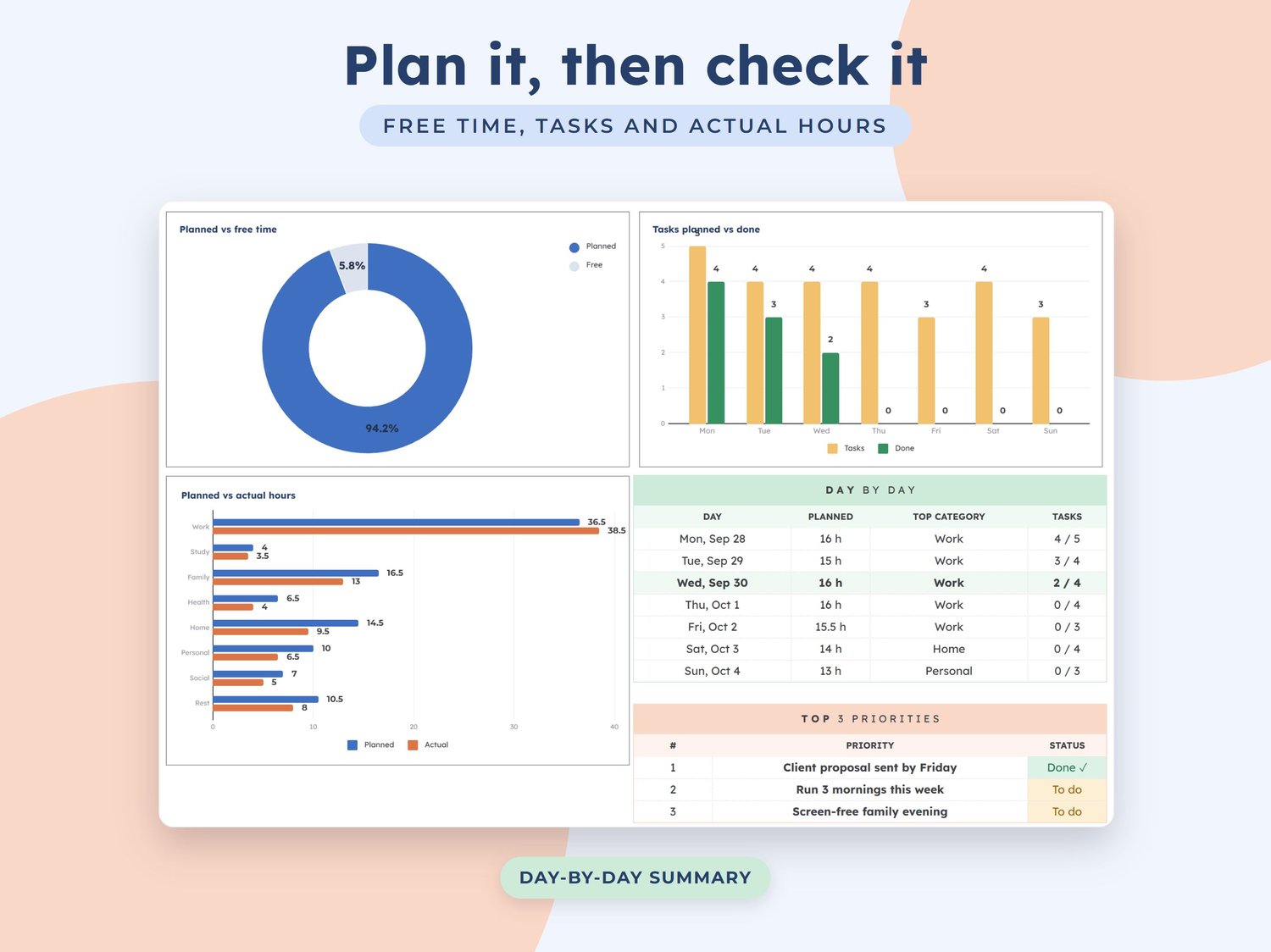
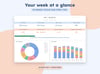
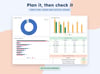
- Dashboard: planned hours, focus time, free time, tasks done, top category, busiest day, goals reached and habits, 5 charts (hours by category, hours per day, planned vs free time, tasks planned vs done, planned vs actual hours), a day-by-day summary and your top 3 priorities
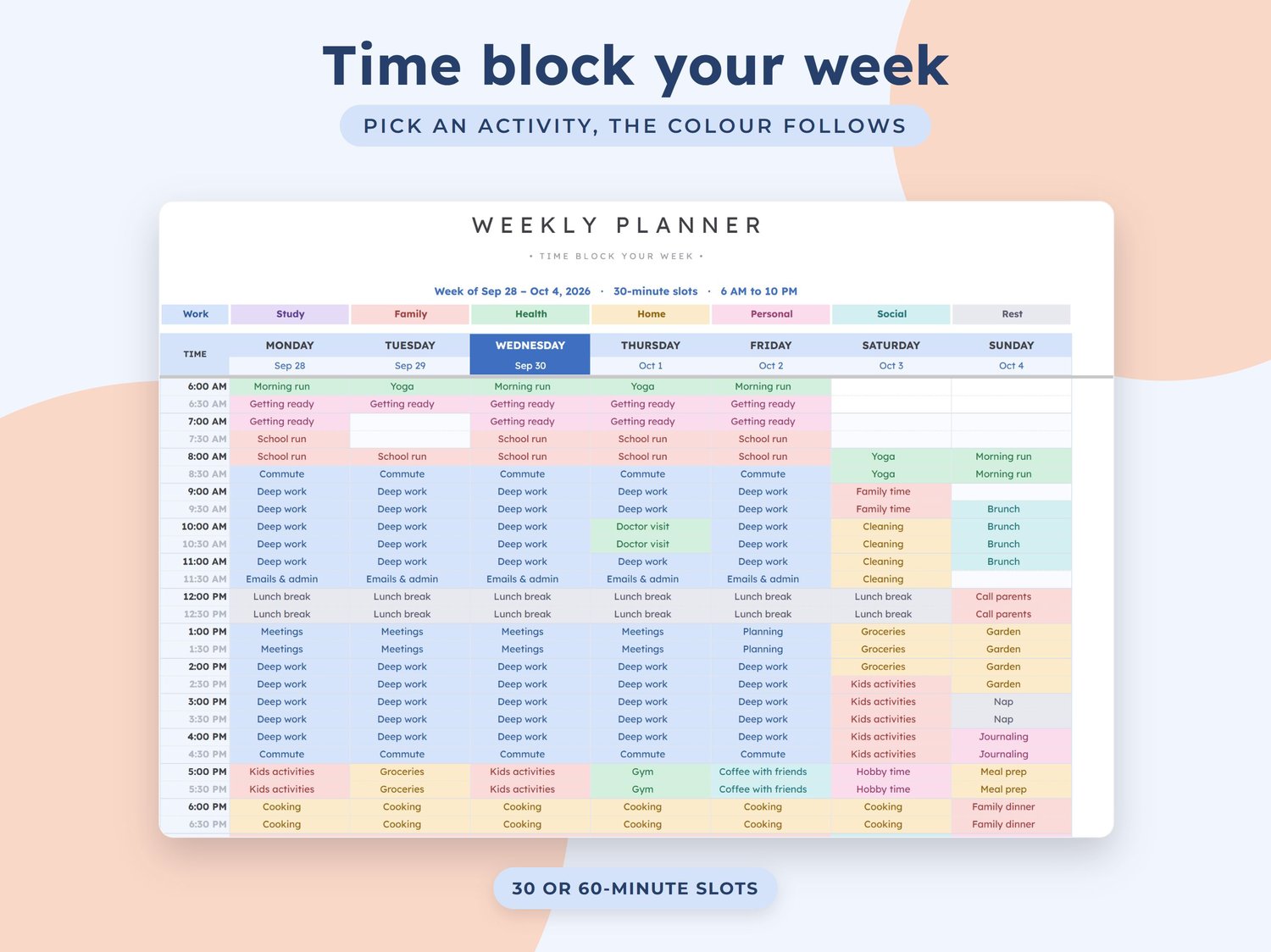
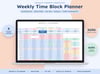
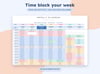
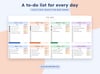
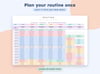
- Weekly Planner: a colour-coded 7-day time block grid in 30 or 60-minute slots, with dates, a colour key, today highlighted and planned hours per day
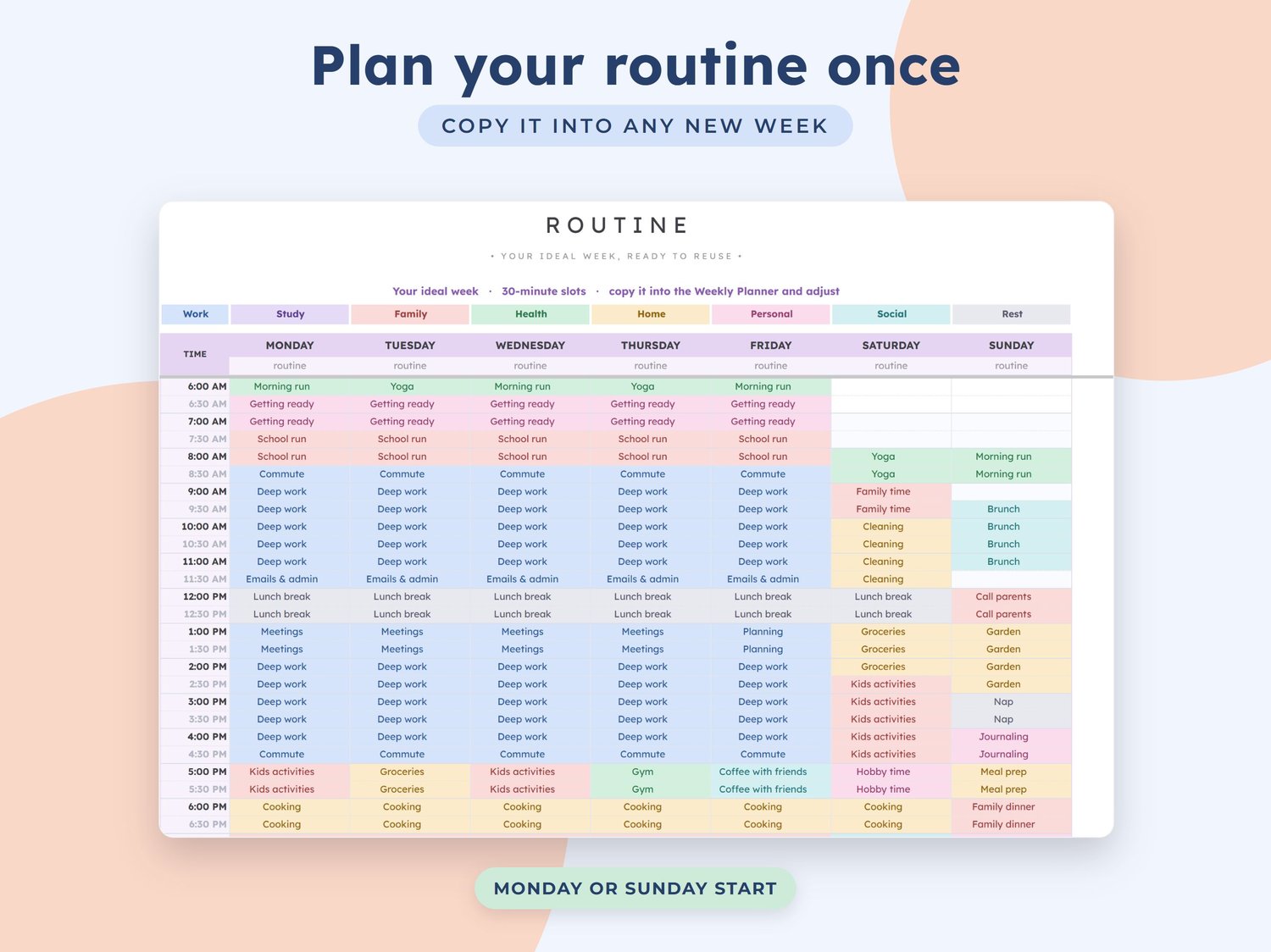
- Routine: your ideal week in the same grid, ready to copy into any new week
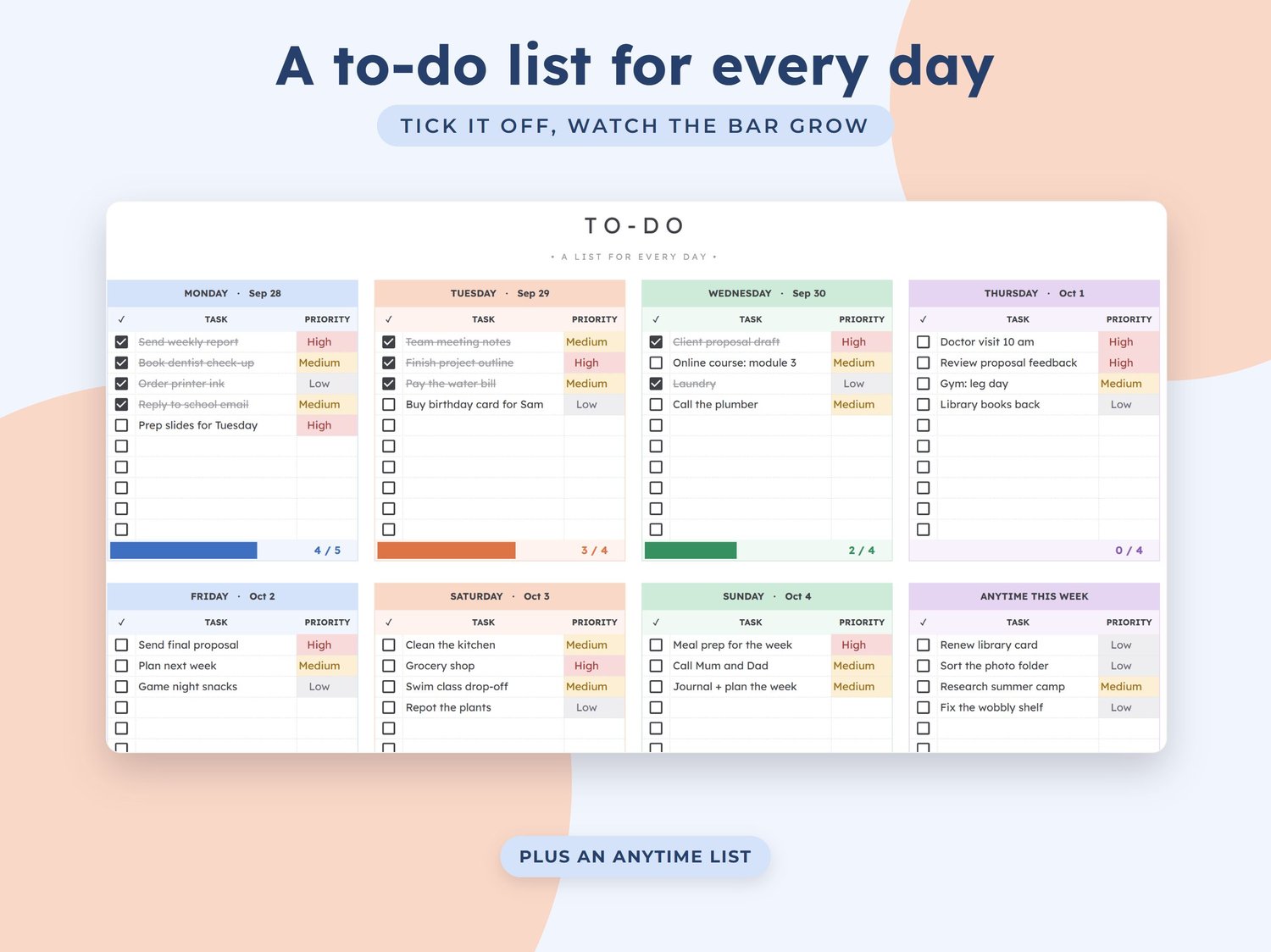
- To-Do: a task list with priorities for every day of the week plus an anytime list, each with a progress bar
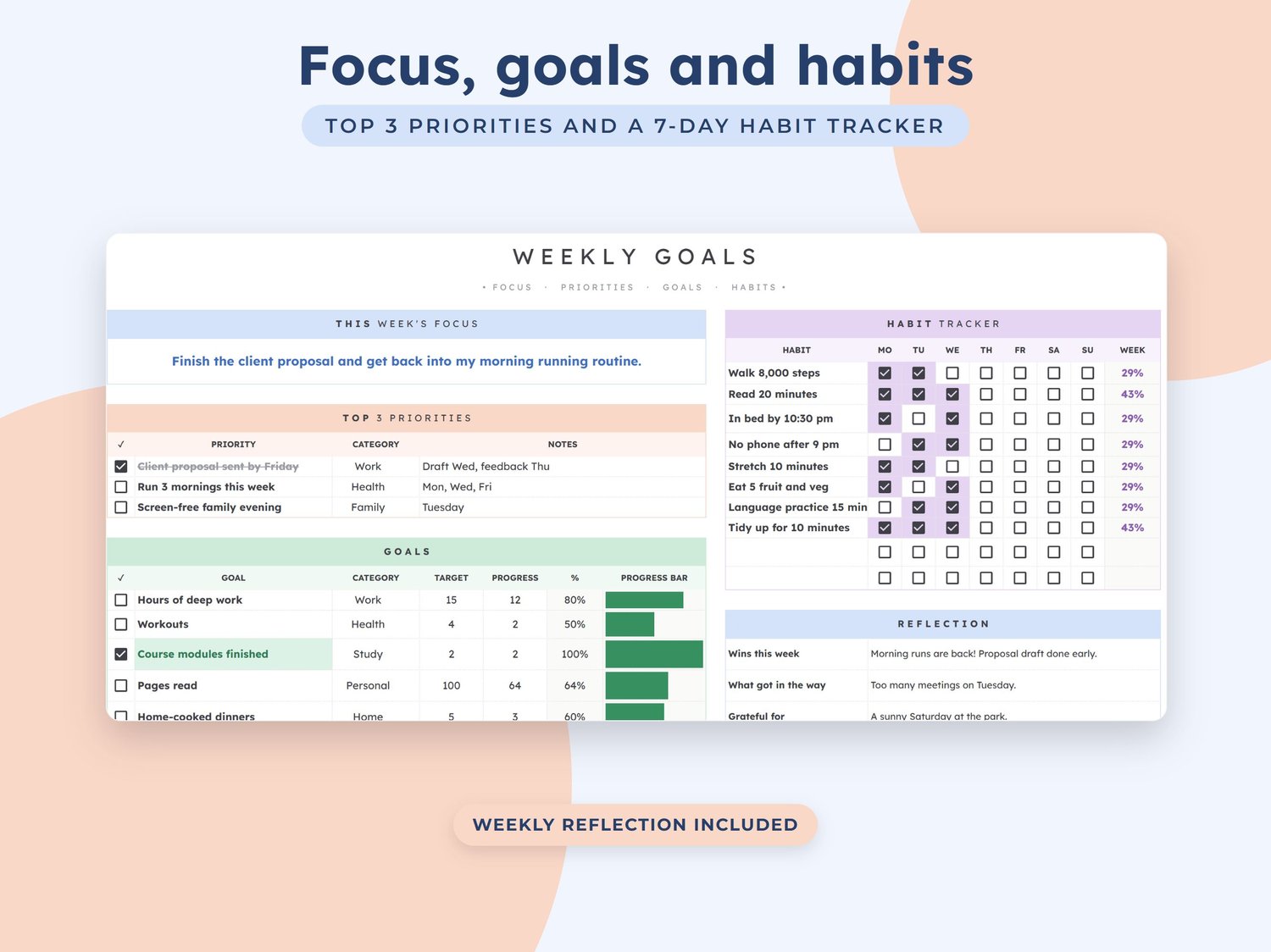
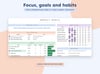
- Weekly Goals: weekly focus, top 3 priorities, goals with progress bars, a 7-day habit tracker and a short weekly reflection
- Time Summary: hours per category and per day counted from the grid, with your targets, actual hours and the difference
- Setup: your name, the week, Monday or Sunday start, day start and end times, slot length, 8 colour-coded categories (Work, Study, Family, Health, Home, Personal, Social, Rest) and a list of activities you can change
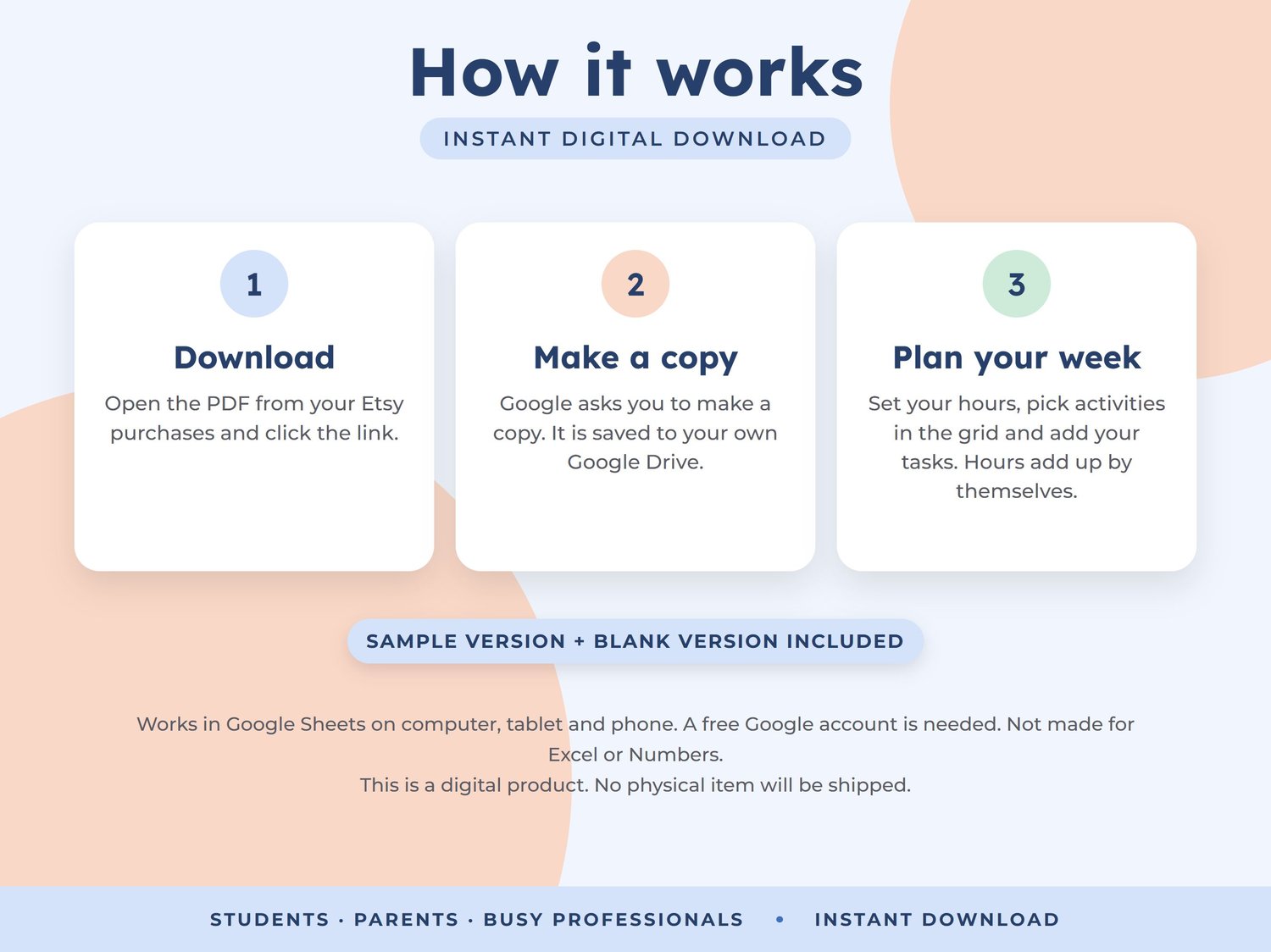
HOW IT WORKS
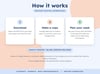
1. After purchase, download the PDF from the link in your confirmation email.
2. Click the link. Google asks you to make a copy, which is saved to your own Google Drive.
3. Set your week and hours on Setup, then pick activities in the grid and add your tasks. Hours and charts update automatically.
GOOD TO KNOW
- Two versions included: one with a sample week to explore and a blank one ready for your own plans
- Reusable every week: change the date on Setup and every tab follows
- Rename the categories and activities to suit students, parents, freelancers or busy professionals
- Works in Google Sheets on computer, tablet and phone. A free Google account is needed. Not made for Excel or Numbers
- Cells that calculate show a gentle warning if you try to edit them, so formulas are not deleted by accident
- This is a digital product. No physical item will be shipped
- For personal use only. Please do not share or resell
- Because this is a digital download, returns are not accepted. If you have any problem, reply to your download email and I will be happy to help