
The A-Roll Helper
One window. Four steps. The boring half of your edit, gone.
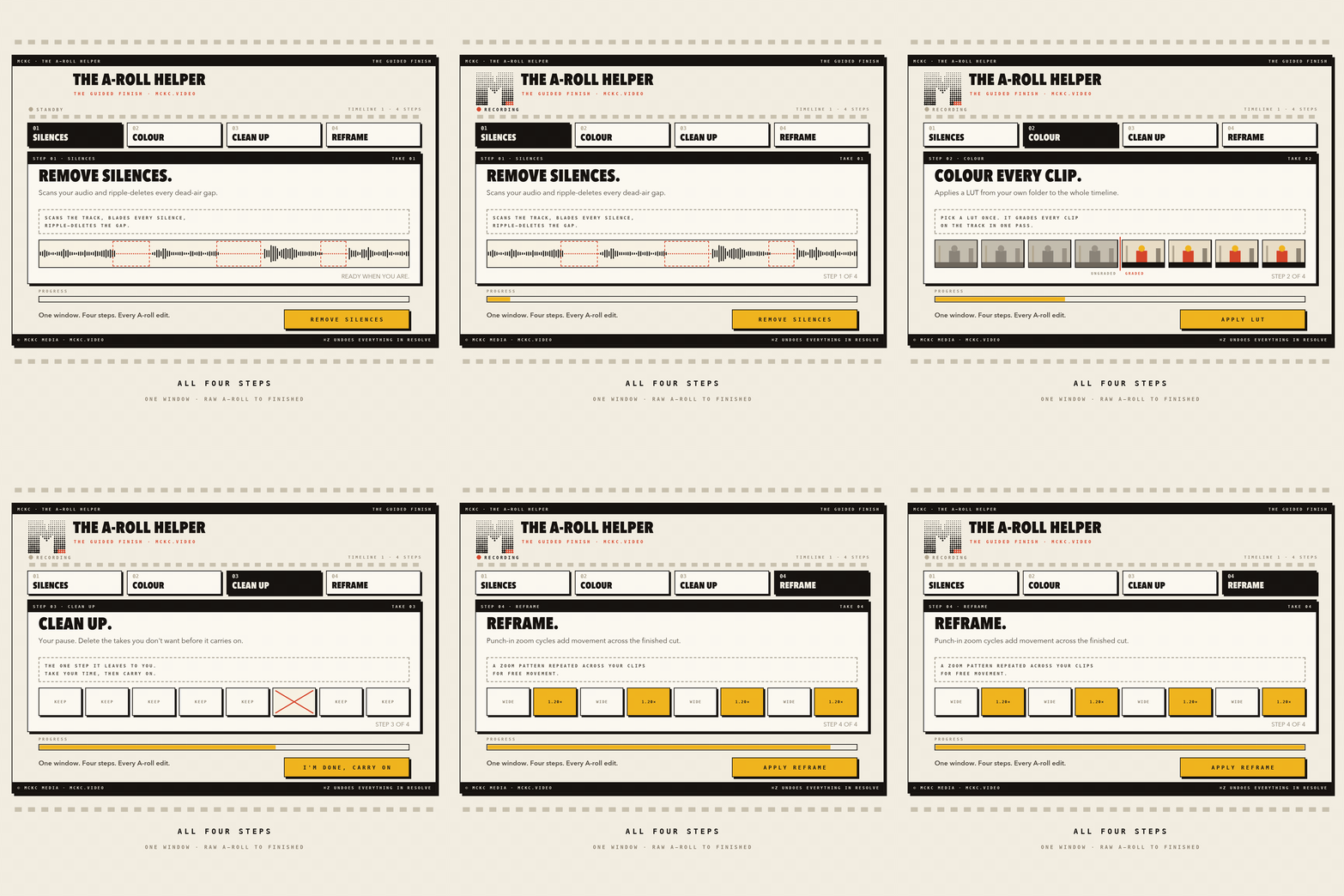
Every A-roll edit starts with the same forty minutes of admin before you get to the part you actually enjoy. Cut the dead air. Drop a LUT on every clip. Tidy up. Add some punch-ins. The A-Roll Helper does all four inside one guided window in DaVinci Resolve, in the order you already work.
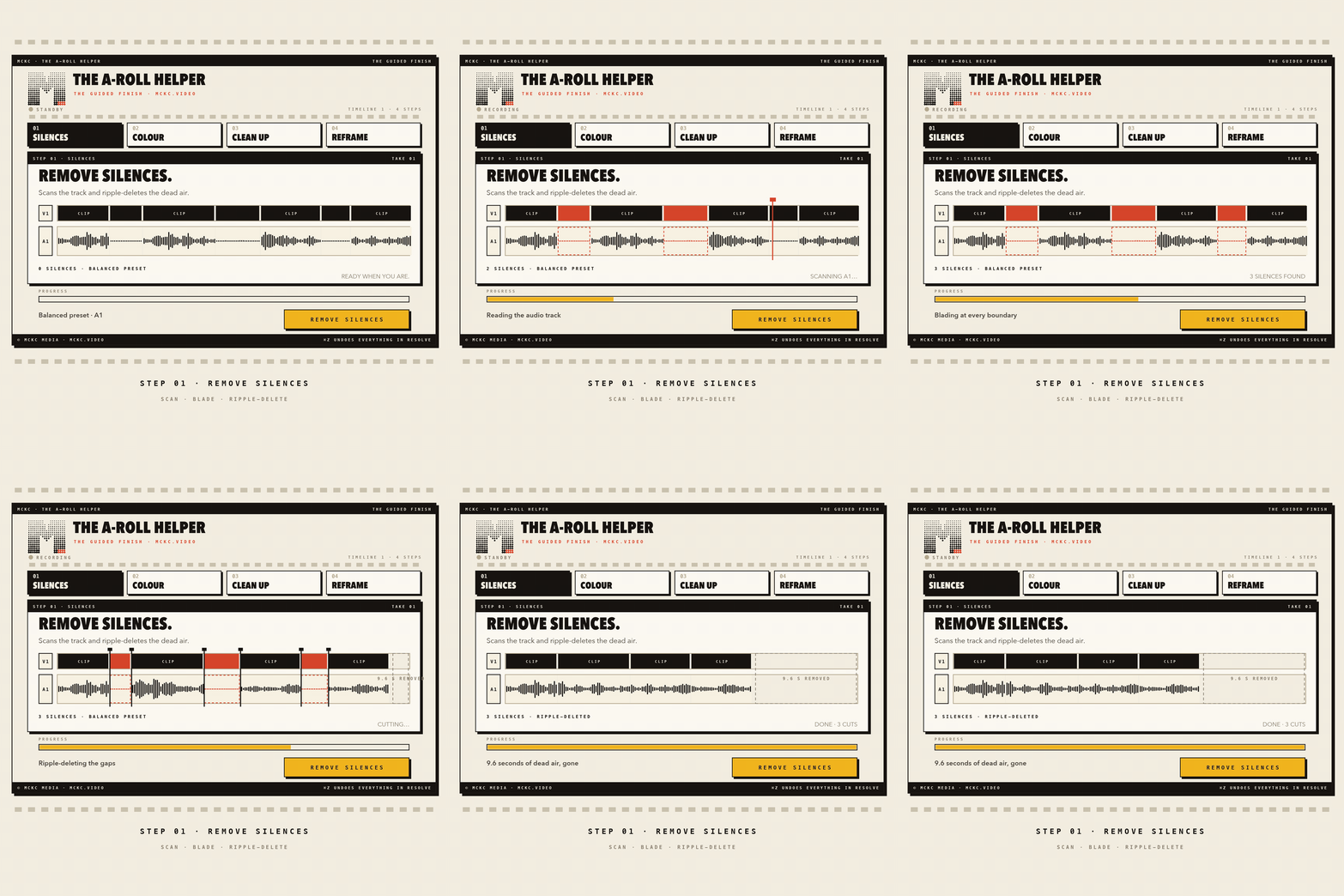
1. Remove silences
Scans your audio and ripple-deletes the dead air. Pick Snappy, Balanced or Relaxed. Not sure? Run "Just mark them" first to preview the cuts with red markers, with nothing touched.
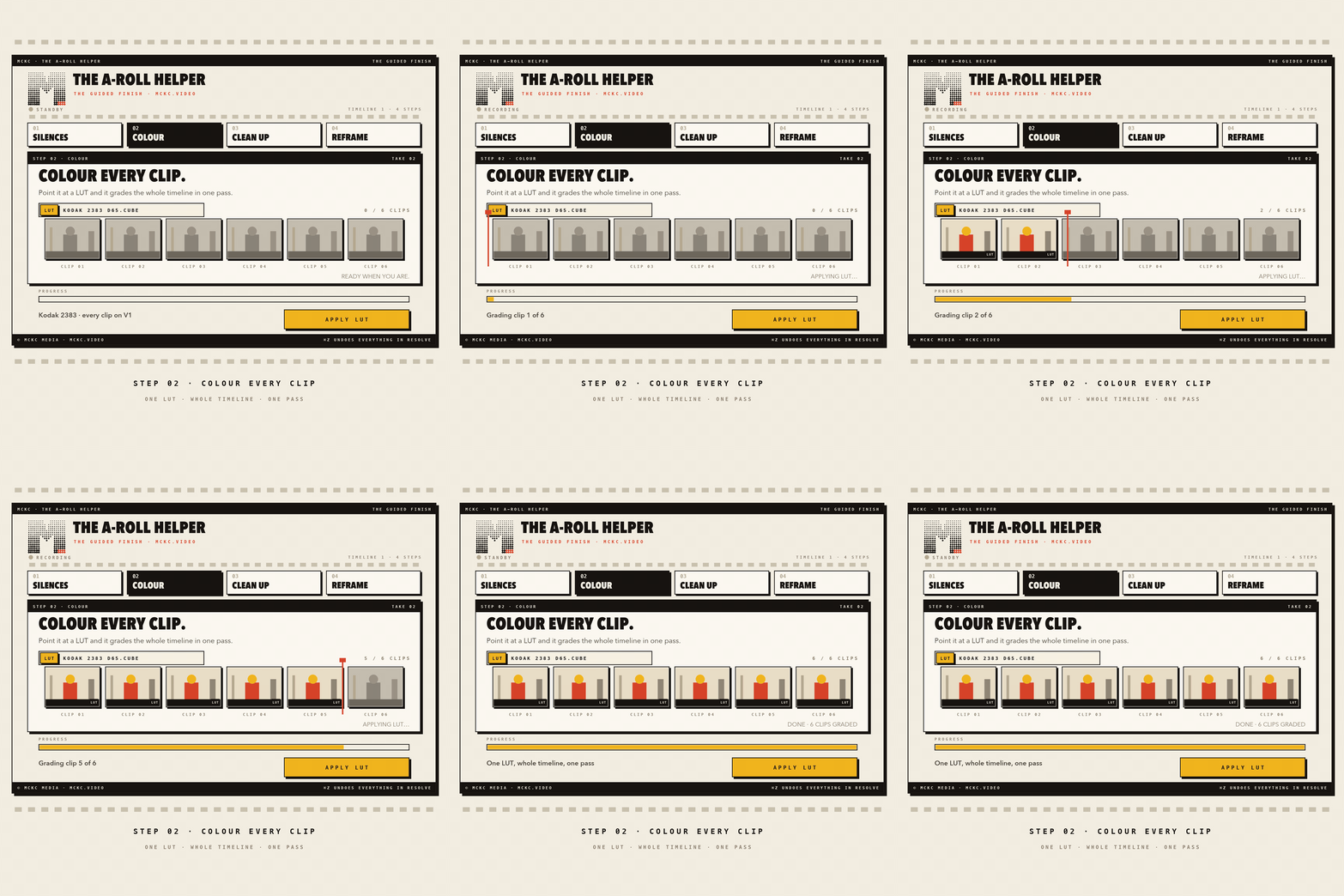
2. Colour your clips
Pulls straight from Resolve's own LUT folder, so your packs are already there. One click applies a LUT to every clip on the timeline. Titles and generators get skipped automatically.
3. Clean up
No automation here, on purpose. This is your pause to delete the takes you fluffed. A live clip count shows you progress, and you press Continue when you're happy.
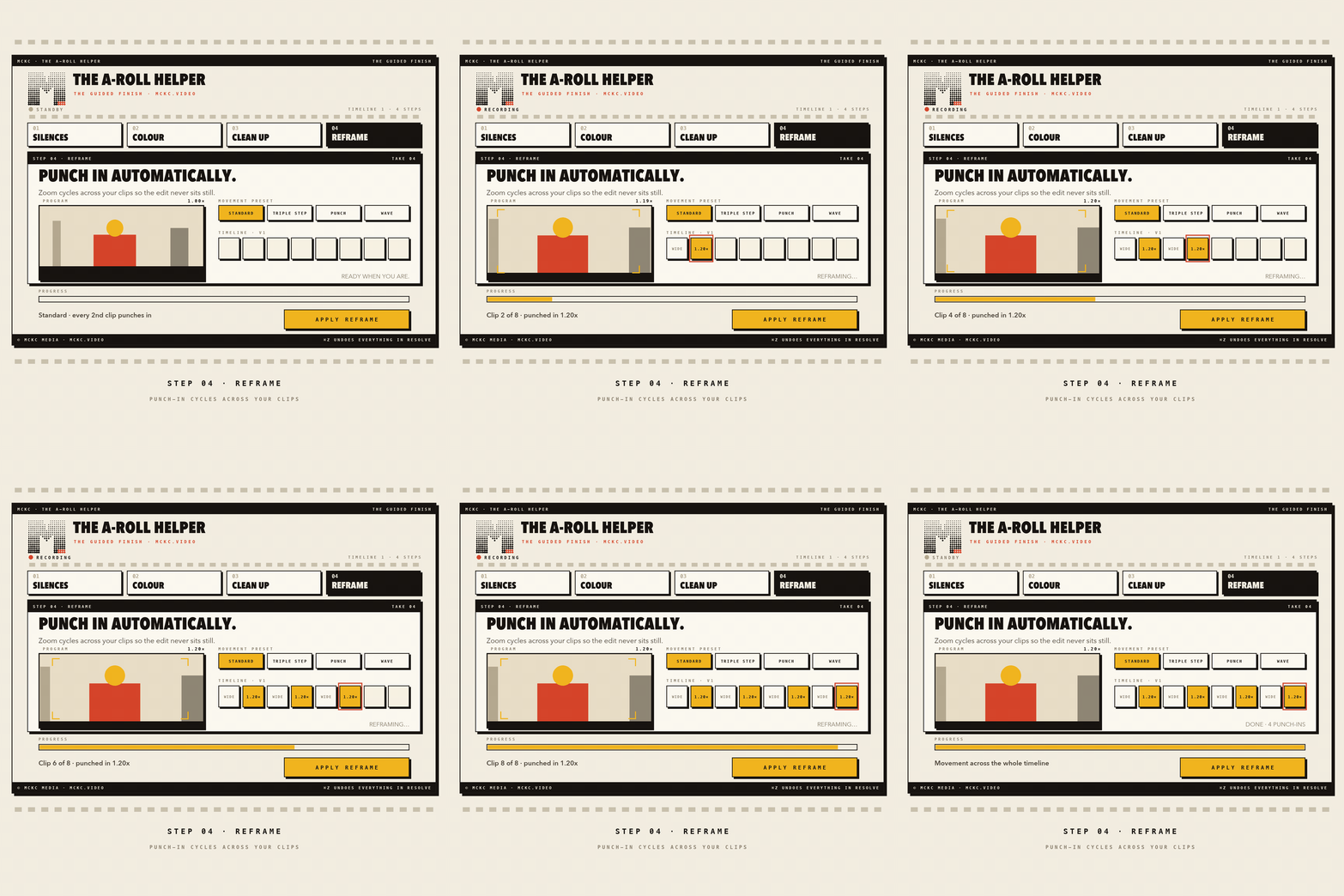
4. Reframe
Punch-in zooms cycle across your clips so the edit keeps moving. Choose Standard, Triple Step, Punch or Wave, and set how deep it goes. A dry run is available under Advanced.
No black box
Every step does what you would do by hand with Resolve's own tools, so Cmd+Z undoes all of it. Every step also has an "Only between In & Out points" switch, so you can work on part of a timeline instead of all of it.
The honest bit
- macOS only. Apple Silicon and Intel. Windows is not supported yet.
- One password prompt if you have no Python. The installer sorts out Python and ffmpeg for you. If Python is missing it opens Apple's official installer, which asks for your Mac password.
- One setting to check on first run. Step 1 uses Resolve's own Add Edit shortcut (usually Cmd+B). If yours is different, tell the plugin or nothing gets cut. It's on the first page of the guide and takes about fifteen seconds.
What you need
- macOS (Apple Silicon or Intel)
- DaVinci Resolve 18.5 or newer (free or Studio)
- About two minutes to install
What you get
- The A-Roll Helper v0.3.3 with a double-click installer
- Preview UI, so you can click around the interface against a fake timeline before touching a real one
- START HERE guide: quick start, the four steps and troubleshooting
- Single-user licence for every machine you personally work on, including client work
- Free updates for the lifetime of the product
Questions: mckc.video@gmail.com