



Purchara Quote Compare — Windows Software | 3 Suppliers, 10 Items
COMPARE SUPPLIER QUOTES WITH CONFIDENCE
One-time payment — lifetime use of version 1 on one computer
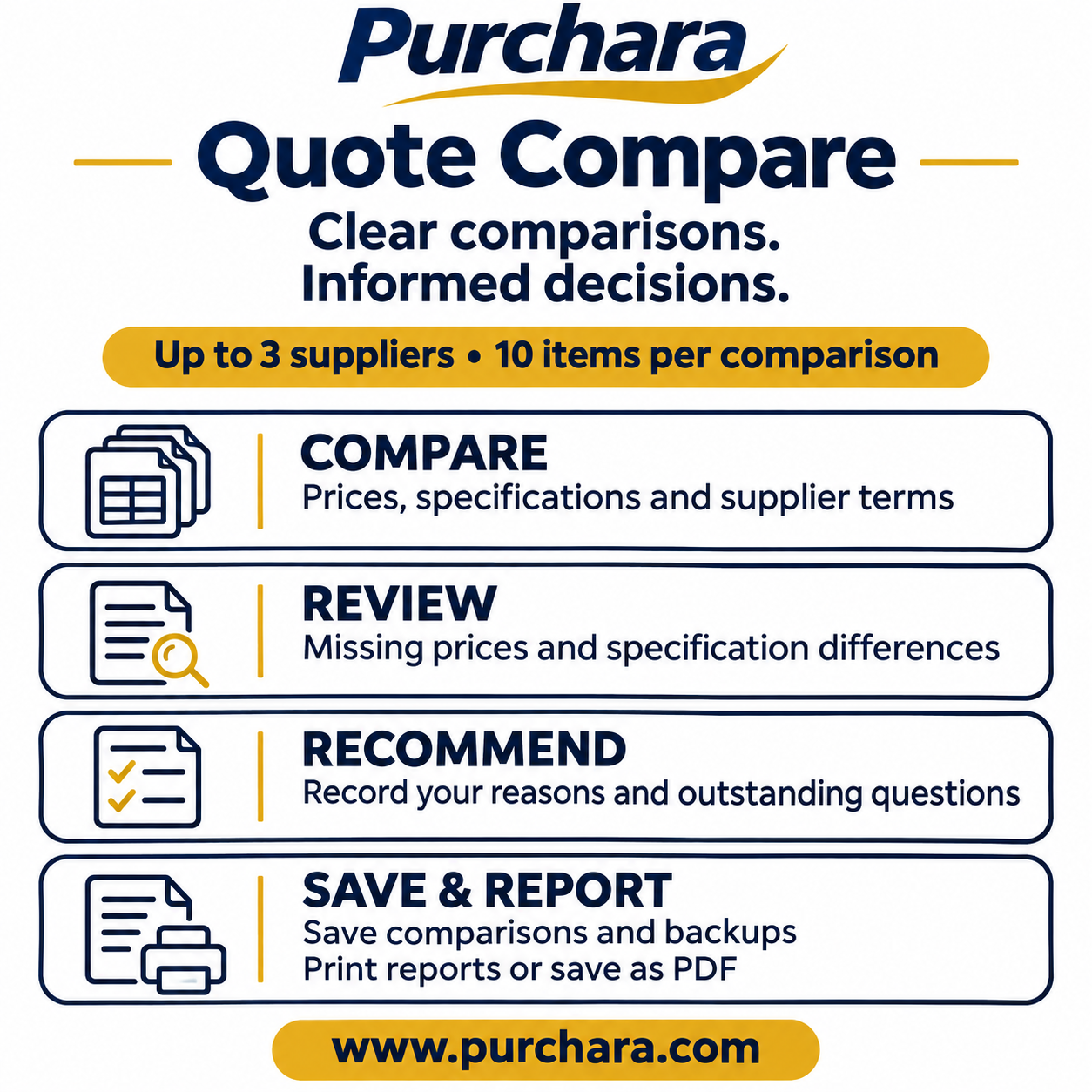
Purchara Quote Compare helps you organise supplier quotations and make informed purchasing decisions.
Compare up to 3 suppliers and 10 items per comparison.
WHAT YOU CAN DO
• Compare prices, specifications and commercial terms.
• Include delivery charges, discounts and tax.
• Identify missing prices and specification differences.
• Record your recommendation and outstanding questions.
• Save comparisons, create backups and print reports or save them as PDF.
WHAT YOU RECEIVE
• Purchara Quote Compare version 1.0 Windows installer.
• Built-in user manual.
• Lifetime use of version 1 on one computer.
• 30 days of initial installation and setup support from purchase.
REQUIREMENTS
Windows 10 or Windows 11 on an Intel/AMD 64-bit PC. Not for Mac, phones or tablets.
IMPORTANT: MANUAL ACTIVATION BY EMAIL
Your download is available after payment. Activation is handled separately by email.
- Download and extract the ZIP file.
- Run the installer and open Quote Compare.
- Email your computer code, name and Payhip purchase reference to info@purchara.com.
- We will email your individual licence file with activation instructions.
Activation is not instant. Please allow time for your purchase to be verified and your licence file to be issued.
LICENCE
One payment for lifetime use of version 1 on one computer. Future major upgrades and customisation are not included.
Your comparison files are stored locally. Keep regular backups in a separate, safe location.
Questions before buying? Email info@purchara.com.