

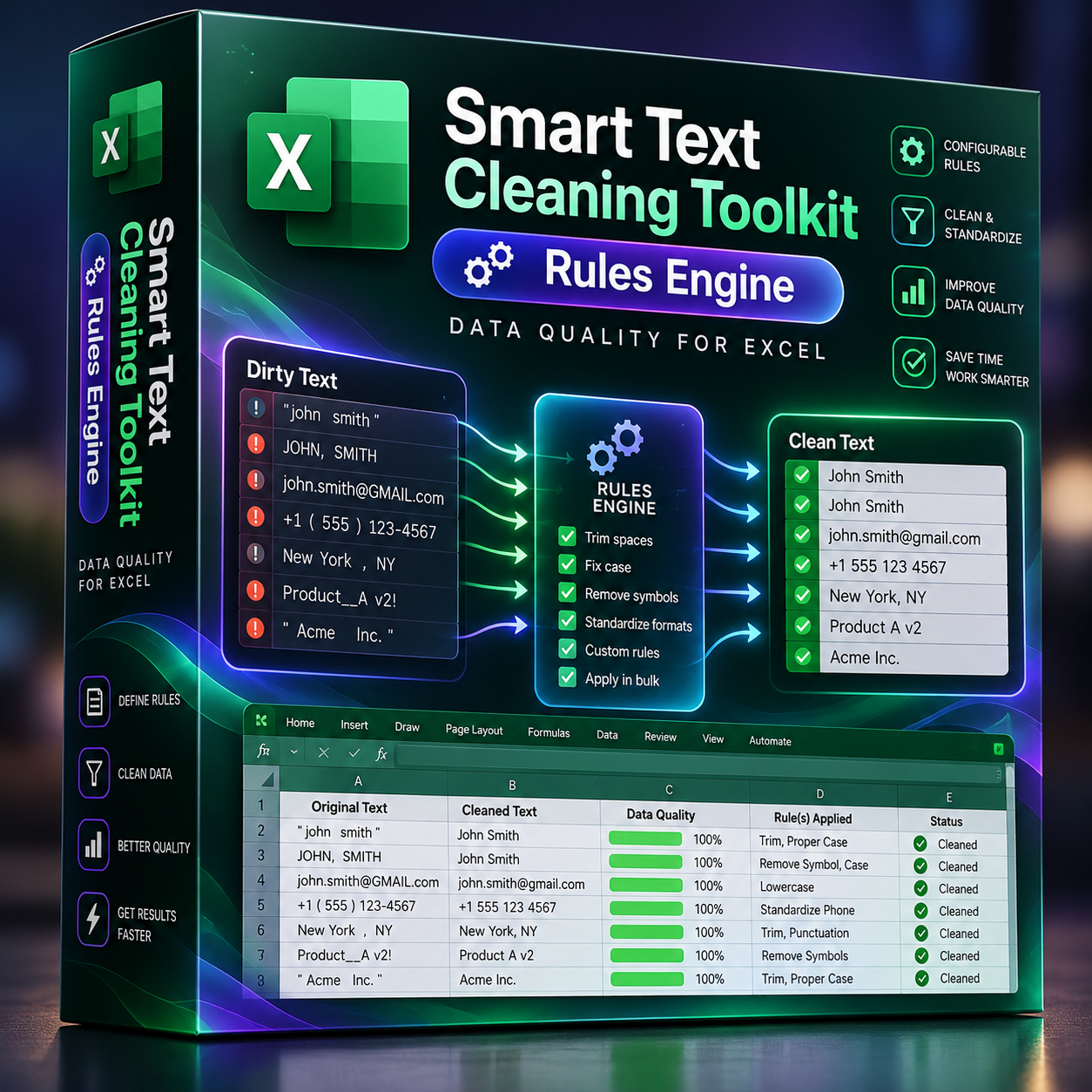
Excel Smart Text Cleaning Toolkit — Custom Rules & Data Quality Engine
Clean Imported Business Data with Flexible, Reusable Rules
Turn messy customer names, invoice codes, regions, and descriptions into cleaner, more consistent records with this customizable Excel text-cleaning toolkit.
Built around TRIM, CLEAN, SUBSTITUTE, and structured Excel Tables, this workbook provides a reusable workflow for preparing business data without VBA.
What's Included
- Expandable input data table
- Dedicated formula-based text-cleaning engine
- Five editable text-replacement rules
- Individual on/off controls for replacement rules
- Optional uppercase normalization
- Support for extra spaces and non-breaking spaces
- Handling of common tabs and line breaks
- Automated record status classification
- Data-quality monitoring dashboard
- Step-by-step instructions for extending the model
Create Your Own Cleaning Rules
Customize replacement rules to suit your source data.
For example:
- Replace inconsistent invoice separators
- Standardize recurring abbreviations
- Correct specific imported text patterns
- Normalize region names
- Remove unwanted text markers
Enable or disable rules without rewriting the main cleaning formulas.
Expand Beyond the Sample Dataset
The sample records do not represent a fixed processing limit.
Both the input and cleaning areas use Excel Tables, allowing you to expand the workbook for additional records.
To process more rows:
- Paste additional records into the input Excel Table on 02_INPUT_TABLE.
- Extend the results table on 03_CLEAN_ENGINE to match the number of input records.
- Confirm that the calculated columns have propagated their formulas.
- Check the imported and processed record counts on 04_DASHBOARD.
- Review exceptions before exporting or reusing your cleaned data.
The toolkit does not impose an artificial 120-, 250-, or 500-row cap. Practical capacity depends on your Excel version, available memory, and the complexity of your dataset.
Important: This is a formula-based cleaning engine. Adding input rows does not automatically create new rows on a separate output worksheet. Output-table expansion is required when the input grows.
Ideal For
- Business and data analysts
- CRM and sales operations teams
- E-commerce data preparation
- Administrative and reporting workflows
- Professionals regularly cleaning imported spreadsheet data
Compatibility: Excel 2016, 2019, 2021, and Microsoft 365.
Format: Editable .xlsb workbook