
Christmas Card List & Address Tracker 2026 – Google Sheets & Excel + Printables (Letter & A4)
On Sale
$7.00
$7.00
Every December the same hunt: whose address changed, who sent you a card last year, and how many stamps you need. This tracker keeps it all in one place and carries over from year to year.
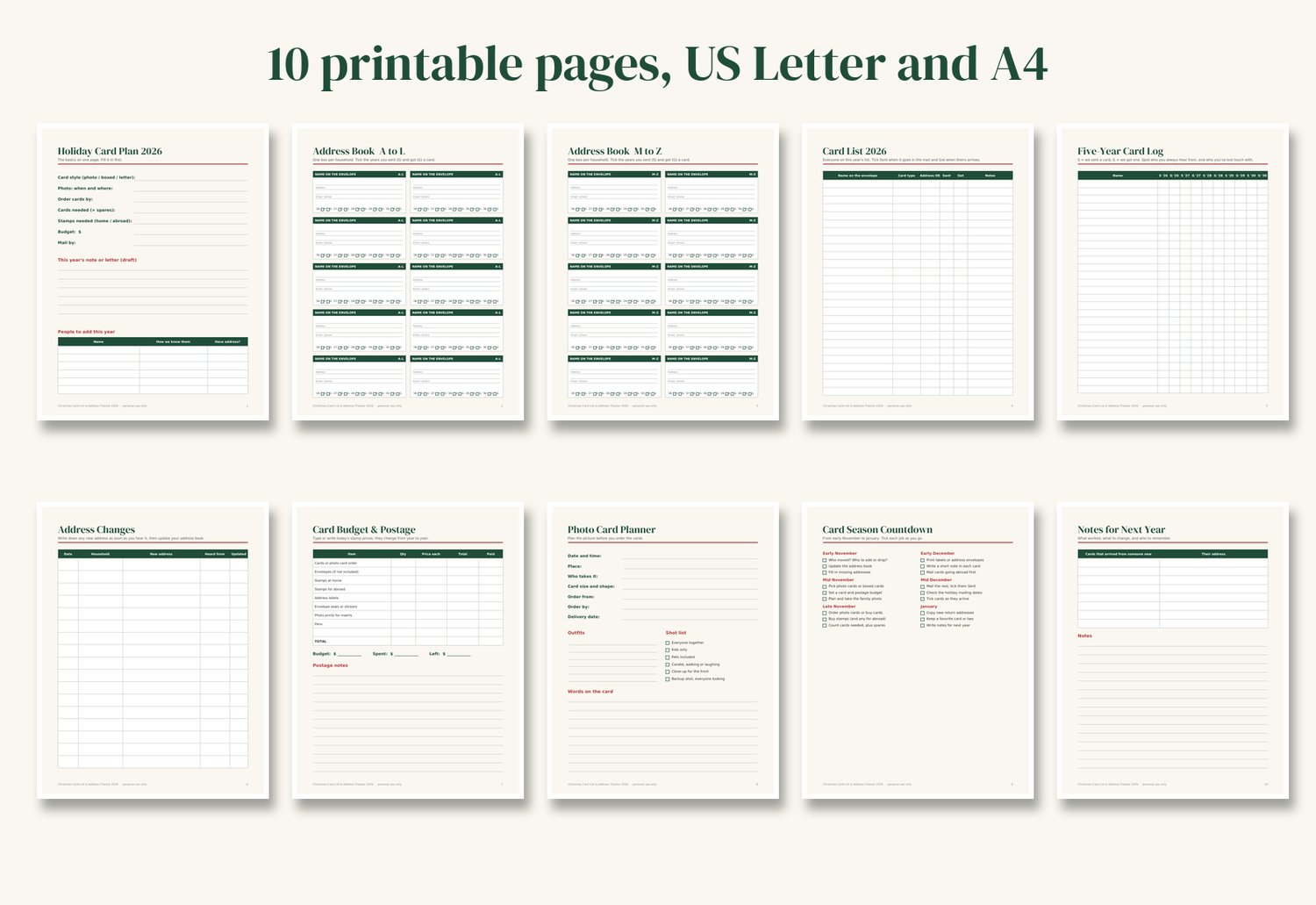
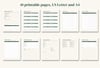
It's a ready-to-use spreadsheet for Google Sheets and Excel, plus 10 printable pages for anyone who'd rather keep the list on paper.
What it does
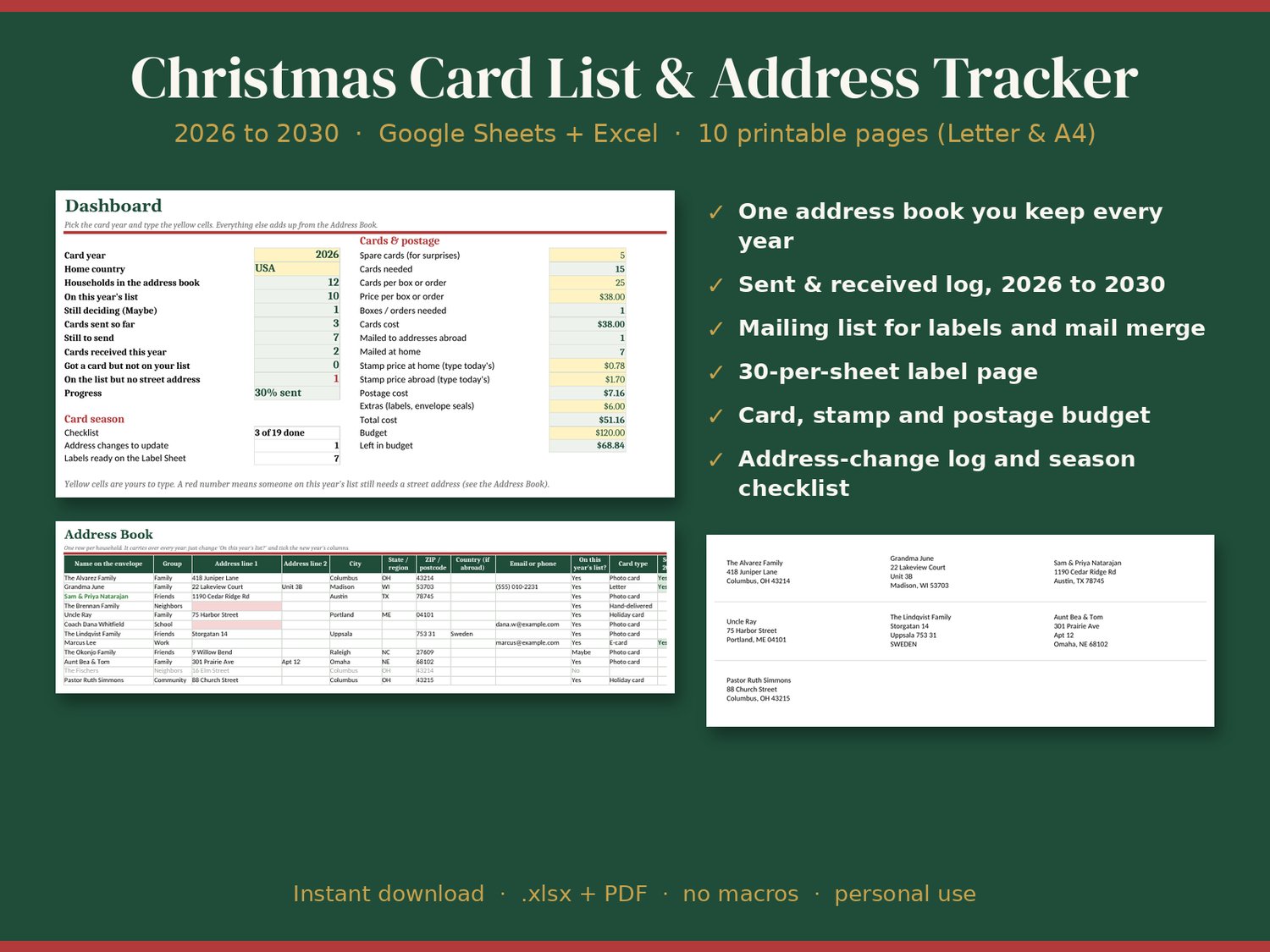
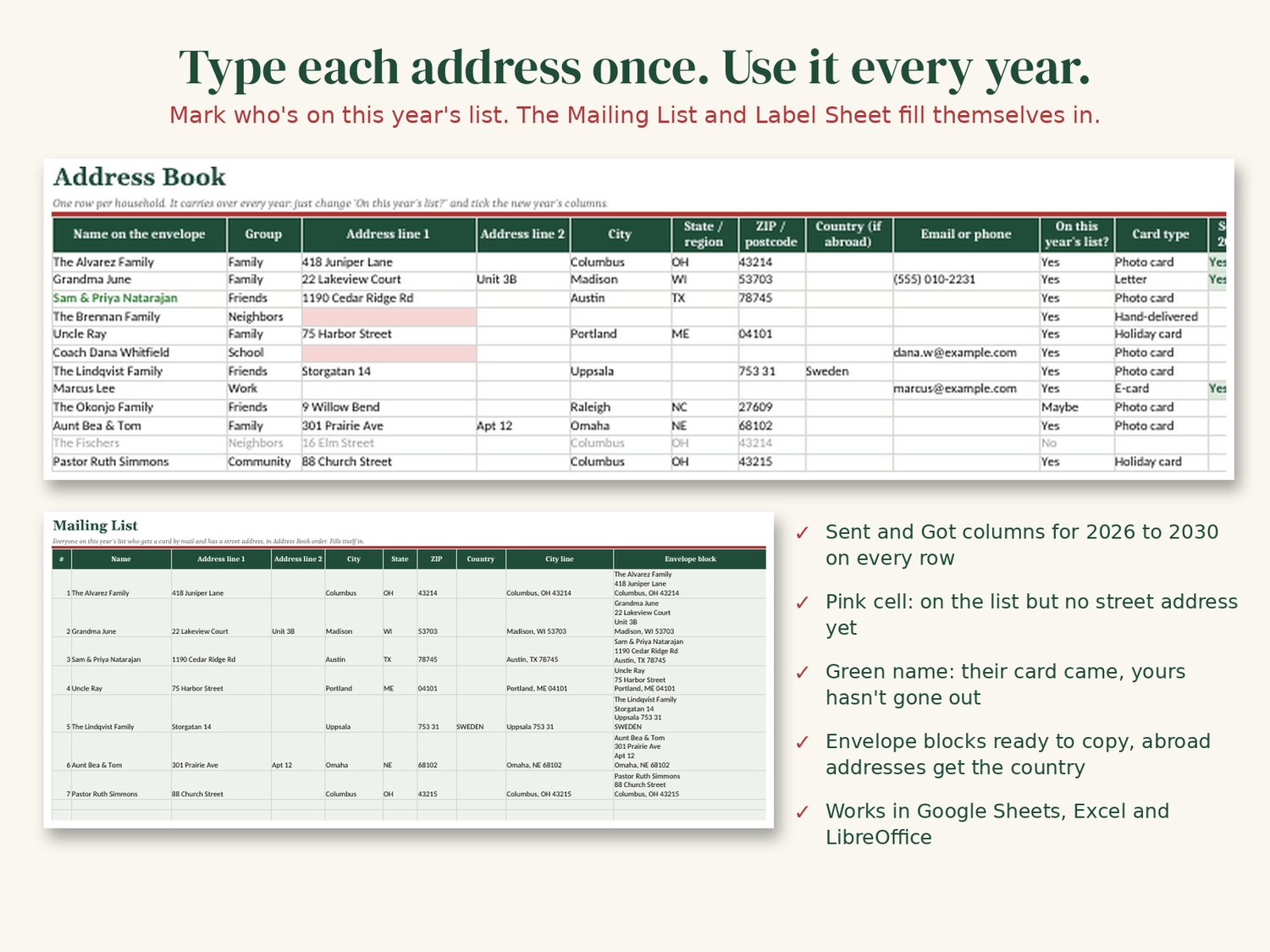
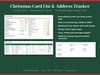
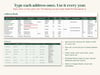
- Address Book: one row per household, with the name as you want it on the envelope, the full address, email or phone, a group (family, friends, work and so on) and notes. Type each address once and keep using it.
- Sent & received log: Sent and Got columns for 2026 through 2030 on every row, so you can see who you always hear from and who you've lost touch with.
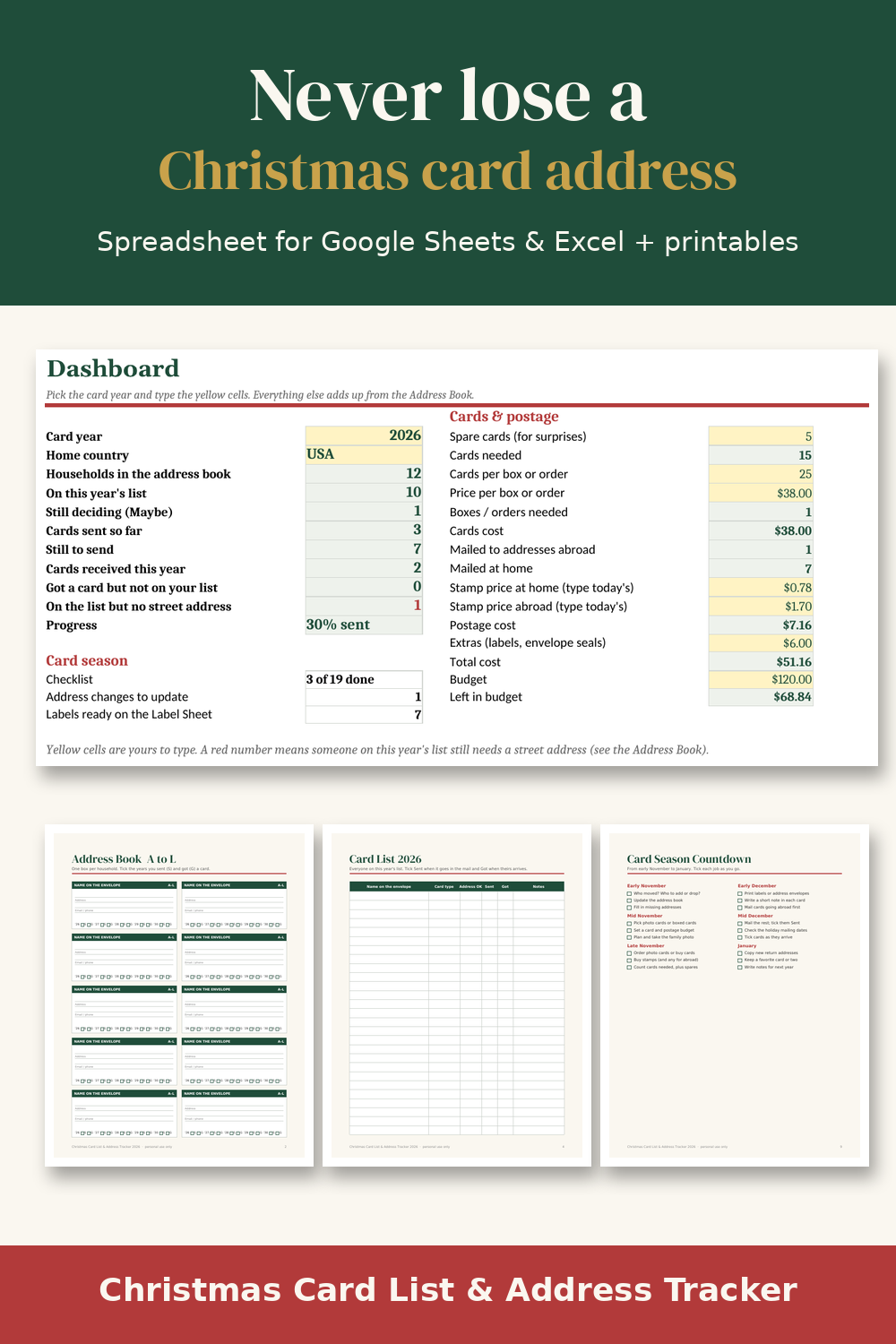
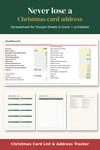
- Dashboard: pick the card year to see how many households are on the list, cards sent, still to send, cards received and anyone still missing a street address. It also works out cards needed (with spares), boxes to buy, postage for home and abroad and what's left in your budget.
- Mailing List: fills itself in with everyone on this year's list who gets a card by mail. Ready for mail merge, or copy the envelope blocks.
- Label Sheet: the same addresses laid out 30 per page for standard 1 in x 2 5/8 in address labels.
- Address Changes: a quick log for "we moved!" news, so you remember to update the book.
- Checklist: card season jobs from early November to January.
- Handy flags: a pink cell when someone on the list has no street address yet, and a green name when their card arrived before yours went out.
What you get
- Blank tracker (.xlsx)
- Example tracker with sample data, so you can see how everything works
- 10 printable pages in US Letter and A4: holiday card plan, address book A to L and M to Z, this year's card list, five-year card log, address changes, card budget & postage, photo card planner, card season countdown, notes for next year
- Quick-start README
Good to know
- No macros and no add-ons. Works in Google Sheets (File → Import), Excel for Windows, Mac and the web, and opens in LibreOffice/Numbers.
- Stamp prices change, so you type in the current prices yourself. The file doesn't look anything up.
- Labels: print at 100% (actual size) and test on plain paper first, because printers differ.
- Instant digital download. Nothing is shipped.
License: personal use only. Please don't resell, share or redistribute the files.
Refunds: because this is a digital download, sales are final. If a file won't open or something is broken, contact me through the link in your receipt and I'll fix it or refund you.