
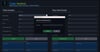
TradeSentinel — Introductory Launch Offer £9.99

🔥 INTRODUCTORY OFFER — £9.99
Current Features
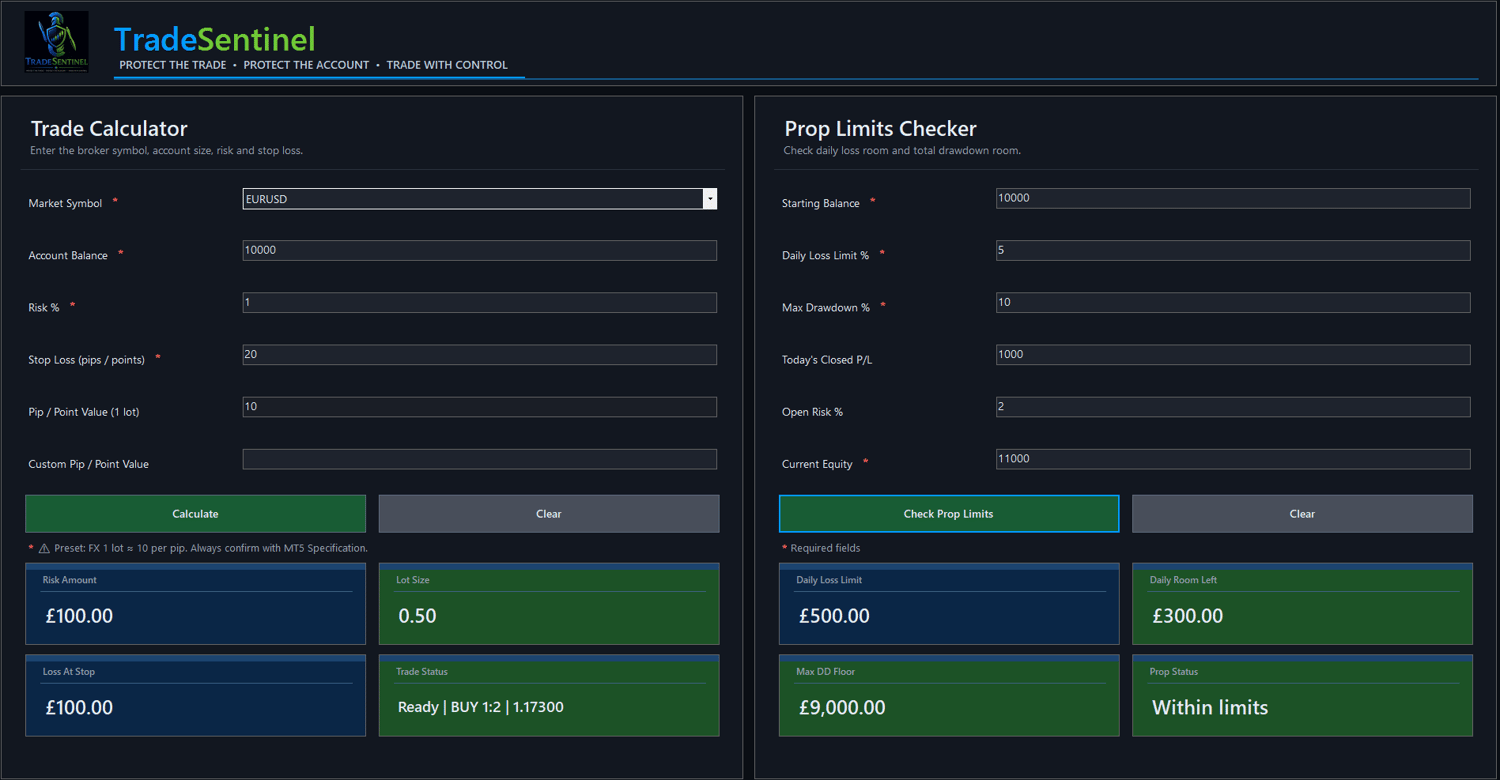
✔ Lot Size Calculator
✔ Risk Calculator
✔ Stop Loss & Take Profit Price Display
✔ Risk-to-Reward Planning
✔ Daily Loss & Drawdown Checker
✔ Support For Forex, Metals, Indices & Crypto
✔ Real Broker Condition Calculations
✔ Beginner Friendly Interface
✔ Lifetime Access
✔ FREE Future Updates
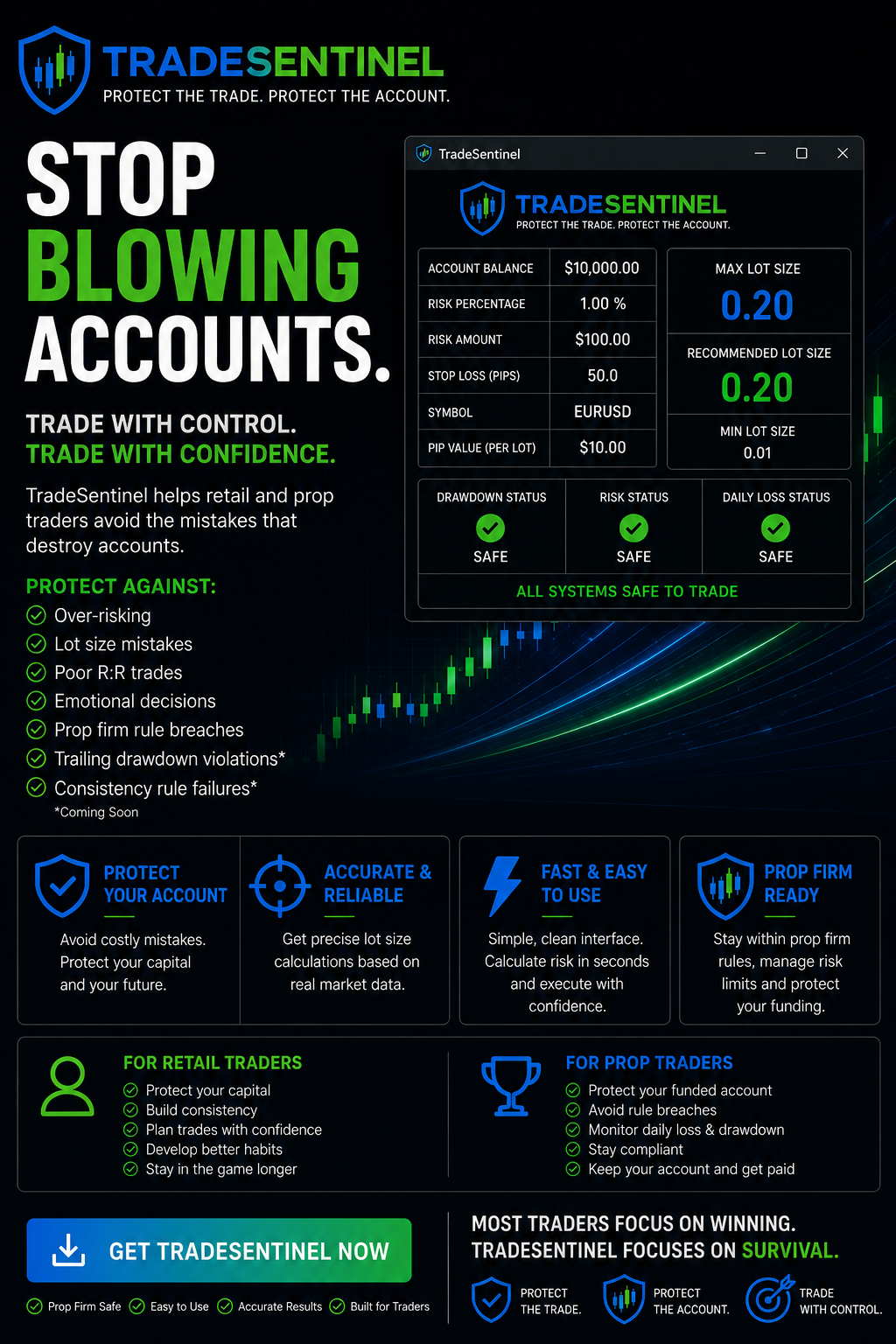
🛡️ TradeSentinel – Protect the Trade. Protect the Account.
Trading is hard enough. Protecting your account shouldn't be.
🤔 Why pay for TradeSentinel when there are free calculators online?
TradeSentinel was built to help retail traders and prop firm traders avoid the mistakes that destroy accounts.
Most traders don't fail because of bad entries.
They fail because they:
❌ Risk too much
❌ Use the wrong lot size
❌ Ignore reward-to-risk
❌ Break prop firm rules
❌ Let emotions override discipline
TradeSentinel helps bring structure, consistency and protection to every trade.
Designed For
Built by a trader, for traders.
✅ Retail Traders
✅ Prop Firm Traders
✅ Beginners
✅ Experienced Traders
TradeSentinel Helps You:
🛡️ Calculate the correct lot size instantly
🛡️ Set accurate Stop Loss and Take Profit levels
🛡️ Manage risk like a professional
🛡️ Build better trading habits
🛡️ Monitor daily loss and drawdown limits
🛡️ Reduce costly mistakes
🛡️ Trade with confidence and control
For Retail Traders
🛡️ Protect your capital
🛡️ Build consistency
🛡️ Plan trades with confidence
🛡️ Develop better habits
🛡️ Stay in the game longer
For Prop Traders
🛡️ Protect your funded account
🛡️ Avoid unnecessary rule breaches
🛡️ Monitor daily loss and drawdown
🛡️ Stay compliant
🛡️ Keep your account and get paid
Please Note: All pip/point values are broker-dependent. Always confirm values with your broker before trading.
Coming Soon
🚀 Consistency Guard
🚀 Trailing Drawdown Guard
🚀 Prop Rule Protection Layer
🚀 Trade Planner
🚀 Trade Quality Scoring
IMPORTANT
Please read before use.
• Some antivirus software may flag newly released applications until reputation builds over time.
• Always run TradeSentinel as Administrator for best compatibility.
• Pip/point values are broker-dependent — always verify values with your broker before trading.
• This software is a trading risk management tool and does not guarantee profits or prevent losses.
ACTIVATION & INSTALLATION
1. Download and extract the ZIP file.
2. Run the TradeSentinel EXE.
3. If Windows Defender appears:
Click "More Info" → "Run Anyway"
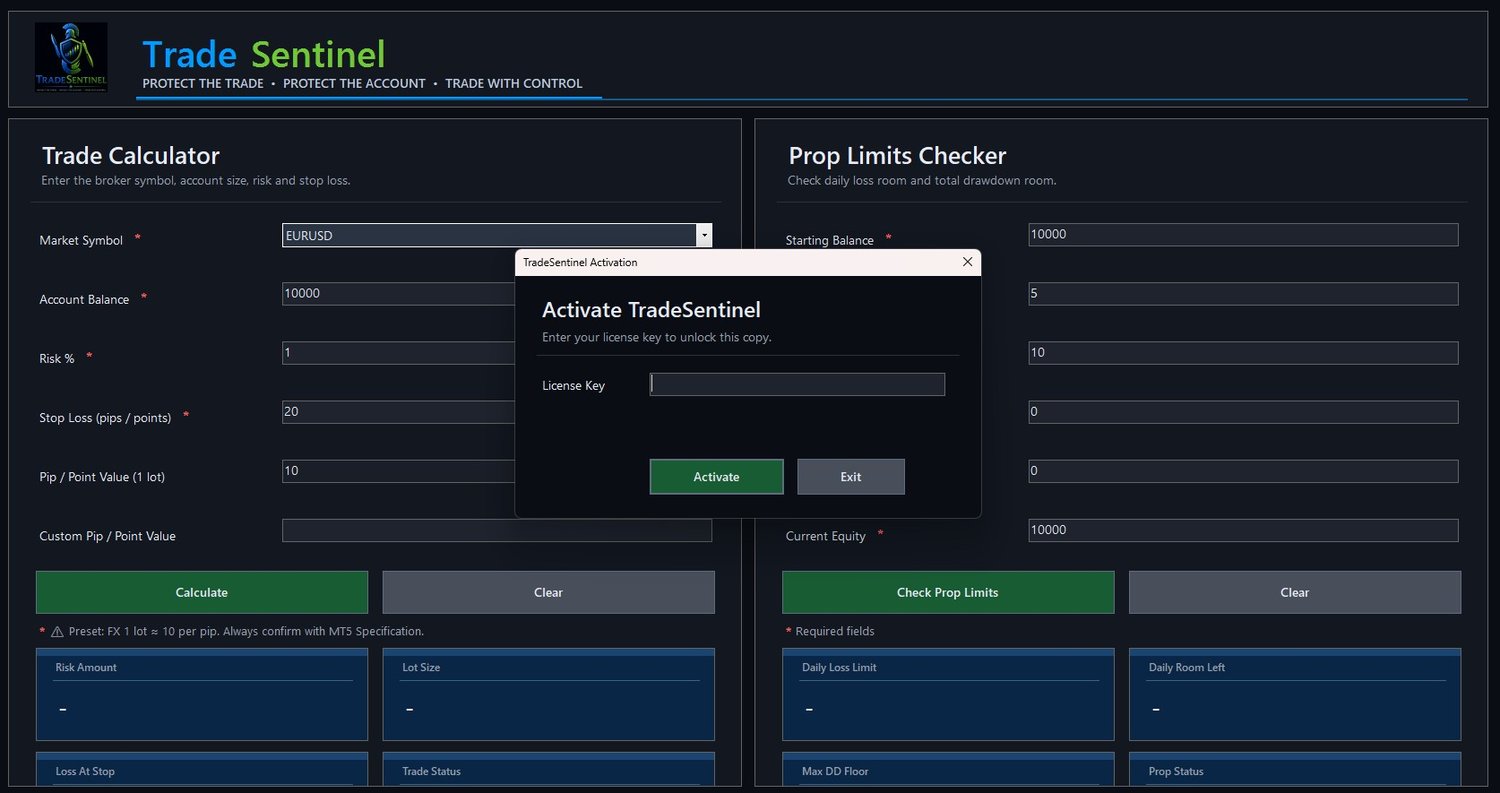
4. After purchase, your license key will be emailed to you by Payhip.
5. Paste your license key into the activation window to unlock TradeSentinel.
SYSTEM REQUIREMENTS
TradeSentinel is currently a Windows desktop app.
Supported:
Windows 10
Windows 11
Not officially supported:
Mac / Apple devices
iPhone / iPad
Android
Chromebook
Mac users may experience display/layout issues unless running TradeSentinel through a proper Windows environment.
FIRST-TIME SETUP
- Download the TradeSentinel ZIP file
- Right-click the ZIP and choose "Extract All"
- Open the extracted folder
- Double-click TradeSentinel.exe
- Enter your license key when asked
- Once activated, the app should open normally next time
- Extract the ZIP and keep all files together in the same folder.
- Launch TradeSentinel.exe from inside that folder.
TradeSentinel does not install hidden software or background services on your PC.
IMPORTANT
Do not delete the files inside the TradeSentinel folder.
The extra .dll and .json files are required for the app to run correctly.
To open TradeSentinel, always double-click:
TradeSentinel.exe