
Digital Scrapbook — Hyperlinked Photo Album Template for Tablet & Computer | 10 Albums + Layout Library, Portrait & Landscape Editions
A big digital scrapbook for the trips and moments you never want to lose — built for photos first, with room for the story behind every one of them.
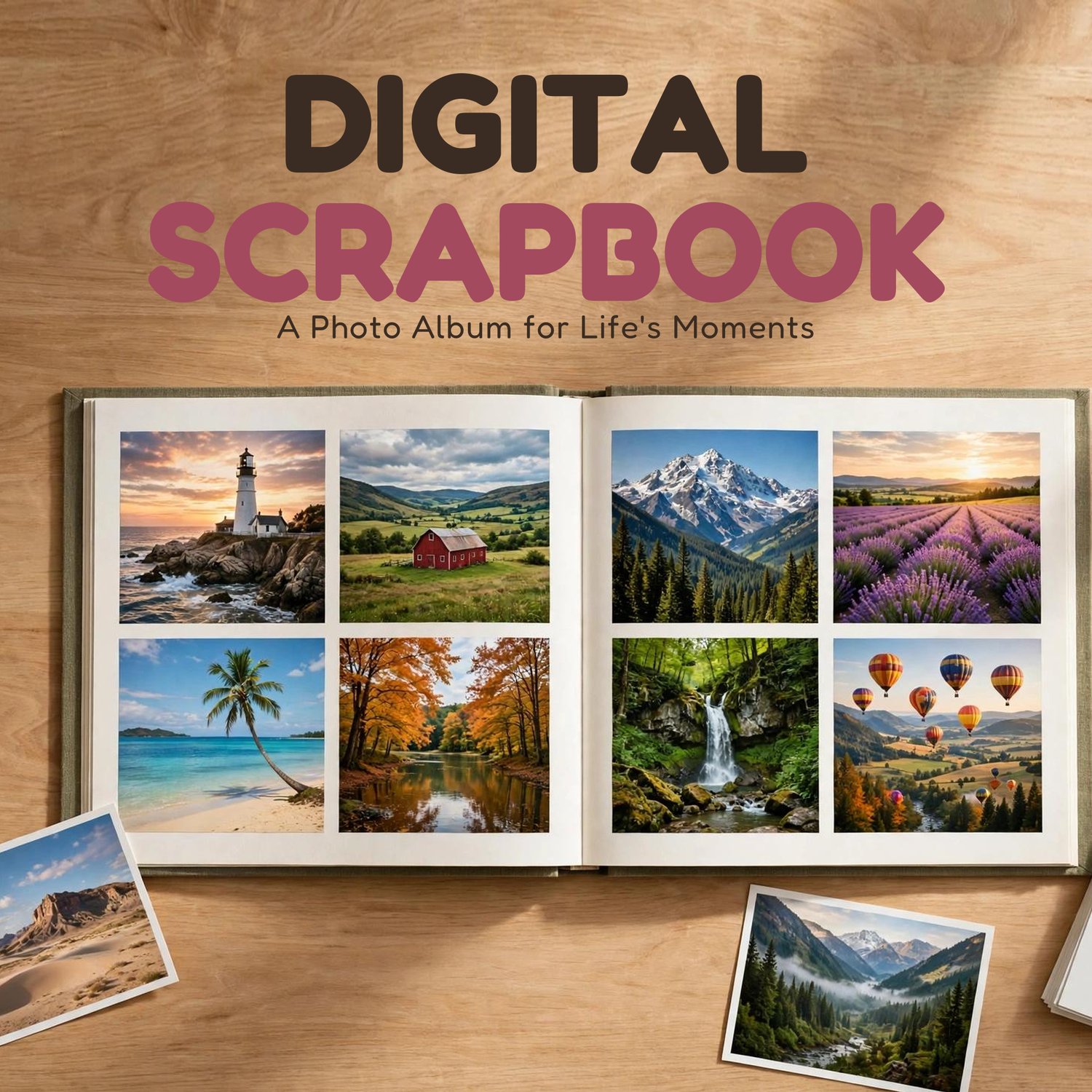
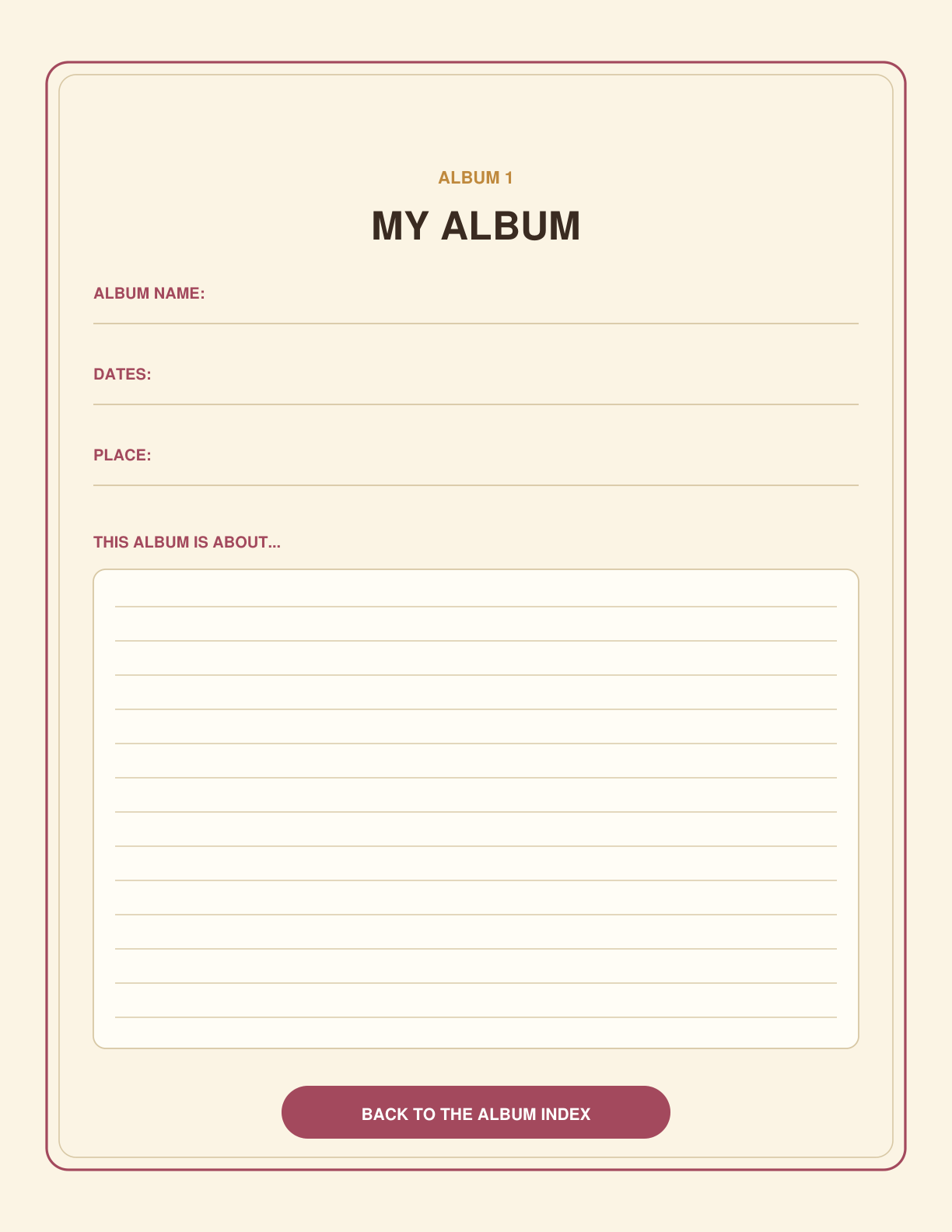
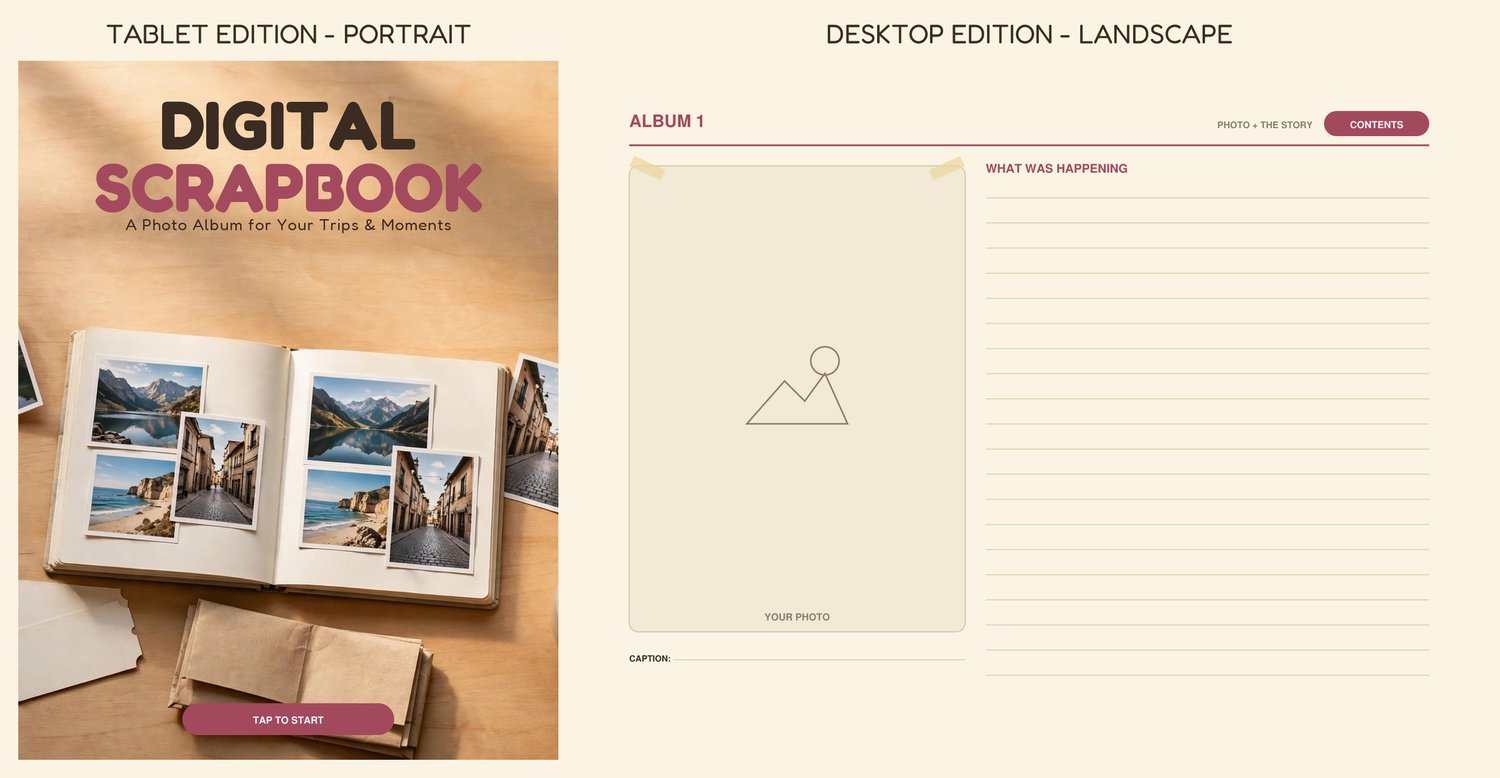
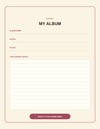
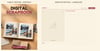
Open it in GoodNotes, Notability, or a similar notes app on your tablet — or in a PDF app on your computer — tap an album, drop your pictures into the frames, and write or type the captions and stories while you still remember them. Vacations, weddings, a baby's first year, a whole season of games: each album gets its own title page (name, dates, place, what it's about) and twelve photo-and-story pages. Two of the layouts keep it almost all photos — a spread and a wall with just a small caption under each picture — and a sticker section at the back (plus a matching PNG sticker pack) lets you decorate the pages your way.
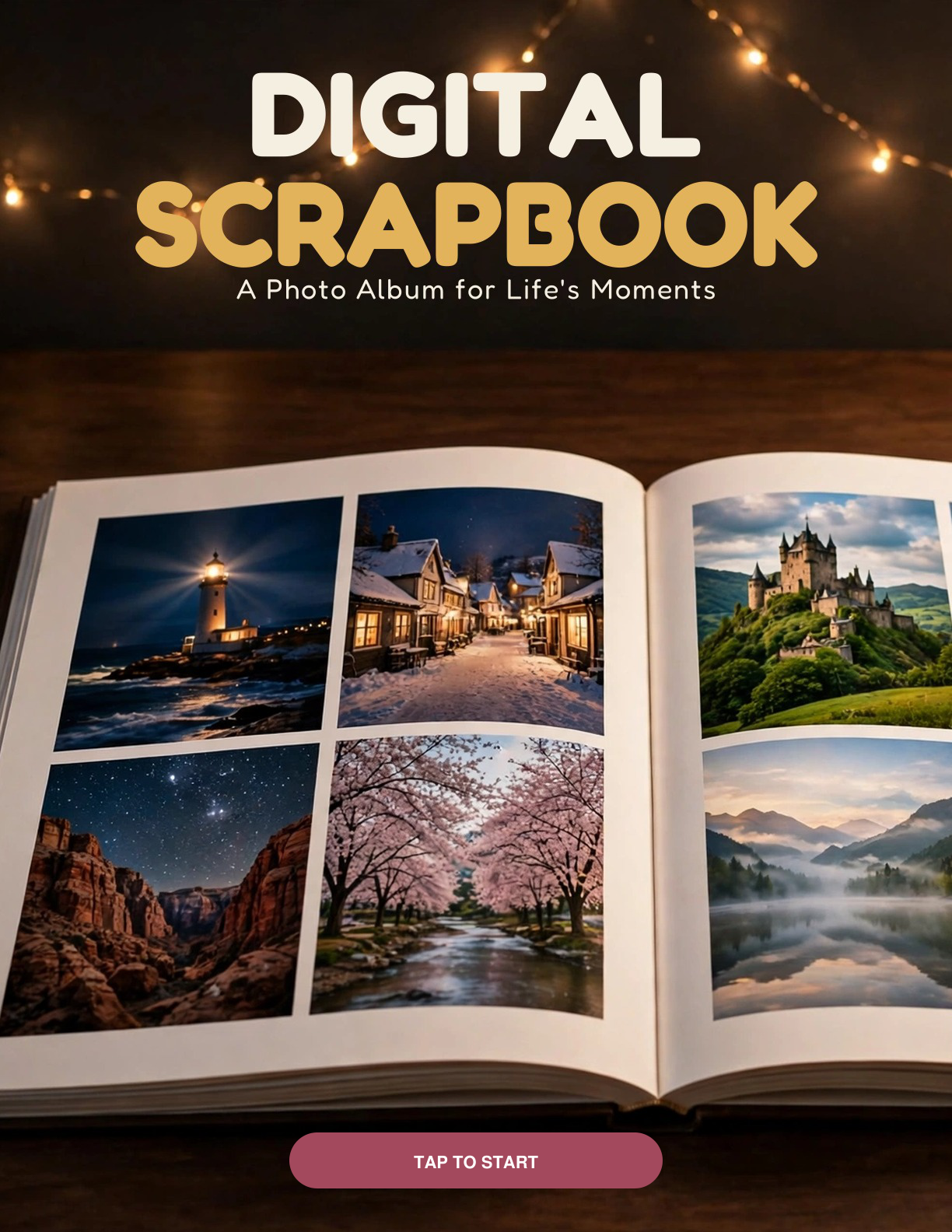
It starts your way, too: the scrapbook opens with 2 cover designs — both are in the book, each one taps straight to the Contents, and the rest of the scrapbook is exactly the same behind either.
One purchase, both editions. You never pick a version at checkout: the download includes the tablet edition (tall portrait pages) AND the desktop edition (wide landscape pages that suit a computer screen and landscape photos). Open whichever file fits the screen in front of you.
And when your 10 albums are full, the Layout Library at the back holds a blank master of every layout — copy a master page in your app and start Album 11, 12, and on.
This is the big-events companion to our Daily Blog Journal: that one is a page a day; this one is albums — bigger photos, whole trips, whole occasions.
WHAT'S INCLUDED:
1. Digital Scrapbook — Tablet Edition (PDF, 161 pages, portrait)
2. Digital Scrapbook — Desktop Edition (PDF, 161 pages, lands
3. Digital Scrapbook — Tablet Edition A4 (PDF, 161 pages, portrait)
4. Digital Scrapbook — Desktop Edition A4 (PDF, 161 pages, landscape)
5. Sticker pack (stickers.zip — 144 transparent PNG files): the same stickers that appear on the book's sticker pages, as separate see-through PNGs to import as elements/stickers in your app
Both editions hold the identical scrapbook:
- 2 cover pages at the front (warm cream / deep berry) — each taps straight to the Contents
- 3-page illustrated guide: how to use it on a tablet, how to use it on a computer, and how the albums, index, Layout Library, and stickers work
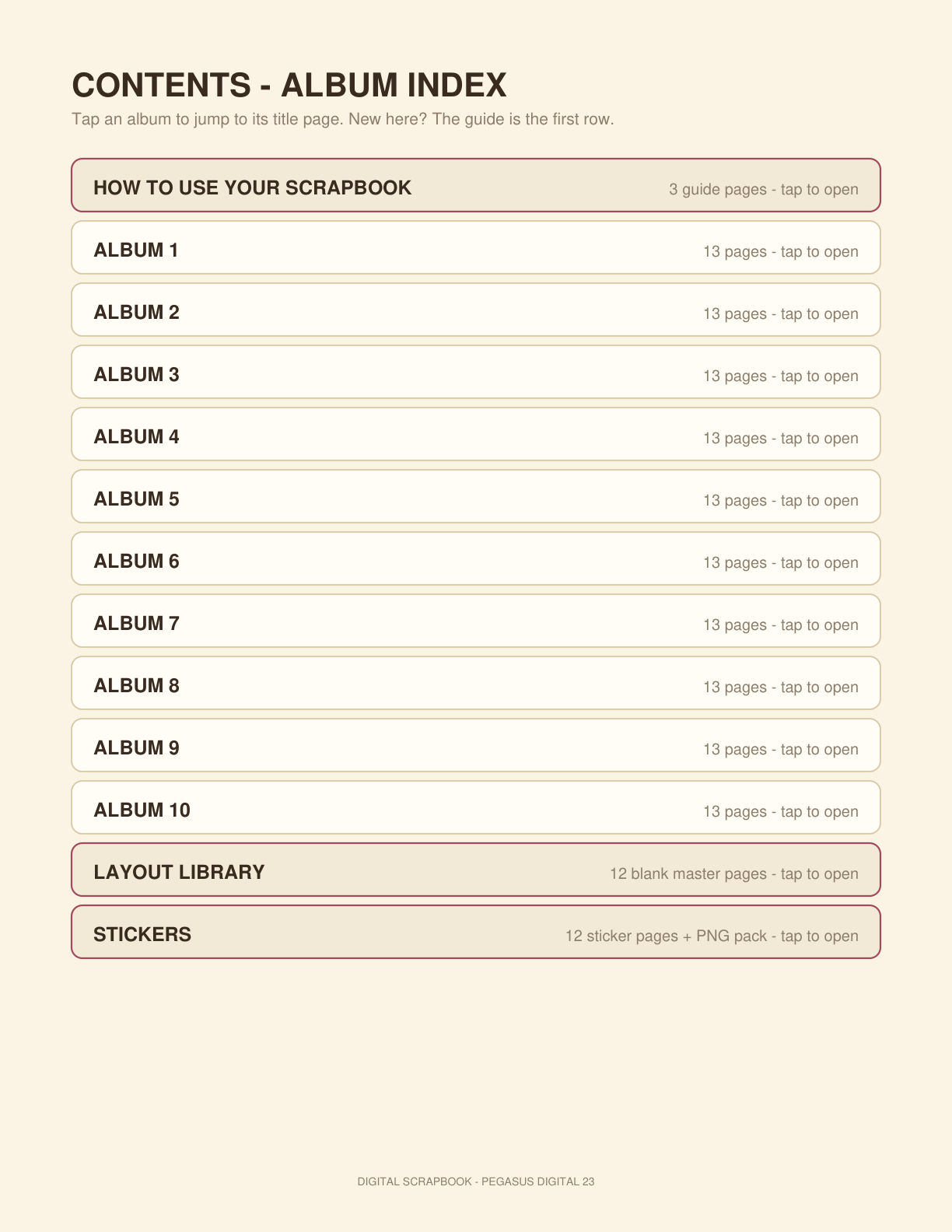
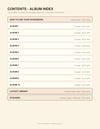
- Hyperlinked Contents / album index page
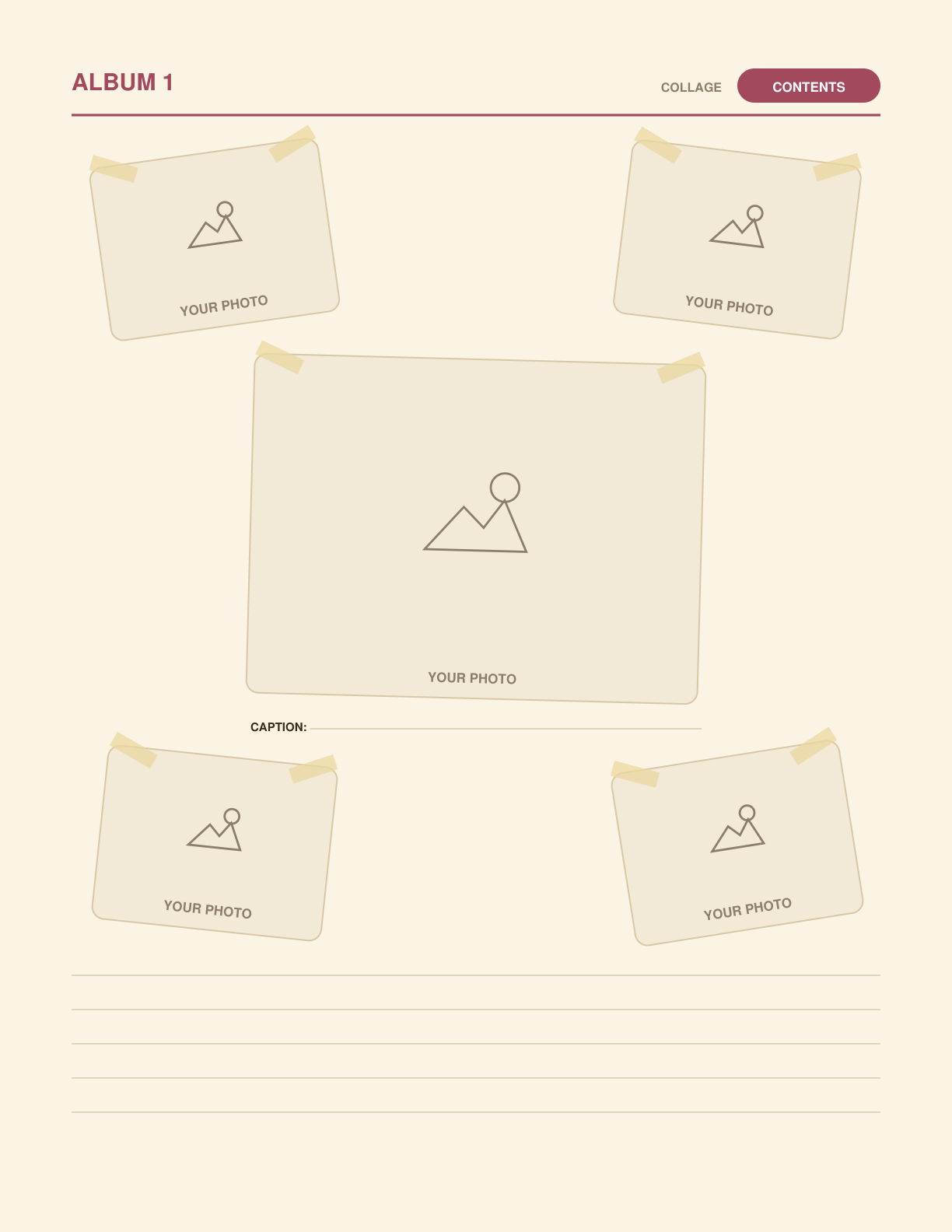
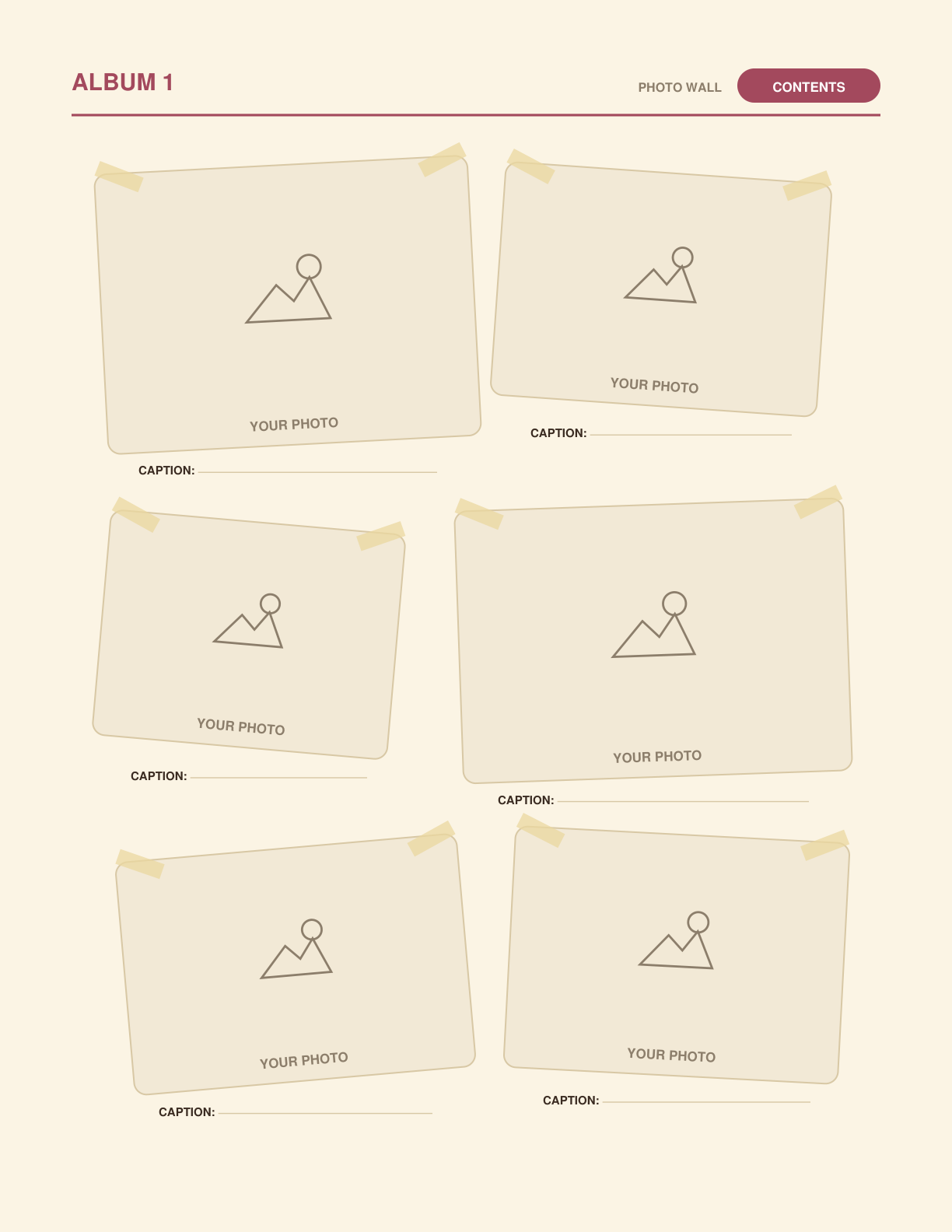
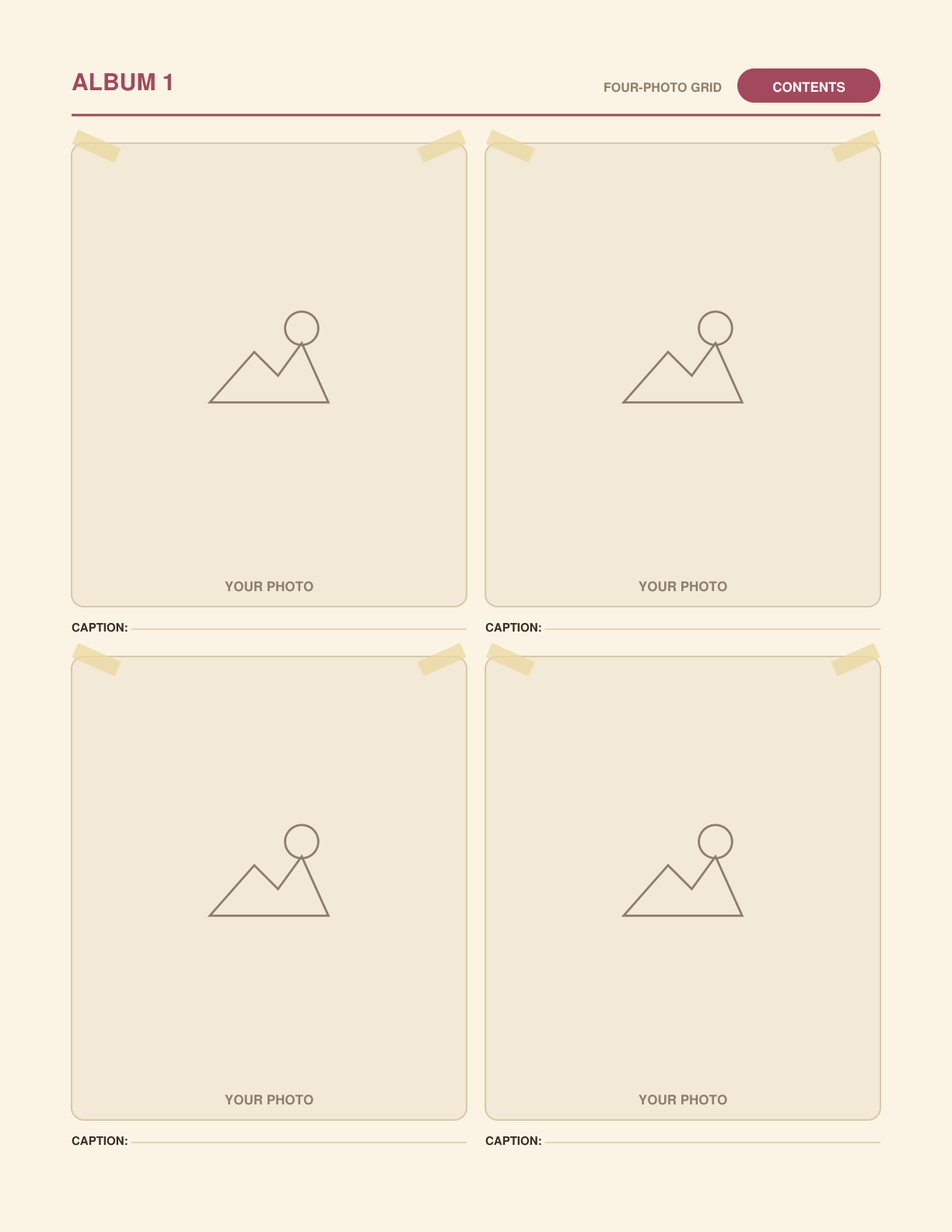
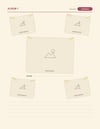
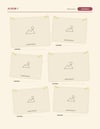
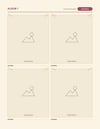
- 10 ready-made albums, each a 13-page kit: album title page • one big photo + story • two photos • four-photo grid • six-photo grid • collage page (one big photo in the middle, four smaller photos at angles around it) • photo spread (four photos laid out at angles like the cover — one short caption each, nothing else to fill in) • full-page photo • photo + big story page • photo wall (six photos in a loose collage, mixed sizes, tiny caption under each) • favorites (3 photos + favorite-moments lines) • notes & details (places / food / funny moments) • closing page
- Layout Library: 12 blank master pages (one of each album layout) for copying into endless new albums
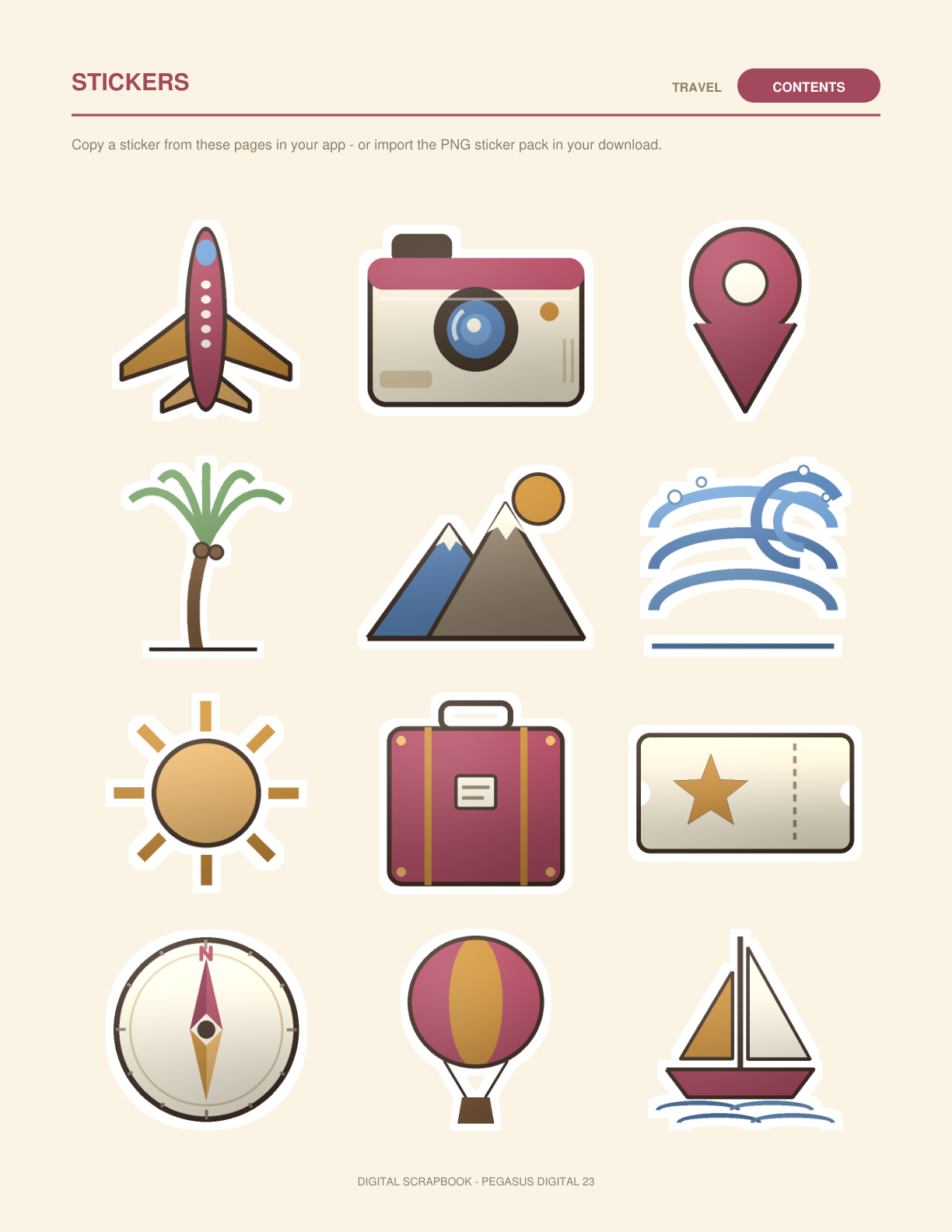
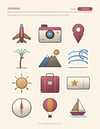
- Stickers: 12 sticker pages (144 stickers — travel pictures • word banners like BEST DAY and WE WERE HERE • extras like stars, hearts, and tape strips • 48 city stickers: New York, Paris, London, Rome, Tokyo, Sydney, San Francisco, Chicago, Las Vegas, Hawaii, New Orleans, and the Rocky Mountains • 36 nature stickers • 24 party and everyday stickers), also included as the PNG pack above
- Back page
- 374 photo frames and 317 verified hyperlinks in each edition — every album, library, and sticker page carries a CONTENTS chip back to the index, and every Contents entry lands on the right section
PLEASE KNOW:
- The photo frames are placement guides: you add your pictures with your notes app's image tool (tablet) or your PDF app's "add image" tool (computer), then write or type on the caption and story lines. The PDF itself is not an editable template file, and the scrapbook is a template, not software.
- On a computer, you need a PDF app that can add images and text — many free and paid PDF editors can. The guide pages inside explain both routes step by step.
- No privacy or password claims: this file is not password-protected; how private your album is depends on your app and device settings.
- Undated and reusable: nothing is tied to a year. Fill the 10 albums, then keep going with Layout Library copies.
- The two editions are the same scrapbook laid out two ways (portrait / landscape) — not two different scrapbooks.
- Stickers: the ones printed on the book's sticker pages can be copied or screenshotted in your app; the included PNG pack is the easy-import route — separate transparent files your app can place as elements or stickers. Which route works best depends on your app.