


Upwork Take-Home Calculator: 0–15% Fee + Connects Cost Per Win
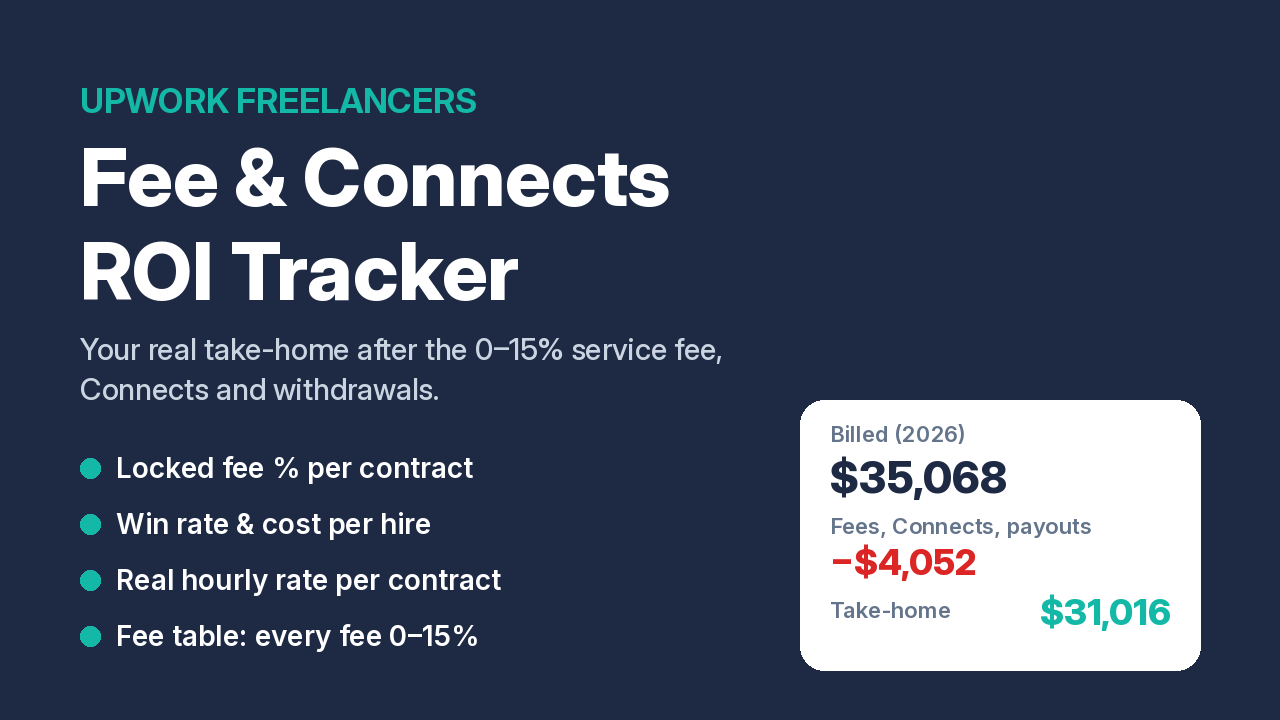
Since 1 May 2025 each new Upwork contract gets its own 0–15% service fee (locked for that contract). Enter the fee on the offer, Connects spent and win rate — see real $/hour after fees. Free fee-only sheet: https://payhip.com/b/drfvZ. Excel + Google Sheets.
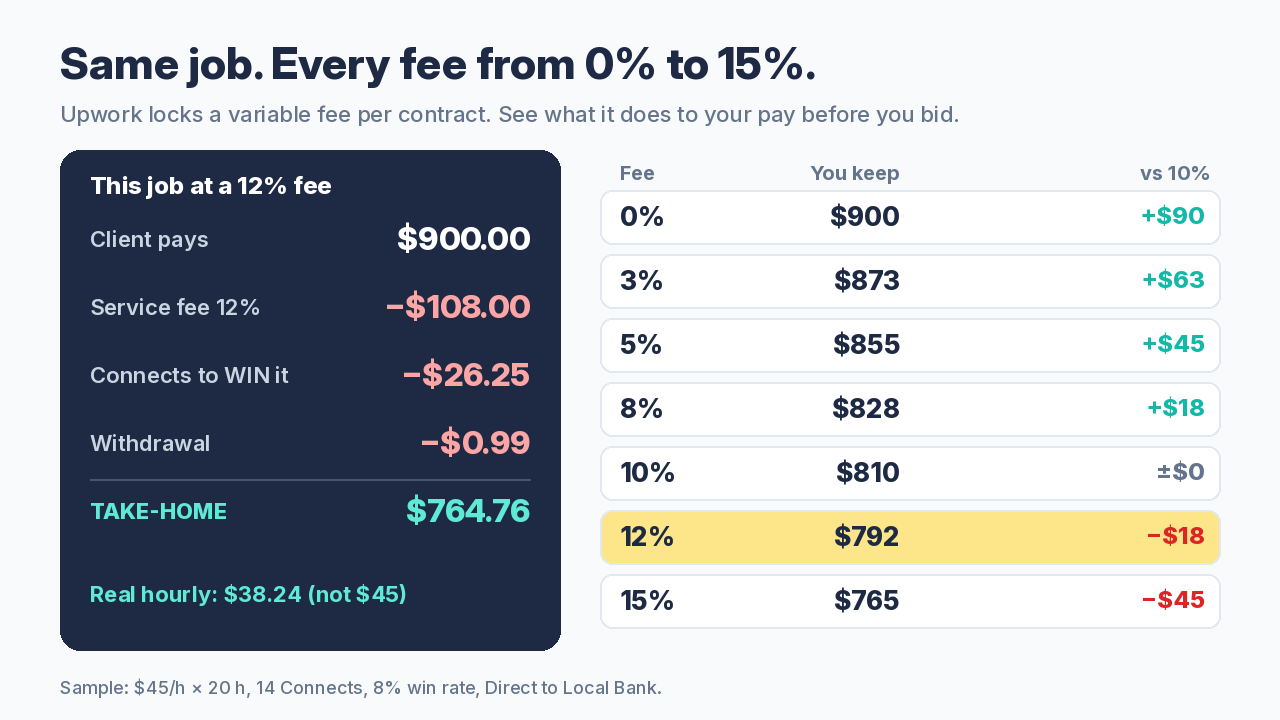
Upwork used to take a flat 10%. Since 1 May 2025, each new contract gets its own service fee somewhere between 0% and 15%, and that fee stays locked for the whole contract. Then there are the Connects. At $0.15 each and 6–16 a proposal, with a 10% win rate, every job you win also pays for the nine you lost. Then the withdrawal fee comes out.
So what did that contract actually pay you per hour?
The Upwork Fee & Connects ROI Tracker answers that in one spreadsheet. Log your proposals, contracts, payments and withdrawals. It applies each contract's locked fee, links the Connects you spent to the contract you won and shows what you really kept.
What you'll see:
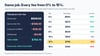
- Take-home per contract: billed, service fee, VAT/GST on the fee if your country adds it, Connects spent to win it, net, total cost % and real hourly rate
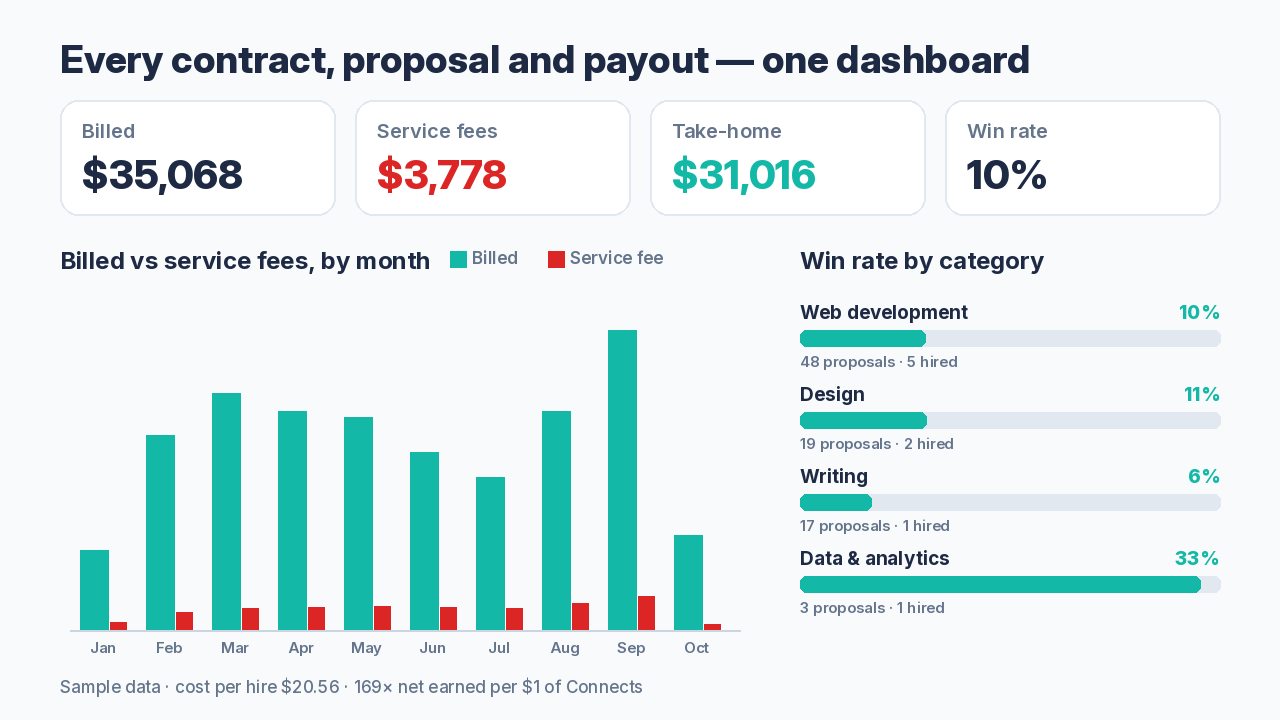
- Proposal ROI: proposals sent, hires, win rate, interview rate, cost per proposal, cost per hire and net earned per $1 of Connects, overall and by category
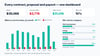
- Yearly dashboard: billed, service fees, effective fee %, Connects, Freelancer Plus, withdrawal costs and TAKE-HOME, plus a monthly table, a fee-band table (0%, 1–5%, 6–9%, 10%, 11–15%), top contracts and charts
- Fee Calculator to use before you bid: one job at every fee from 0% to 15%, the Connects it costs to win, and the rate you'd need to keep your target per hour
Every Upwork rule in the sheet was checked on Upwork's help pages on 18 October 2026: the variable fee, $0.15 Connects, boost charging and the withdrawal fees (Direct to Local Bank $0.99, wire $50, Instant Pay $2, Direct to U.S. Bank $2.99 for non-U.S. tax addresses from 1 Sep 2026). Each one is listed with a link in the Sources tab and sits in a yellow cell you can change.
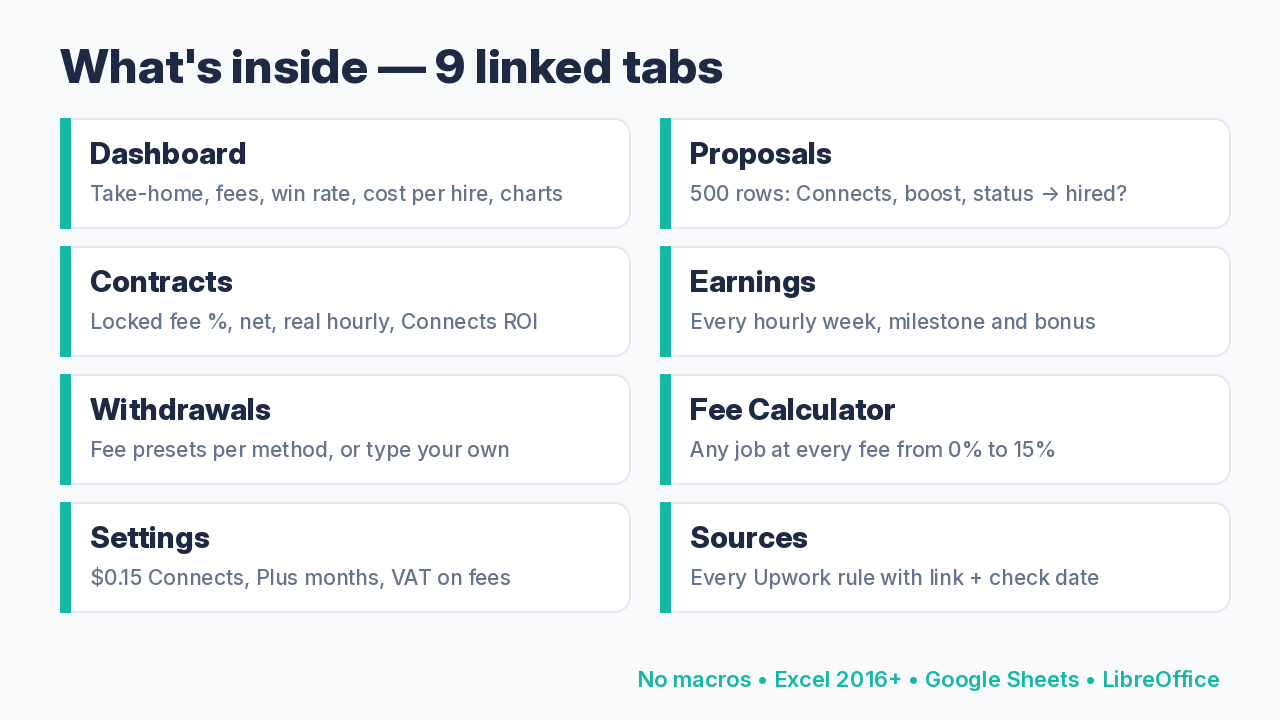
What's inside
- Dashboard: KPIs, monthly table, by category, by fee band, top contracts, charts
- Proposals: 500 rows covering Connects required, boost Connects charged, Bought/Free/Plus and status, linked to the contract when you're hired
- Contracts: 150 rows with the locked fee % and lifetime totals per contract
- Earnings: 800 rows for hourly weeks, milestones and bonuses
- Withdrawals: 300 rows with fee presets per method, or the exact fee you paid
- Fee Calculator: what-if for any job
- Settings: Connect price, free-Connects rule, VAT/GST on fees, Freelancer Plus months, withdrawal methods, categories
- Sources: every rule with its link and check date
- Quick-start guide (PDF): set up in 10 minutes
Details
- .xlsx for Excel 2016+, Google Sheets and LibreOffice
- No macros, no add-ons, no subscription
- Sample data included so you can see it working, then clear it
- Yellow = you type, grey = formulas
- Instant download
FAQ
Does it work in Google Sheets? Yes. Upload it to Google Drive, open it, then File → Save as Google Sheets.
How do I know my fee %? Upwork shows it before you submit a proposal or accept an offer, in the payment details, and again in the contract details. Type it once per contract.
I have contracts from before May 2025. They keep their old fee. Enter it on the contract row and everything else works the same.
Should free Connects count as a cost? You choose in Settings. "Yes" values them at $0.15, which is honest if you'd otherwise buy more. Freelancer Plus Connects are tagged "Plus", and the membership is counted once per month.
I'm paid through PayPal or Payoneer. Upwork charges a small per-transfer fee (shown in your Withdrawals settings) and the provider may add its own. Type both into Settings, or type the exact total per withdrawal.
Is this affiliated with Upwork? No. It's an independent spreadsheet. Upwork can change its fees, and every figure is an editable cell.
Is this tax advice? No. It's a bookkeeping and planning aid, not tax, legal or financial advice.
Refunds? It's a digital download. If anything doesn't work, message me and I'll fix it or refund you.
More from StraightGate
- Global Freelancer Finance Tracker (multi-currency, every platform): https://payhip.com/b/WZGL9
- Online Tutor Income Tracker: https://payhip.com/b/a74mc
- All templates: https://payhip.com/StraightGate