

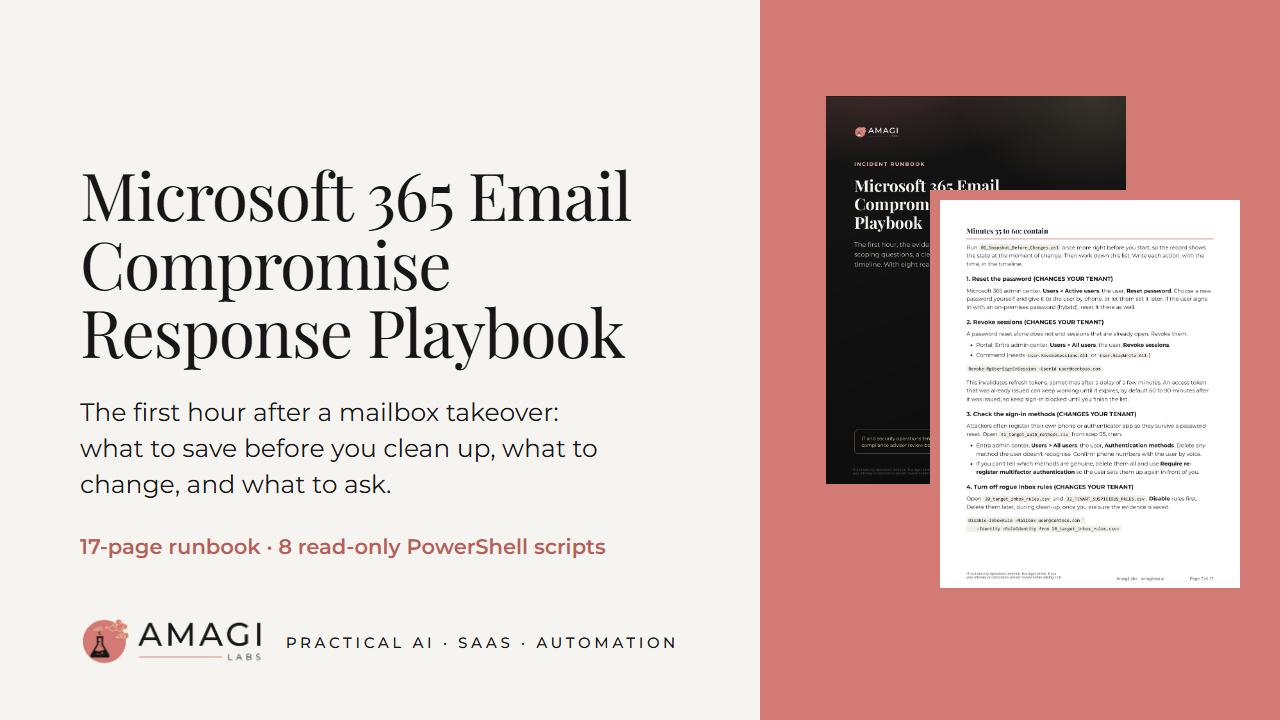
Microsoft 365 Email Compromise Response Playbook
IT and security operations template. Not legal advice. Have your attorney or compliance adviser review before relying on it.
When a mailbox is taken over, the first instinct is to start deleting things: the forwarding rule, the strange app, the inbox rule that hides replies from the bank. Every one of those is evidence, and once it's gone you can't show what the attacker set up or when. This playbook puts the steps in order. Save the evidence first, then contain, then pull the history and work out how far it went.
It is written for the person who runs IT at a small business, and for IT providers who handle these incidents for clients.
What's in the zip
- A 17-page PDF runbook. The first hour is split into four blocks: confirm and start the record, block sign-in, save the evidence, then contain. Containment covers the password reset, revoking sessions, sign-in methods, rogue inbox rules, forwarding, app consents and delegates, each with the portal clicks and the command. Every step that changes your tenant is marked CHANGES YOUR TENANT.
- After the first hour: how to pull the audit log, sign-in logs and message trace, what each one shows, and the limits of what they can prove.
- Scoping questions about the user, the money, the reach and your logs.
- A clean-up checklist for the account, the tenant and the record.
- Printable pages: contacts and roles, an evidence log with hashes and hand-offs, and a one-page incident timeline.
- Eight Windows PowerShell scripts that read evidence and save it as CSV and text files on your PC: setup and read-only connection, a snapshot of rules, forwarding and delegation before anyone cleans up, an audit check, Unified Audit Log pulls, Entra ID sign-ins, current state, message trace, and an offline analysis that builds an IP summary, a timeline and a findings file.
- A README, the licence and qa.md with the test results.
The scripts change nothing in your tenant
They read and save. They don't delete a rule, reset a password or switch a setting on or off. Scripts that would change the tenant were left out on purpose; the runbook shows those steps for you to review and run yourself. Every script has a -DryRun mode that prints what it would read and where it would save, without connecting.
How we tested it
Every script was run on Windows PowerShell 5.1 without a live tenant: parse checks, dry runs, bad-parameter cases, "not connected" cases, a scan of every command name for anything that changes a tenant, and full runs against stand-in cmdlets that return made-up data. 69 checks, 0 failed. Thirty state-changing cmdlets were set to record an error if called, and none were. Not tested: a run against a real tenant, PowerShell 7, paging past 5,000 records in one slice, and real throttling. The full results are in qa.md.
What it doesn't do
- It doesn't contain or clean up the incident for you. You make the changes, by hand, after the evidence is saved.
- It doesn't prove what an attacker did or did not read.
- It doesn't tell you whether you must notify anyone. Notification rules vary by state and industry; talk to counsel.
- It can't recover logs Microsoft no longer keeps.
- It is not legal advice, a forensic investigation or incident response service, and it includes no IT support.
What you need
Windows PowerShell 5.1 or PowerShell 7, the ExchangeOnlineManagement module, the Microsoft Graph modules for sign-ins and part of the current-state script, and an admin account with Exchange read roles and an audit role. Sign-in logs need Entra ID P1 or P2.
Licence
For use inside your own organisation. IT providers may use it on incidents for their own clients. No resale or sharing.
How it was made
Written with AI help (Claude) and reviewed by AmagiLabs before release. Examples use contoso.com and documentation addresses only.
Refunds
All sales are final. You get this digital download right away, so we don't give cash refunds. If a file won't open or the product doesn't match this page, email us within 7 days of purchase. We'll fix it or send a replacement. If we can't, you'll get store credit for the full price.
EU and UK buyers: you'd normally have 14 days to withdraw from this purchase. You lose that right once your download or access starts, because you ask for immediate access at checkout. If the product is faulty or not as described, the 7-day limit doesn't apply to you. If we can't fix it, you can choose a refund instead of store credit.
Nothing in this policy limits your rights under the law where you live. You can ask us for a written copy of this policy at any time.
Format: one zip (PDF runbook, 8 PowerShell scripts, README, licence, qa.md).