

Shokker Paint Booth
Shokker Paint Booth
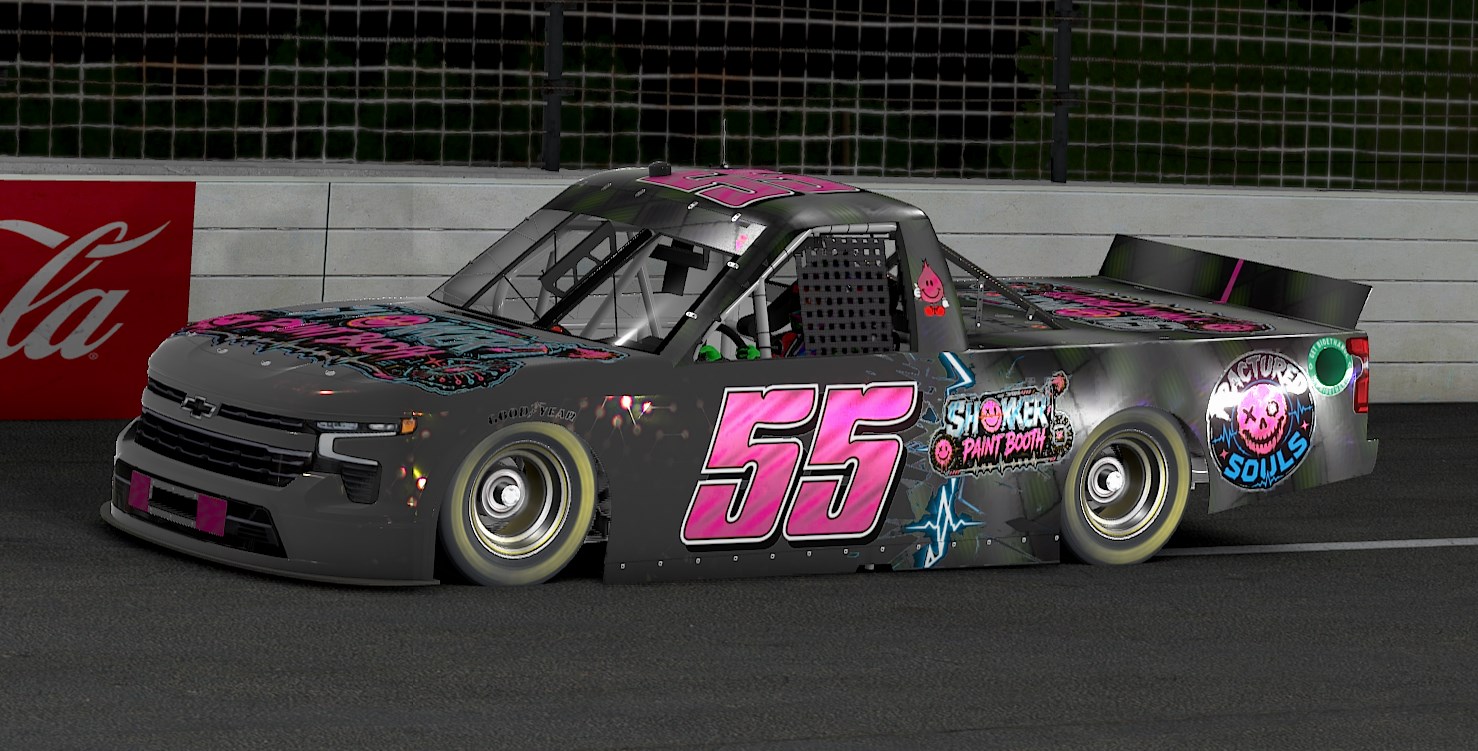
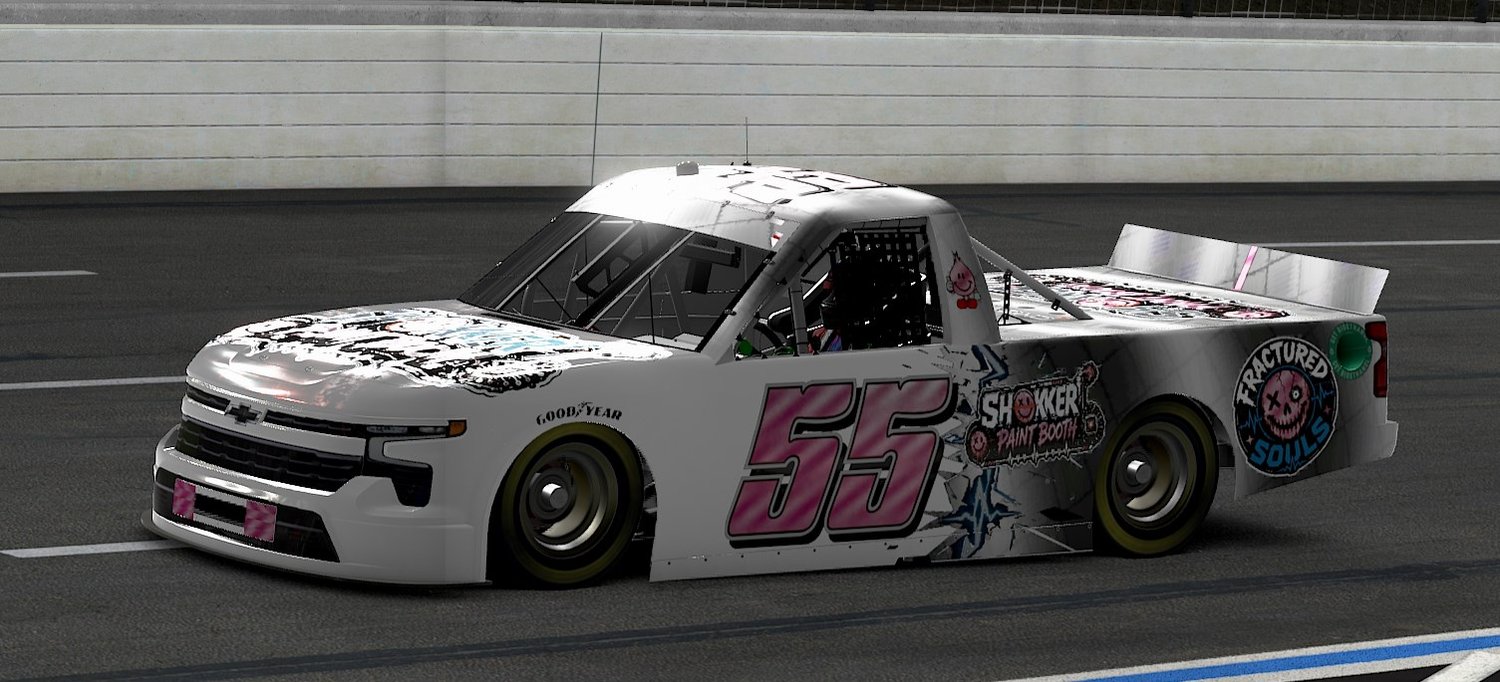
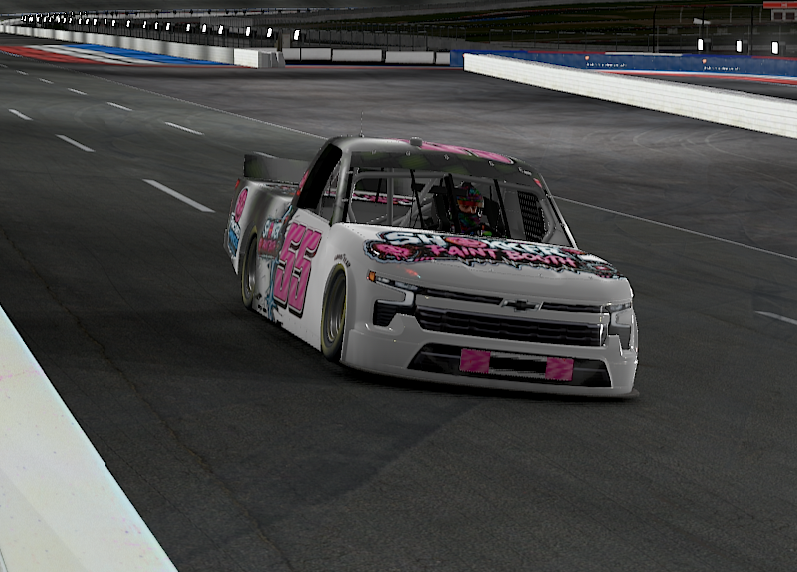
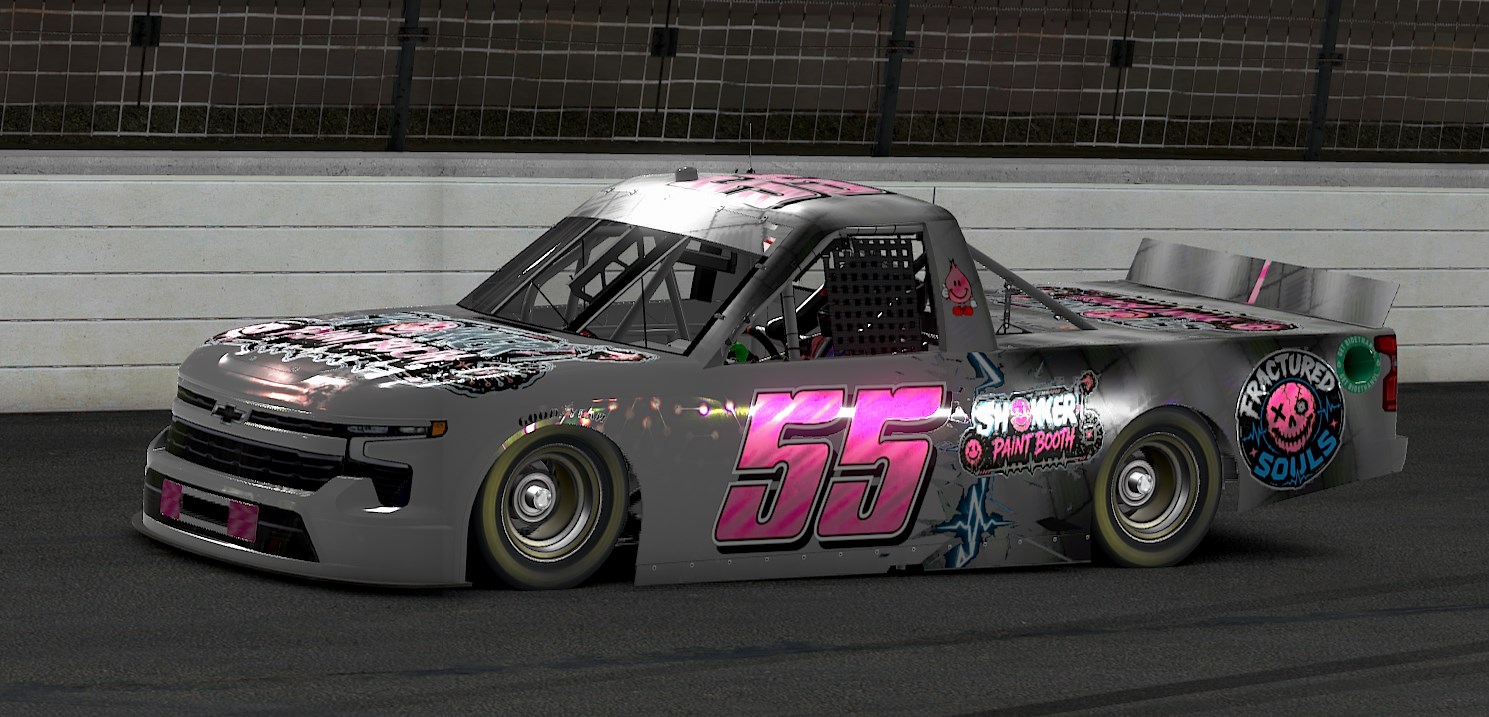
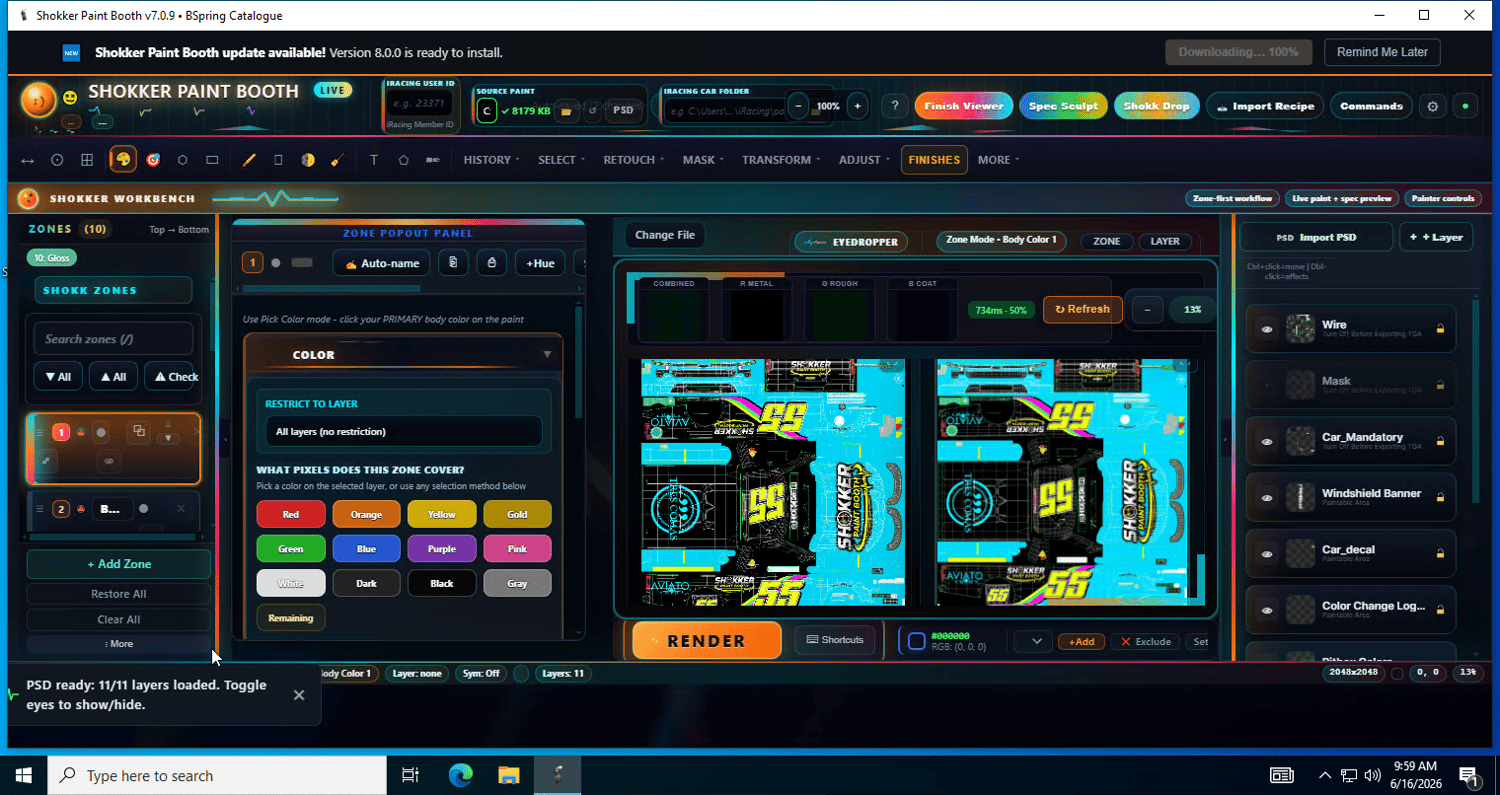
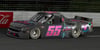
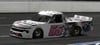
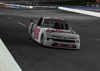
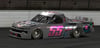
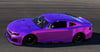
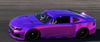
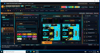
Shokker Paint Booth lets you build pro‑looking car paints for iRacing by picking finishes — not by fighting layers, masks, and spec maps. Choose a part of the car, choose a finish, and the app handles all the technical stuff behind the scenes (the metallic, gloss, and clearcoat maps that make a car actually look real in the sim). Export straight to your iRacing folder and you're on track.
It started with one simple idea: a friend wanted to chrome out his car and didn't know the first thing about Photoshop. It's grown into something a lot bigger than that.
Never done this before? Open Easy Mode — it's the default. Pick a color, pick a look, hit render. That's the whole thing. Everything else below is there when you want to go deeper.
It's really three tools in one
Paint Booth — Pick finishes, paint zones, done. No design skills required. Nearly 1,900 finishes: chrome, candy, pearls, carbon, flake, matte, plus color‑shift finishes that flip color as the car turns. The picker is now a browsable map, not a wall — categories with previews, tags you can filter by, and a Surprise Me button when you just want to see something new.
Spec Sculpt — Take any paint and build your own custom spec map. Control exactly how light hits every panel of the car.
Shokk Drop — Bring your own artwork in and render it, exactly as you made it. Or drop one image and let it explode into 20 different shine treatments, then keep the ones you like.
Three different ways to use one program, depending on how deep you want to go.
What you get
- A massive and growing finish library — every finish included, nothing to download separately
- Zone‑based painting (paint different parts of the car independently)
- Real spec‑map output, handled for you
- Full hands‑on editing when you want it — brushes, selections, masks, transforms and adjustments, plus real layered .psd / .ora / .xcf import
- Direct export to your iRacing paint folder
- Automatic updates — the app updates itself from here on
- Free updates as the app keeps growing
🆕 What's new in v10.0.0
- The finish picker is now a map. Nearly 1,900 finishes used to be one endless wall. Now they're grouped into categories with rotating previews, written descriptions and an "explored" meter — plus filter tags, a green check on everything you've already tried, a Surprise Me button biased toward what you haven't, and a fresh Today's 5 shelf. We also rescued 60 finishes that were in the app but showed up in no category at all.
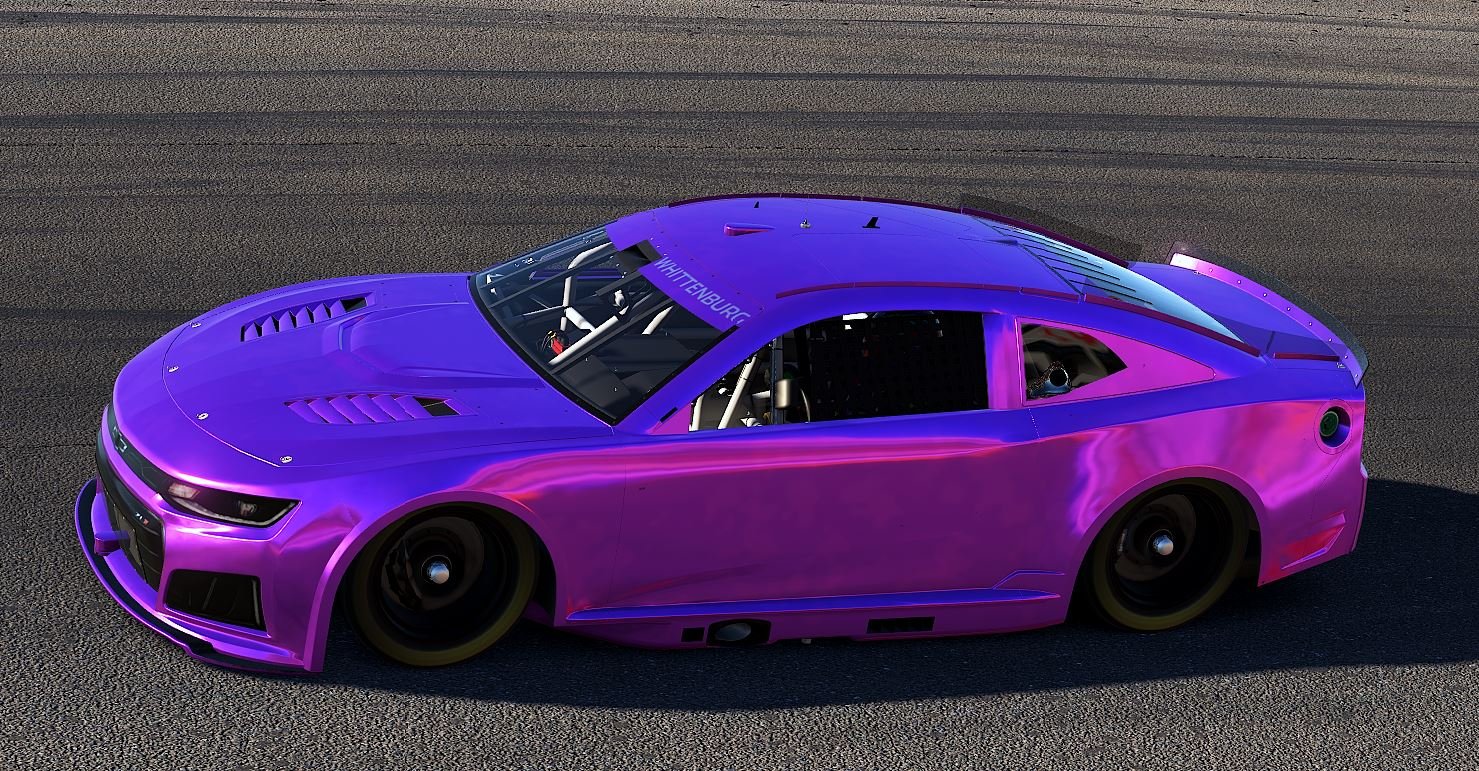
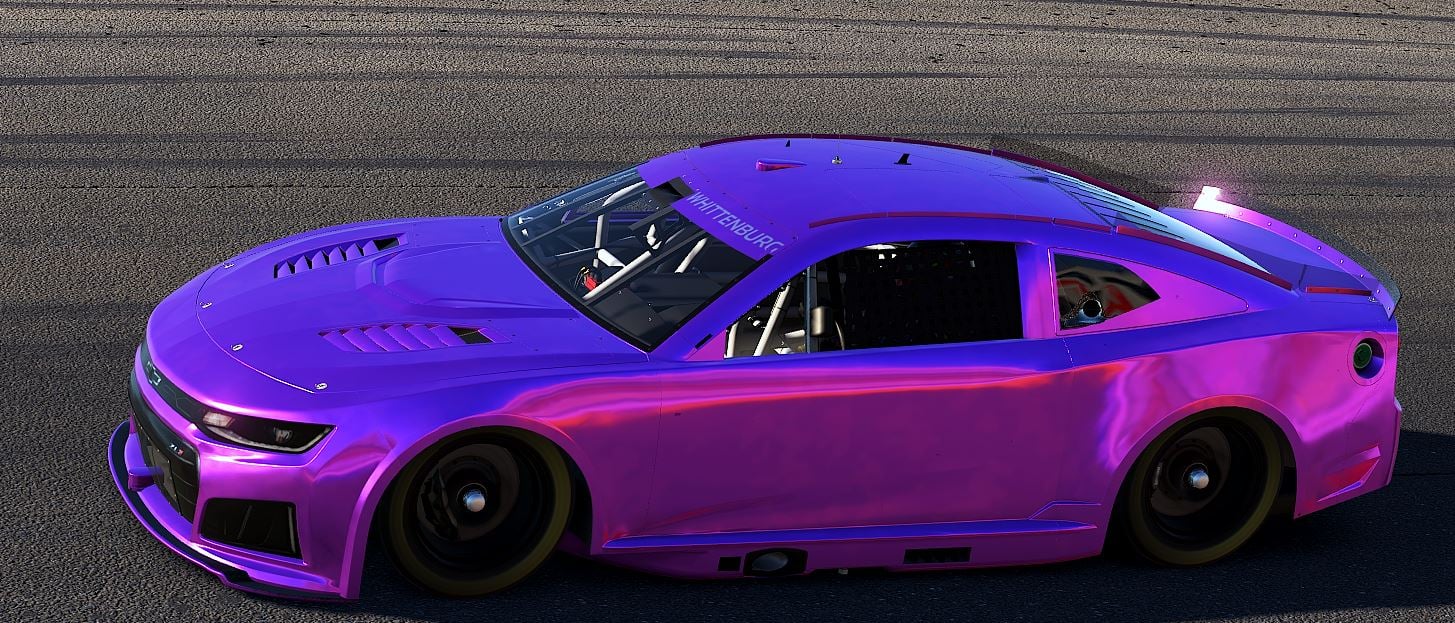
- Finishes that change colour, not just brightness. The new Fractured Nightshift family flips hue between daylight and night lighting instead of blowing out to white — blue‑to‑red, red‑to‑gold, orange‑to‑green, teal‑to‑magenta, fire‑to‑ice and more. 101 finishes in the family.
- 50 more in Fractured Opalfire, built on quantized razor‑terraced ladders that fire several colours at once. The whole Fractured range was also rebuilt with real per‑finish artwork instead of recoloured variants.
- About 5× faster when you're iterating. Clicking around used to re‑render every zone even when nothing about it had changed. Now zones reuse their last render unless something real changed — a tweak re‑renders in about two seconds instead of nine. Identical output; pure speed.
- Shokk Drop got a big pass. "Fracture the spec" works now — drop art, and Shokker traces your art's own edges into near‑chrome metal and clearcoat with no spec maps needed. If you tried Fracture before and your finish seemed to vanish, it wasn't lost — those imports will reappear after this update. Plus: zoom any of the 20 variants full‑size to judge it, favourites, multi‑select, one‑click "Use in Booth", and Fork to try a different look without losing the version you already liked.
- Fixes: the app was reporting the wrong version number in its title bar; a stray error badge that never went away; colour‑picking from your source image not registering on layered files; and the live preview occasionally needing a manual refresh.
📥 Install & updates
- Download and unzip the file.
- Right‑click ShokkerPaintBoothV10‑10.0.0‑Web‑Setup.exe → Properties → tick Unblock → OK. (Windows adds that to anything downloaded from the internet.)
- Run it.
- If Windows shows a blue "Windows protected your PC" box, click More info → Run anyway (the app isn't code‑signed yet — it's a small indie tool, not malware).
- It's a ~4.9 GB download because every finish is included. The progress bar tracks the whole install — grab a coffee and it'll be ready to paint.
- Enter the license key from your Payhip receipt when the app opens.
Already have it installed? Just launch the app — it updates itself. You don't need this download again. This page is only for first‑time installs.
Requirements: Windows 10 or 11 (64‑bit) and iRacing.
A note on where this is at
This is an active beta, and I'm honest about that. Last time I said the hands‑on editing tools weren't where I wanted them and that they were the next thing I was building — they're in now, along with a lot more than I planned. There's still plenty on the list. You're getting in early, your feedback shapes it, and every update is free. Thanks for being part of it.