
How to turn a term's schoolwork into a small labeled student portfolio
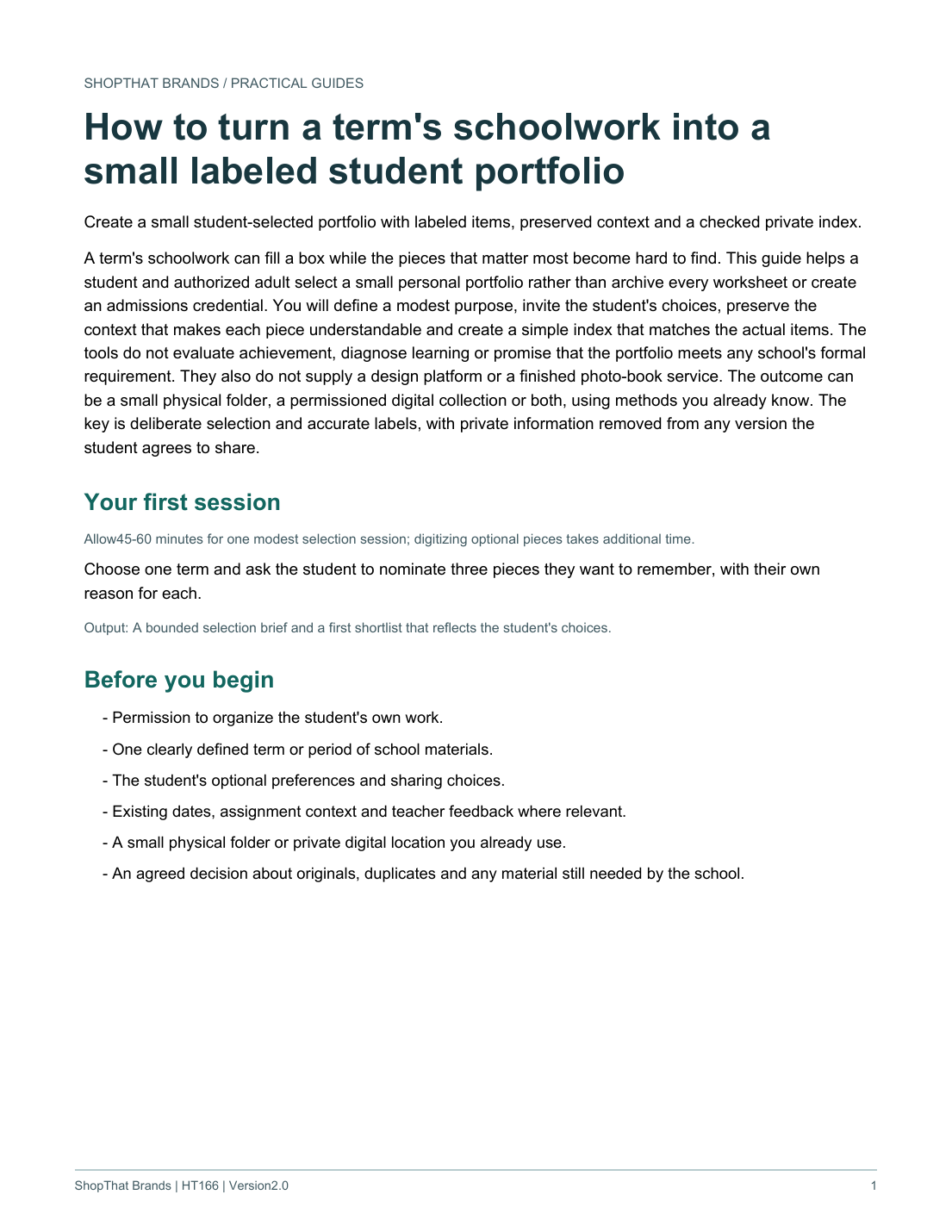
A box of schoolwork can be large without being easy to revisit. This guide helps a student and authorized adult select a small personal collection from one term, preserve the student's reasons and account for the originals.
Eight steps cover purpose, broad sorting, actual student choices, a manageable final set, honest labels, readable permitted copies, assembly and sharing/retention decisions. The fictional example reconciles twenty candidates into eight selected pieces, two school-required records and ten other unselected items, without counting duplicate digital files as new pieces.
Four tools include the purpose/selection brief, candidate record, label/item index and completion/sharing/original disposition. Each provides field help and a coherent completed example. The PDF explains the method; offline HTML and editable TXT tools hold your own descriptions and references. No native photo-book, slideshow or design-platform template is supplied.
Troubleshooting addresses excess selections, uncertain dates, unreadable copies, another student's information and inappropriate formal-application claims. The finished outcome is a small labeled keepsake in your chosen familiar format. It does not assess achievement, diagnose learning, certify preservation or establish admissions requirements. The student's actual choices and separate audience permission remain central throughout.
Included files: PDF guide, offline HTML guide, 4 distinct editable tools in HTML and TXT. Extract the ZIP before use. No paid software is required to read this guide or edit its supplied tools. Third-party services discussed may have their own costs. No XLSX, Canva, Notion or video files are included.
Text and template wording were generated with AI and reviewed for clarity and consistency.
License: Personal or internal business use only. You may edit the templates for that use; do not redistribute or resell the supplied files or templates.
HTML tools do not autosave. Use Save filled copy before closing to download and keep your completed entries.