
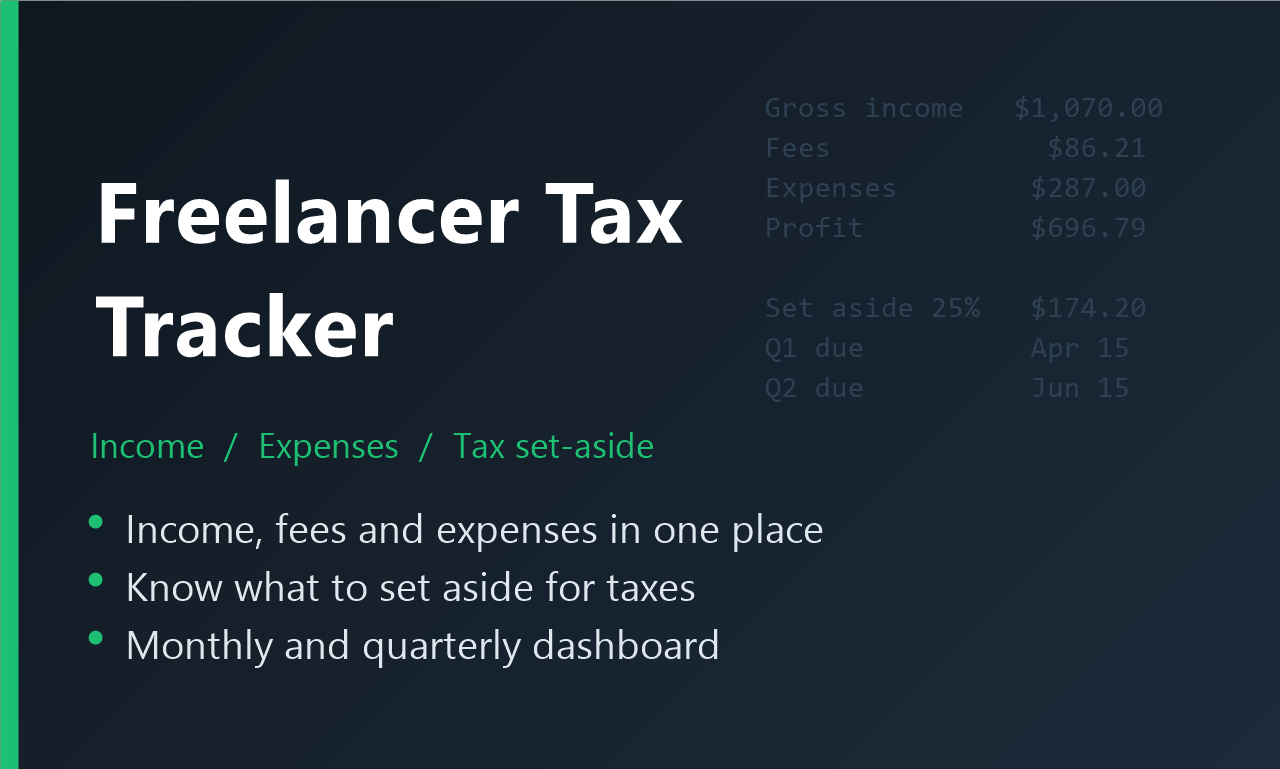
Freelancer Income, Expense & Tax Tracker (Excel)
Stop guessing what you owe. Track every payment, fee and business expense in one Excel file, and see how much to set aside for taxes each month and quarter.
See it first: this tracker is part of the Freelancer Money Kit in our free review video. Free reading: how much should a freelancer set aside for tax?
WHAT'S INSIDE
- Income log: date, client, platform (PayPal, Fiverr, Upwork, Payhip, Ko-fi and more), gross amount and fees. Net received and a suggested tax set-aside are calculated for every payment.
- Expense log: category dropdown, Deductible Yes/No and a Receipt saved? column so nothing slips through.
- Dashboard: year-to-date gross income, fees, net income, deductible expenses, profit, tax to set aside and what's still left to cover.
- Month-by-month table and a profit chart.
- Quarterly estimated-tax table with due dates and a Paid column to track what you've already paid.
- Income by platform, so you can see which one earns you the most.
- Settings for your tax year, set-aside rate (25% to start), platforms and expense categories.
- A Start Here sheet with simple instructions.
DETAILS
- Format: Excel workbook (.xlsx), instant download
- Works in Microsoft Excel 2016 or newer and Excel for Microsoft 365
- Example rows included so you can see how it works; delete them and add your own
- Due dates are preset to the US federal estimated-tax schedule and can be changed
Not the right fit if you want tax filing software or advice: this organizes your numbers, and you or your tax professional decide what to pay.
Want the full set? The Freelancer Money Kit ($61) adds the How Much Should I Set Aside? workbook (US), Expense Sorter and Lead & Form Sorter. Free tool: seller fee calculator.
This tracker helps you organize your numbers; it isn't tax or legal advice. Personal and business use license: please don't resell or share the file.