
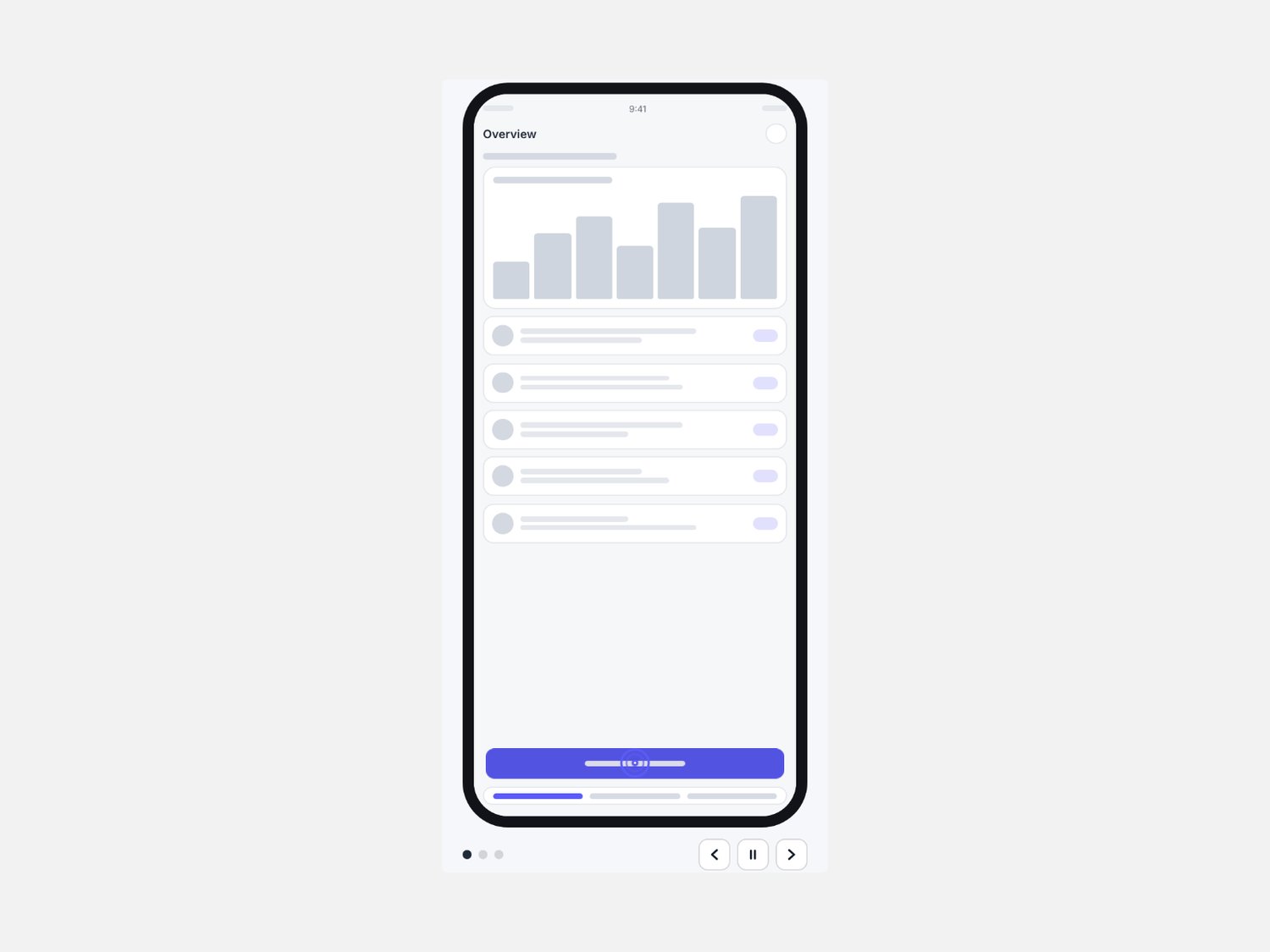
Phone Flow — scripted app tap-through for Framer
Show an app flow inside a phone frame: a tap ring on each screen, then a transition to the next.
What it is
A presentation component for app landing pages: your screens play in order inside a generic phone frame, with a tap marker where you set it.
What you get
• One Framer code component (Phone Flow), delivered as a Component URL.
• Screens from your own components, each with tap position and hold time.
• Slide, fade and push transitions, playback buttons, dots and frame styling.
• Free updates.
How it behaves
• Plays when seen. Autoplay starts once the phone is in view and pauses on hover, off screen or with the pause button.
• Keyboard and buttons. Previous, pause and next buttons, plus arrow keys and Space when focused.
• Calm for reduced motion. It starts on the last screen and the buttons switch screens instantly; the Framer canvas shows the last screen.
• Announces the screen. A polite live region reads the screen number and label.
• Self-contained. No page scripts, no external requests.
Requirements
Any Framer project. No plugins, no external libraries.