



RFI + Submittal Log Kit: Excel / Google Sheets Workbook, Printable Forms and Guide
Know which RFIs are overdue, who owes the answer, and the date every submittal has to go out so the material is on site when the schedule needs it.
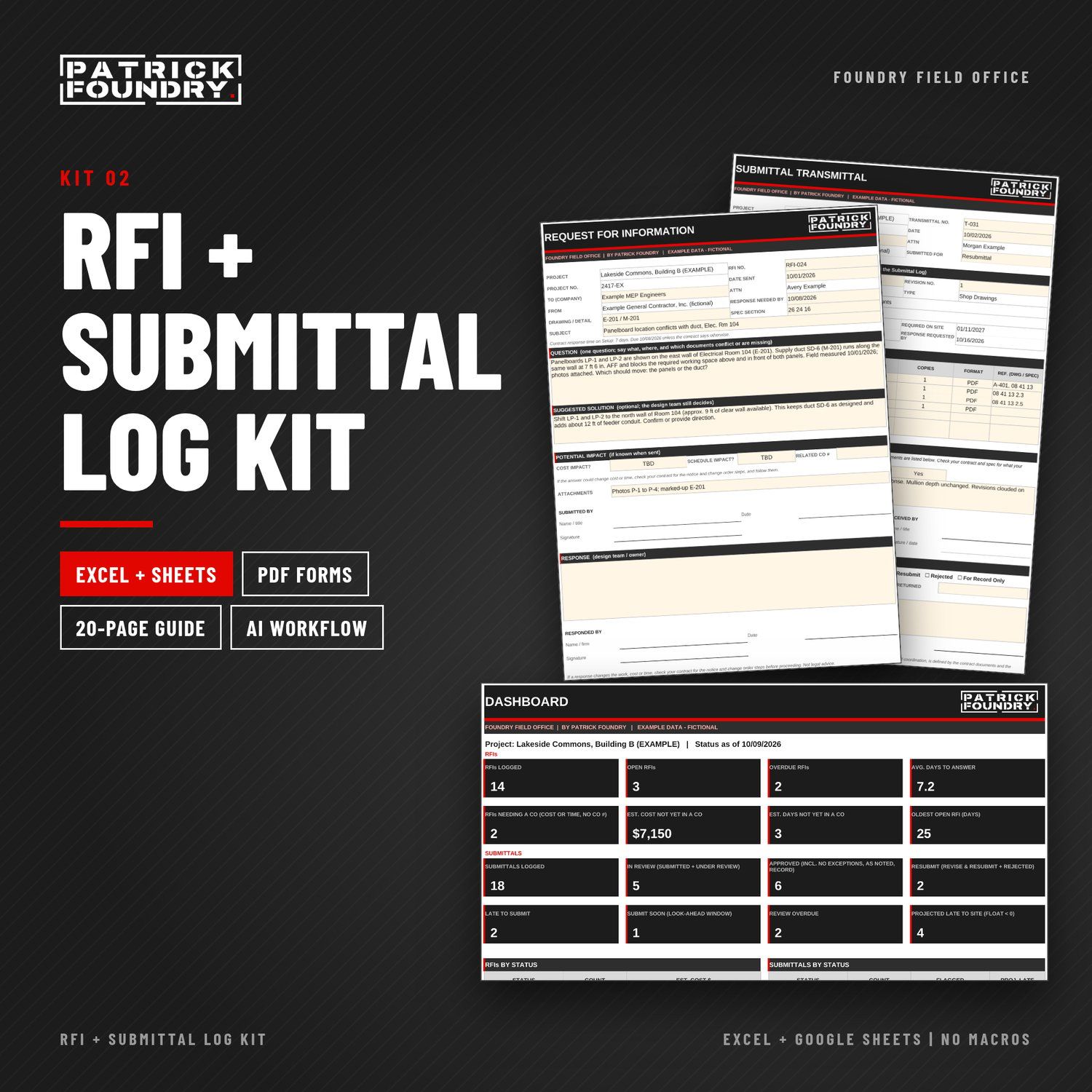
The RFI + Submittal Log Kit is for general contractors, subcontractors, project managers and superintendents who send RFIs and run submittals. Log every RFI and submittal in one workbook, see whose court the ball is in, and let the dates and flags tell you what to chase today.
WHAT'S INCLUDED
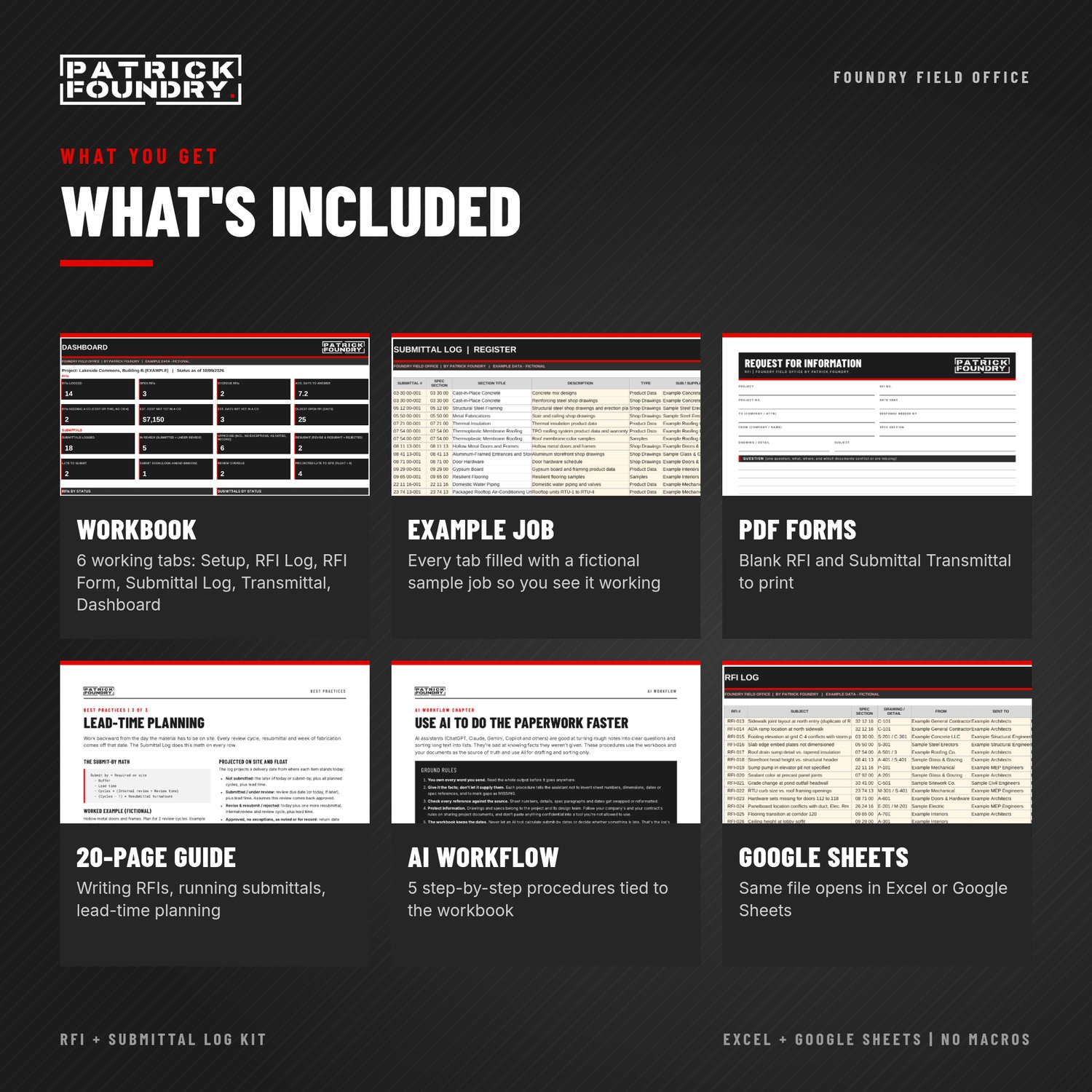
- Workbook (.xlsx, no macros). The same file opens in Excel or Google Sheets.
- Setup: project info, the team and contacts, spec sections, and the review times from your contract and spec
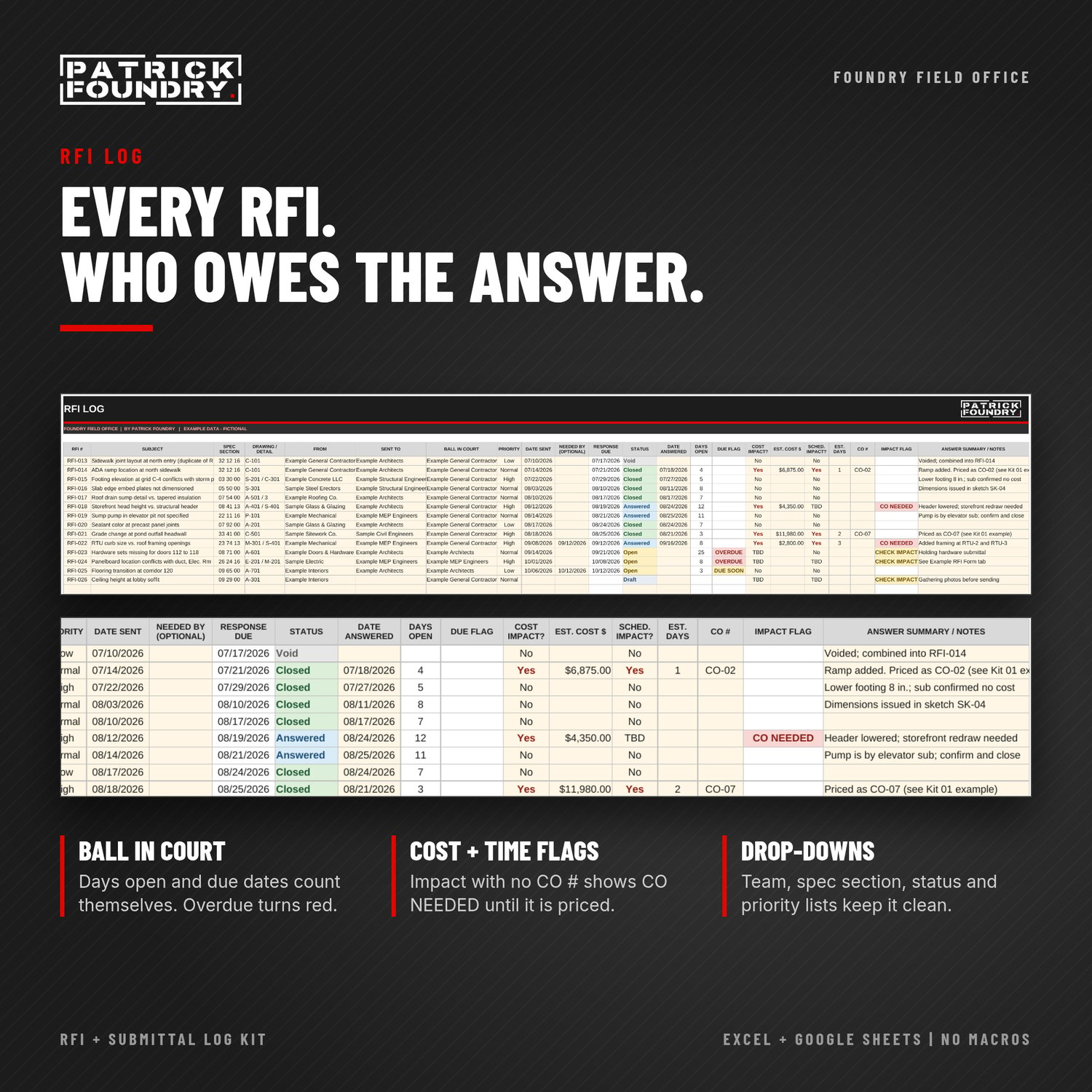
- RFI Log: ball in court, response due, days open, overdue flags, and cost and schedule impact with a change order number column
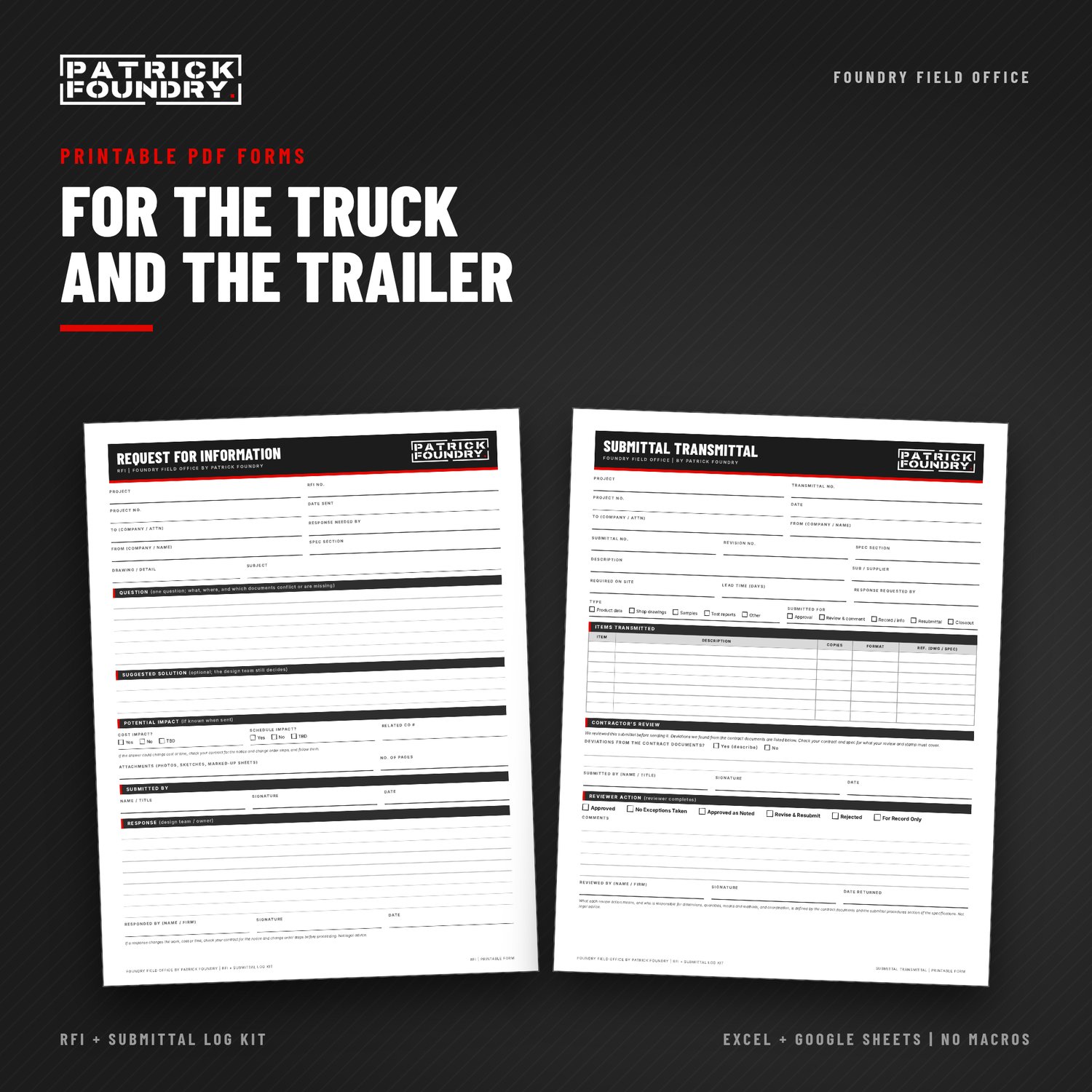
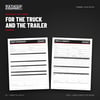
- RFI Form: a one-page RFI with question, suggested solution, impact and a response block
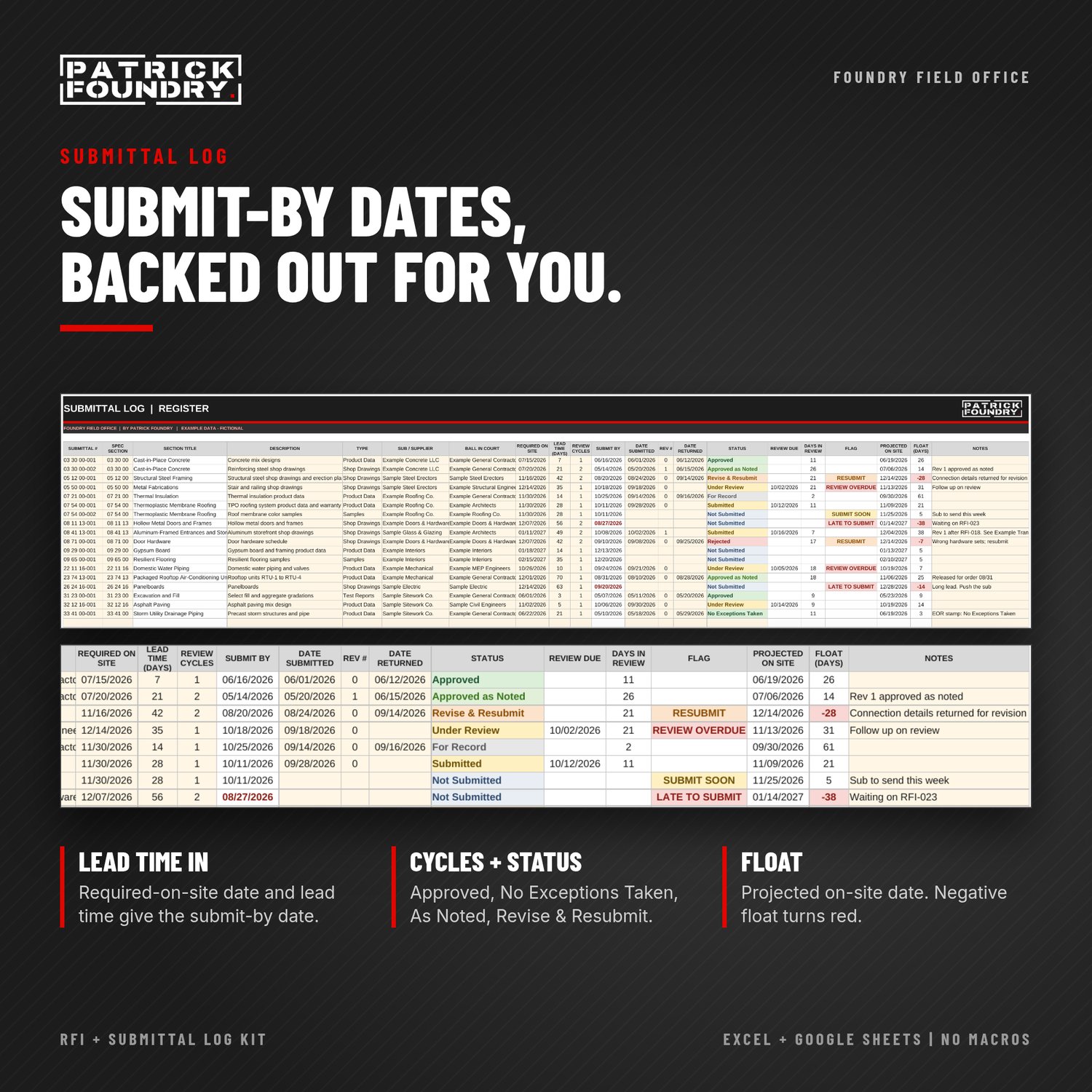
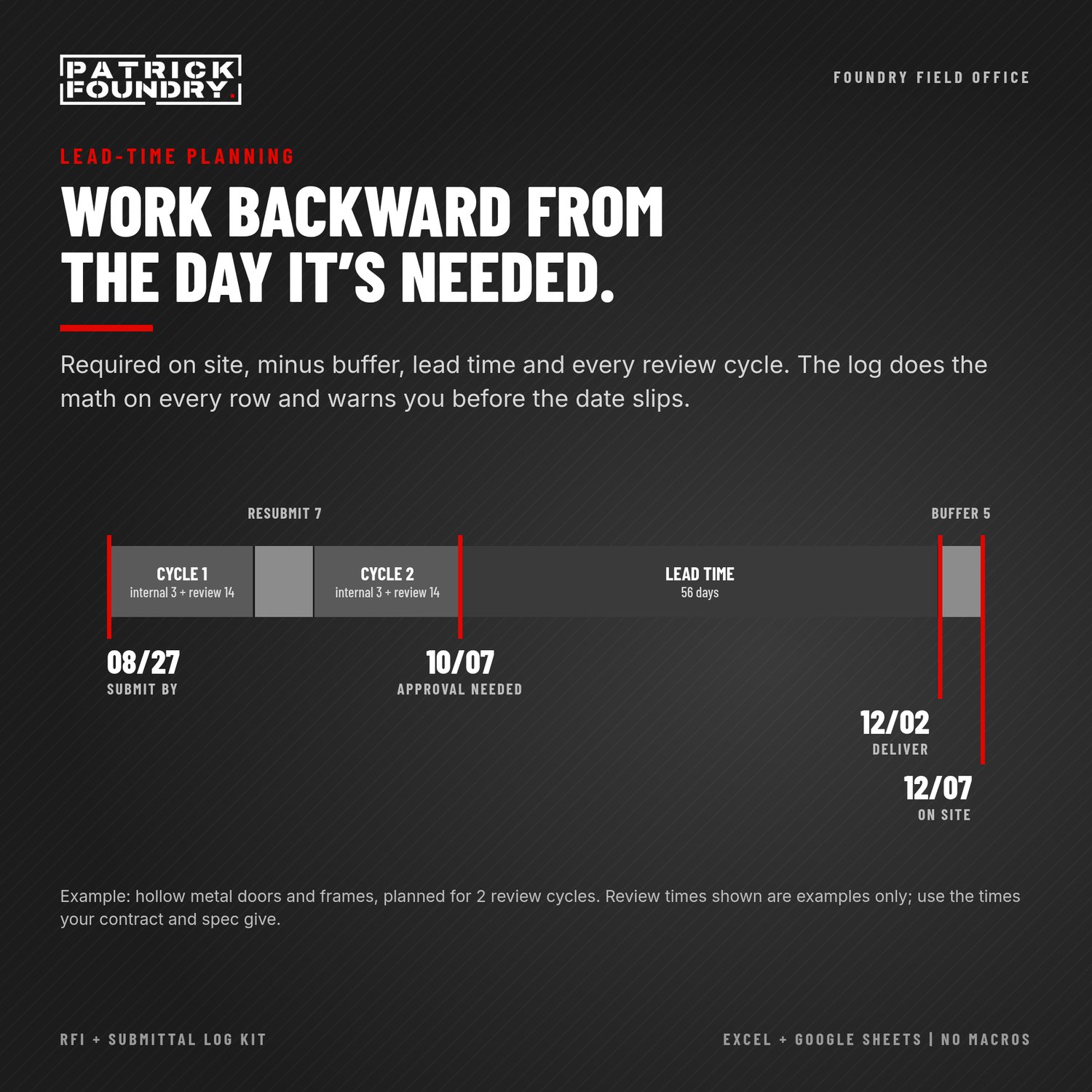
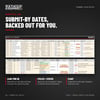
- Submittal Log (register): spec section, type, sub, required-on-site date and lead time. It backs out the submit-by date, tracks review cycles and status (Approved, Approved as Noted, Revise & Resubmit, Rejected), and projects whether material lands in time
- Submittal Transmittal: type the submittal number and the cover sheet fills in from the log
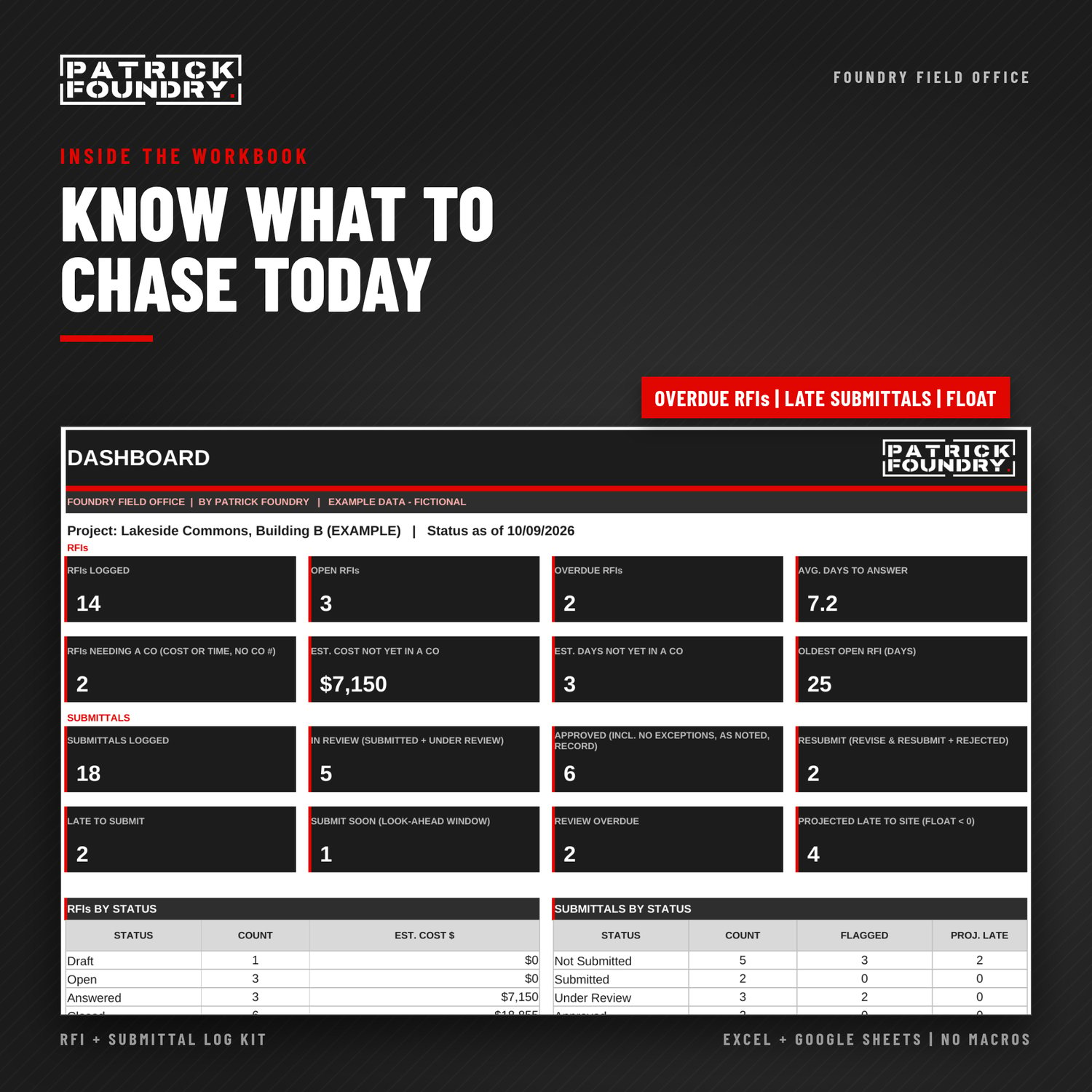
- Dashboard: overdue RFIs, cost and time not yet in a change order, submittals late to submit or stuck in review, and open items by company
- Example tabs: a complete fictional sample job, so you can see every formula and flag working
- Printable PDF forms: blank RFI and Submittal Transmittal
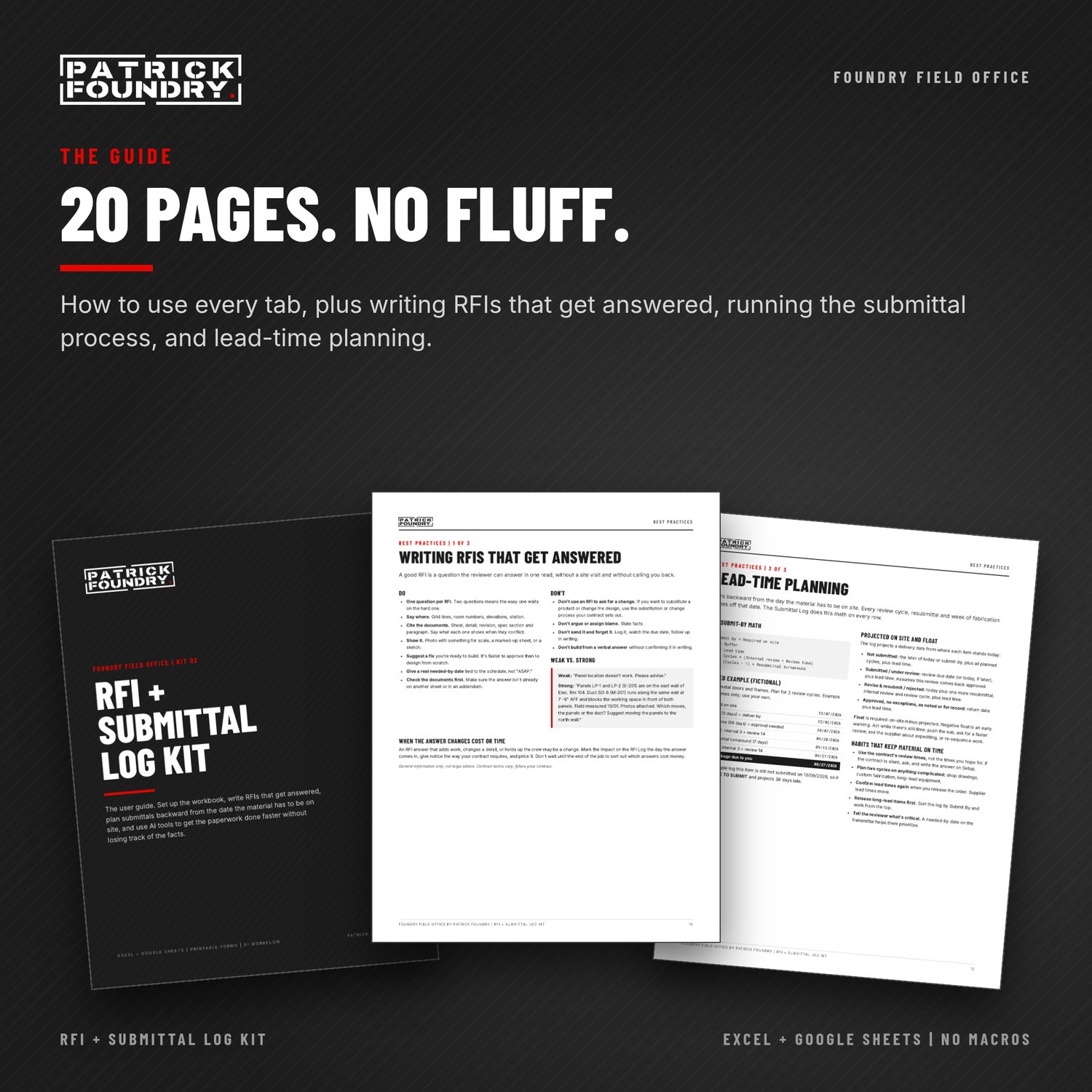
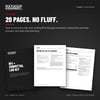
- 20-page PDF guide covering:
- how to use every tab
- writing RFIs that get answered, running the submittal process, and lead-time planning
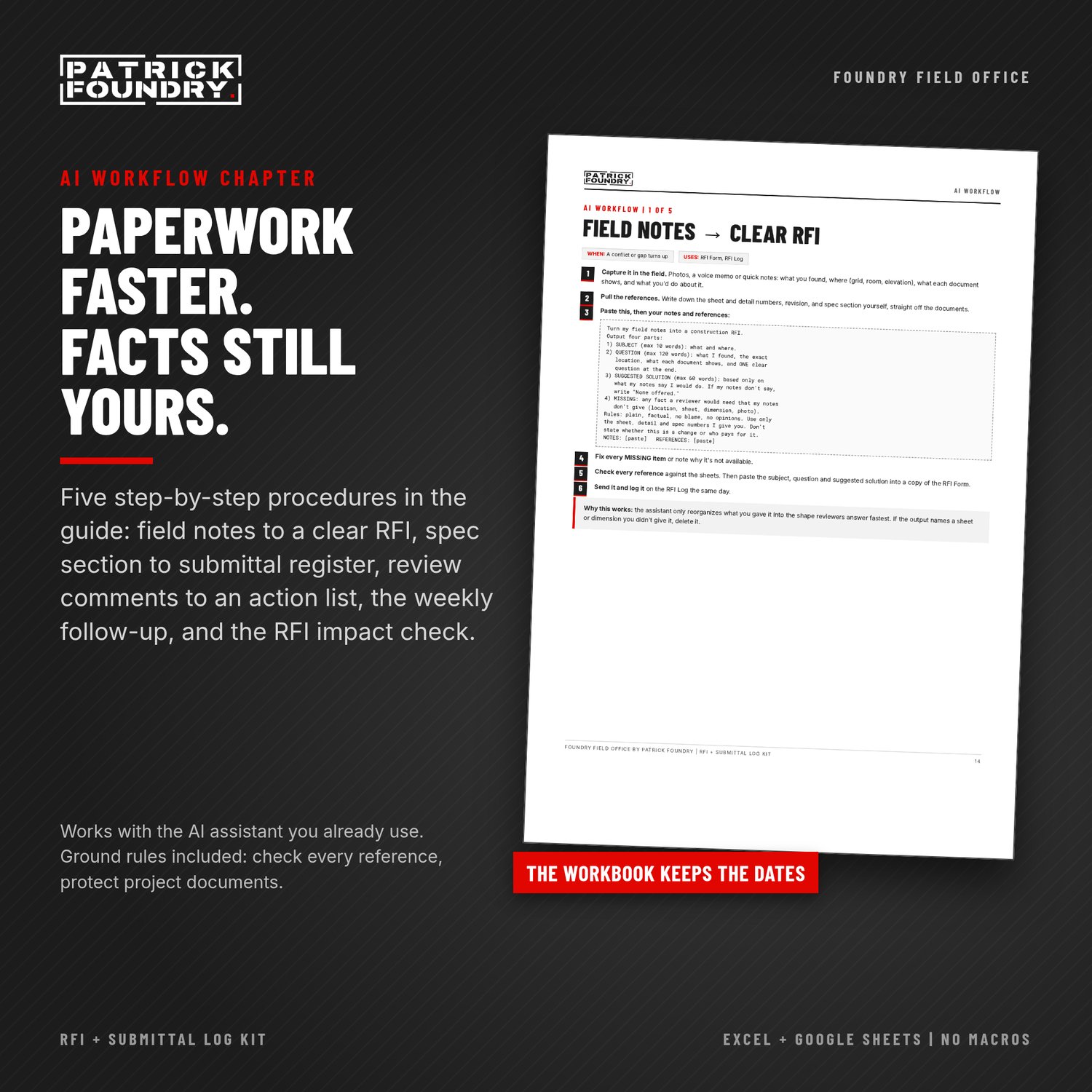
- an AI Workflow chapter with five step-by-step procedures tied to the workbook: field notes to a clear RFI, spec section to submittal register, review comments to a resubmittal action list, the weekly follow-up, and the RFI answer impact check
- opening the kit in Google Sheets, step by step
COMPATIBILITY
Works in Excel 2016 or later (Windows or Mac, including Microsoft 365) and in Google Sheets. No macros.
WORKS WITH KIT 01
When an RFI answer changes cost or time, the log flags it until you enter a change order number. Price and track the change with the Foundry Field Office Change Order + T&M Ticket Kit.
BUNDLE AND SAVE
Also in the Foundry Field Office 4-Kit Bundle (Change Order + T&M, RFI + Submittal, Schedule of Values + Pay App, and Bid Proposal + Scope Checklist), $49. https://payhip.com/b/dulix
GOOD TO KNOW
- Instant download. One-business license, unlimited projects.
- These are original templates, not AIA forms. If your contract requires specific forms or a project platform, use this kit for the tracking behind them.
- This is a project-management tool, not legal or contract advice. Your contract and specs control RFI procedures, review times and submittal requirements.
- Made by Patrick Foundry. AI tools helped draft parts of the guide text and layouts. Every formula, form and page was checked by automated QC and a final review before release. All templates are original.
- Need daily reports or field logs instead? Join the SKUFF field app waitlist: https://patrickfoundry.com/skuff
- Questions about the files? Email kits@patrickfoundry.com with your order number.
GET EVERY KIT
Foundry Field Office Membership: every kit, plus every new kit as we release it, for $15 a month or $149 a year. https://payhip.com/b/2V97I
REFUND POLICY
These are instant digital downloads. If a file won't open, is damaged, or isn't what the listing describes, email kits@patrickfoundry.com within 14 days of purchase with your order number and we'll fix it or refund you in full. Because the files can't be returned once downloaded, we don't otherwise offer refunds for change of mind.