


Brightpath Student Life Planner App: Study Planner, Assignments, Exams & Life Balance
🎓 BRIGHTPATH — STUDY WELL. LIVE WELL.
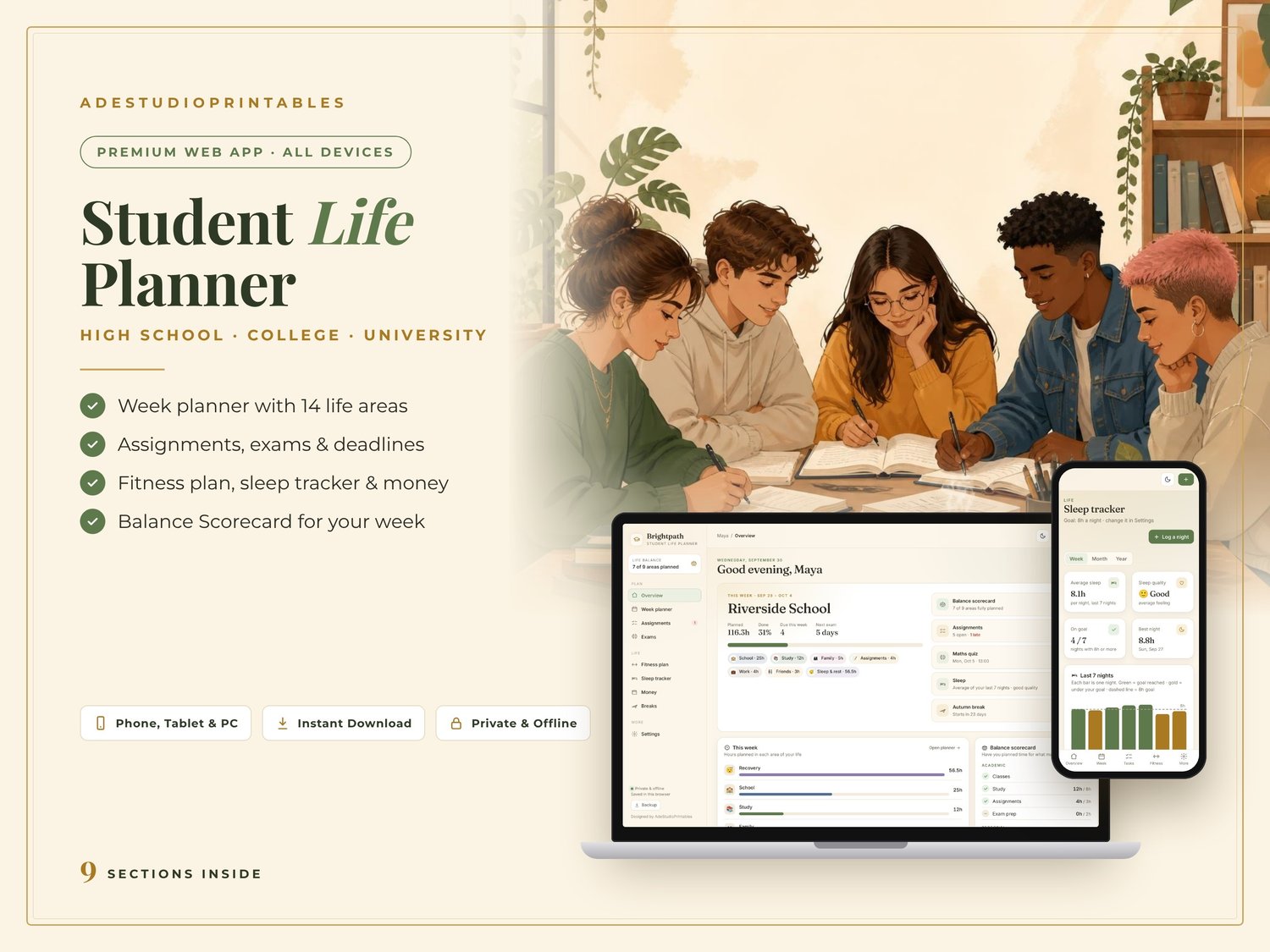
Student planner app for your phone, tablet and computer: weekly study planner, assignments and exams, fitness, sleep and money, all in balance.
Made for high school, college and university students who want good grades AND a good life.
📱 BRIGHTPATH STUDENT LIFE PLANNER APP
Use it on your phone, tablet or computer. No App Store download needed.
━━━━━━━━━━━━━━━━━━━━
💛 EVERYTHING YOU NEED FOR A BALANCED WEEK
📱 BRIGHTPATH STUDENT LIFE PLANNER APP
A beautiful interactive student planner with:
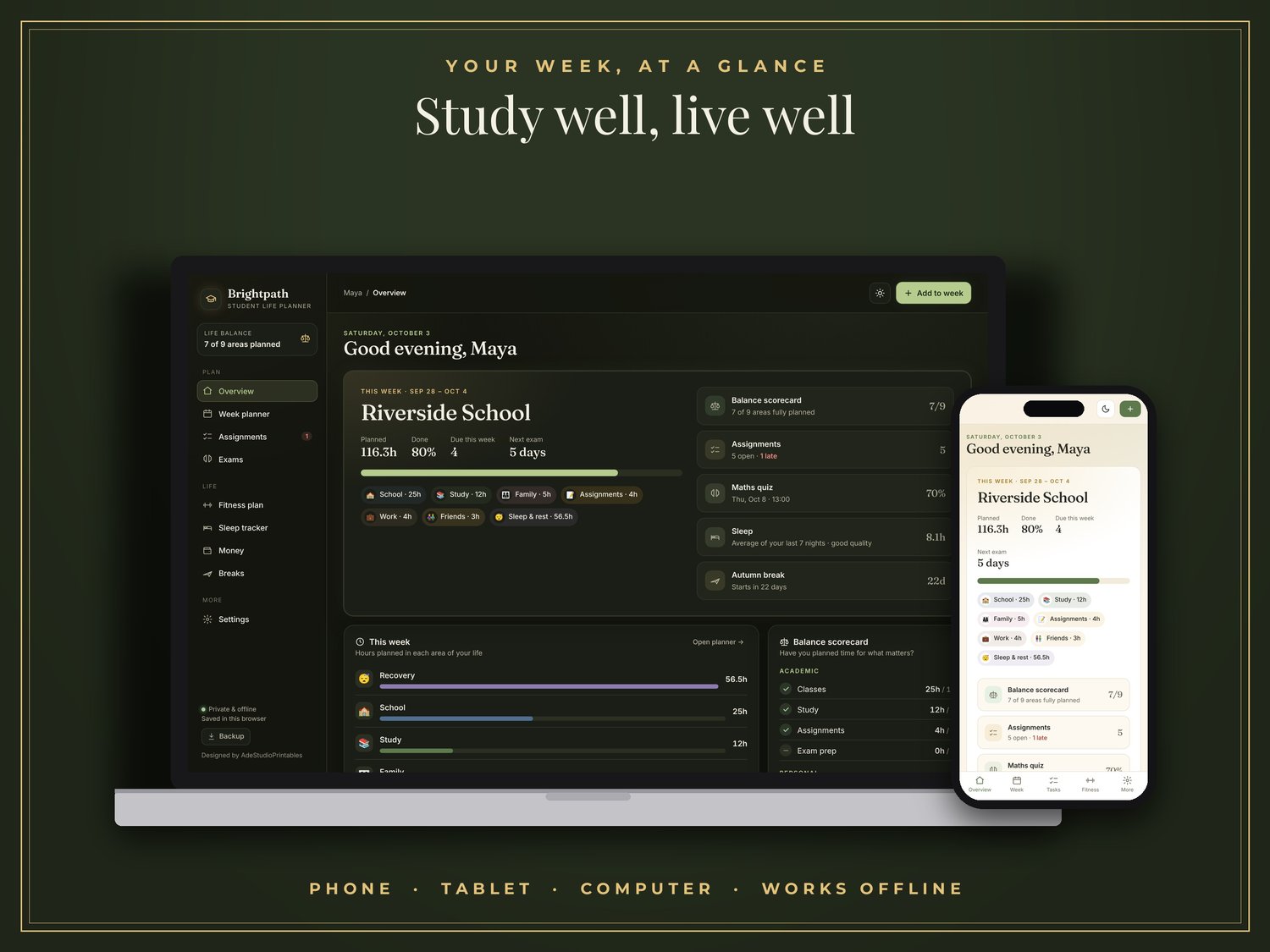
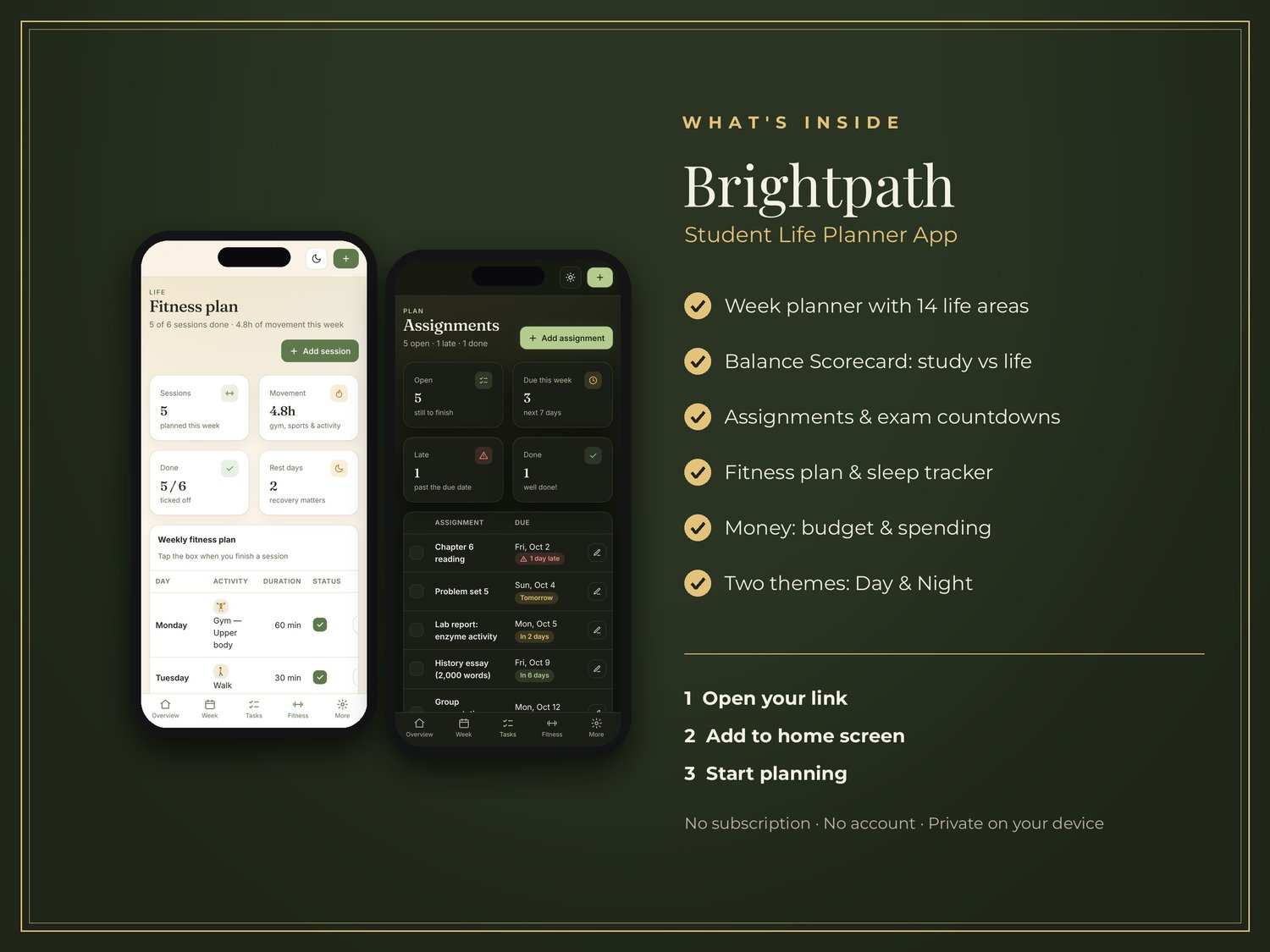
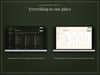
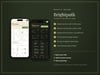
✔ Overview: hours per area, today's plan and what's due soon
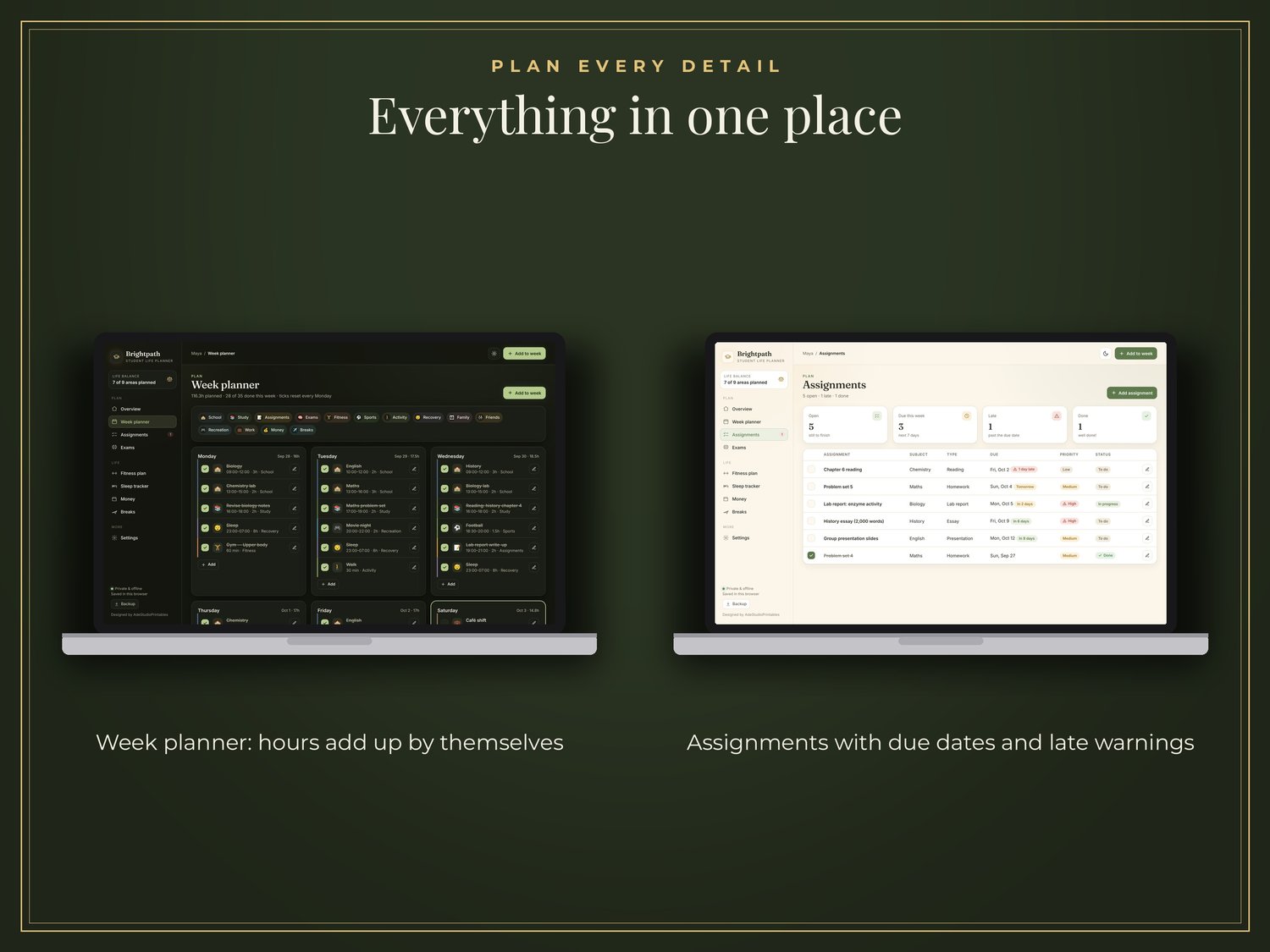
✔ Week Planner with 14 life areas
✔ Repeat a class Monday to Friday in one tap
✔ Balance Scorecard with your own weekly targets
✔ Assignments with due dates and late warnings
✔ Exam Countdown and how ready you feel
✔ Fitness Plan with done ticks
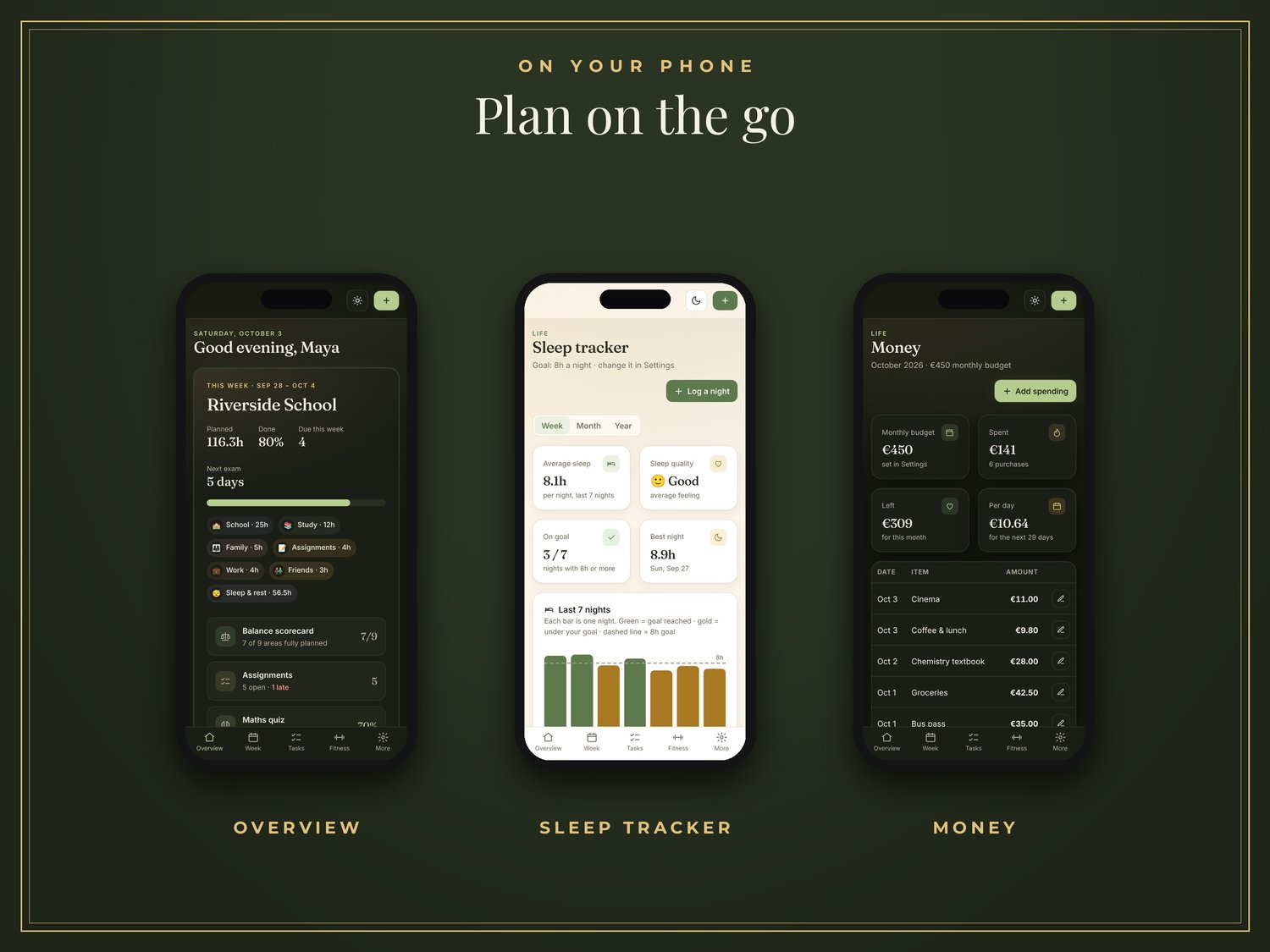
✔ Sleep Tracker by week, month and year
✔ Money: monthly budget and spending
✔ Breaks: holidays and trips with a countdown
✔ Two themes: Café (light) and Library (dark)
See if your week is really in balance, at a glance.
━━━━━━━━━━━━━━━━━━━━
✨ MADE FOR STUDENT LIFE
🏫 HIGH SCHOOL
Homework, exams, sports and friends in one plan.
🎓 COLLEGE & UNIVERSITY
Classes, study, a part-time job and a social life, balanced.
🎒 BACK TO SCHOOL GIFT
A useful gift for students starting a new year.
🌍 ANY CURRENCY
Brightpath can be used with the currency that works for you.
━━━━━━━━━━━━━━━━━━━━
📱 YOUR WEEK, WHEREVER YOU ARE
The Brightpath web app works in modern browsers such as Chrome, Safari and Edge.
Use it on:
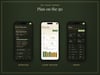
📱 Phone
📱 Tablet
💻 Computer
You can also add Brightpath to your device's home screen for a convenient app-like experience.
📴 OFFLINE CAPABLE
After the first time you open it, the web app can keep working offline on supported devices and browsers.
No App Store download required.
━━━━━━━━━━━━━━━━━━━━
🎁 WHAT YOU GET
Your purchase includes:
🎓 Brightpath Web App
Your app link + personal access code
📄 Start Here Guide
Simple step-by-step instructions
🧪 Example Data
Explore an example first to see how Brightpath works, then start fresh.
━━━━━━━━━━━━━━━━━━━━
🚀 HOW IT WORKS
1️⃣ PURCHASE
Purchase Brightpath.
2️⃣ DOWNLOAD
Download your digital ZIP file.
3️⃣ OPEN THE START HERE GUIDE
Inside you'll find your Brightpath app link, access code and setup instructions.
4️⃣ ADD IT TO YOUR HOME SCREEN
The guide shows you how, step by step.
5️⃣ START PLANNING
Add your timetable and watch your Balance Scorecard fill in.
━━━━━━━━━━━━━━━━━━━━
🔒 DESIGNED WITH PRIVACY IN MIND
Brightpath does not require a monthly subscription or a user account.
Your information is designed to stay on your own device when using the web app. Use Backup to copy it to a new device.
━━━━━━━━━━━━━━━━━━━━
📦 IMPORTANT — PLEASE READ
This is a DIGITAL PRODUCT.
❌ No physical product will be shipped.
You receive digital files and instructions for accessing Brightpath.
PERSONAL USE ONLY
Please do not share, redistribute, copy or resell the files, app access or access code.
REQUIREMENTS
Web App:
Modern browser such as Chrome, Safari or Edge.
━━━━━━━━━━━━━━━━━━━━
🎓 START YOUR BALANCED WEEK
Study well. Live well.
BRIGHTPATH — STUDY WELL. LIVE WELL.
━━━━━━━━━━━━━━━━━━━━
💬 NEED HELP?
I'm here to help. Just email me.
AdeStudioPrintables
adestudio.printables@gmail.com