






WP Optimal State - WordPress Plugin v1.5.1
WP Optimal State is a comprehensive database optimization and maintenance plugin designed to keep your WordPress website running at peak performance. Over time, WordPress databases accumulate unnecessary data such as post revisions, spam comments, orphaned metadata, and expired transients. This bloat can slow down your site and increase hosting costs.
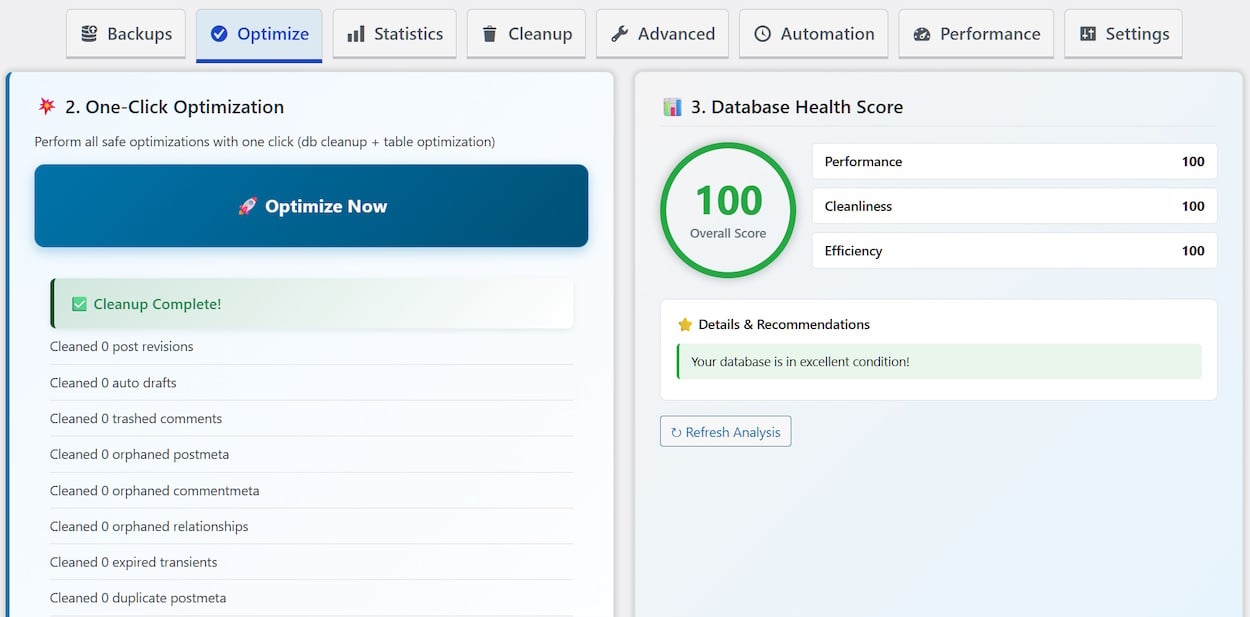
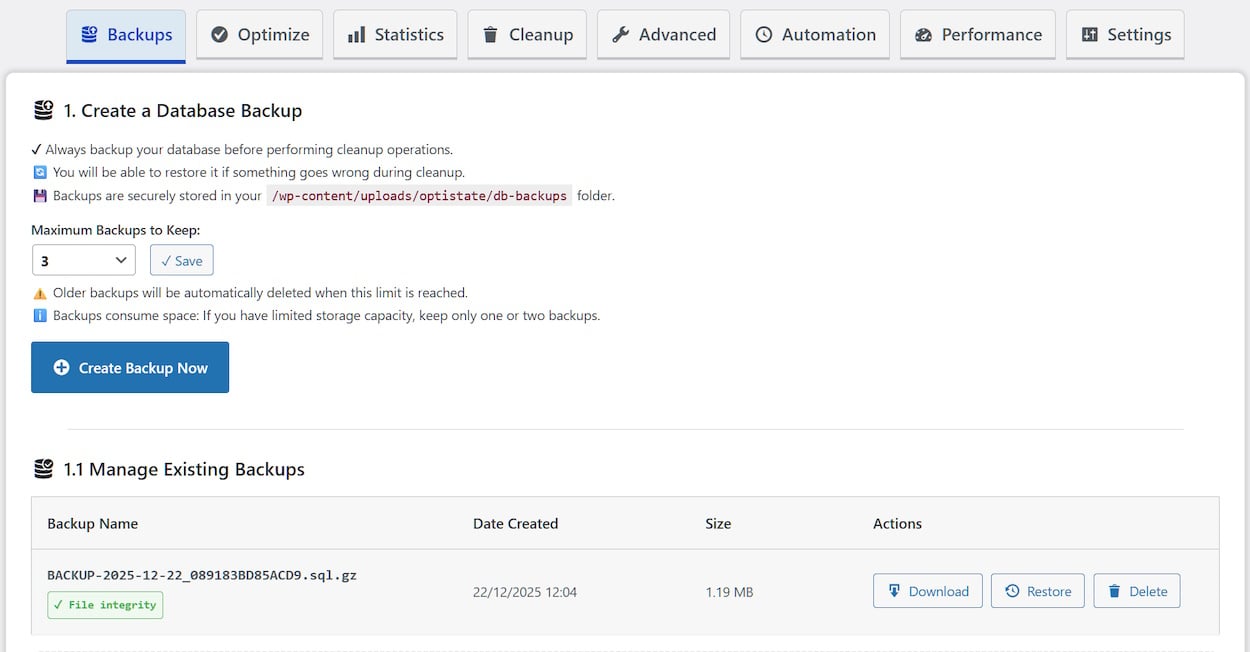
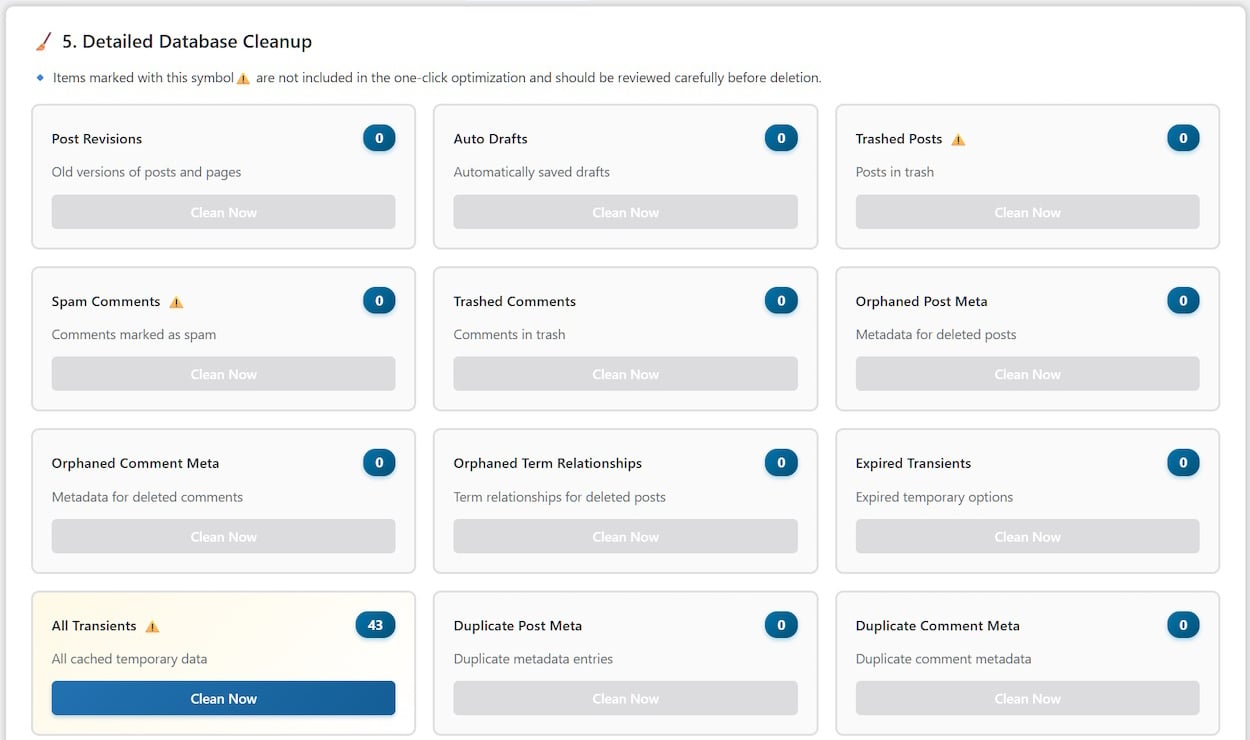
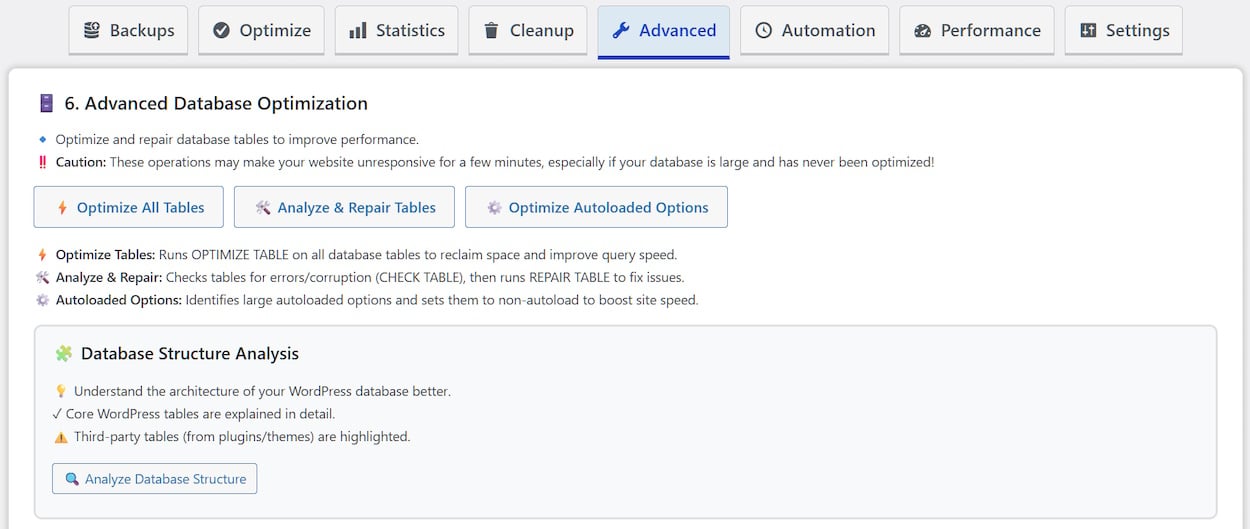
WP Optimal State provides an intuitive interface to safely identify, review, and remove this unnecessary data while optimizing your database tables for maximum efficiency. Key features include one-click optimization, detailed cleanup options, advanced table optimization and repair, an integrated database backup and restore manager with enhanced safety features, a database health score, database structure analysis, an automated cleaning scheduler with email notifications, and a performance features manager to enable or disable WordPress core functions.

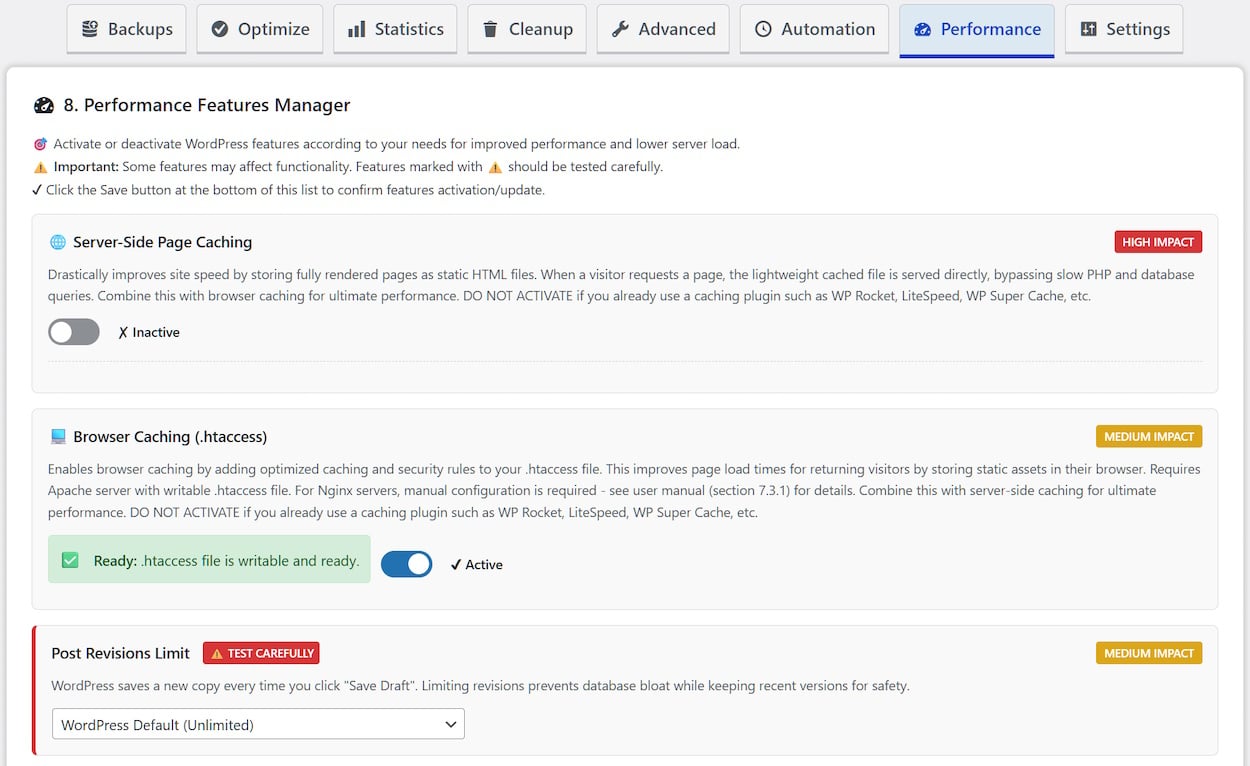
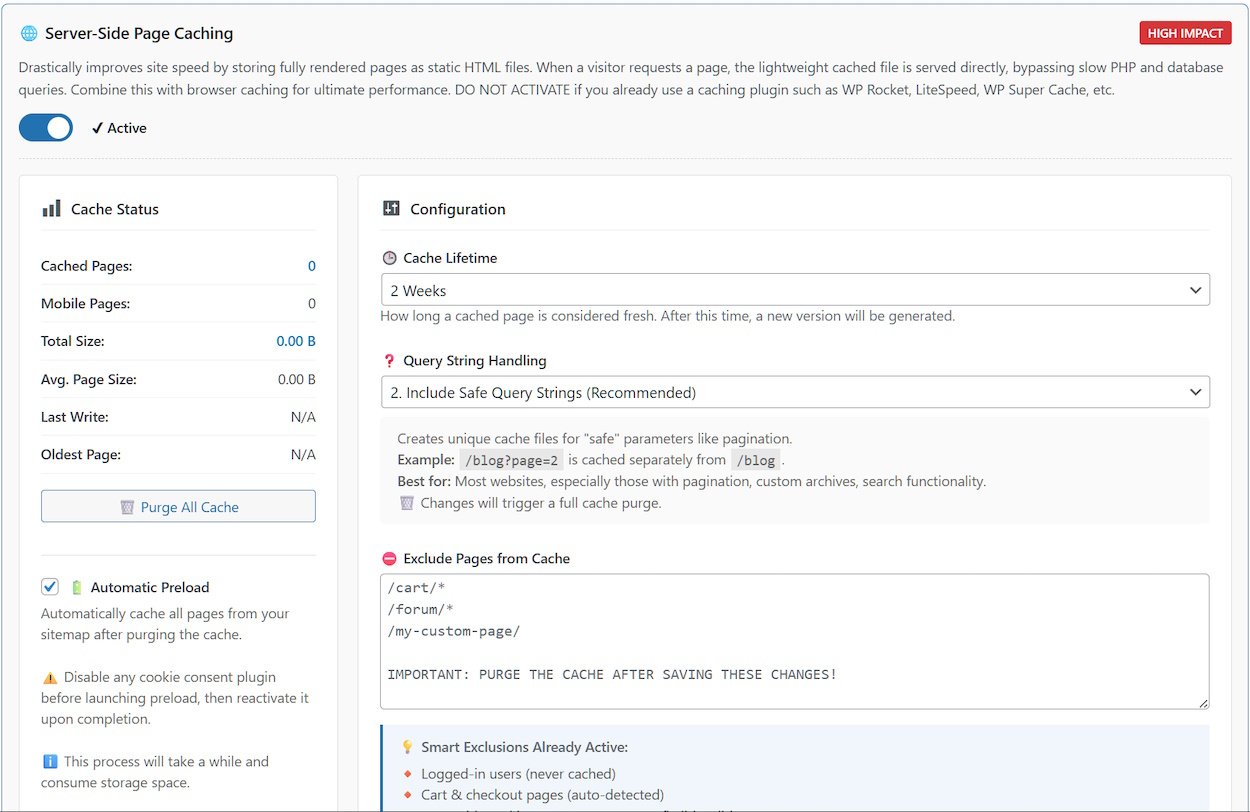
The plugin offers a range of performance-enhancing features in the fine-tuning section to speed up your site’s loading time. These include a dual caching system that relies upon both the server and the browser, along with the ability to remove unused WordPress components.
Essentially, WP Optimal State Pro is five plugins in one:
- Database Cleanup and Optimization
- Database Backup and Restore
- Database Search & Replace
- Caching and Performance Tuning
- Brute Force Protection
It can easily replace the following plugins, saving you a considerable amount of money:
UpdraftPlus, WP Database Backup, WP Rocket, WP Super Cache, WP-Optimize, Better Search Replace, Heartbeat Control, Perfmatters, WP Revisions Control, Clearfy, Advanced Database Cleaner, Autoptimize, Loginizer.
Key Features
- 🎯 One-click database optimization
- 🧹 Remove leftovers from deleted plugins
- 💾 Secure database backup & restore system
- 📊 Database health score & recommendations
- 🌐 PageSpeed Metrics & Recommendations
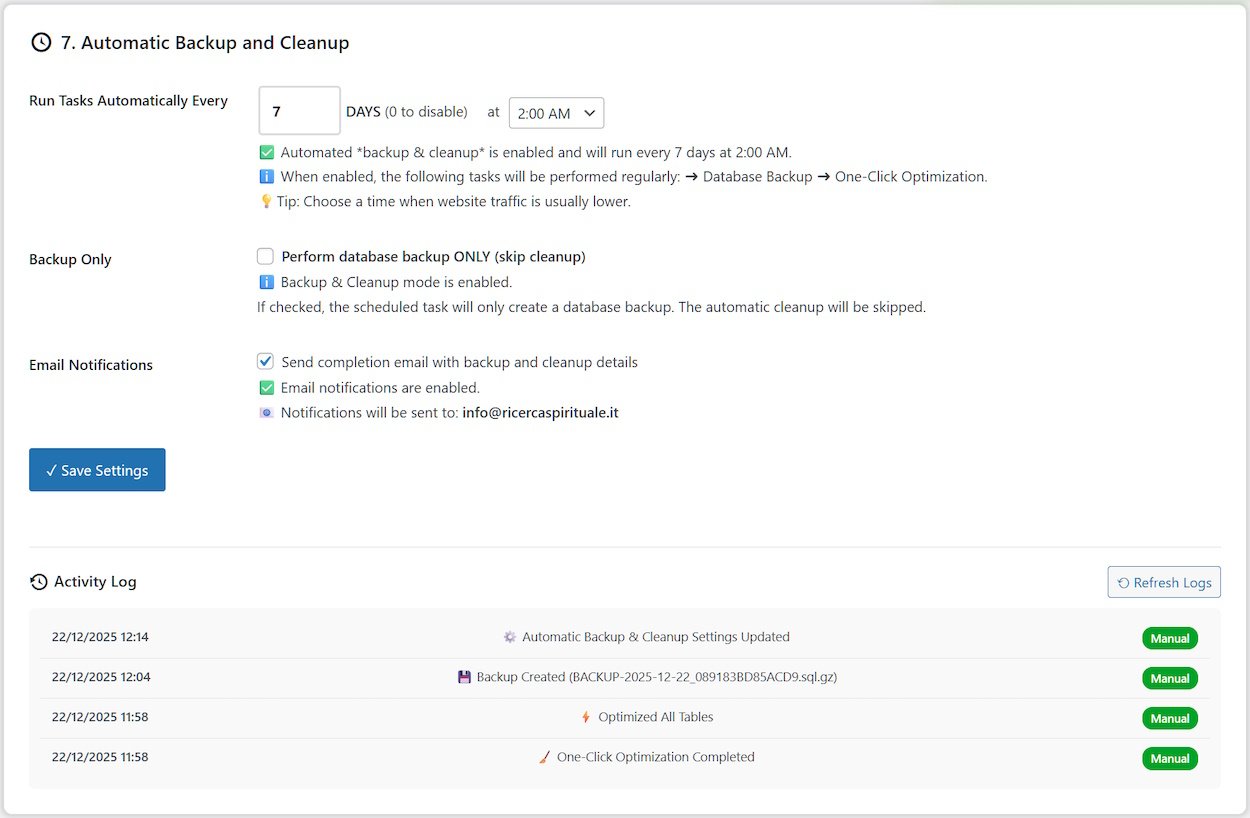
- 🔄 Automatic scheduled optimization
- ⚙️ Performance Features Manager
- 📧 Email notifications for scheduled tasks
- 🛡️ Safety backup before restore operations
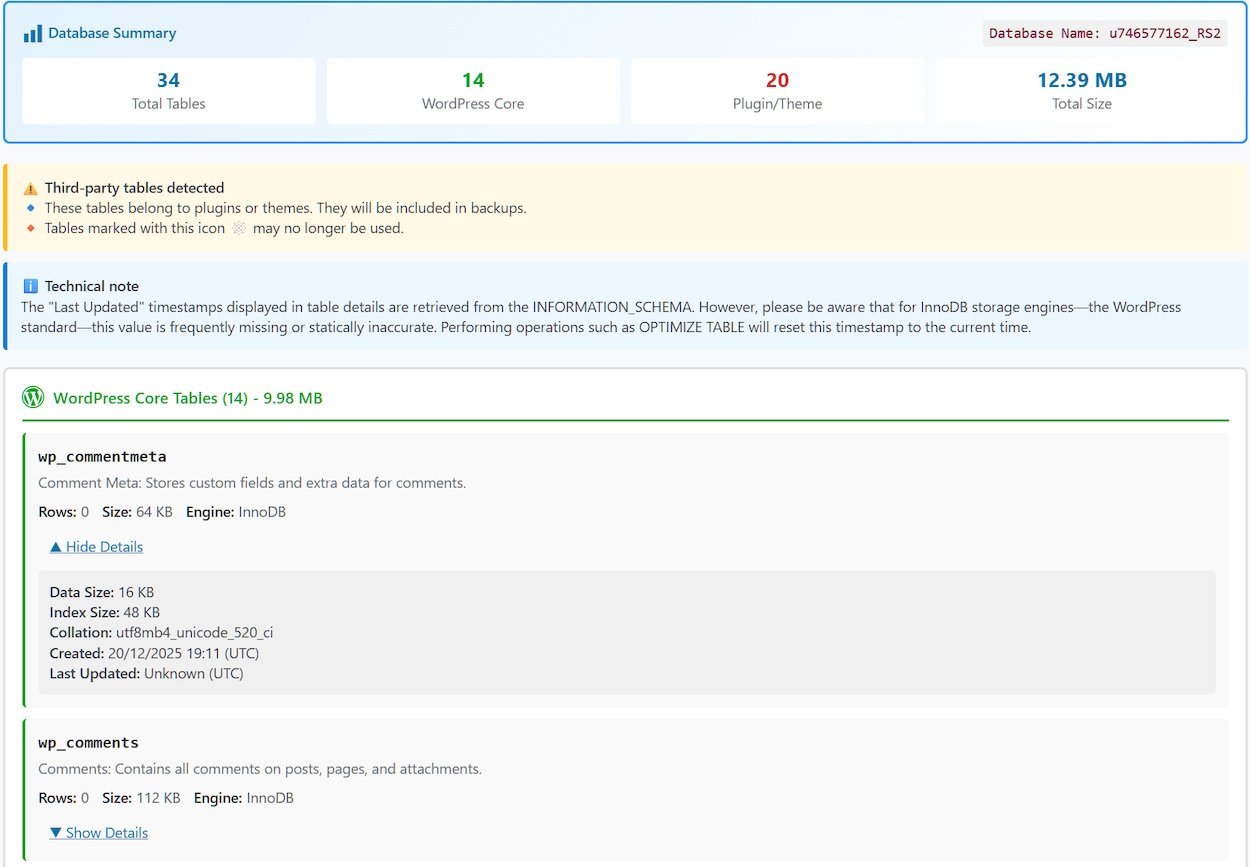
- 🔍 Detailed database structure analysis
- 🧊 Efficient page caching + browser caching
- ⚔️ Brute force protection for login page
⚠️ Compatibility Notice
This plugin is designed for single-site WordPress installations only. It is not compatible with WordPress Multisite networks.
💸 14-day money back guarantee
If you are unsatisfied with the PRO version of plugin for any reason, you may request a full refund within 14 days of your original purchase date. After 14 days, no refunds will be granted. By requesting and receiving a refund, your license key will be deactivated, and you will no longer receive plugin updates or support.
Version Comparison: All Features Side-by-Side
DATABASE BACKUP & RESTORE
.......................................................Free Version ......Pro Version
• Create Backups.................................... ✓...................... ✓
• Maximum Backups Kept.................... [1]............... [Up to 10]
• Download Backups............................. ✓...................... ✓
• Restore from Existing Backups......... ✓...................... ✓
• Restore from Uploaded File......... [50MB].............. [5GB]
• Backup Verification (Checksum)....... ✓...................... ✓
DATABASE CLEANUP & OPTIMIZATION
....................................................Free Version ......Pro Version
• One-Click Optimization................... ✓...................... ✓
• Database Health Score................... ✓...................... ✓
• Database Statistics........................... ✓...................... ✓
• Detailed Cleanup (18 types)............ ✓...................... ✓
• Optimize All Tables.......................... ✓...................... ✓
• Analyze & Repair Tables................. ✗...................... ✓
• Optimize Autoloaded Options....... ✗...................... ✓
• Database Structure Analysis.......... ✓...................... ✓
• MySQL Index Manager.................... ✗...................... ✓
• Referential Integrity Scanner.......... ✓...................... ✓
• Database Search & Replace........... ✗...................... ✓
• Delete Unused Tables..................... ✗...................... ✓
• Legacy Plugin Data Scanner.......... ✓...................... ✓
AUTOMATION FEATURES
..........................................................Free Version ......Pro Version
• Scheduled Backup/Cleaning................ ✗...................... ✓
• Email Notifications.................................. ✗...................... ✓
• Customizable Schedule......................... ✗...................... ✓
PERFORMANCE FEATURES
....................................................................Free Version ......Pro Version
• Server-Side Page Caching.................................. ✓...................... ✓
• Browser Caching (.htaccess Rules)................... ✓...................... ✓
• Cache Purging........................................................ ✓...................... ✓
• Cache Statistics...................................................... ✓...................... ✓
• Automatic Cache Preload (Sitemap-Based).... ✗...................... ✓
• Mobile-Specific Cache......................................... ✗...................... ✓
• Custom Consent Cookie Support..................... ✗...................... ✓
• Query String Handling Modes (3 Options)...... ✓...................... ✓
• Smart Cache Invalidation on Updates............. ✓...................... ✓
• Database Query Caching.................................. ✗...................... ✓
• Font Loading Optimization................................ ✗...................... ✓
• Lazy Load Images & Iframes............................. ✓...................... ✓
• Bad Bot Blocker................................................... ✓...................... ✓
• Post Revisions Limit Control.............................. ✓...................... ✓
• Cron Manager....................................................... ✓...................... ✓
• Trash Auto-Empty Control................................. ✓...................... ✓
• Heartbeat API Control....................................... ✓...................... ✓
• Disable XML-RPC............................................... ✓...................... ✓
• Remove Emoji Scripts........................................ ✓...................... ✓
• Remove Unused WordPress Headers............ ✓...................... ✓
• Integrated PageSpeed Metrics........................ ✓...................... ✓
SECURITY & SAFETY
..........................................................Free Version ......Pro Version
• Safety Backup Before Restore.............. ✓...................... ✓
• Emergency Rollback................................ ✓...................... ✓
• Zero-Downtime Restore.......................... ✓...................... ✓
• Database Validation Before Restore..... ✓...................... ✓
• Maintenance Mode During Restore....... ✓...................... ✓
• Protected Backup Directory.................... ✓...................... ✓
• User Management (Restrict Access)..... ✗...................... ✓
• Settings Export/Import............................. ✓...................... ✓
• Brute Force Protection............................. ✓...................... ✓
• IP Number Blocker..................................... ✓...................... ✓
• Two-Factor Authentication (2FA)............ ✓...................... ✓
LOGGING & MONITORING
...............................................................Free Version ......Pro Version
• Optimization History (Last 200 ops)...... ✓...................... ✓
• Detailed Operation Results..................... ✓...................... ✓
• Real-Time Progress Tracking.................. ✓...................... ✓
SUPPORT & DOCUMENTATION
........................................................Free Version ......Pro Version
• Comprehensive Manual...................... ✓...................... ✓
• Multi-Language Interface................... ✓...................... ✓
• In-Dashboard Help & Tooltips............ ✓...................... ✓
Plugin Preview (Demo):
https://spiritualseek.com/wp-content/uploads/2025/11/optistate-preview.html
System Requirements
WordPress: 5.5 or higher
PHP: 7.4 or higher
MySQL: 5.6+ / MariaDB 10.0+
Memory: 128MB PHP memory_limit
User Role: Administrator
File System: Writable wp-content/uploads/
--------- HOW TO INSTALL ---------
Manual Installation
- Download the plugin ZIP file
- Log in to your WordPress admin dashboard
- Navigate to Plugins → Add New
- Click Upload Plugin at the top
- Click Choose File and select the ZIP file
- Click Install Now
- Click Activate Plugin when installation completes
- Look for “Optimal State” in your admin menu
Installation via FTP
- Download and extract the plugin ZIP file
- Upload the extracted plugin folder (named optistate) to /wp-content/plugins/
- Log in to your WordPress admin dashboard
- Navigate to Plugins
- Find “WP Optimal State” and click Activate
- Look for “Optimal State” in your admin menu
-------------------------------------------------------------------------------
------- HOW TO UPGRADE (FREE TO PRO) -------
- In the plugin interface, go to section 1 and download your database backups (they will download as compressed .sql.gz files).
- Then, go to section 9 (Settings & Security) and click Export Settings to download your .json settings file.
- Go to Plugins > Add Plugin, then click Upload Plugin. Choose the zip file WP_Optimal_State_PRO_X-X-X.zip containing the PRO version and click Install Now.
- At this point, you will now be asked to either replace the current version with the uploaded one, or cancel and go back. Click Replace current with uploaded.
- The update is complete! Visit the plugin admin panel to confirm that your backups and settings are intact.
- If your settings have not been properly preserved, go to section 9 and import the .json file you downloaded in step 2.
*IMPORTANT: If buttons in the admin interface are not working after upgrading, perform a hard refresh of your browser:
Ctrl+F5 on Windows/Linux - Cmd+Shift+R on Mac).
-------------------------------------------------------------------------------
INSTALLATION SERVICE
If you are unsure about installing or upgrading the plugin yourself, select PRO Version + Installation.
For immediate support, use the contact form here: