
CALM SYSTEMS, CLEARER LIVING
⋆ Gently guided planners and printables to help you reset, reflect, organise, and move forward — without the overwhelm.

CALM SYSTEMS, CLEARER LIVING
⋆ Gently guided planners and printables to help you reset, reflect, organise, and move forward — without the overwhelm.
Instant download • Calm, beginner-friendly guidance
Quickstart handbook or Support sheet included
Support by email (24–48 hour reply, Mon–Fri)
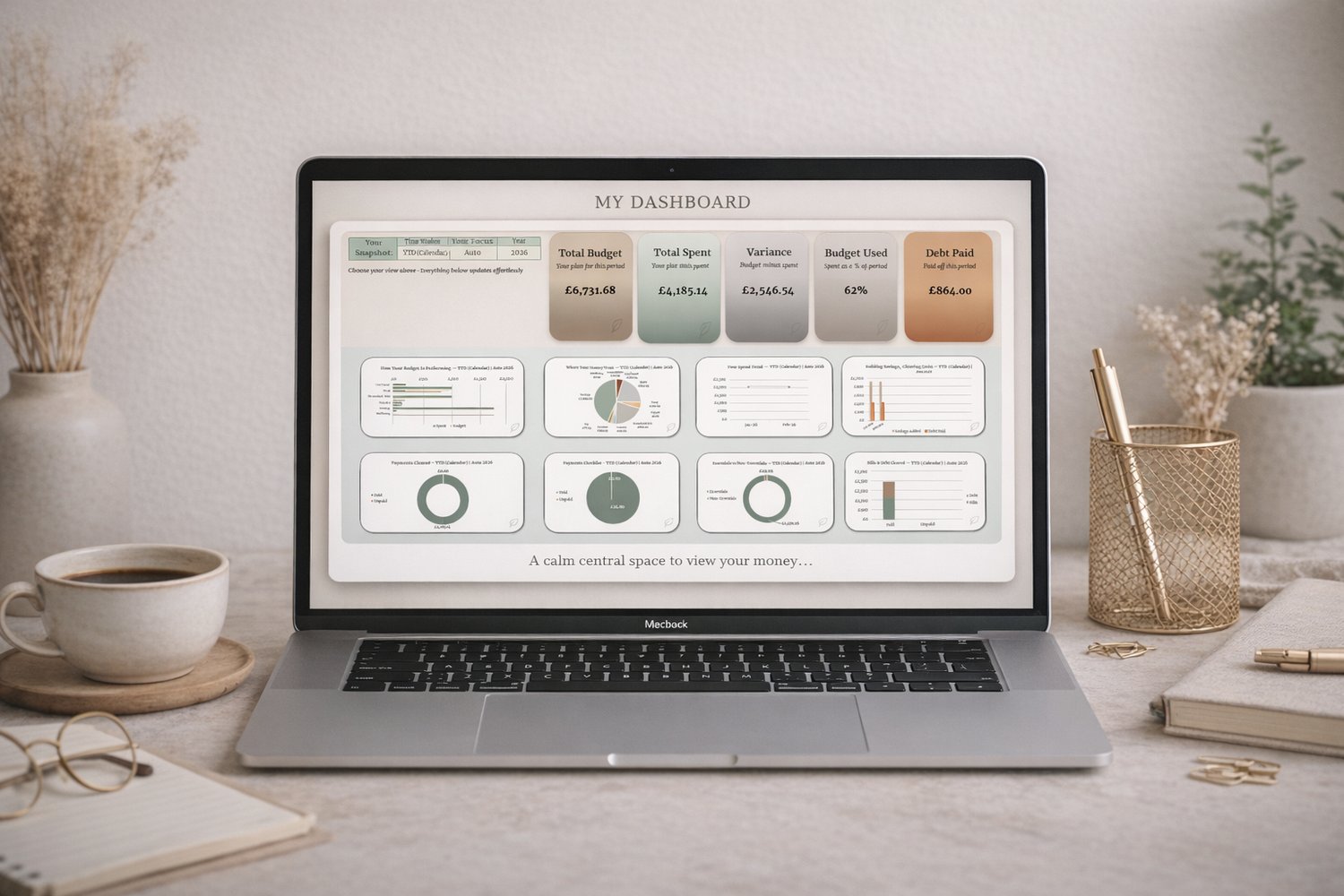
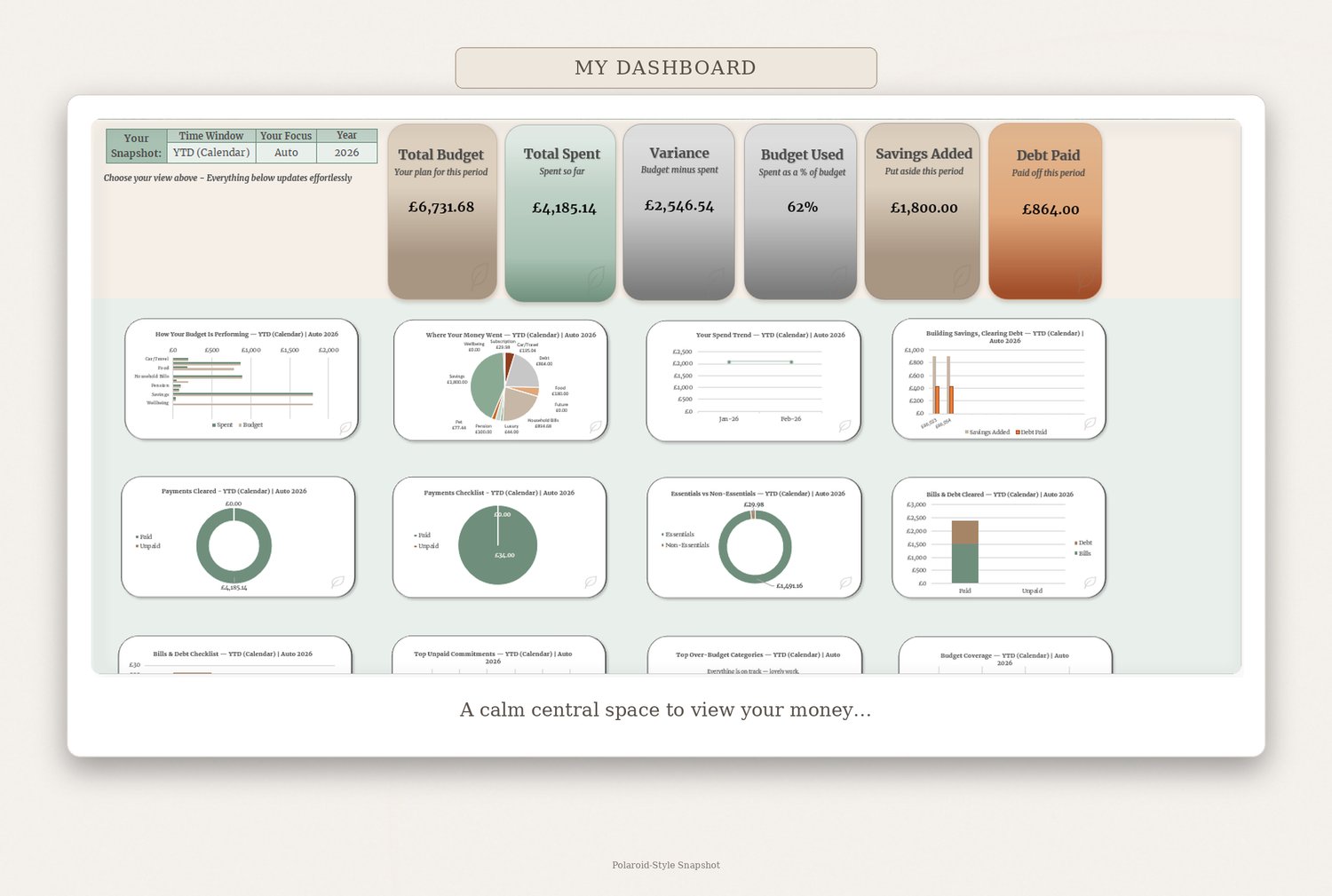
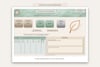
The complete premium system with a visual dashboard for full financial mastery. Excel desktop only.
Highlights
What’s Included
Full Description
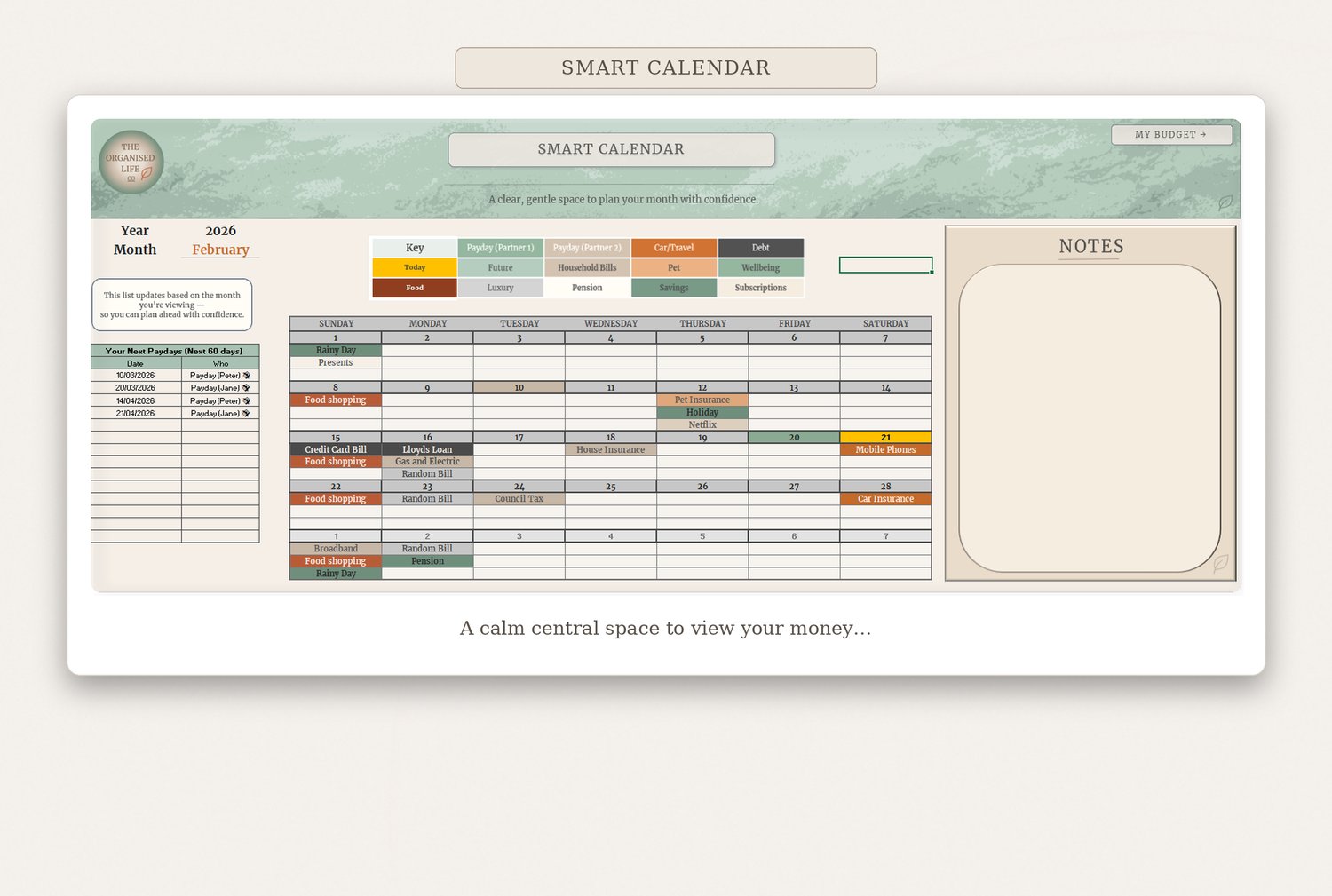
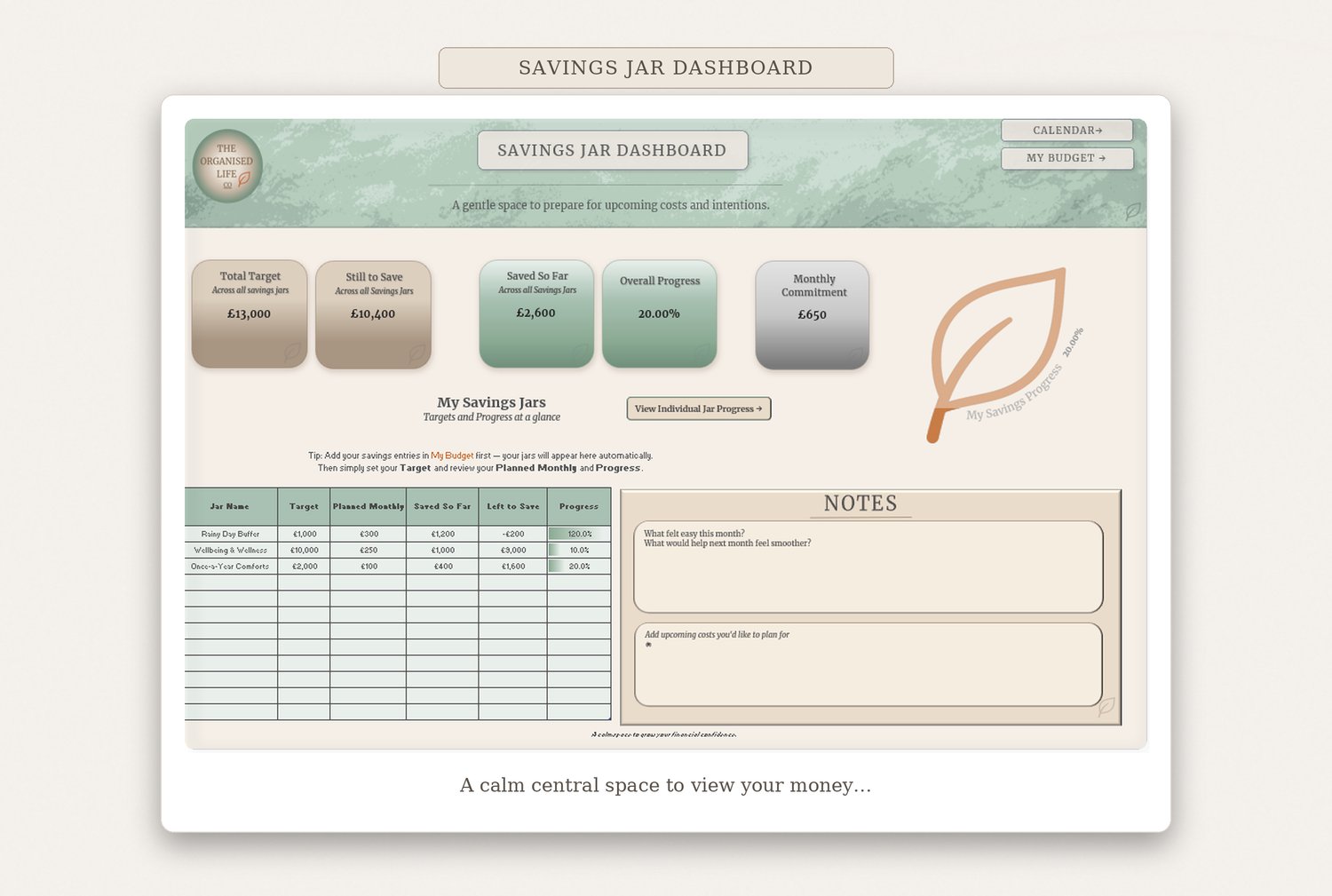
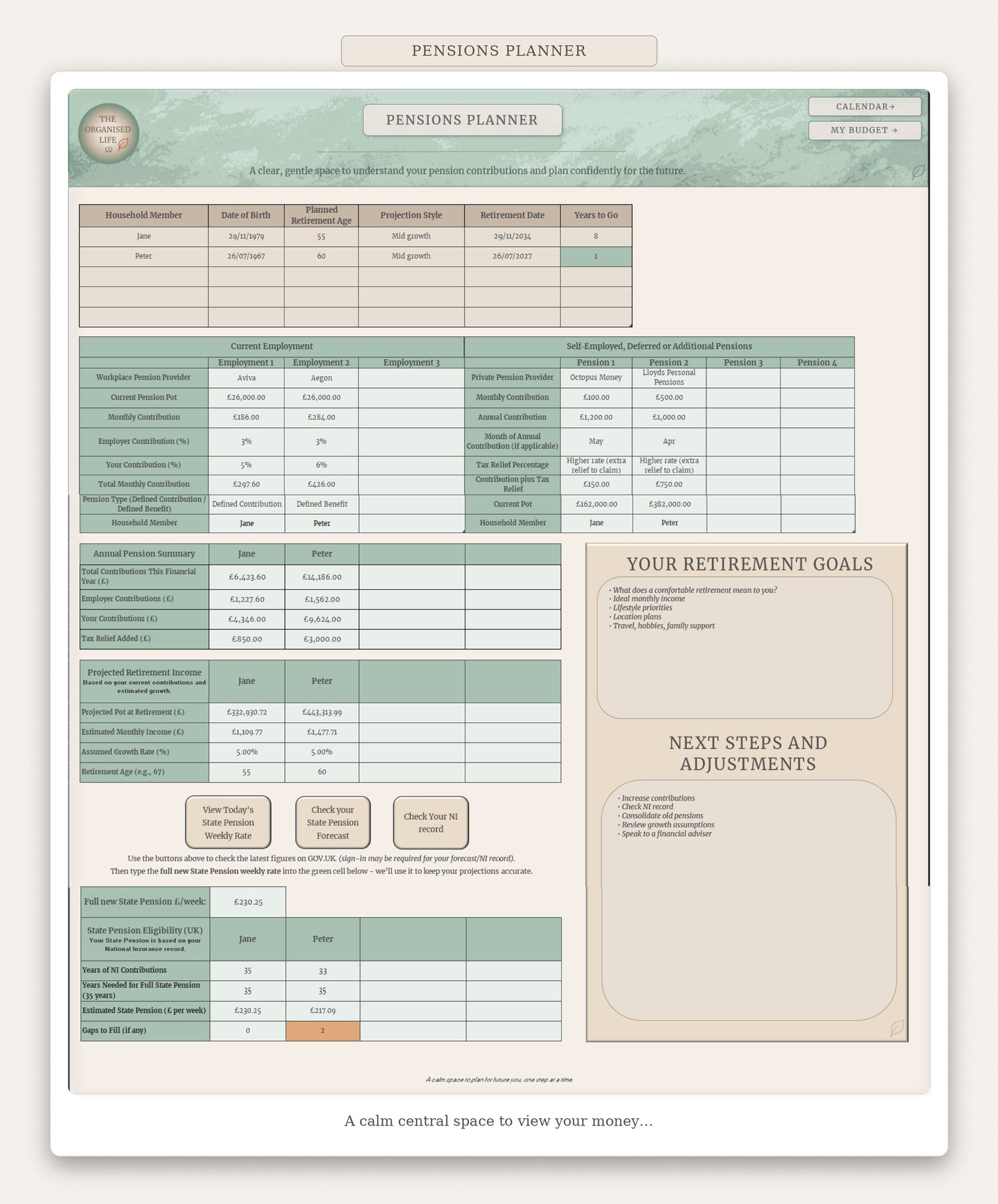
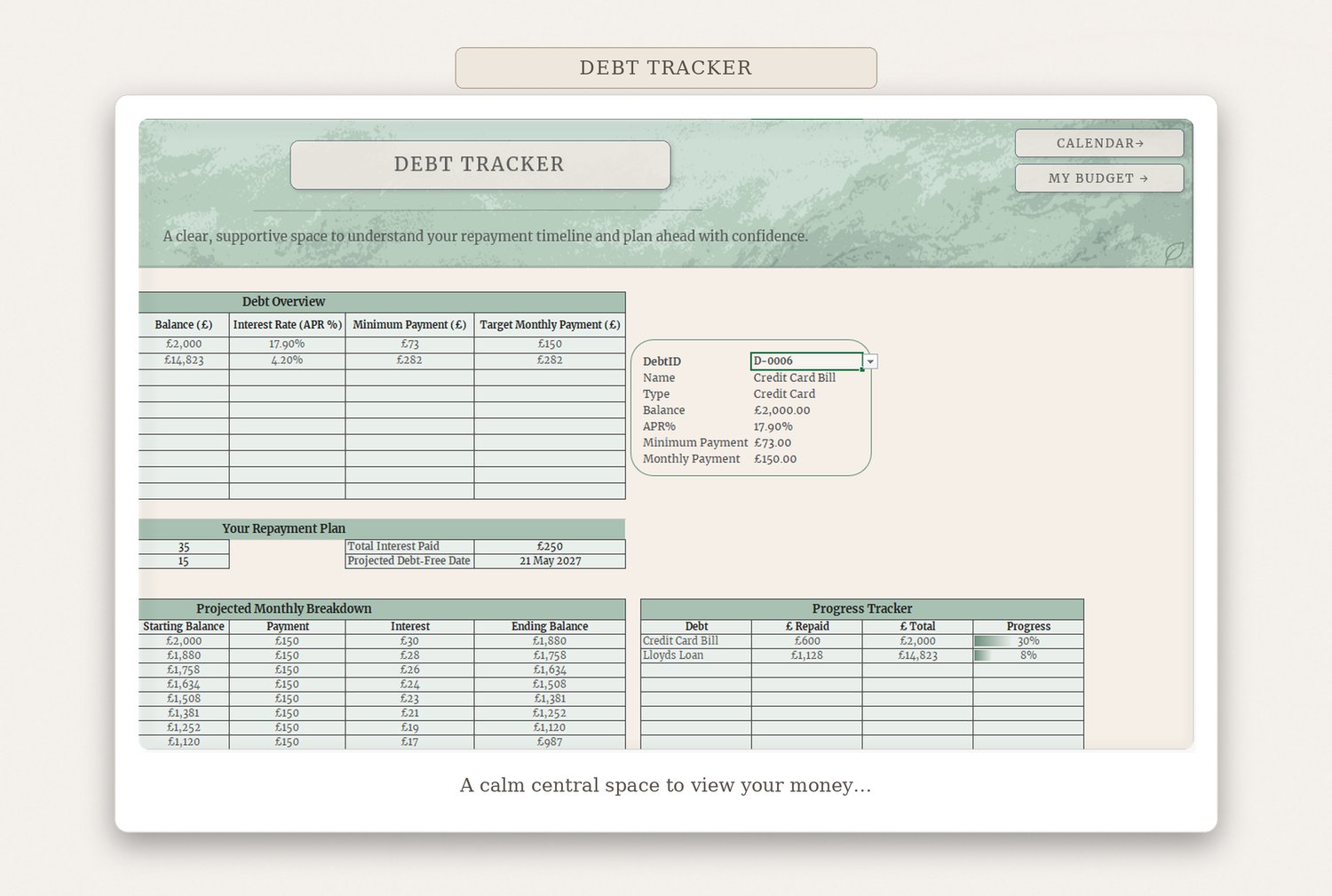
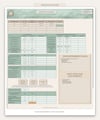
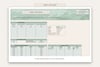
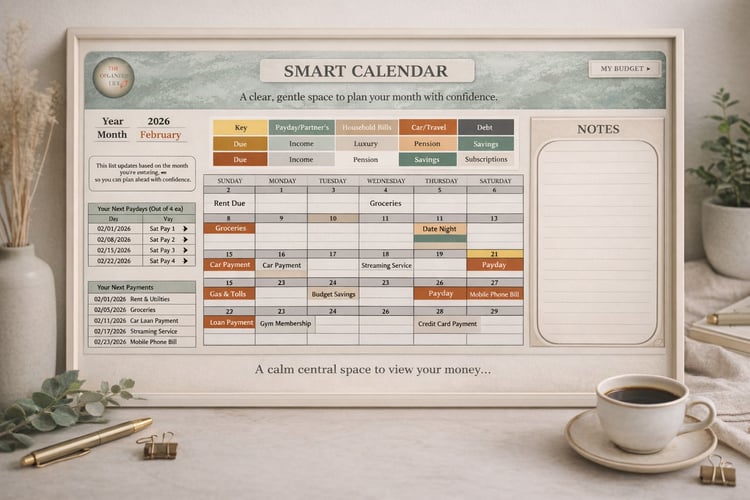
Mastery Elite is the all‑in‑one premium experience. A powerful visual dashboard gives you instant insight into budgets, spending trends, savings progress, and debt payoff. Built for Microsoft Excel desktop, Mastery Elite is for people who want the most complete, beautifully organised system available.
Before you buy — quick compatibility checklist
Please check the points below to make sure the Organised Life Financial Planning Suite will work smoothly on your device.
You’re good to go if you have:
This workbook will NOT work as designed if you use:
Macros and automation
Some features use macros (VBA) for refresh buttons and automations. You must be able to click Enable Content / Enable Macros when prompted and not be blocked by workplace security settings.
Quick final check
If you’re unsure, open Excel and confirm you’re using the desktop Windows app (not a browser tab). If you can’t access macros or you’re using Mac/Sheets, this file is not suitable.
If you need help, contact organisedlifeco@gmail.com
© 2026 The Organised Life Co. All rights reserved. For personal use only; redistribution prohibited. Not financial advice.