
Desktop Computer Basics: A Step-by-Step Curriculum for Older Adults with Disabilities
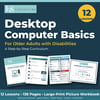
Desktop Computer Basics: A Step-by-Step Curriculum for Older Adults with Disabilities
L&S Consulting | 12 Lessons • 138 Pages • Large-Print Picture Workbook | $14.99
Never used a computer? Start here.
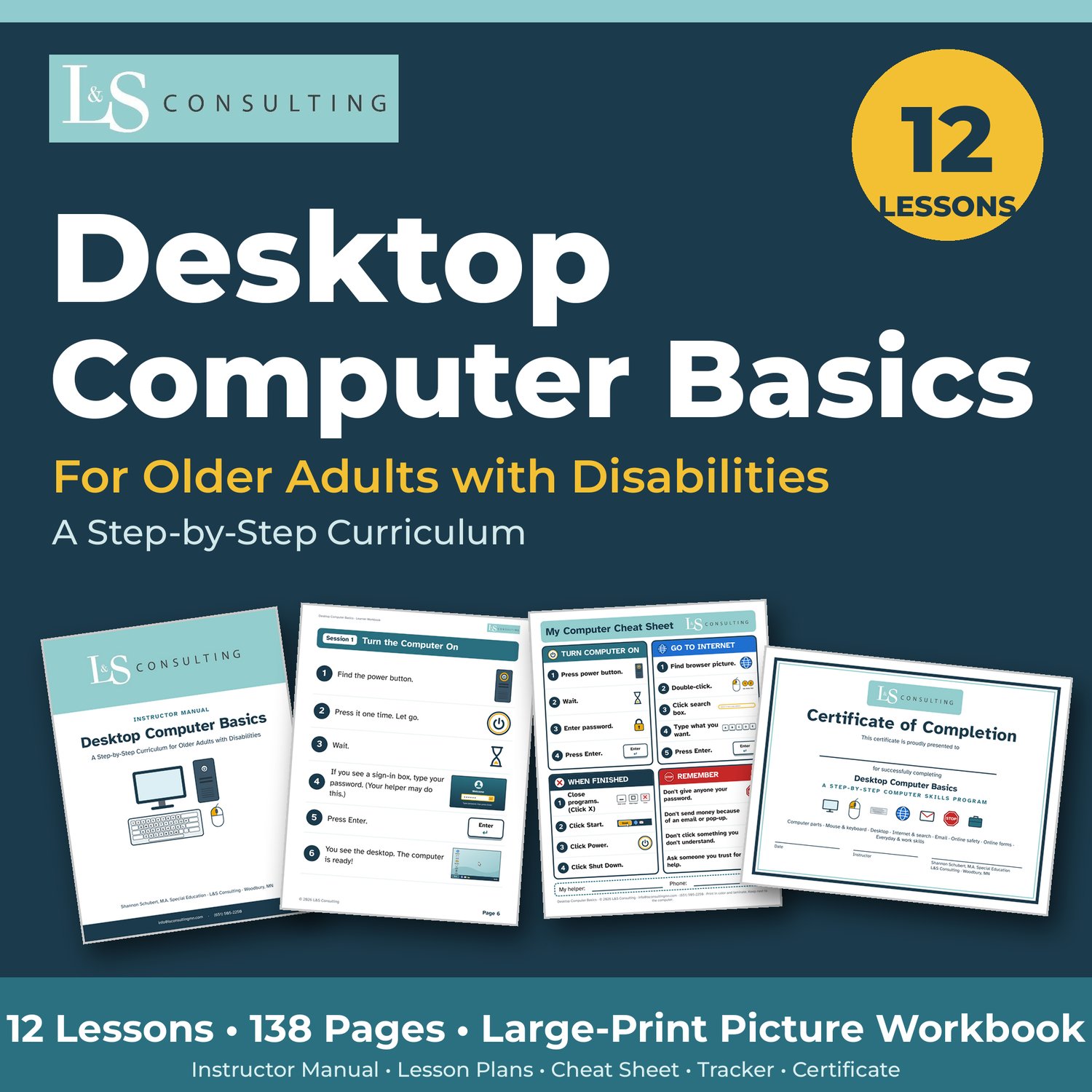
This printable curriculum teaches an older adult with little or no computer experience how to use a desktop computer, one small skill at a time. It is written for learners with intellectual or developmental disabilities, cognitive or learning disabilities, brain injury, or anyone who finds technology hard to start. Nothing is assumed. Words like "click," "icon," and "browser" are taught with pictures before they are used.
Every lesson follows the same simple pattern: model it, practice together, practice alone, repeat.
WHAT'S INCLUDED
• Instructor Manual (17 pages): how to teach, the prompting steps (wait, ask, verbal prompt, visual cue, demonstrate, direct help), accommodations, and printing tips
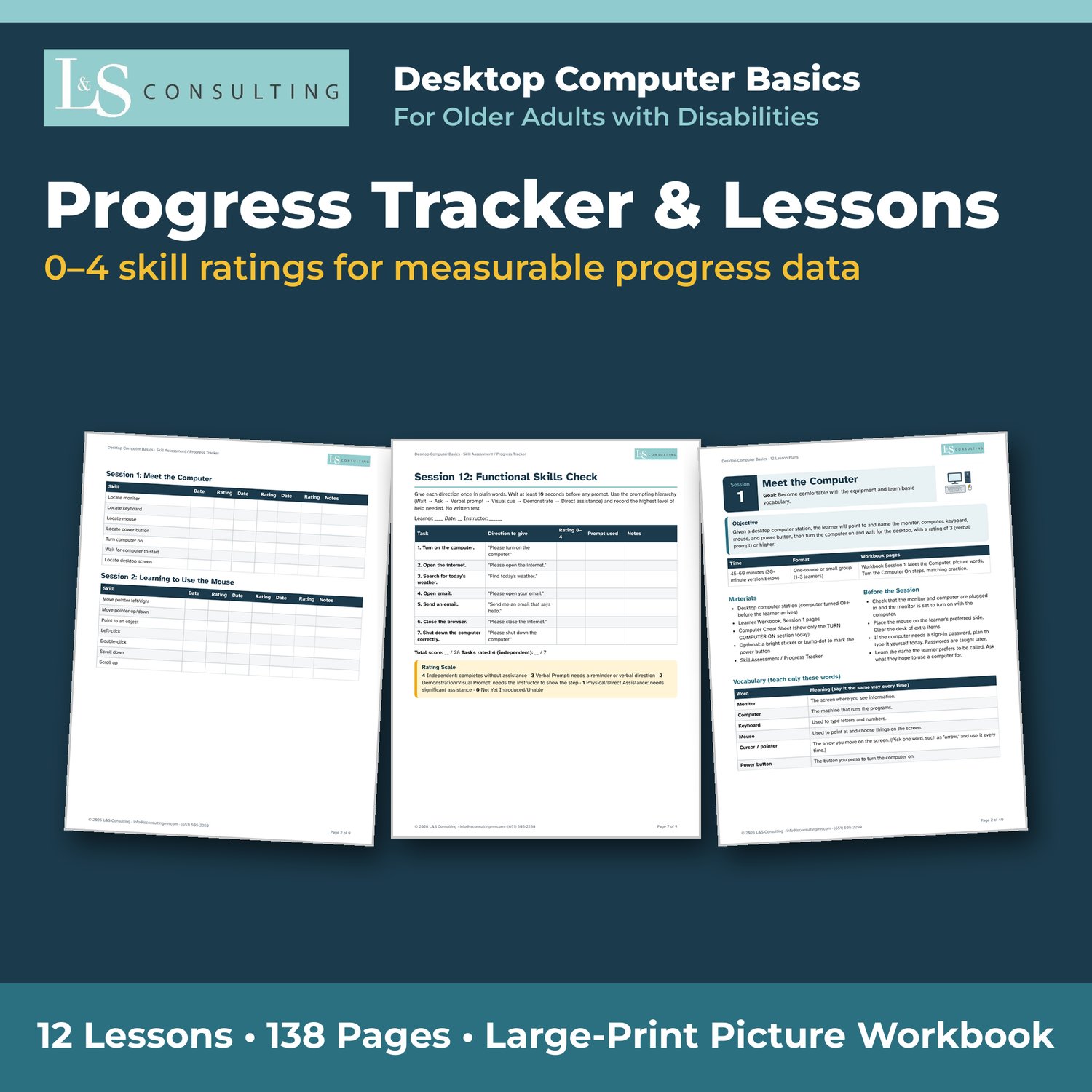
• 12 Lesson Plans (41 pages): ready-to-teach plans with goals, vocabulary, materials, steps, and checklists
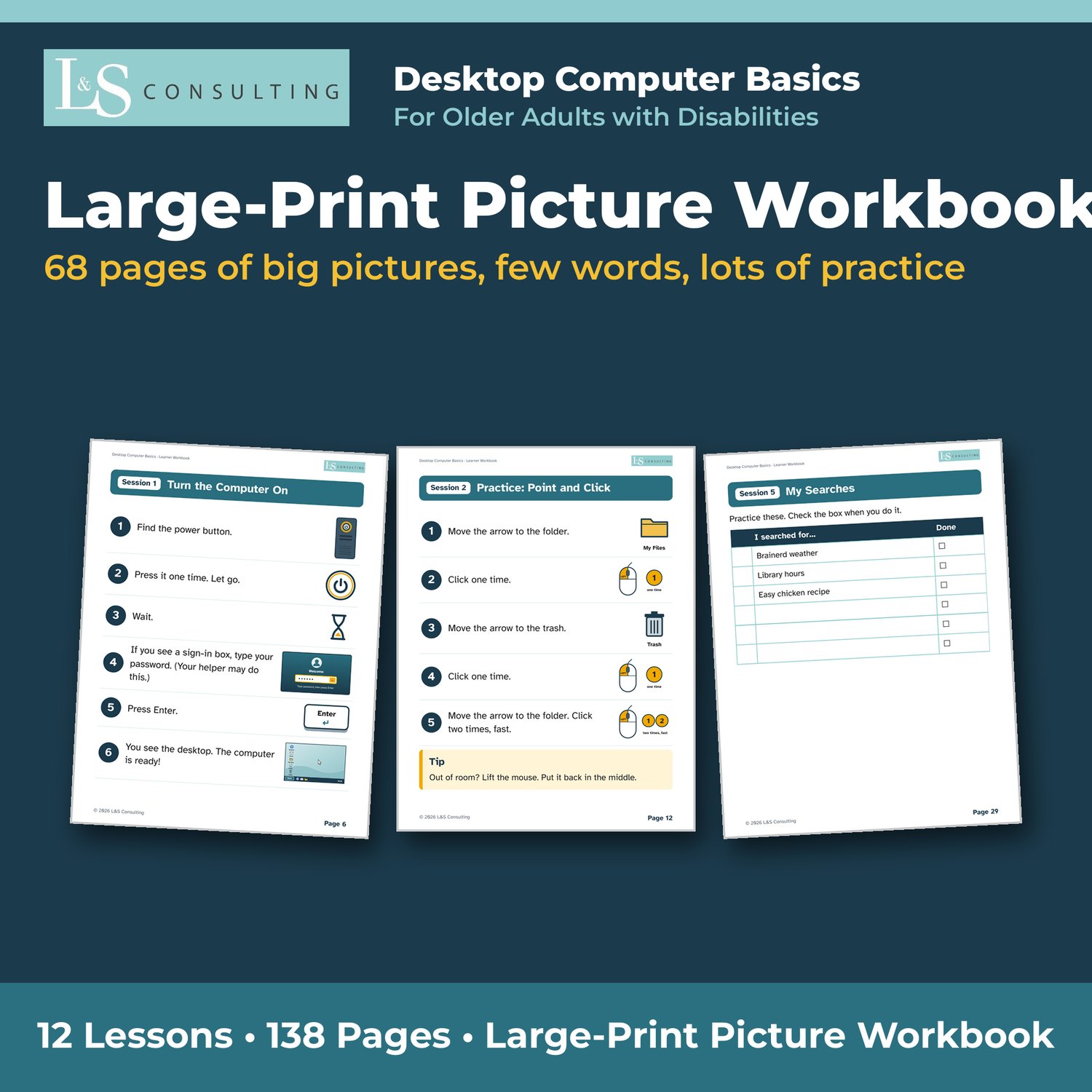
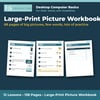
• Large-Print Picture Workbook (68 pages): big pictures, few words, and plenty of practice pages
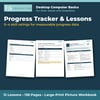
• Skill Assessment & Progress Tracker (10 pages): 0–4 skill ratings for every session and a Session 12 skills check
• Digital spreadsheet tracker (.xlsx) with dropdown ratings that total themselves
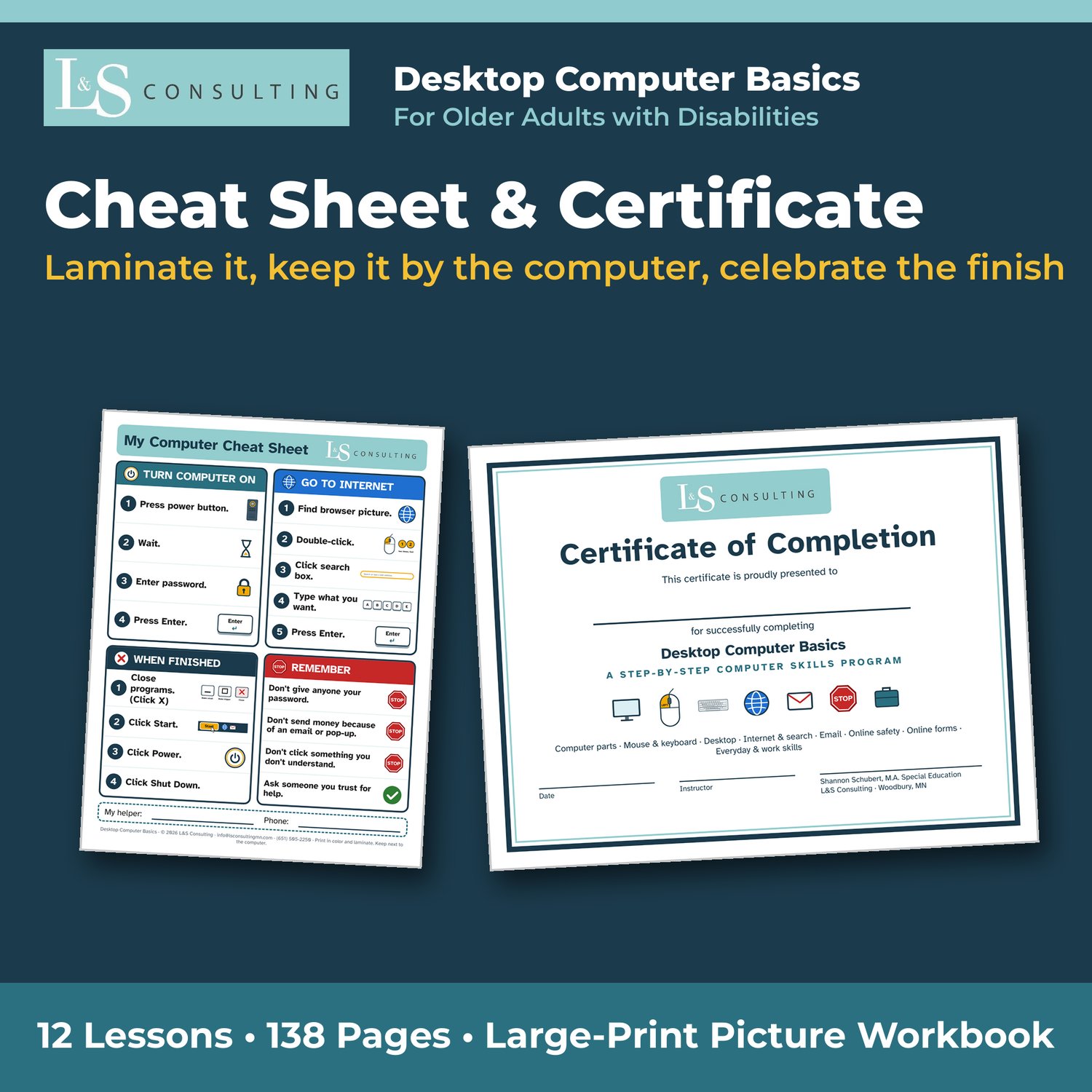
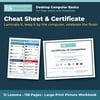
• One-page Computer Cheat Sheet to laminate and keep by the computer
• Certificate of Completion
• Pretend practice form (HTML file) for Session 9, so learners never type real personal information
THE 12 LESSONS
- Meet the Computer
- Learning to Use the Mouse
- Learning the Keyboard
- Understanding the Desktop
- Using the Internet
- Understanding Search Results (Stop – Look – Choose)
- Email Basics
- Passwords & Staying Safe
- Completing Online Forms
- Computer Skills for Employment
- Everyday Computer Skills
- Independent Skills Check
GREAT FOR
• Employment specialists and job coaches
• Vocational rehabilitation, CDCS, and private-pay services
• Independent living and adult day programs
• Transition programs, family members, and caregivers
Sessions run 45–60 minutes and can be shortened to 30 minutes when needed. The 0–4 rating scale gives you measurable progress data, not just a note that the learner "worked on computer skills."
See the preview images above for sample pages.
TERMS OF USE
© 2026 L&S Consulting. Licensed for use by one purchaser with their own learners. You may print and copy pages for your learners. Please do not share, resell, or post the files online. Additional licenses are needed for each additional instructor or site.