
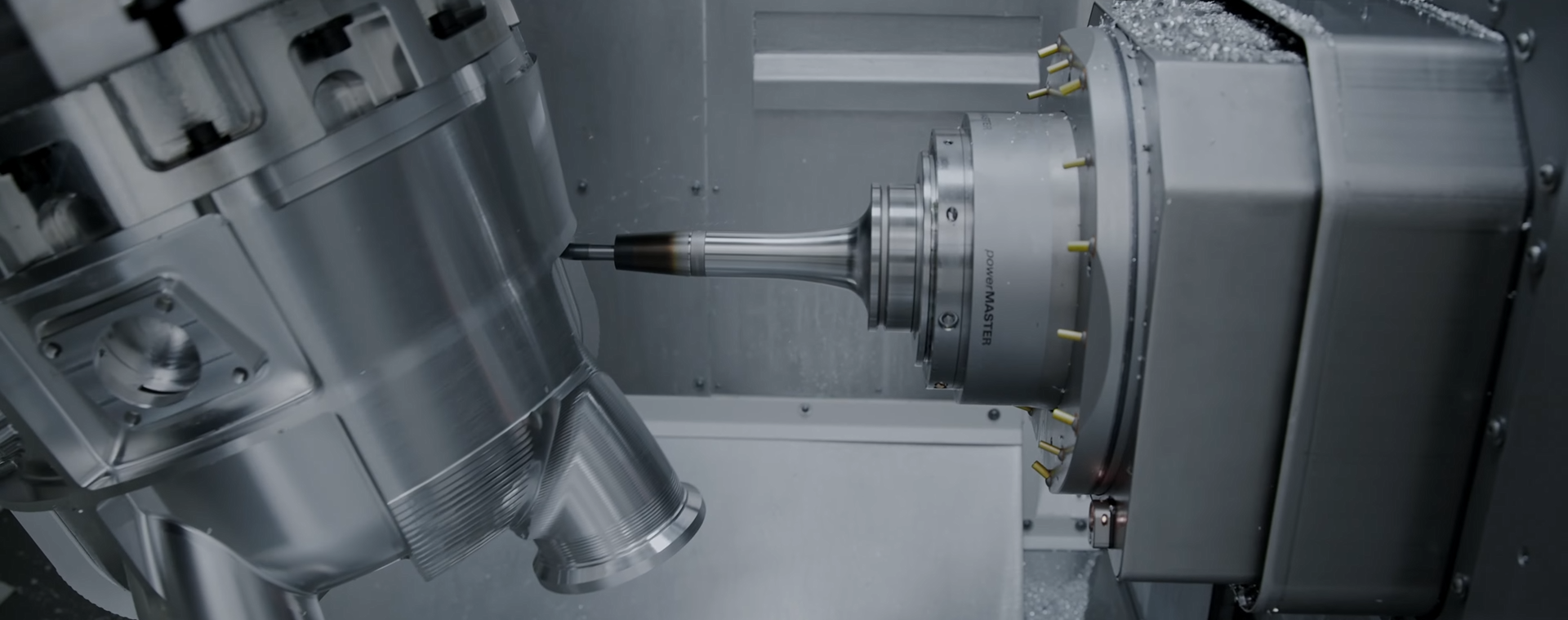
PowerMILL Post-Processor Development from Scratch
If you find yourself constantly editing NC files by hand, or struggling to implement specific logic in PowerMILL post-processors, this course is exactly what you need.
This course is a comprehensive, professional training focused on creating CNC post-processors for Autodesk PowerMILL — starting from a completely blank post-processor and progressing step by step to advanced multi-axis configurations.
Unlike many tutorials that only explain how to tweak existing post-processors, this course teaches you how post-processors actually work internally and how to build them from the ground up. Every section, parameter, format, structure, and logic block is explained in detail, with a strong focus on real-world CNC production.
The Fanuc controller is used as the main reference, but the principles and methods taught in this course allow you to adapt post-processors to any CNC controller and machine configuration.
What You Will Learn
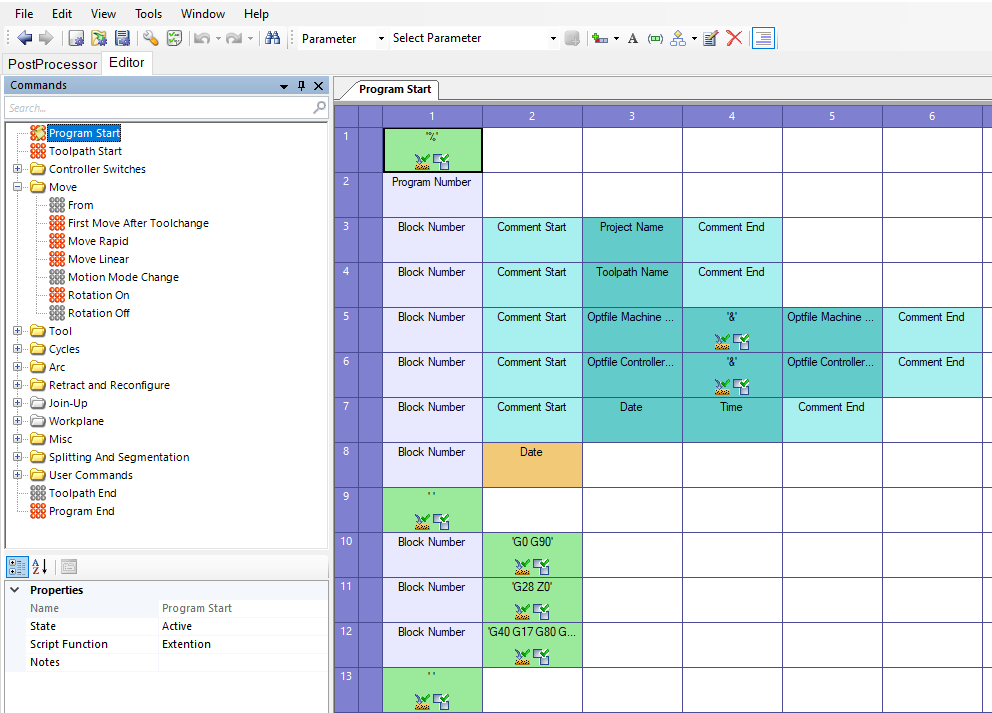
- The internal structure of a PowerMILL post-processor
- Parameters, formats, tables, and data structures
- Program start/end logic and controller states
- Tool change handling and first safe movements
- Linear, circular, helical, and custom interpolation
- Conditional logic (If–Else) and scripting techniques
- Machine kinematics for 3-, 4-, and 5-axis machines
- Rotary tables, rotary spindles, and angle output styles
- Working planes, coordinate system rotation, and G68.2
- Practical scripting examples for automation and validation
- Advanced topics: linearization, polar coordinates, turning machines, 3D tool compensation, text blocks, and NC file management
What’s Included
- Step-by-step video lessons
- Documentation and reference materials
- Sample files for post-processing
- Ready-to-use post-processors for each lesson
- An extensive library of post-processors for different controllers and machine kinematics
Who This Course Is For
This course is designed for:
- CNC programmers and CAM engineers working with PowerMILL
- Manufacturing engineers who want full control over NC output
- Machine shop owners and freelancers dealing with multiple machines and controllers
- Anyone who wants to move beyond standard CAM workflows and understand post-processing at a professional level
Prerequisites
- Basic experience with PowerMILL
- Understanding of CNC machines and coordinate systems
- Basic knowledge of standard G-code
The course focuses on post-processing, not on creating machining toolpaths.
Why This Course Matters
Post-processor development is a high-value and in-demand skill.
Engineers who can create and configure post-processors are rare — and highly valued.
By completing this course, you will gain a practical, production-ready skill set that can be applied immediately in real CNC environments, across different machines, controllers, and industries.
Course curriculum
-
11. Preparation
-
22. Core Concepts
-
33. What Every Post-Processor Contains: Core Commands
-
44. Scripts
-
55. Machine Kinematics
-
66. Work Planes
-
77. Miscellaneous, Advanced Topics.