
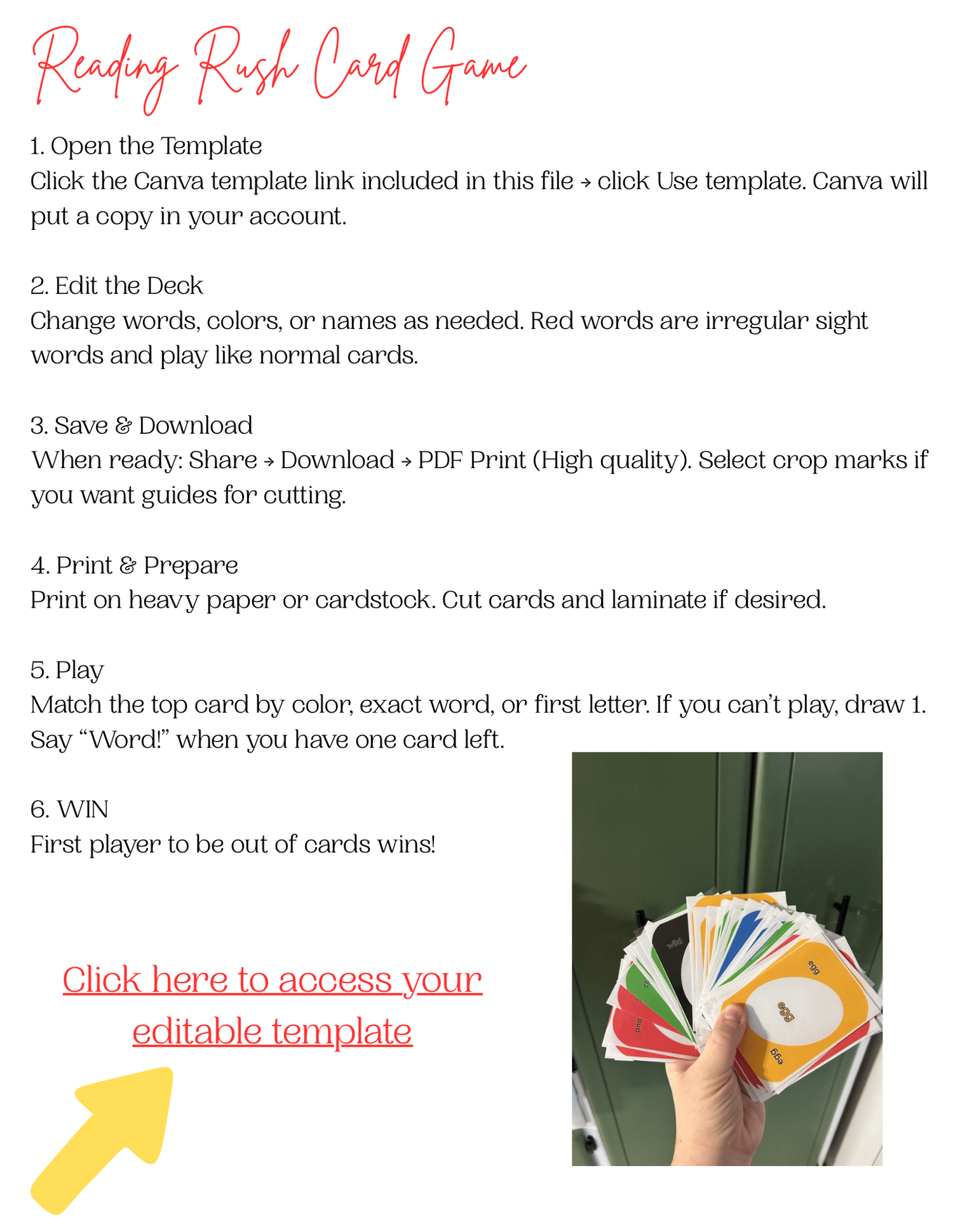
Reading Rush Short Vowel Practice Game
1. After purchase, click the “Download” button.
This will download your PDF file to your device.
2. Open the PDF.
Inside the PDF you’ll see a clickable link that says:
“Click here to access your editable template.”
3. Click the link.
It will open Canva in your browser.
4. Click “Use Template” in Canva.
Canva will create your own copy of the template so you can edit freely.
(My original stays protected.)
📱
How to Download on iPhone
1. After purchase, tap the “Download” button.
A preview of the file will open on your screen.
2. Tap the share icon.
It looks like a square with an arrow ⬆️ (bottom left corner).
3. Choose “Save to Files.”
This saves the PDF to your iPhone.
4. Pick a folder (usually “Downloads” or “On My iPhone”).
Tap Save.
5. Open the Files app.
Find and tap the PDF you just saved.
6. Tap the link inside the PDF.
It will open Canva in your browser.
7. Tap “Use Template.”
Canva will create your own editable copy.
5. Edit, customize, and download your finished pages!