
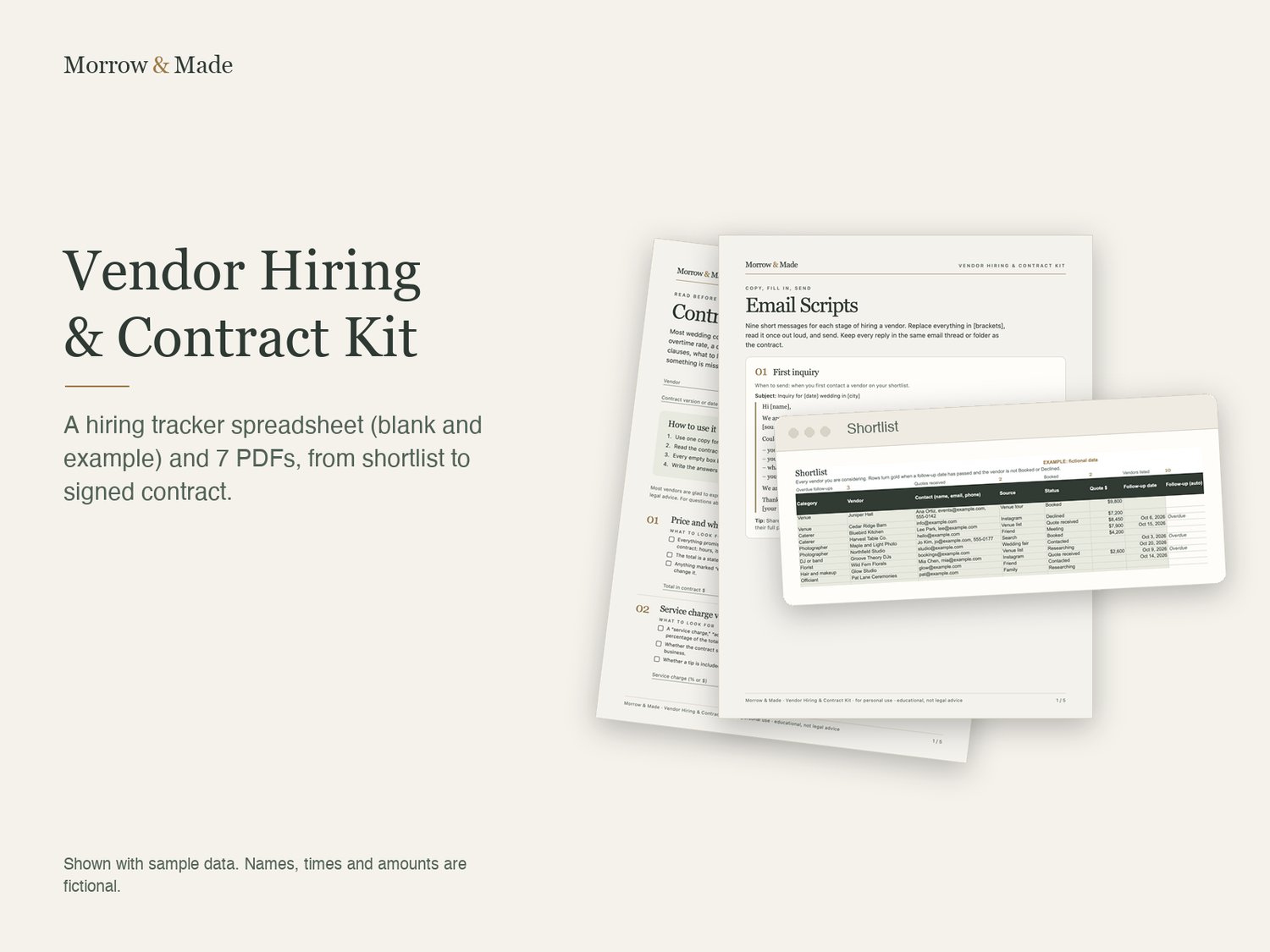
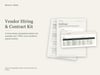
Vendor Hiring & Contract Kit: Questions to Ask, Quote Comparer, Red-Flags Checklist and Payment Log
Beat The Quote That Grows. Compare quotes with tax, service charges and add-ons counted before you sign.
The quote is a story. The contract is the price.
Two quotes that look $800 apart can finish $50 apart once tax, service charge, gratuity, delivery, setup and overtime are added. And the contract line that matters most is usually the one nobody read: the payment schedule, the cancellation terms, the substitution clause. This kit is for the weeks when you are choosing and signing.
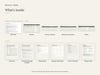
What's inside
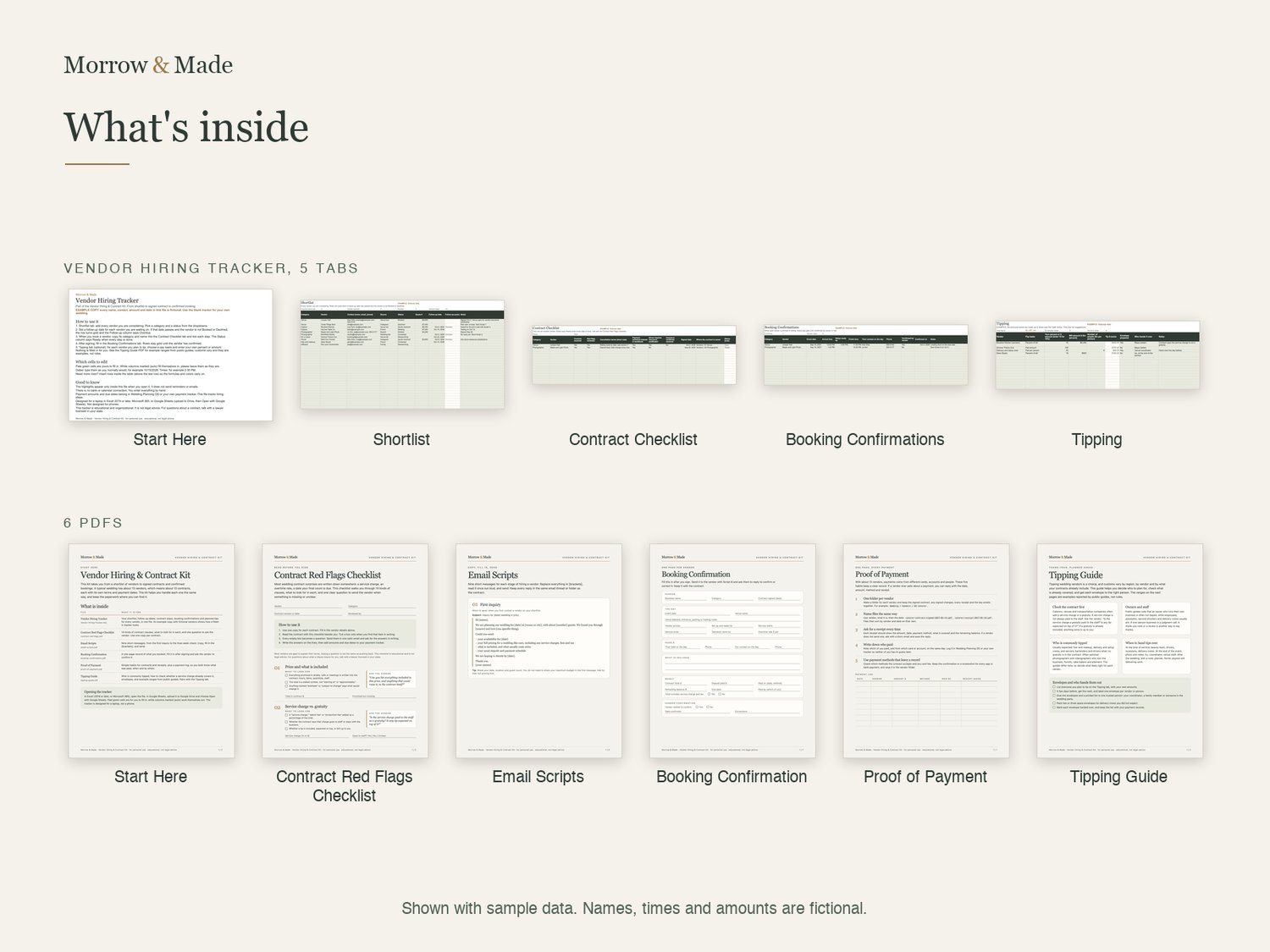
- Vendor Questions & Quote Comparer (PDF plus spreadsheet, blank and example): the questions to ask each vendor type before you compare, and a comparer that lines quotes up side by side on the finished number, with the lines quotes usually leave out added in.
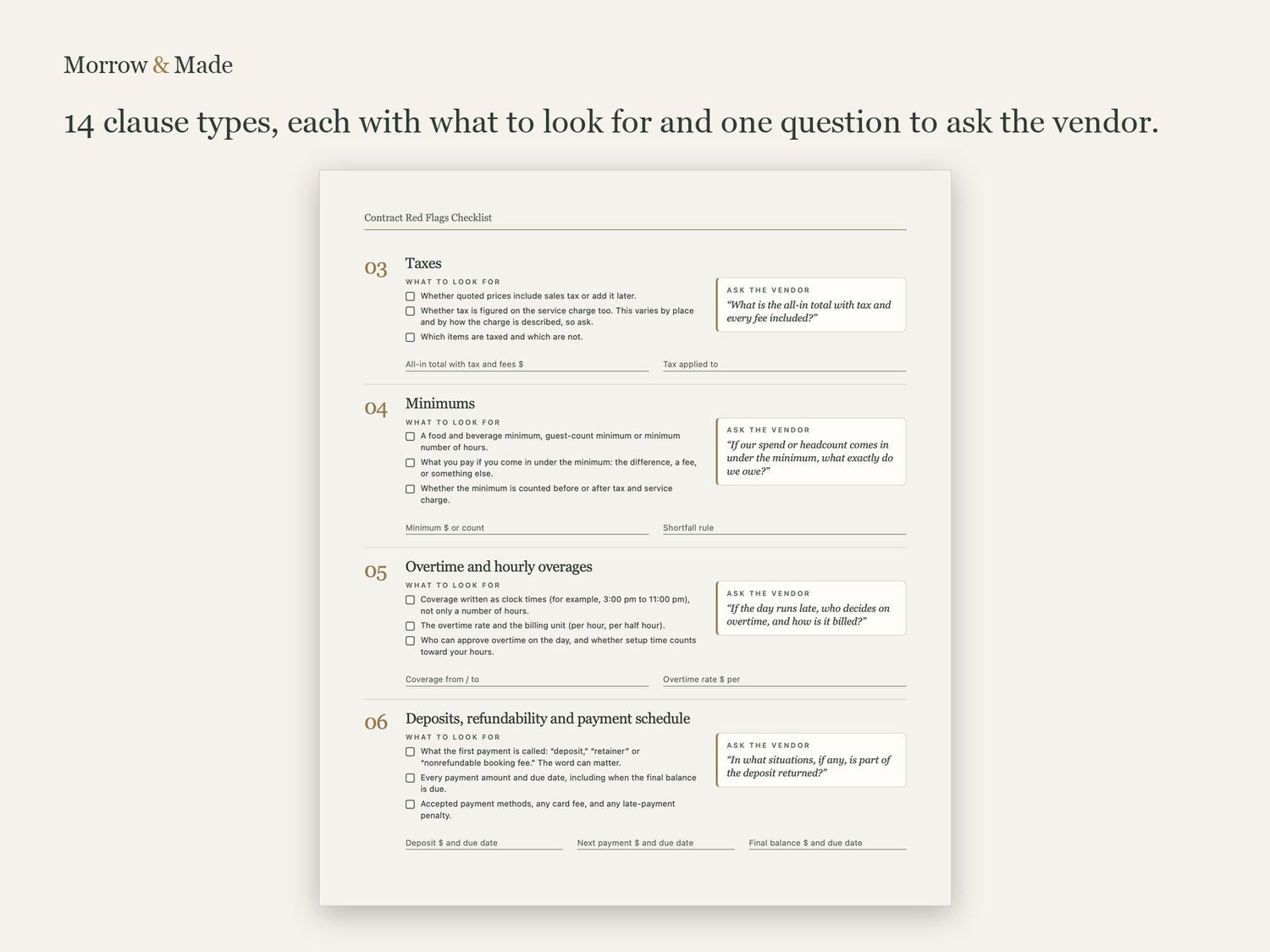
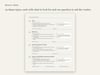
- Red-Flags Contract Checklist (PDF): the clauses to read twice and the plain-words questions to ask about each, for education, not legal advice.
- Email Scripts (PDF): asking for a quote, asking what's not included, asking for a change in writing, confirming a booking, following up on a late reply.
- Booking Confirmation Form (PDF): one page per vendor with what was agreed, so your version and theirs match.
- Proof-of-Payment Log (PDF): every deposit and balance with date, method and confirmation, so "I thought you paid it" never happens.
- Tipping Guide (PDF): who is customarily tipped, with example ranges labelled as examples, and how to prepare envelopes for the day.
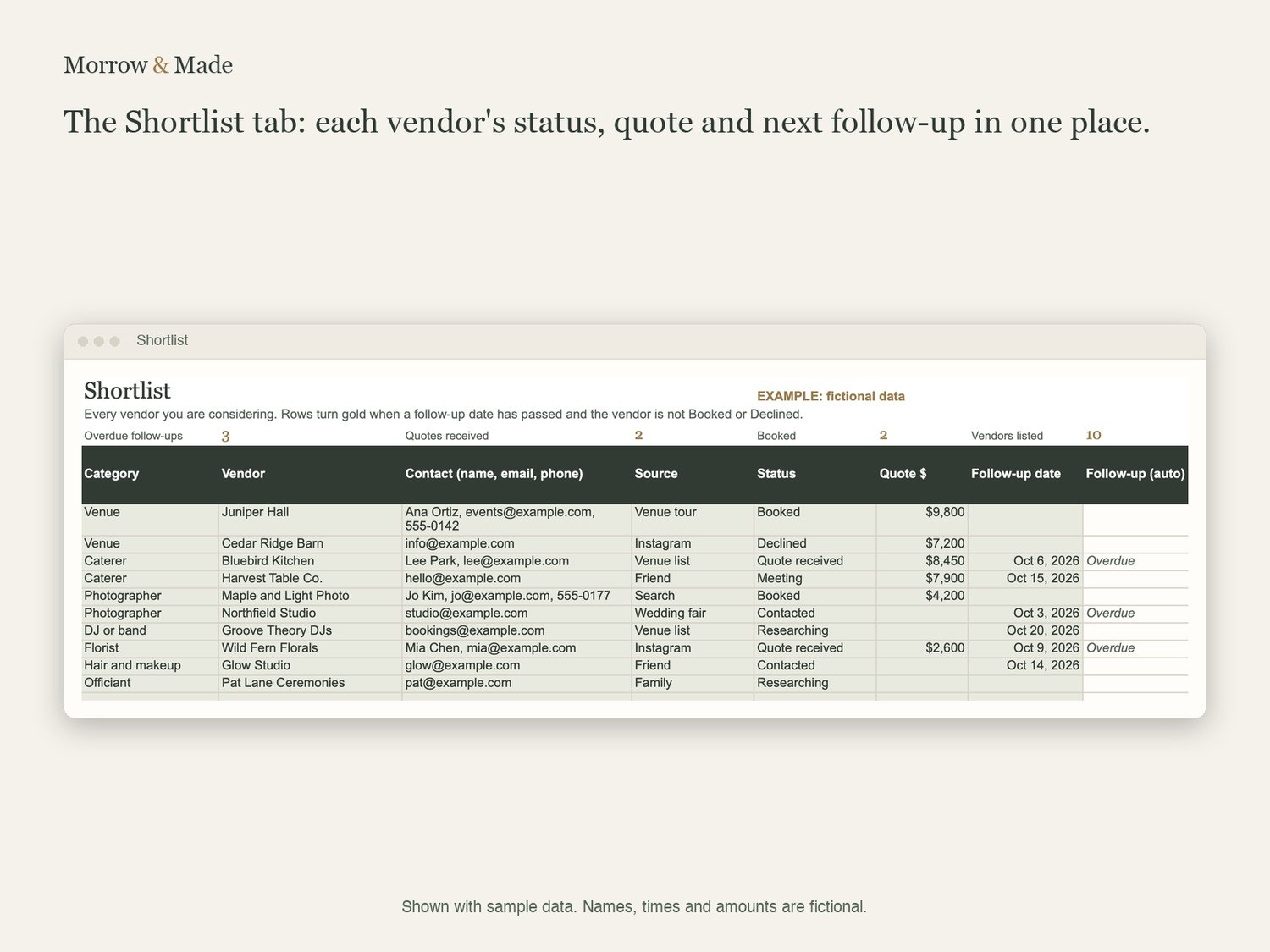
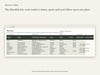
- Hiring Tracker (spreadsheet, blank and example): every vendor's status from first contact to signed, with overdue flags, tips and envelope planning.
- Start Here (PDF): which file to open first.
Who it is for
Couples in the booking months: comparing quotes, reading contracts, paying deposits. It pairs with the Wedding Planning OS (payments and vendors tabs) but stands on its own.
Please read before you buy
- Educational templates, not legal advice. No lawyer has reviewed your contracts, and this kit does not replace one. If a clause worries you, ask the vendor to explain it in writing or consult a professional.
- Example tip ranges are examples, not rules; customs vary by region and vendor.
- Spreadsheets work in Google Sheets and Excel for the web (tested) and are built for desktop Excel (Microsoft 365, Excel 2019 and later); Excel 2016 and Apple Numbers are not supported. PDFs open anywhere and print on letter paper.
- You enter everything yourself; nothing connects to vendors, email or your bank.
What you download
One ZIP: two spreadsheets (blank and example, for Excel and for Google Sheets) and seven PDFs, including Start Here.
Delivery and refunds
Digital download, delivered right after payment, with a download link on screen and by email. You pay once; no subscription. Licensed for personal use by one household or couple.
If the files don't work as described in a supported app and we can't fix it, or you bought it twice by mistake, email us within 7 days of purchase for a refund. Full conditions: https://morrowandmade.com/refund
Questions: hello@morrowandmade.com