
Therapist Inquiry Tracker & Waitlist Matcher | Consult to Intake Pipeline, Reply Flags & Referral Sources | Notion Template + Google Sheets
Keep every new inquiry moving from "they reached out" to "they're on the schedule."
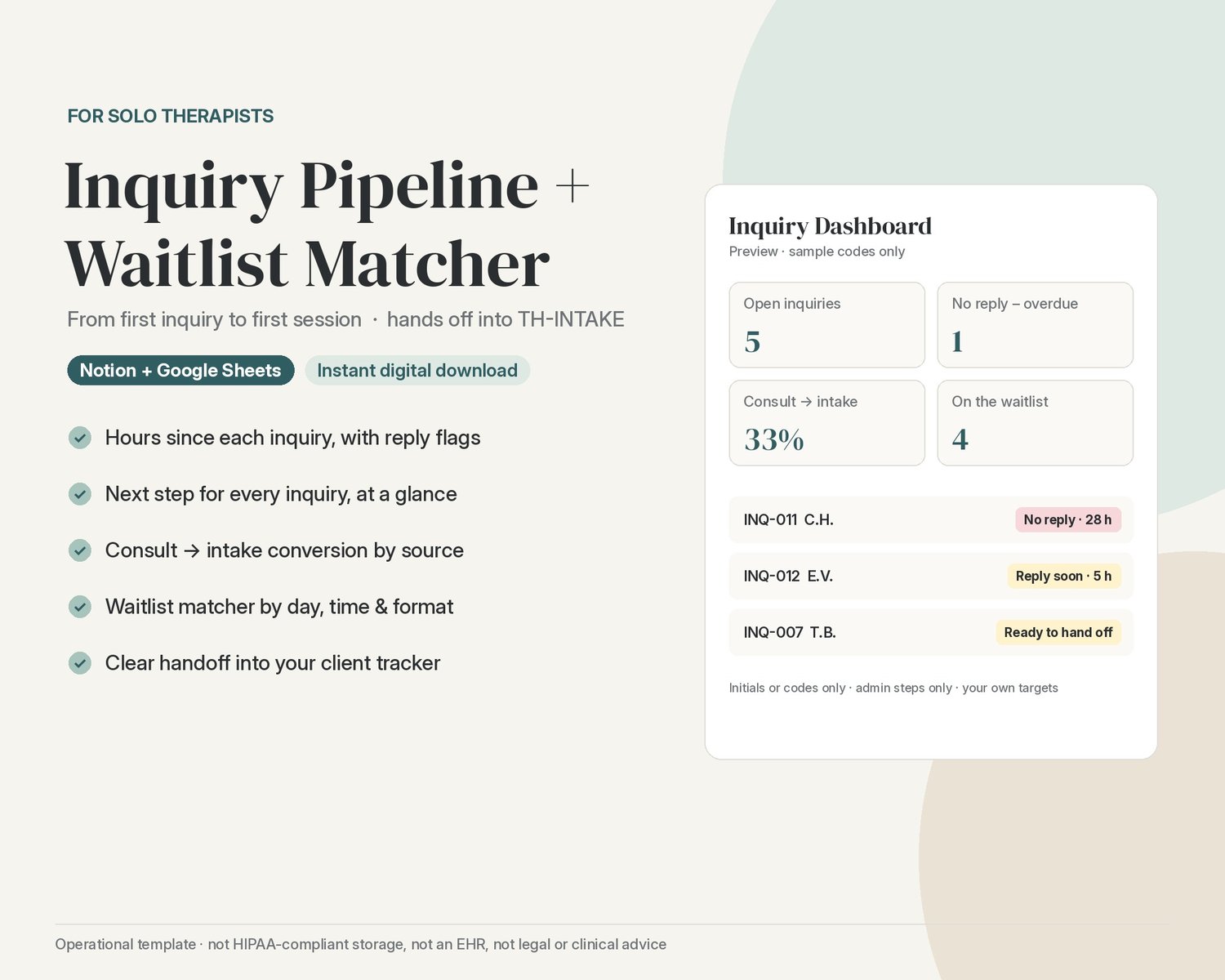
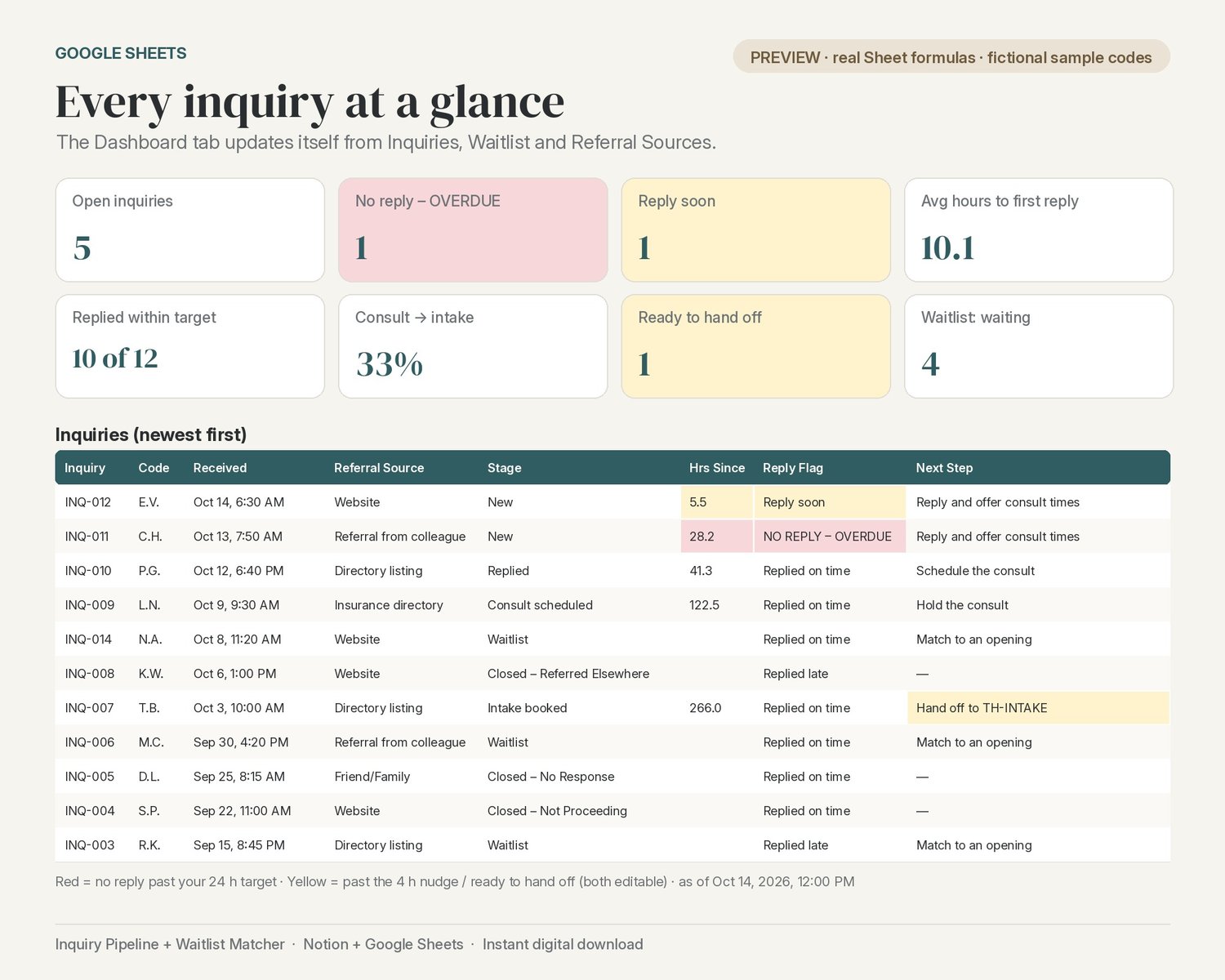
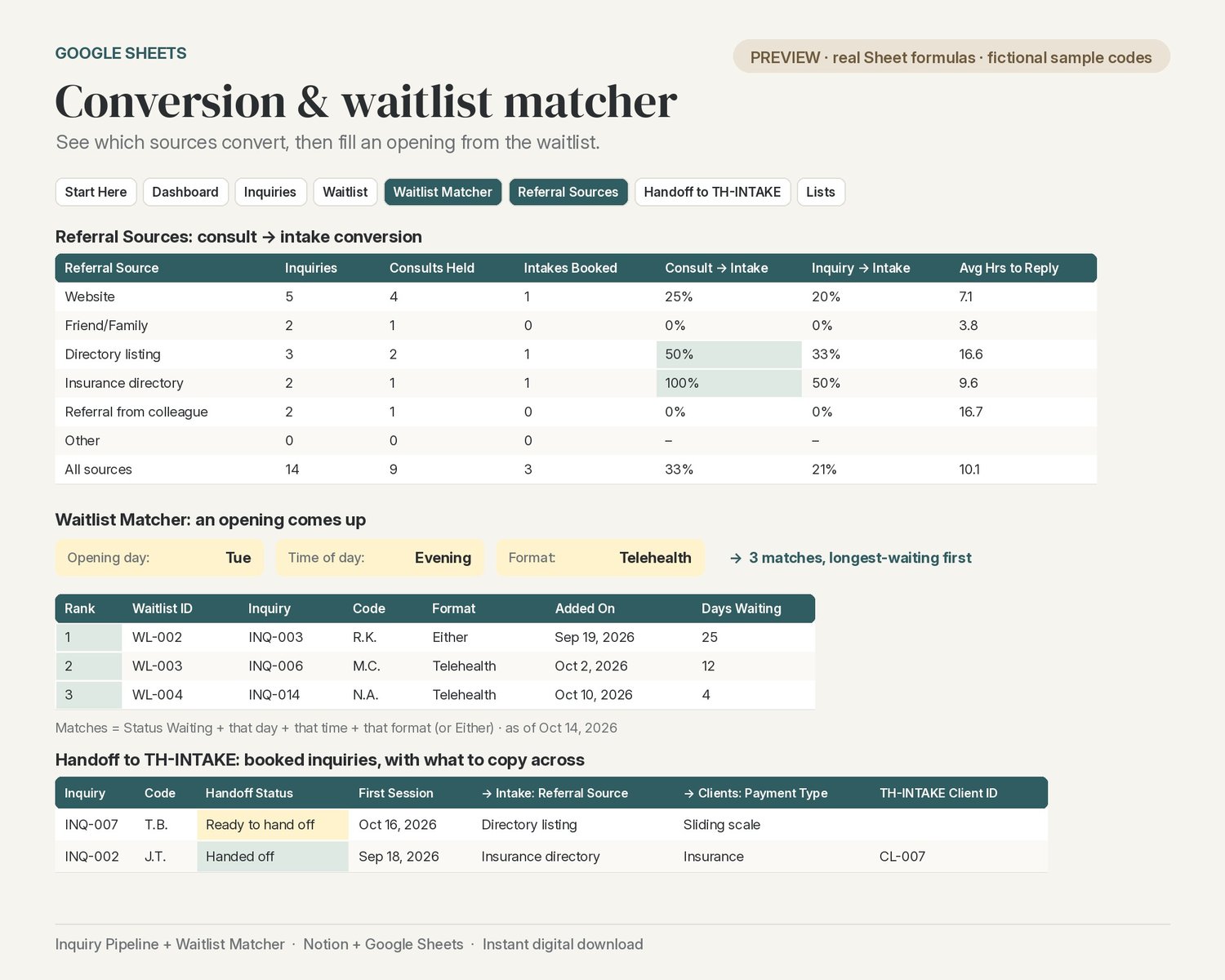
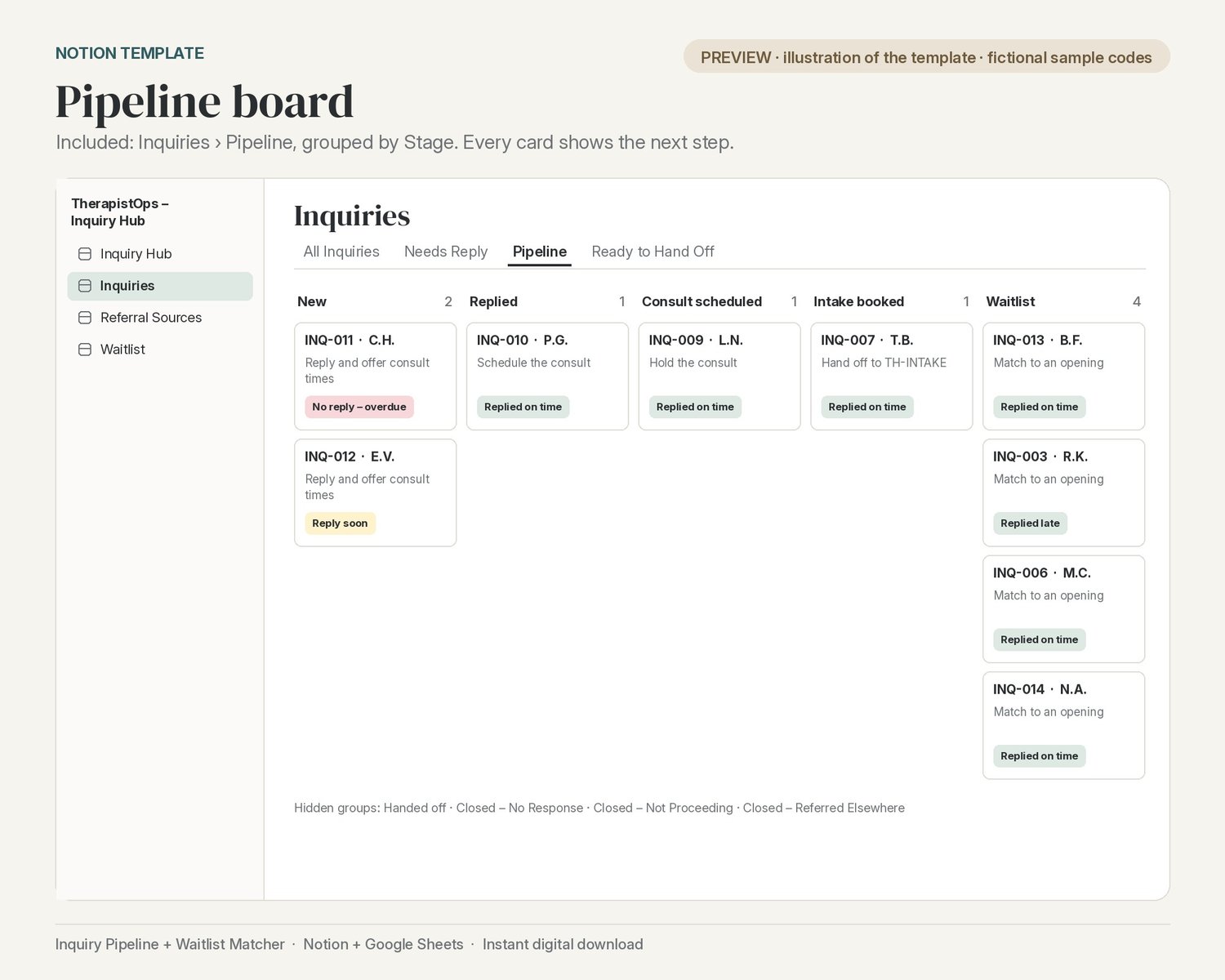
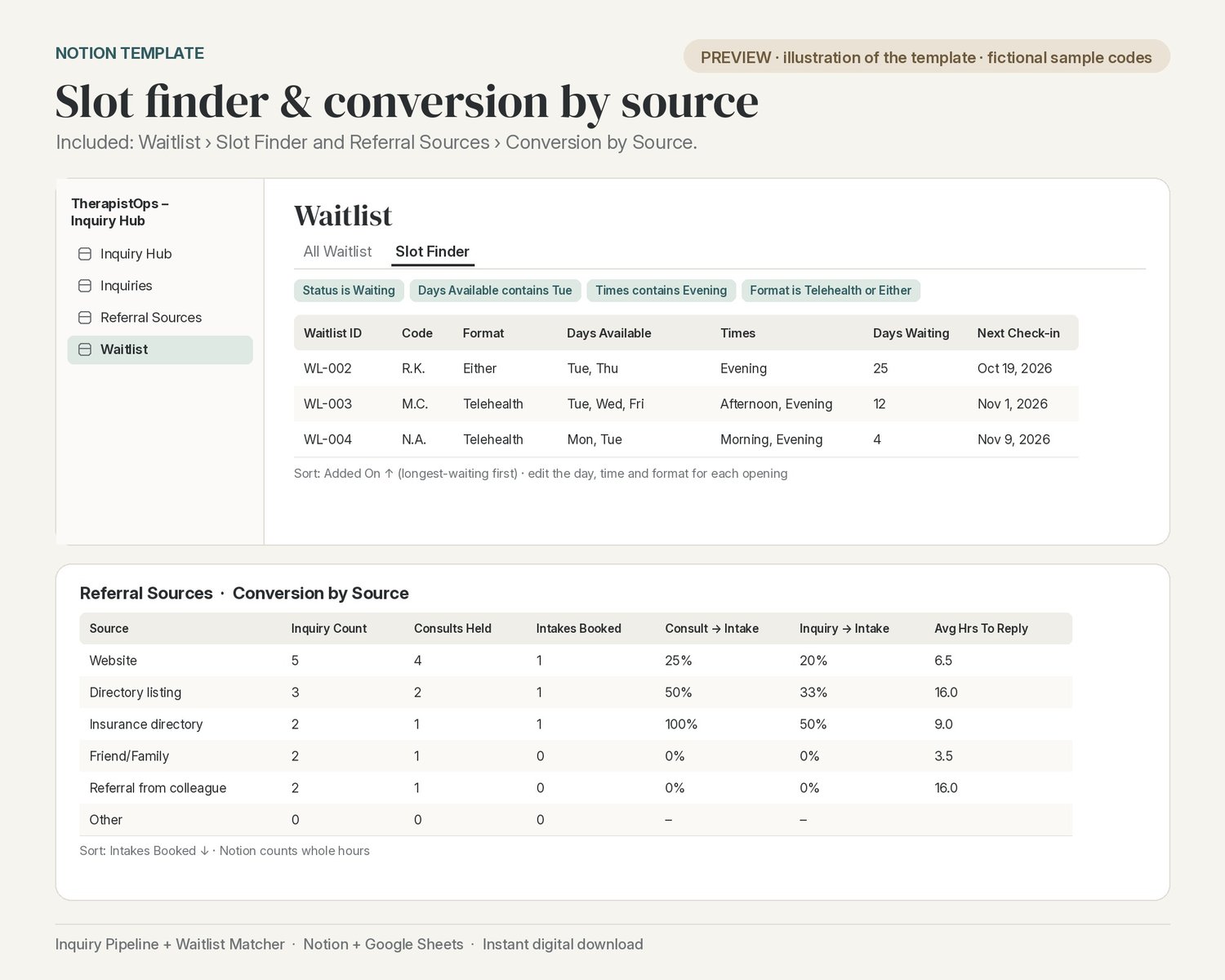
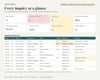
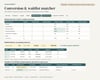
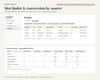
Log each inquiry with initials or a code (no names). The tracker counts the hours since each inquiry and flags it: "Reply soon" after your nudge time and "No reply – overdue" after your reply target. Every inquiry shows its stage (new, replied, consult scheduled, consult held, intake booked, waitlist) and its next step. You can also see which referral sources actually turn into clients, with consult-to-intake conversion for each source. When a slot opens, the waitlist matcher lists everyone who fits that day, time of day and format (in person, telehealth or either), longest-waiting first, with check-in reminders. When an intake is booked, a clear handoff step shows exactly what to copy into the TherapistOps Practice Tracker (TH-INTAKE). It uses the same referral-source and payment options, so nothing needs re-mapping.
Two ways to use it (both included):
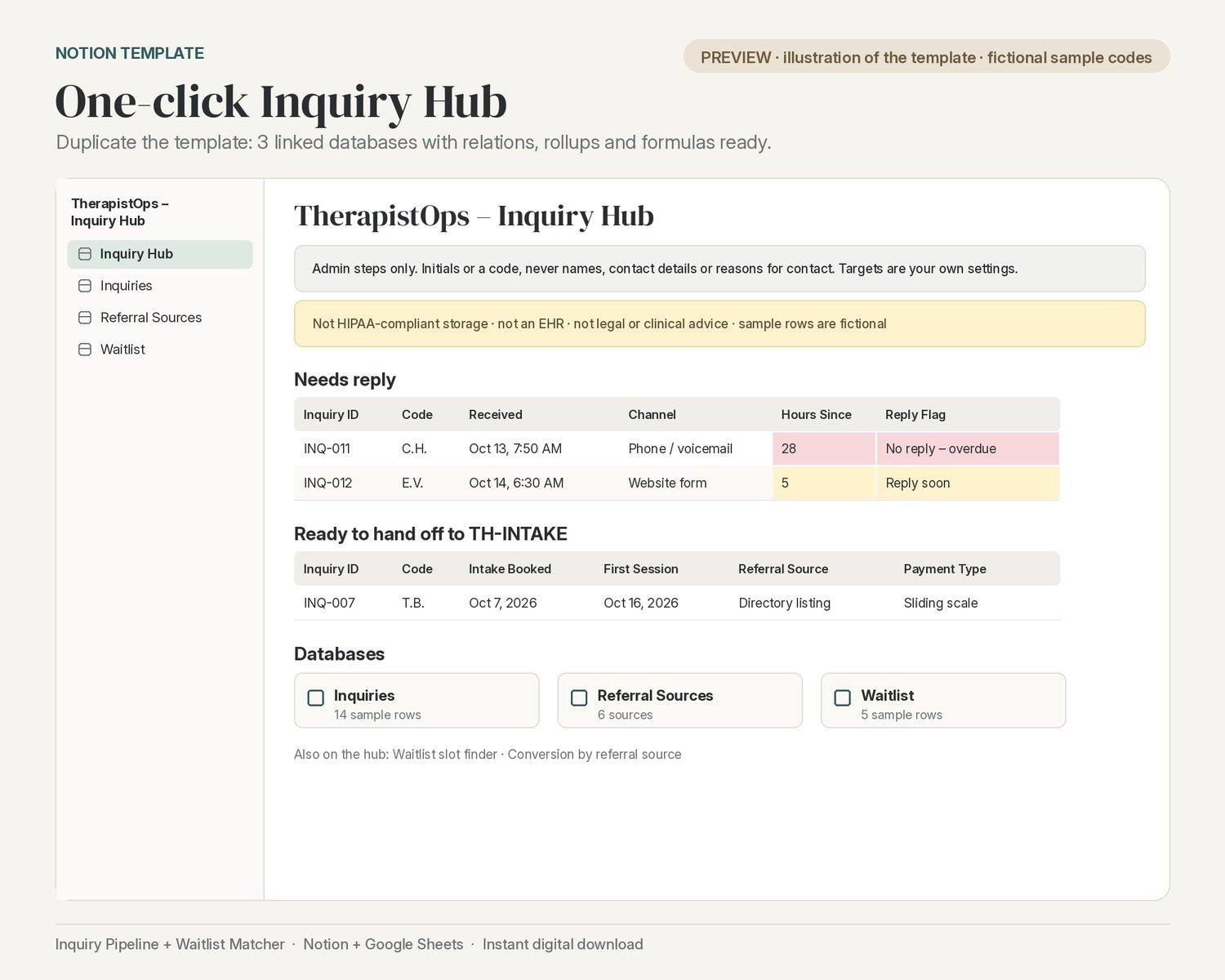
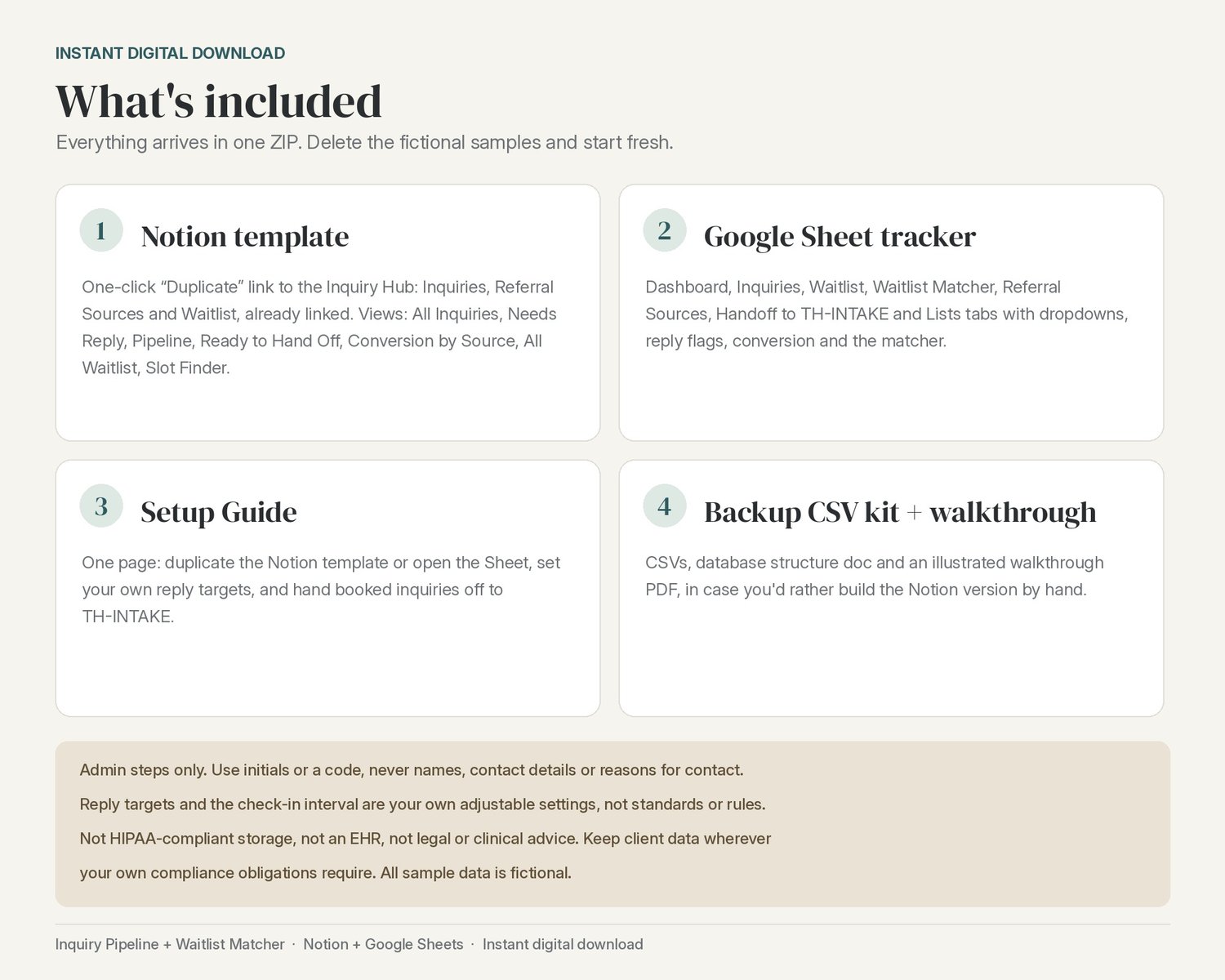
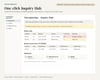
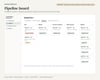
- Notion template: one click to Duplicate into your workspace. The Inquiry Hub has 3 linked databases (Inquiries, Referral Sources, Waitlist) with relations, rollups and formulas already set up. Views: All Inquiries, Needs Reply, Pipeline (board by stage), Ready to Hand Off, Conversion by Source, All Waitlist and Slot Finder, plus Needs Reply, Ready to Hand Off, Slot Finder and Conversion by Source on the hub page.
- Google Sheet: a Dashboard plus Inquiries, Waitlist, Waitlist Matcher, Referral Sources, Handoff to TH-INTAKE and Lists tabs, with dropdowns, reply-time flags, conversion by source and the matcher.
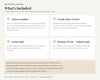
What you get (instant digital download, one ZIP):
- Google Sheet tracker (.xlsx; open it in Google Sheets)
- One-page Setup Guide (PDF + DOCX) with the Notion template link
- Backup kit for building the Notion version by hand: 3 CSV files, a database structure doc, and an illustrated step-by-step walkthrough (PDF)
The reply target (24 hours by default), the nudge time (4 hours) and the waitlist check-in interval (30 days) are settings you can change. They're your own targets, not standards or rules. Fictional sample data (initials only) is included so you can see how everything works; delete it when you're ready.
Please note: this is an admin tracker only. Use initials or a code, never full names, contact details or anything about why someone is reaching out. It works on its own, and pairs with TH-INTAKE for the handoff.
Not HIPAA-compliant storage. Not an EHR. Not legal or clinical advice. This is an organizational template only. Keep client data wherever your own compliance obligations require.
Privacy & scope: This tracker is for admin steps only: dates, reply times, consult and booking status. Use initials or a code, never full names, contact details or anything about why someone is reaching out. Keep those in the systems your compliance obligations require. The reply targets and check-in interval are your own adjustable settings, not standards or rules.
All sample data is fictional.