
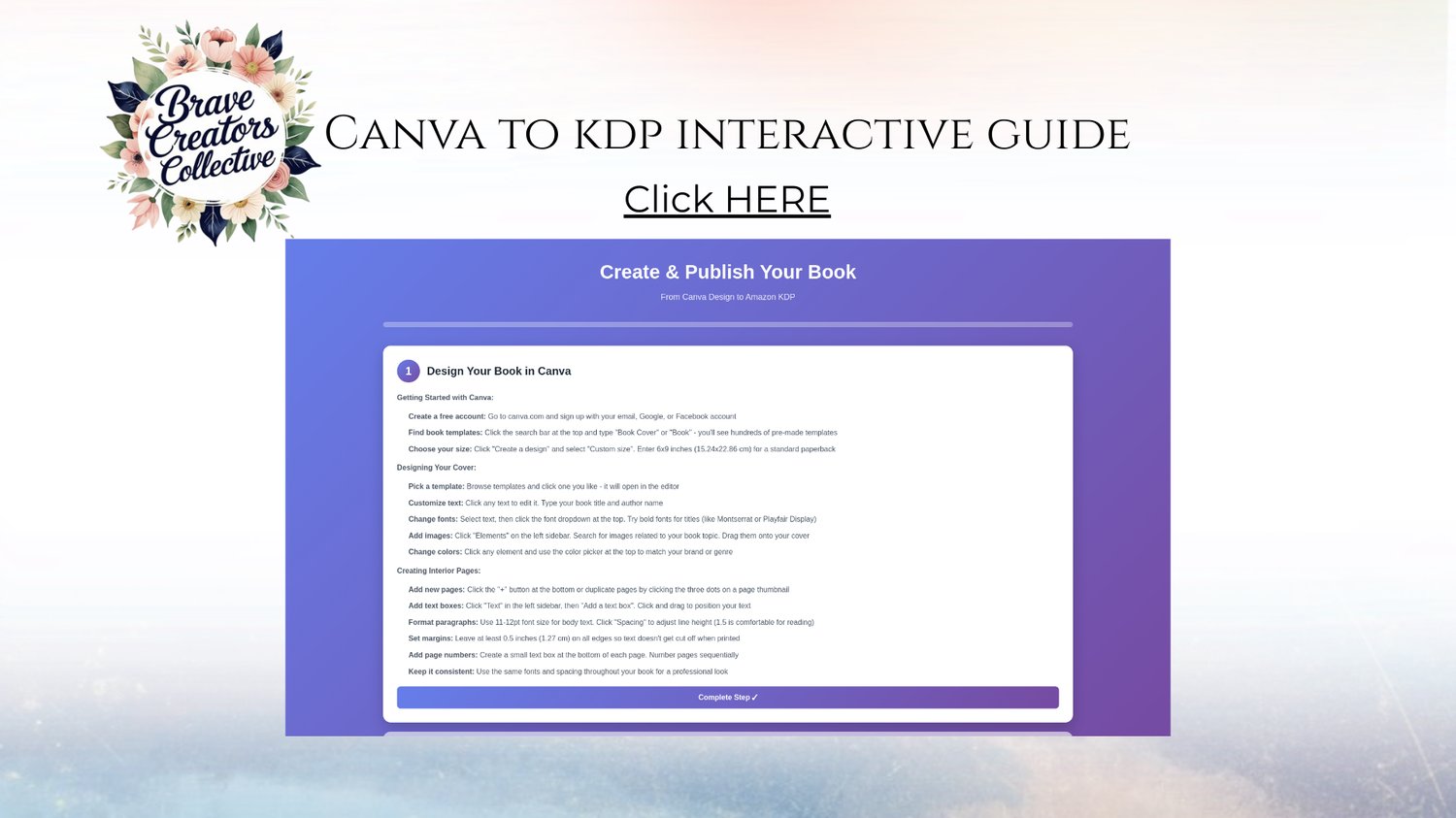
Canva to KDP Interactive Guide
Do you want to create beautiful journals and sell them online — without expensive graphic design software, publisher experience, or a massive following? The Canva to KDP Interactive Guide was created just for you.
This guide walks you, step by step, through the entire process of designing a journal in Canva and publishing it on Amazon KDP — even if you’re a total beginner. By the end, you’ll have a polished, print-ready journal (or planner, notebook, etc.) uploaded and ready for sale.
✨ What’s Inside
- Full instructions to design both cover + interior in Canva (correct sizing, bleed/margins and formatting included) — even if you’ve never used Canva before.
- Easy-to-use templates that work immediately — drop your title, graphics, or text, and you’re ready to go.
- A clear, visual walkthrough for uploading to Amazon KDP (paperback setup, trimming size, bleed, margins, and final upload steps). Medium+1
- Tips and best practices to turn a “basic journal” into a product that looks professional and stands out in the marketplace. SellerSprite+1
- Guidance on choosing a niche and journal type (lined, dotted, guided prompts, blank pages, etc.) — making it easier to create products that sell. Medium+1
- Bonus ideas for journal styles, niches, and layout variations to help you build a collection fast.
✅ Why This Works — Even for Beginners
- Journals and low-content books are one of the easiest, most beginner-friendly ways to get started with publishing — you don’t need to write a full book. Medium+1
- With print-on-demand via KDP, there’s no upfront cost, no inventory, and low risk — Amazon prints only when someone orders. Wikipedia+1
- Once you learn the system: you can create multiple journal offerings, scaling your shop for passive income. Medium+1
💡 Who This Guide is Perfect For
- Creative women, moms, and beginners who want to launch a journal/planner business without learning complicated design tools.
- Entrepreneurs who want a simple, low-stress product — no long books, no heavy writing, no huge time investment.
- Anyone wanting to start a side hustle or passive income stream that can grow over time.
- Faith-rooted women who want to combine their creativity with purpose and a business that aligns with their values.
🚀 How It Works
- Purchase and download the Canva to KDP Interactive Guide.
- Open the guide and follow the step-by-step instructions to design a journal in Canva.
- Customize the template to your style — brand colors, fonts, cover art, etc.
- Download your journal as a print-ready PDF.
- Upload to Amazon KDP with confidence, using the guide’s walkthrough for formatting and settings.
- Publish and start selling — no inventory, no stress, just you sharing what you create.
This isn’t just a tutorial — it’s your roadmap from “I want to publish a journal” to “My journal is live on Amazon.” If you’ve ever wished you could start a simple, creative business online but felt overwhelmed by where to begin — this guide is for you.
Grab your copy today and begin turning your creativity into income. 🌿