

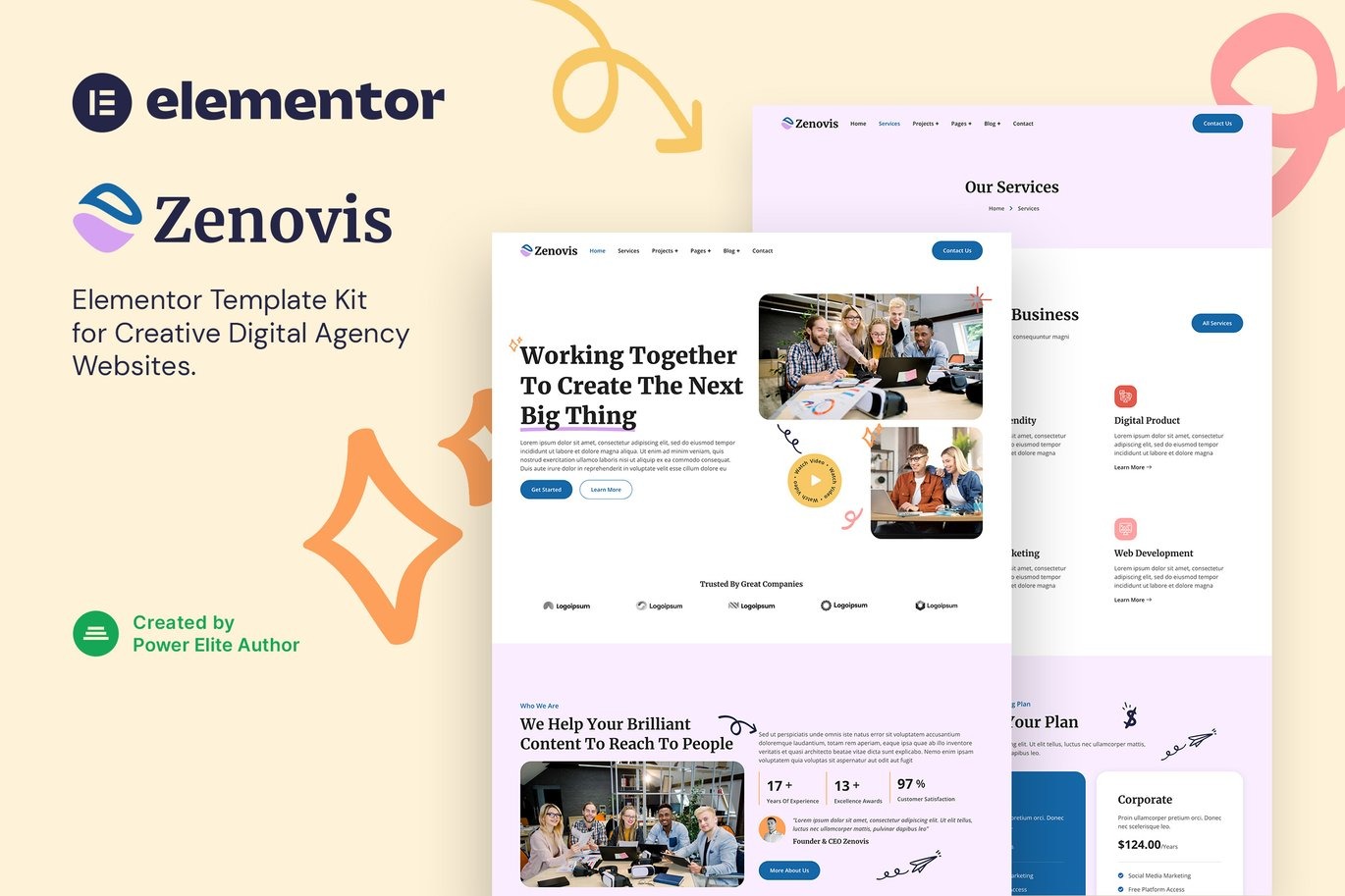


Zenovis Creative Digital Agency Elementor Template Kit Download
On Sale
$5.00
$5.00
Introducing Zenovis, a modern and clean Elementor Template Kit designed specifically for creative digital agencies, digital marketing agencies, online marketing, website development, SEO consultants, social media marketing agencies, and any digital marketing-related business. With its easy-to-use Elementor integration, you can customize your website without any coding knowledge, making it perfect for creating a professional and visually appealing online presence.
This template kit includes 16+ carefully crafted templates, allowing you to build a professional-looking company business website with just a few clicks.
Key Features:
- Free Plugins: No need for Elementor Pro; uses free plugins for functionality.
- Modern & Clean Design: Sleek and contemporary layout to impress your visitors.
- 16+ Ready-to-Use Templates: A variety of pre-designed templates to cover all your website needs.
- Fully Responsive Layout: Ensures your website looks great on all devices.
- Retina Ready: High-quality graphics for crisp and clear visuals.
- Fully Customizable: Easy to adjust and personalize to match your brand.
- Cross Browser Compatibility: Works seamlessly on Chrome, Firefox, Safari, and Opera.
Templates Included:
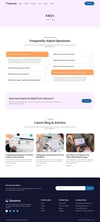
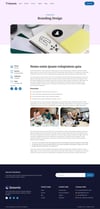
- Home
- Services
- Project
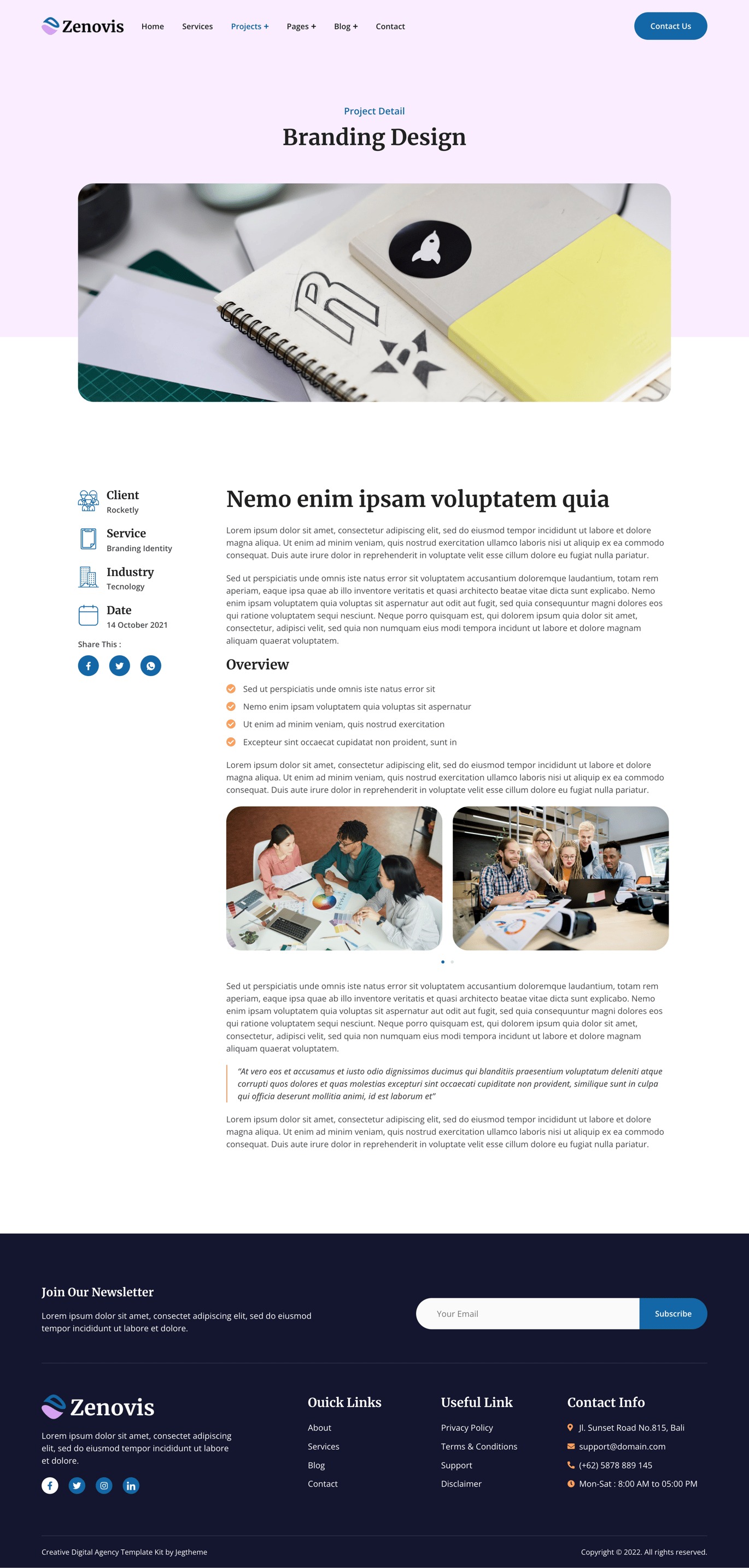
- Project Detail
- About
- Our Team
- Pricing
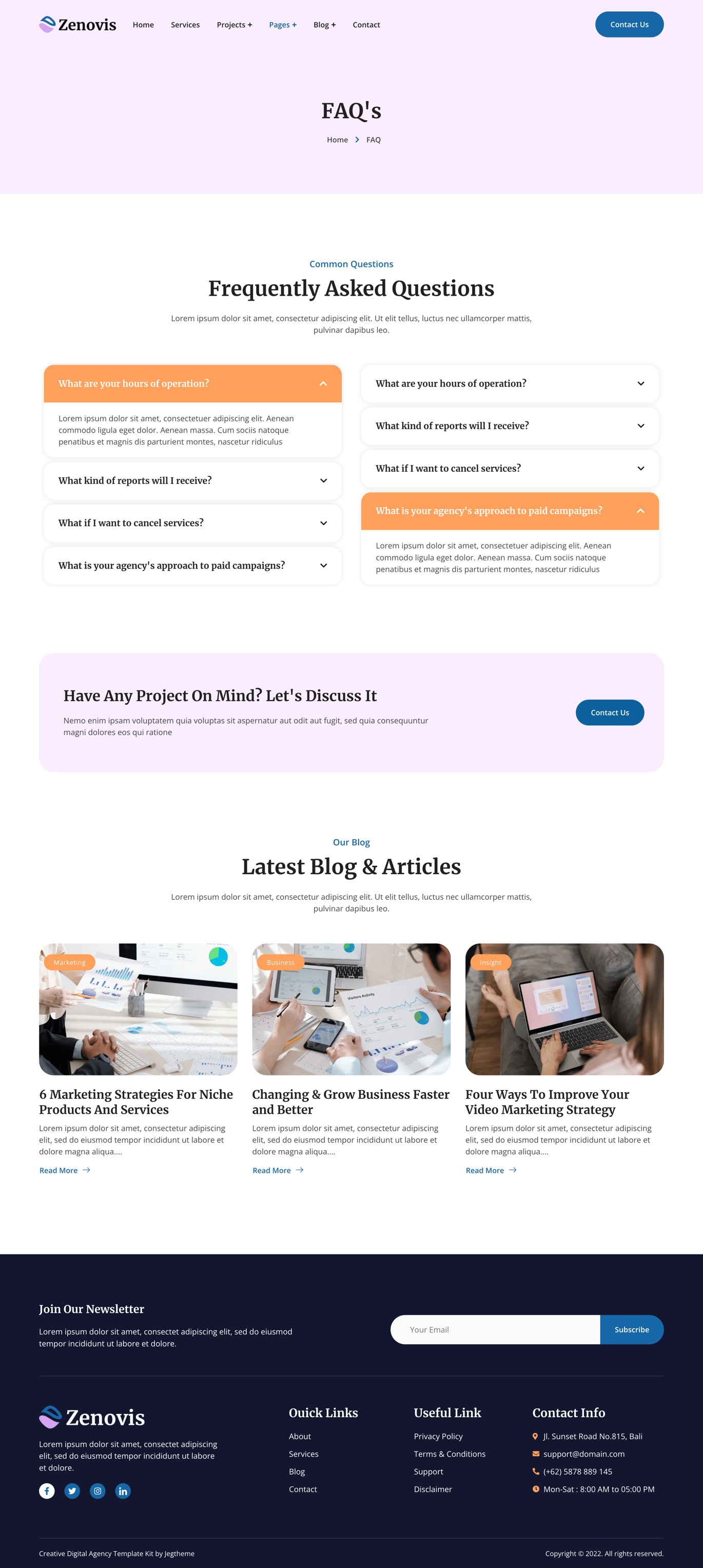
- FAQ
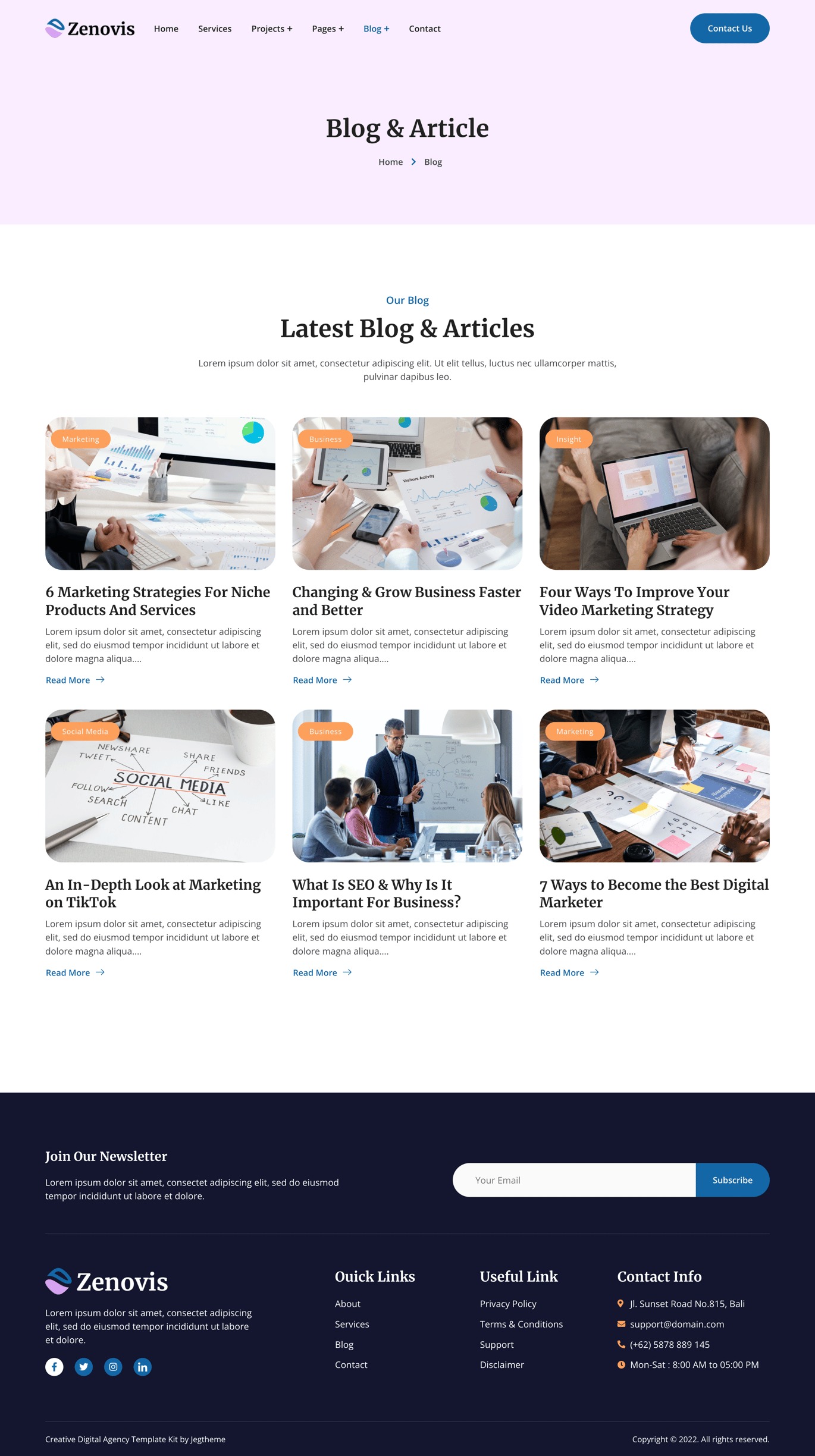
- Blog
- Single Post
- Contact
- MetForm Appointment
- MetForm Contact
- Header
- Footer
- Global Theme Style
Required Plugins:
- Elementor
- Jeg Elementor Kit
- MetForm
How to Use Template Kits:
- Install and Activate the "Elementor" Plugin:
- Go to Plugins > Add New in WordPress.
- Install and activate the "Elementor Pro" plugin.
- Download your kit file and do not unzip it.
- Go to Elements > Installed Kits and click the Upload Template Kit button. You may also import automatically by clicking Connect Account to link your Elements subscription, then import under Elements > Template Kits.
- Check for the orange banner at the top and click Install Requirements to load any plugins the kit uses.
- Click import on the Global Kit Styles first.
- Click Import on one template at a time. These are stored in Elementor under Templates > Saved Templates.
- Go to Pages and create a new page and click Edit with Elementor.
- Click the gear icon at the lower-left of the builder to view page settings and choose Elementor Full Width and hide page title.
- Click the gray folder icon to access My Templates tab and then Import the page you'd like to customize.
- If you have Elementor Pro, headers and footers may be customized under Theme Builder.