
CANVA TUTORIAL: Spinning Wheel with Product
✨ Spinning Feature Wheel Tutorial (Canva)
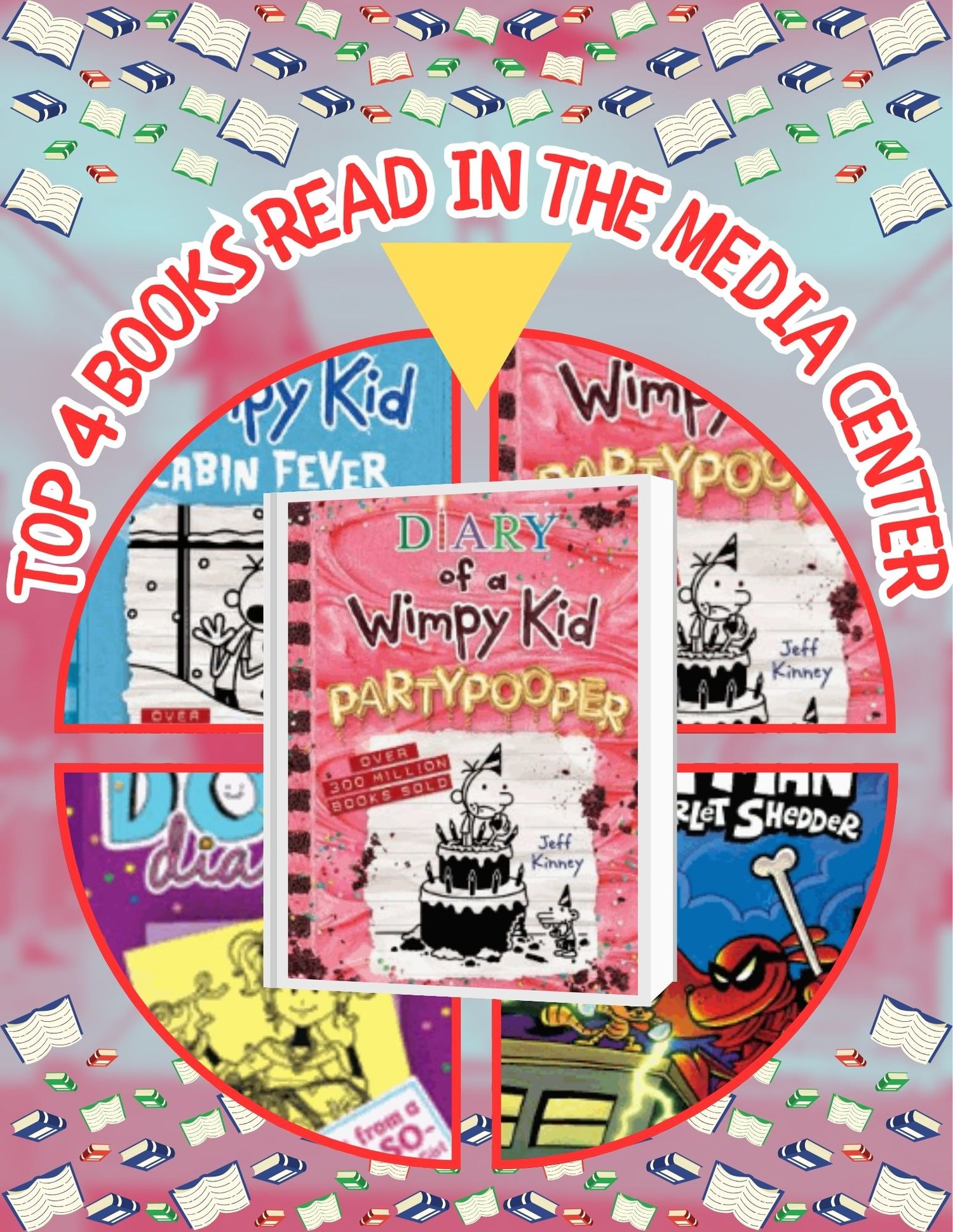
Create eye‑catching, scroll‑stopping visuals for anything you want to spotlight with this Spinning Feature Wheel Tutorial designed in Canva. This step‑by‑step guide shows you how to build a smooth, rotating wheel animation that instantly elevates your posts, promos, and digital displays—no advanced design skills needed.
Perfect for educators, small‑business owners, content creators, and anyone who wants dynamic motion graphics that look polished and professional.
🎡 What You’ll Learn
- How to design a clean, balanced circular layout
- How to place and format your featured items for maximum visibility
- How to animate the wheel for a seamless spinning effect
- How to export your design as a video or GIF for social media or digital signage
- Customization tips for colors, fonts, pacing, and branding
⭐ Great For Showcasing
- Products, services, or shop highlights
- Student work, classroom features, or school announcements
- Monthly themes, countdowns, or rotating promos
- Event spotlights, challenges, or themed collections
- Books, media picks, or library features
- Any set of items you want to rotate and display beautifully
🧩 What’s Included
- Full step‑by‑step Canva tutorial (video)
- Editable Canva template to follow along
- Bonus tips for making your wheel polished, smooth, and eye‑catching
💡 Why It Works
The spinning wheel adds movement, clarity, and excitement to your content—instantly boosting engagement. Whether you’re promoting items, celebrating wins, or sharing updates, this animation gives you a professional look with beginner‑friendly steps.