
Design Selections Budget Tracker
⚠️ PLEASE READ BEFORE PURCHASING ⚠️
• Microsoft Excel is REQUIRED (Microsoft 365 or Excel 2019 or newer, PC or Mac).
• Basic Excel knowledge is needed: typing in cells, using dropdowns, and switching between tabs.
• Not designed for Google Sheets, Apple Numbers, or Excel on a phone or tablet. It may open there, but colors, charts, and features may not work correctly.
• This is a DIGITAL DOWNLOAD. No physical item will be shipped.
• Because this is a digital product, ALL SALES ARE FINAL. No refunds, returns, or exchanges.
━━━━━━━━━━━━━━━━━━━━
DESIGN SELECTIONS & BUDGET TRACKER
An Excel workbook for interior designers working on spec homes and new builds
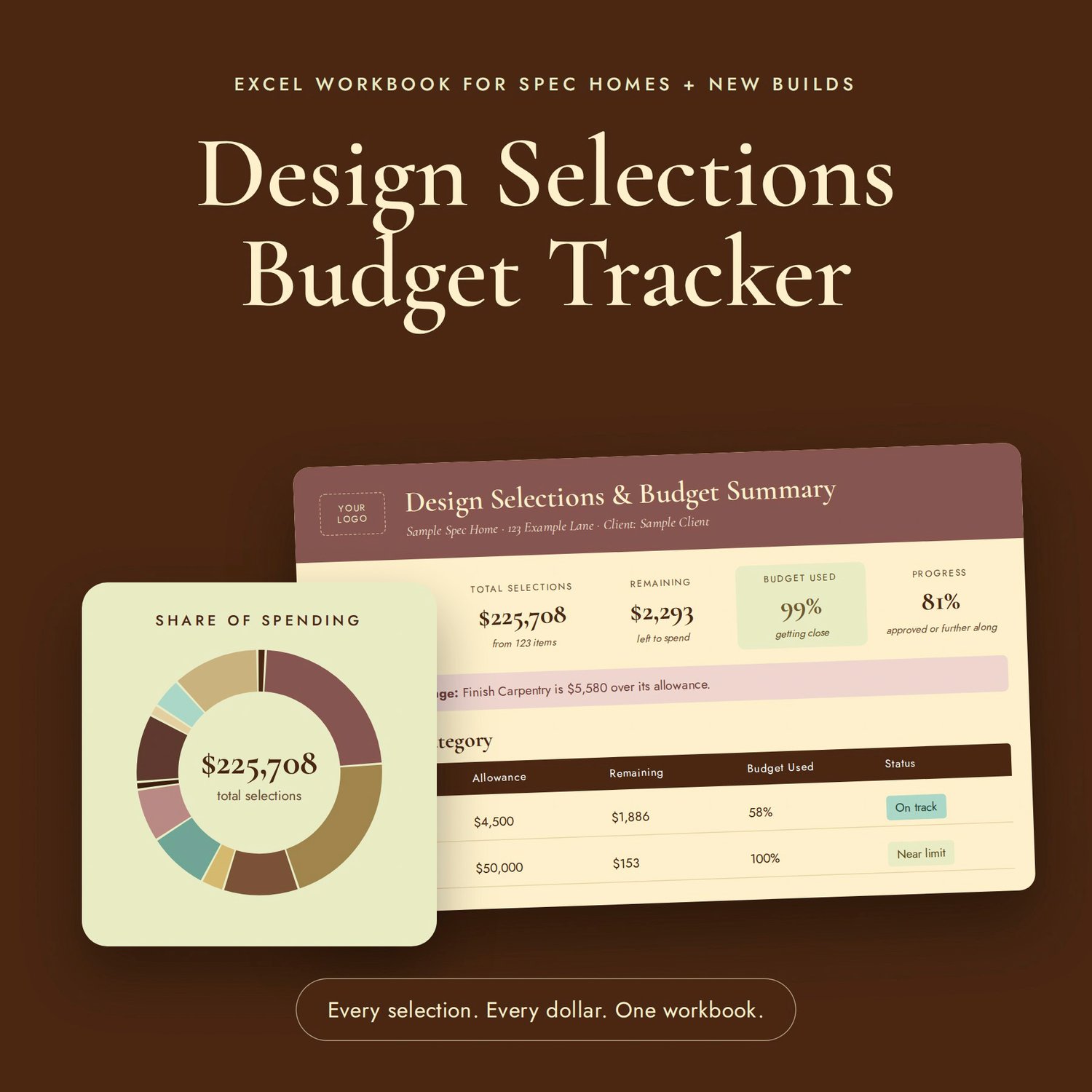
Stop juggling spreadsheets, screenshots, and email threads. This workbook keeps every finish, fixture, and furnishing for a project in one place, and builds a polished, client-ready budget summary for you automatically.
Built by an interior designer from a real spec house workflow, it's made to be simple for non-technical users. You type in the white boxes. Everything else calculates on its own.
━━━━━━━━━━━━━━━━━━━━
WHAT'S INCLUDED
• Design Selections & Budget Tracker (Excel .xlsx file)
• Quick-Start Guide (PDF)
• License for one designer or design firm, for unlimited client projects
━━━━━━━━━━━━━━━━━━━━
FEATURES
13 READY-MADE CATEGORY TABS
Paint, Flooring & Tile, Cabinetry, Countertops, Lighting, Plumbing, Appliances, Mirrors, Hardware, Finish Carpentry, Window Treatments, Furniture & Decor, and Exterior. Plus 3 spare tabs you can rename to anything you need, like Rugs or Art.
TRACK EVERY SELECTION
Each item gets its room, description, photo, brand/vendor, specs, product link, quantity, unit price, status, an alternate option, and notes. Totals calculate automatically. Each tab holds 60 items, and you can add more.
CLIENT-READY SUMMARY
• Budget cards for total budget, total selections, remaining, and % used
• A category table with "On track," "Near limit," and "Over budget" alerts
• Charts for share of spending and allowance vs. actual
• Selection progress tracking
• Spending by room, biggest first
• Add your logo and business name, then print or save as a PDF for your client or builder
STATUS TRACKING
Move each item from Idea → Sent to Client → Approved → Ordered → Delivered → Installed. Use "Not Using" to keep alternates on file without counting them in your totals.
CUSTOM ROOMS
Type your rooms once and they appear in a dropdown on every tab. Up to 60 rooms are included.
PROTECTED FORMULAS
Formulas are locked so they can't be broken by accident, while every box you need to fill in stays open.
BUILT-IN INSTRUCTIONS
A Start Here tab walks you through setup, with a color key and step-by-step how-to instructions.
━━━━━━━━━━━━━━━━━━━━
Every selection. Every dollar. One workbook.